Flying Dog for Photoshop
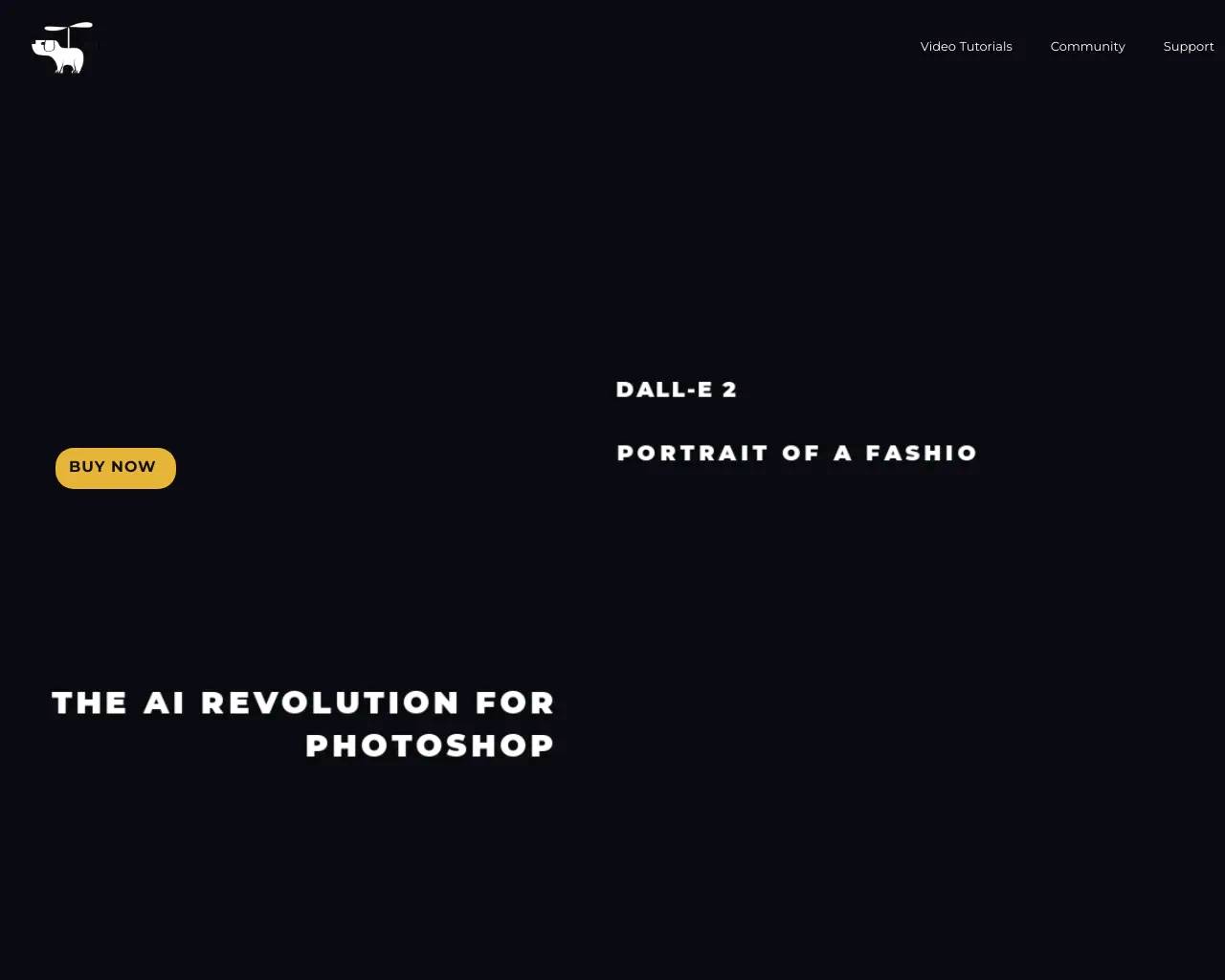
Flying Dog for Photoshop is an AI tool. The AI Revolution for Photoshop.
AI Collection Top Picks

AI Art & Illustration Category Picks

About Flying Dog for Photoshop
Your editing workflow will never been the same again: with DALL-E 2 and Stable Diffusion
Flying Dog for Photoshop's Pricing Plans
Flying Dog for Photoshop may change prices at any time. Here's our latest information:
Pricing
Pricing
- Pricing starts at $0.29 per hour for the cloud-based service.
What you get
Additional Information
The AI Revolution for Photoshop offers a transformative enhancement to traditional image editing workflows through the integration of AI technologies like DALL-E 2 and Stable Diffusion. This plugin is designed for designers looking to significantly speed up their processes, enabling functions such as Outpainting, AI text generation, and background removal. Users can source images directly from Unsplash or create unique graphics directly in Photoshop.
Main features include an AI brush for object generation, 3D layer handling for rapid scene creation, and a library of 3D assets. This plugin supports advanced AI techniques for editing existing photos, allowing users to merge text and images seamlessly. With multiple AI connectors, including Gyre and DALL-E 2, users can customize their editing experience while maintaining efficient workflows.
The plugin caters to a range of users from everyday Photoshop novices to advanced users familiar with AI tools. By integrating this plugin, users can enhance their creative potential, quickly adjust image aspects, and generate artsy designs without needing extensive manual adjustments. The interface allows for easy adjustments without the technical complexities often associated with AI tools.
In addition, the plugin promotes data privacy by providing a personalized working environment akin to local installations, avoiding the common limitations of shared cloud services. Users can also access a free trial version of the Gyre bundle to explore its features before making a commitment.
Frequently asked questions
What is Flying Dog for Photoshop used for?
The AI Revolution for Photoshop.Is Flying Dog for Photoshop free?
Pricing for Flying Dog for Photoshop varies — see the Pricing section for details.What are alternatives to Flying Dog for Photoshop?
Top alternatives to Flying Dog for Photoshop include Ink AI - Tattoo Generator, StickerIt.AI, AnimeGenius, Republiclabs.ai, BgRem.Where can I get Flying Dog for Photoshop?
Flying Dog for Photoshop is available at http://www.flyingdog.de/sd/.What category is Flying Dog for Photoshop in?
Flying Dog for Photoshop is listed in AI Art & Illustration.What is required to run flying dog for DALL-E 2 & Stable Diffusion?
You can use this plugin with DALL-E 2 or RunPod/Gyre without installing a server (e.g. Mac users). You need to run the Gyre server on a decent NVidia graphics card for a local installation.Which graphics card do I need for local installation?
We recommend at least 6GB of GPU memory from NVIDIA for local installations. Higher resolutions require more GPU memory.Can I use your plugin without having an own server?
Yes, you can use DALL-E 2 or the Gyre server on RunPod.Is there a test version available?
You can try the standalone Gyre-bundle.What is your refund policy?
This product is sold directly through Adobe's marketplace. For refund issues, you will need to contact Adobe Support.Can I use your plugin without having my own server?
Sure, get DALL-E 2 or use Gyre server on RunPod.What about the Automatic1111 image quality?
For image generation using 'text to image', it offers special features like HiResFix, but does not offer Clip Guidance, and Outpainting quality is not the same as Gyre.
Compare Flying Dog for Photoshop with…
Pick any tool to see a structured side-by-side: pricing, deployment, capabilities, and content policy.