- Category
- Video Editing
- Pricing
- Freemium
- Alternatives
- 6 similar tools
- Last updated
- 5 months ago
- Source
- Official site ↗︎
AI Collection Top Picks
Video Editing Category Picks



About Wisecut
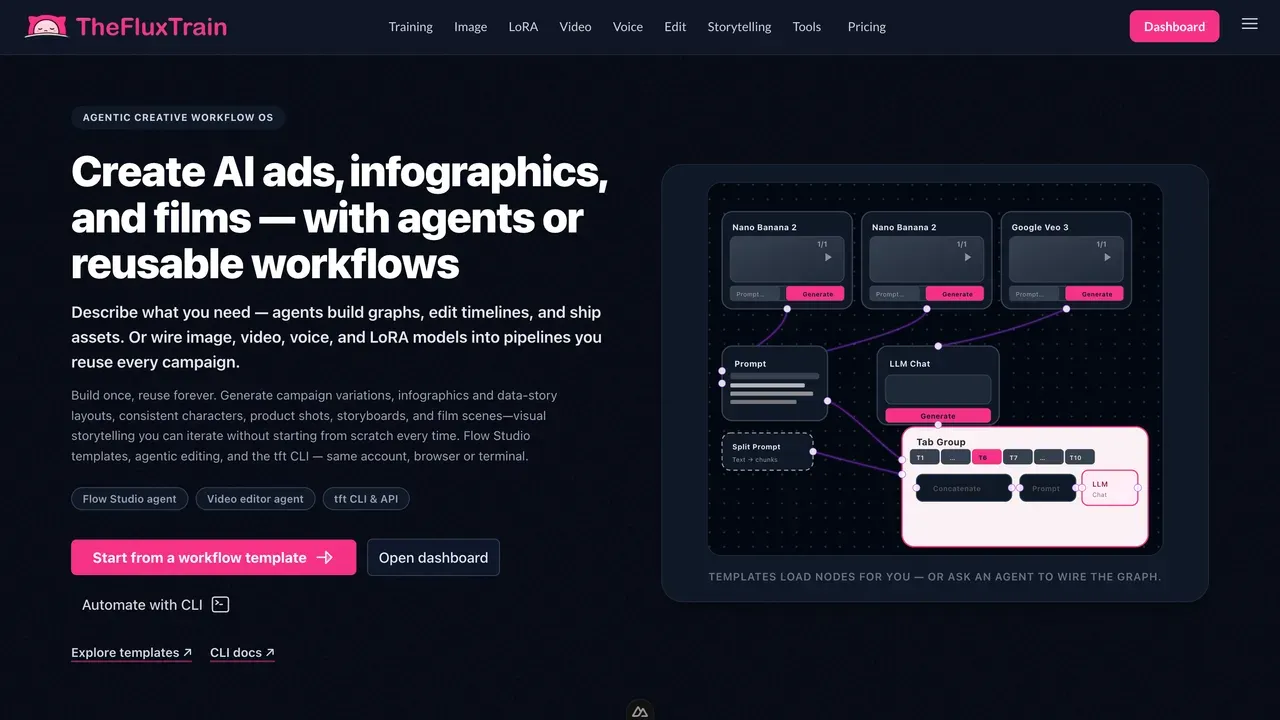
Wisecut is an automatic video editor based on voice recognition. With Wisecut, you can easily turn your long-form talking videos into short, impactful clips with music, subtitles, and auto reframe. These short clips are perfect for platforms like YouTube Shorts, TikTok, Instagram Reels, and Social Ads.
Wisecut's Pricing Plans
Wisecut may change prices at any time. Here's our latest information:
Save with annual plan
FREE
Get to know Wisecut
$0
Forever free
- Auto cut silences
- Smart background music
- AI storyboard
- Auto subtitles
- Transcription
- YouTube integration
- AI-powered audio ducking
- + limited-time premium features
STARTER
For starting creators
$15
Per month
- Everything in Free +
- Subtitles auto translation
- Facial recognition auto
- punch-in
- Studio voice
- Background noise-canceling
- Sound waves for audio files
- Facial recognition aspect ratio conversion (landscape, vertical and square.)
PROFESSIONAL
For passionate video creators
$57
Per month
- Everything in Free +
- Subtitles auto translation
- Facial recognition auto punch-in
- Studio voice
- Background noise-canceling
- Sound waves for audio files
- Facial recognition aspect ratio conversion (landscape, vertical and square.)
- Priority customer support level
Frequently asked questions
What is Wisecut used for?
Wisecut - Automatically cut and edit videos with AI.Is Wisecut free?
Wisecut has a free tier; paid plans unlock additional features.What are alternatives to Wisecut?
Top alternatives to Wisecut include Klap App, AI video editor, Atlabs AI, Topview AI URL to Video, Colossyan.Where can I get Wisecut?
Wisecut is available at https://wisecut.pxf.io/5gPKND.What category is Wisecut in?
Wisecut is listed in Video Editing.Which languages are supported by Wisecut?
Currently, Wisecut can edit and generate automatic subtitles in six languages: English, Spanish, French, Italian, Portuguese, and Filipino. Additionally, German, Arabic, Hindi, Farsi, Dutch, Korean, and Japanese are supported.
We are actively working on expanding language support in the near future.Is it necessary to download Wisecut?
No, Wisecut is entirely web-based and securely stored in the cloud. It operates in various browsers on Mac, Windows, iPhone, Android, and more. You can seamlessly switch between devices, starting on your phone and finishing on your desktop computer or vice versa.
Compare Wisecut with…
Pick any tool to see a structured side-by-side: pricing, deployment, capabilities, and content policy.