Fotor image converter
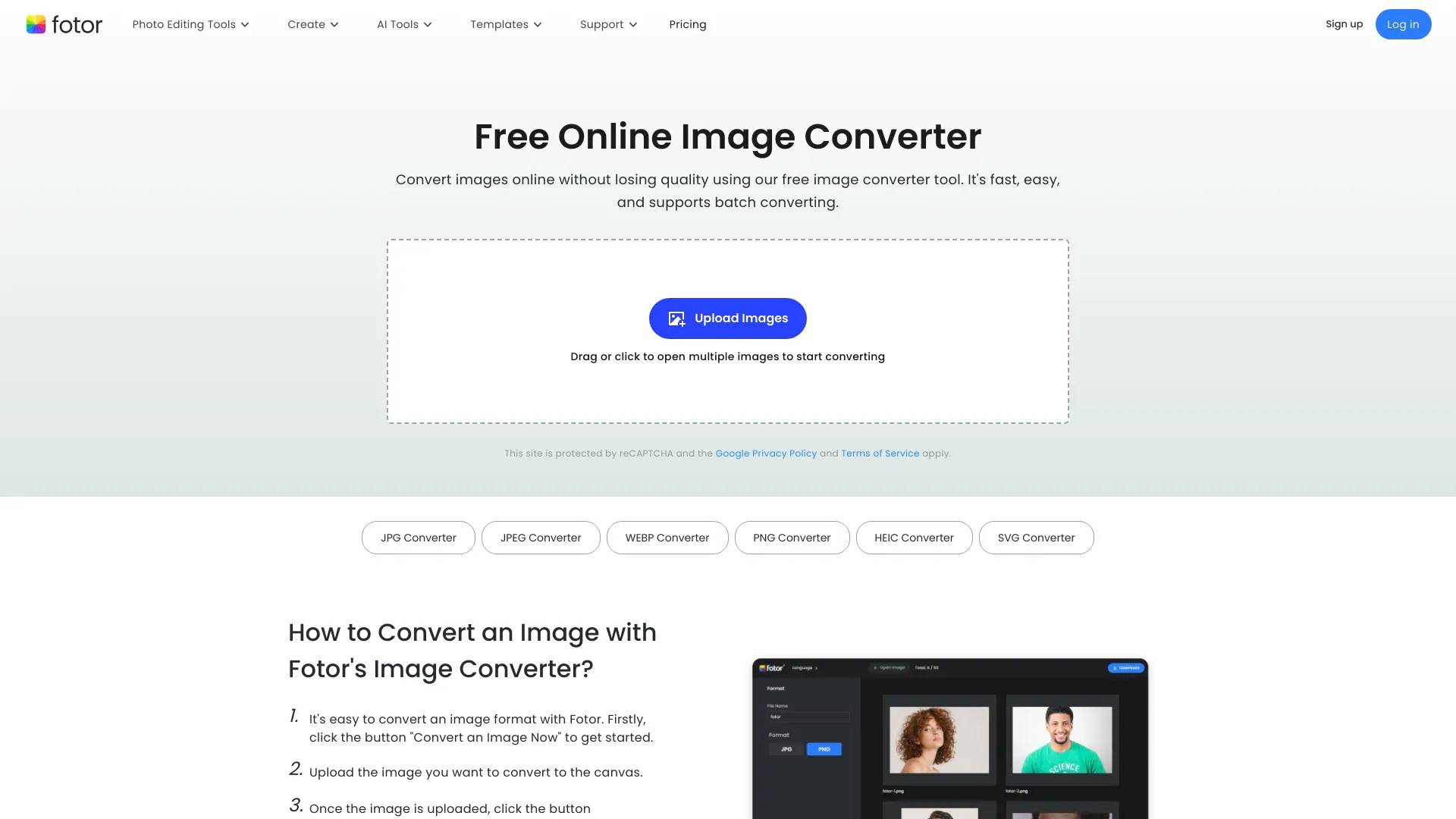
Fotor image converter is an AI photo editor. Convert images online without losing quality using our free image converter tool.
- Category
- Photo & Image Editing
- Pricing
- Free
- Alternatives
- 6 similar tools
- Last updated
- 2 years ago
- Source
- Official site ↗
About Fotor image converter
Easily convert images online with Fotor's free image converter. Convert JPG, PNG, WebP, HEIC, and more formats in seconds. Batch convert supported.
How Fotor image converter compares
Fotor image converter alongside its closest alternatives in the Photo & Image Editing category.
| Tool | Use case | Pricing | More |
|---|---|---|---|
| Fotor image converterthis page | Convert images online without losing quality using our free image converter tool. | Free | — |
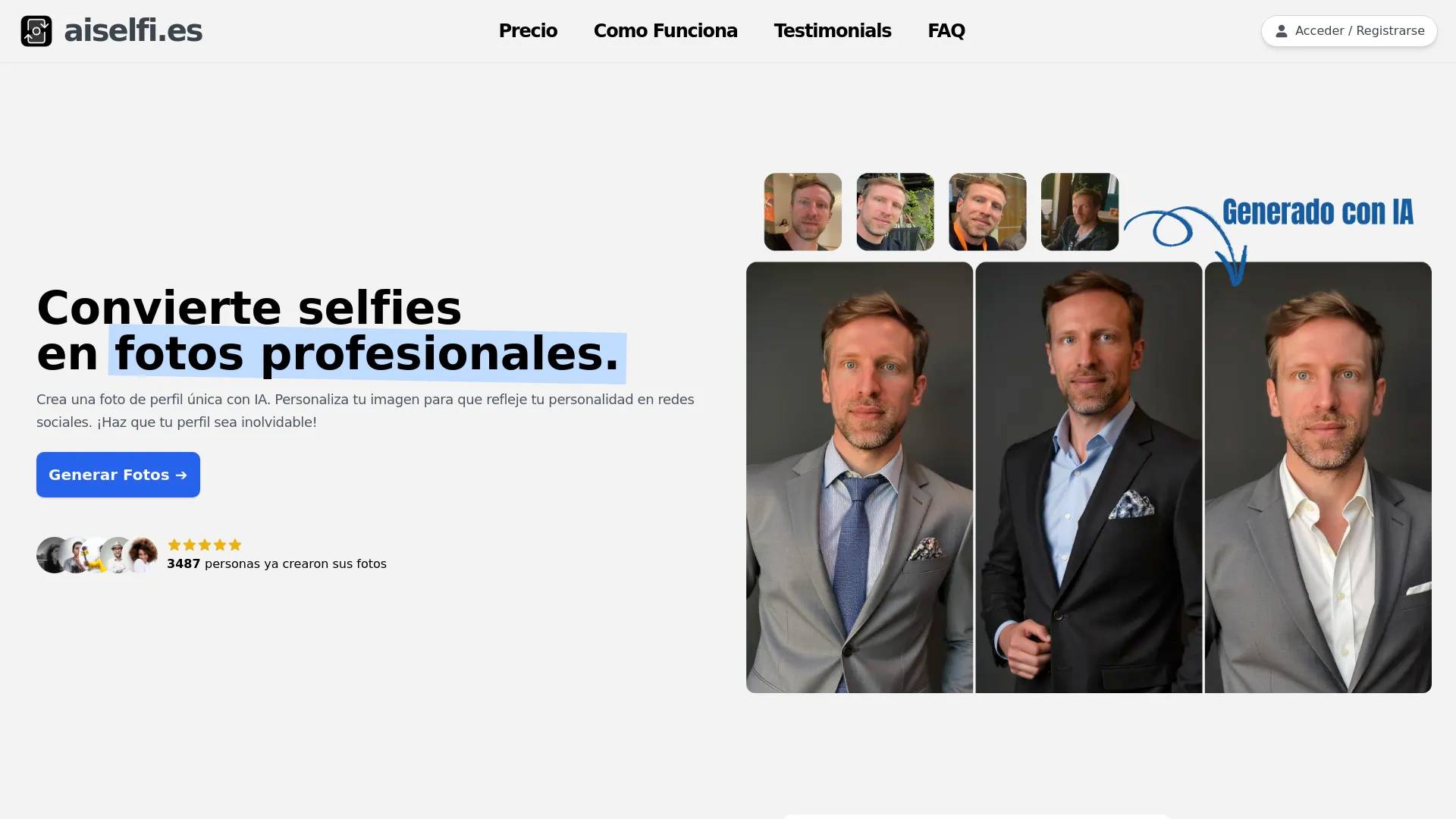
| aiselfi.es | Create AI-generated profile pictures quickly and easily. Use our tool to create free, personalized AI profile pictures in minutes. Try it out → aiselfi.es | — | Open ↗ |
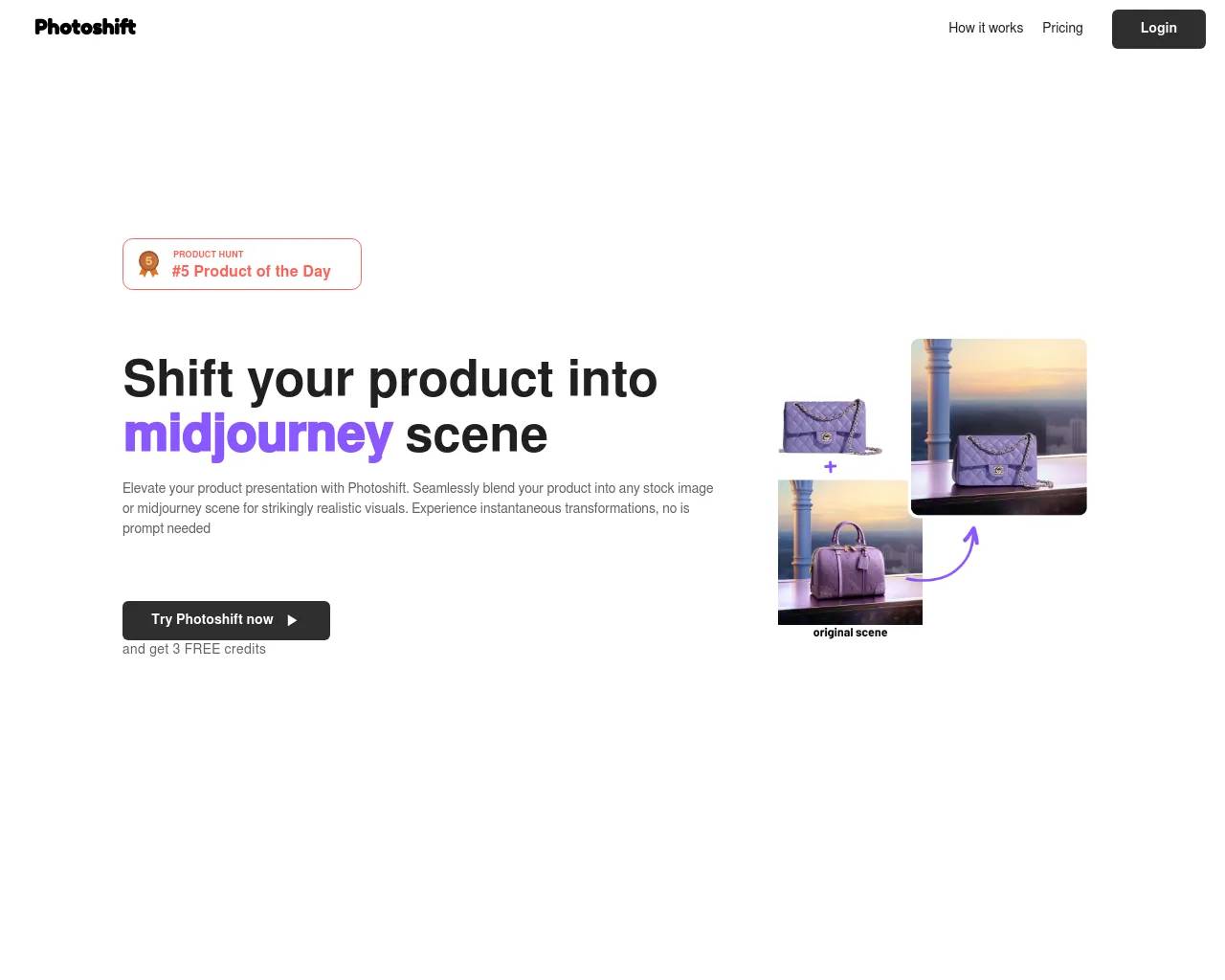
| Photoshift | Shift your product into midjourney scene, or any stock photo | — | Open ↗ |
| Vidnoz AI HEADSHOT GENERATOR | Create Professional AI Headshots Easily and Effortlessly | — | Open ↗ |
Frequently asked questions
What is Fotor image converter used for?
Convert images online without losing quality using our free image converter tool.Is Fotor image converter free?
Fotor image converter is free to use.What are alternatives to Fotor image converter?
Top alternatives to Fotor image converter include aiselfi.es, Photoshift, Vidnoz AI HEADSHOT GENERATOR, PicTools.AI, AI Photos Editor.Where can I get Fotor image converter?
Fotor image converter is available at https://www.fotor.com/convert/.What category is Fotor image converter in?
Fotor image converter is listed in Photo & Image Editing.How to Convert an Image with Fotor's Image Converter?
1. It's easy to convert an image format with Fotor. Firstly, click the button "Convert an Image Now" to get started. 2. Upload the image you want to convert to the canvas. 3. Once the image is uploaded, click the button "Download", and choose the image format you want to convert and the file size. 4. Then, Fotor will help you convert the images to the format you need in seconds.Convert Images to Various Image Formats
Fotor image converter simplifies and speeds up the picture converting process. Simply upload or drag the image file into the upload box, select the image type you like, and Fotor will do the rest. Our online image converter supports practically all contemporary image formats, including JPG, JPEG, PNG, WEBP, SVG, HEIC, HEIF, and more. You do not need to download or install any applications; our picture converter operates smoothly online for maximum ease. Try it now to convert photographs to the best format and quality.Convert Image Files in a Snap
Fotor makes it simple and fast to convert picture formats. Our user-friendly picture converter can convert a high-quality image in seconds. Simply upload your photo to the canvas and select the design format that best suits your needs. Furthermore, you may utilize the PNG creator tool to transform your JPG image into a PNG with a transparent backdrop. Converting images online has never been easier!