- Category
- Image Upscaler
- Pricing
- Freemium
- Alternatives
- 6 similar tools
- Last updated
- 1 weeks ago
- Source
- Official site ↗︎
AI Collection Top Picks
Image Upscaler Category Picks
AVC AI
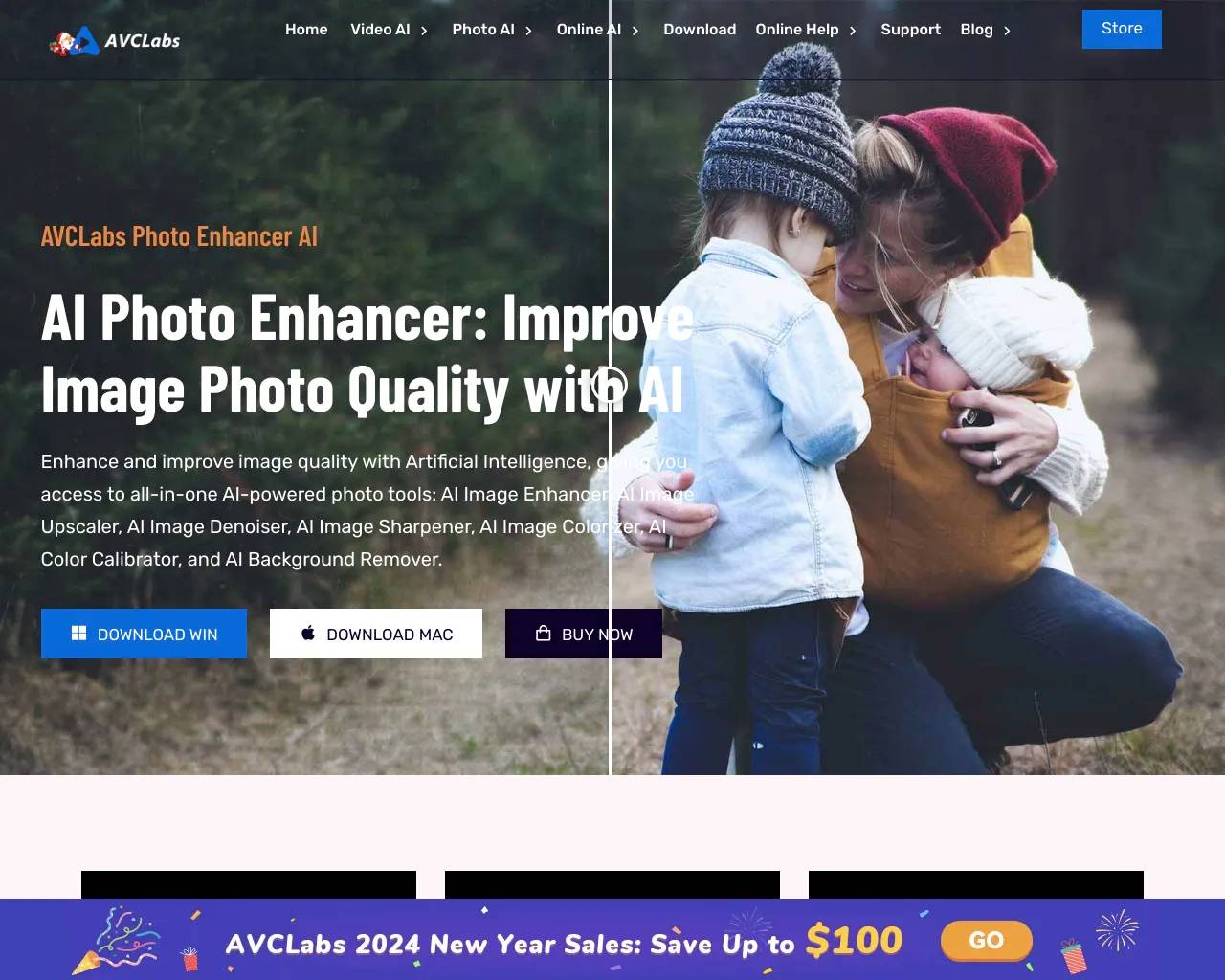
Online AI Image Enhancer that Improves Photo Quality by Upscaling, Denoising, Restoring, Face Refinement, and More
About AI Image Upscaler
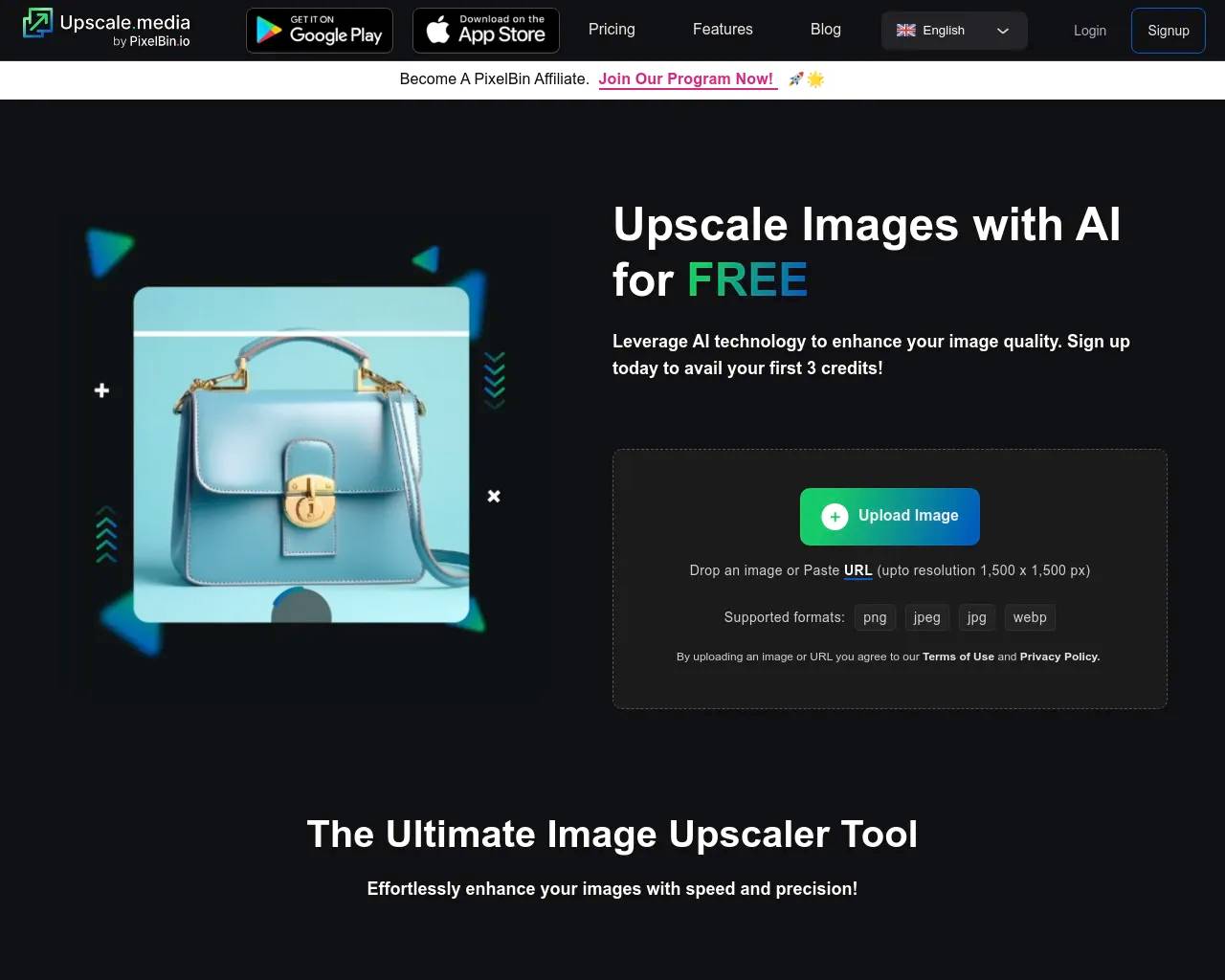
Upscale images to 2x or 4x without losing textures or details with our AI tool. The best AI image upscaler for stunning visuals. Try Upscale.media now!
AI Image Upscaler's Pricing Plans
AI Image Upscaler may change prices at any time. Here's our latest information:
Pricing Plans
Free Forever
$0
/ credit
- 3 free credits
- 3 free downloads
Subscription Plan
$0.10
/ credit
- 10 Credits $0.90/credit
- 100 Credits $0.19/credit
- 300 Credits $0.10/credit
Pay as you go
$0.33
/ credit
- 30 Credits $0.63/credit
- 100 Credits $0.49/credit
- 300 Credits $0.33/credit
Frequently asked questions
What is AI Image Upscaler used for?
AI Image Upscaler - Enlarge & Enhance Your Photos for Free - Upscale.media.Is AI Image Upscaler free?
AI Image Upscaler has a free tier; paid plans unlock additional features.What are alternatives to AI Image Upscaler?
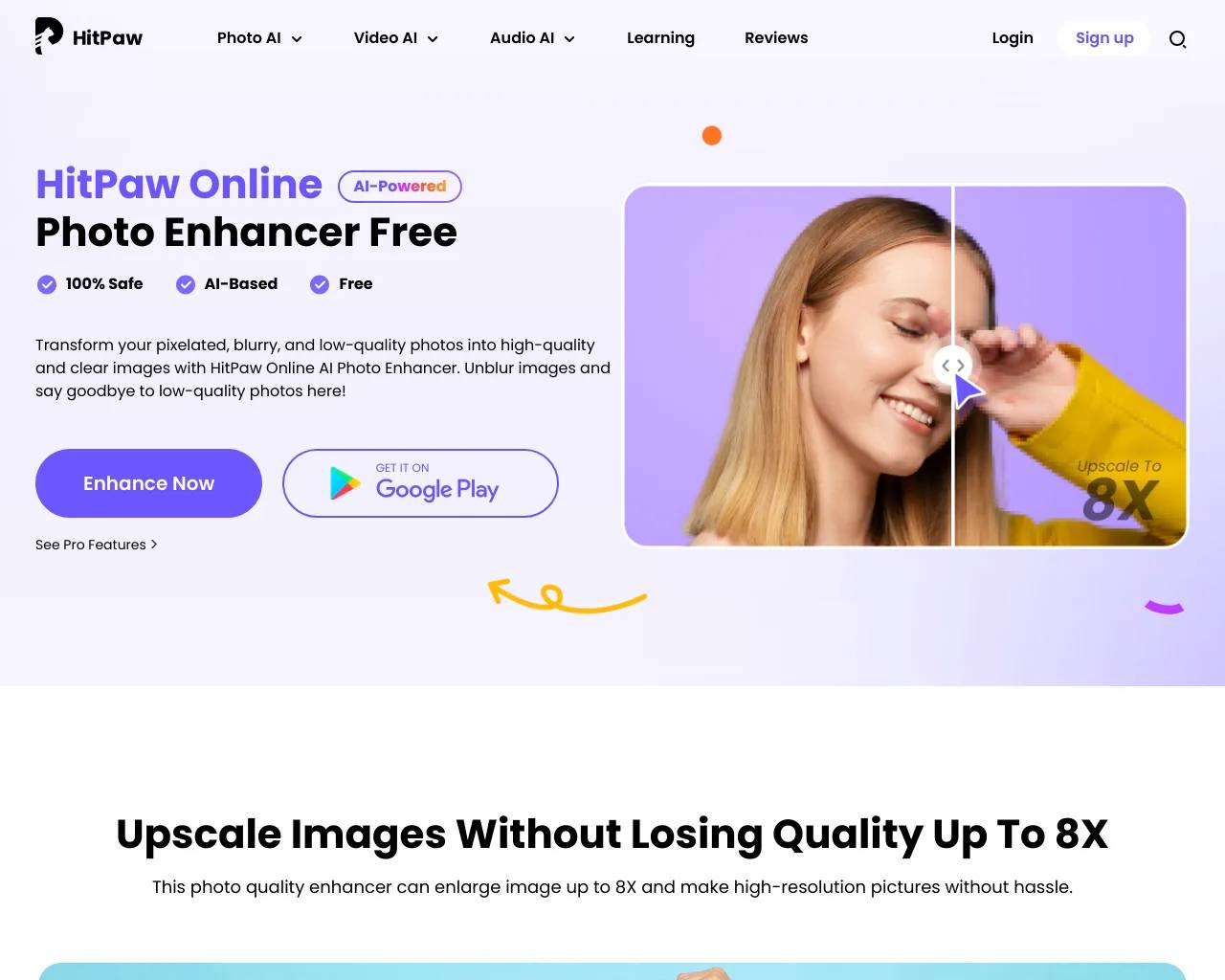
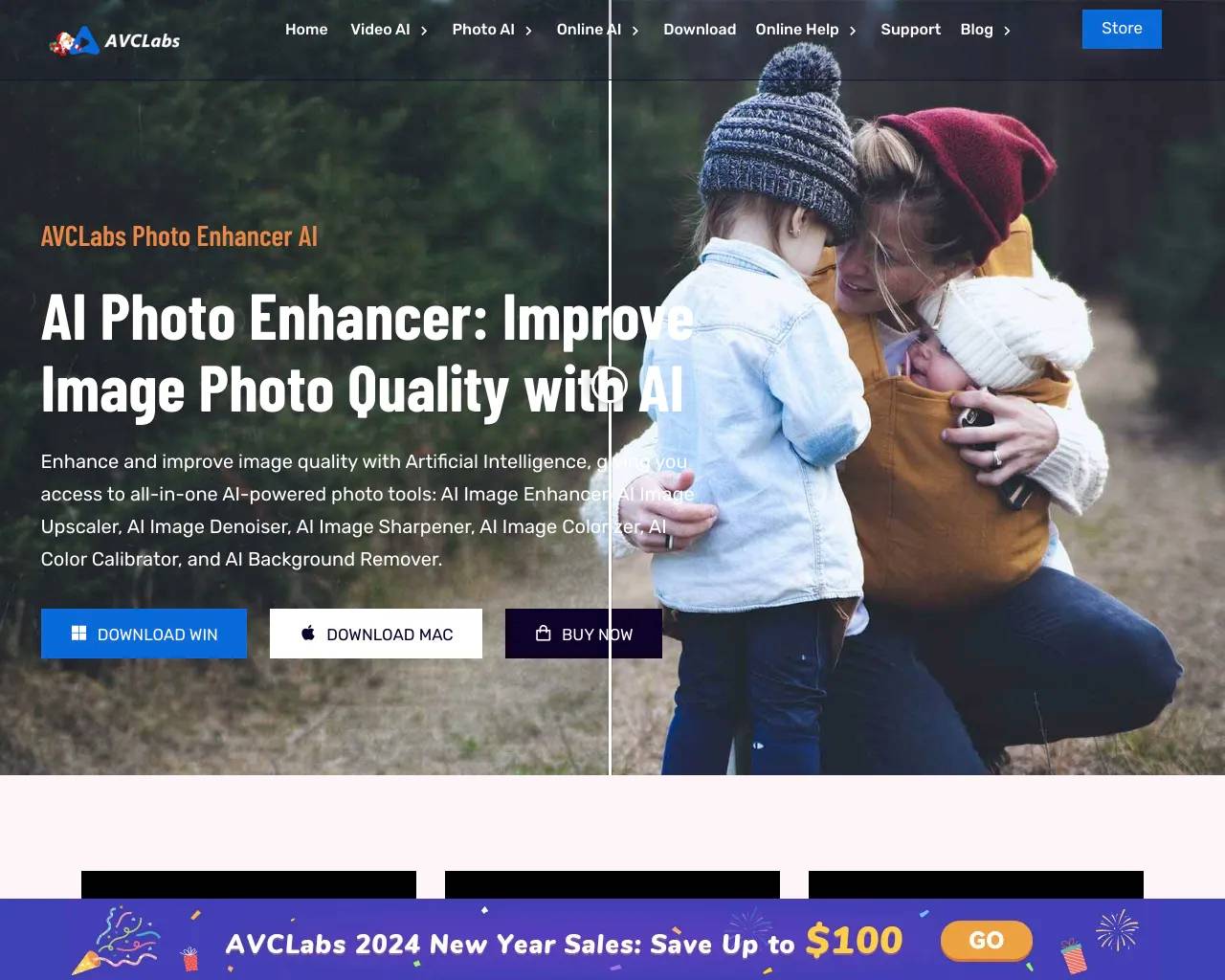
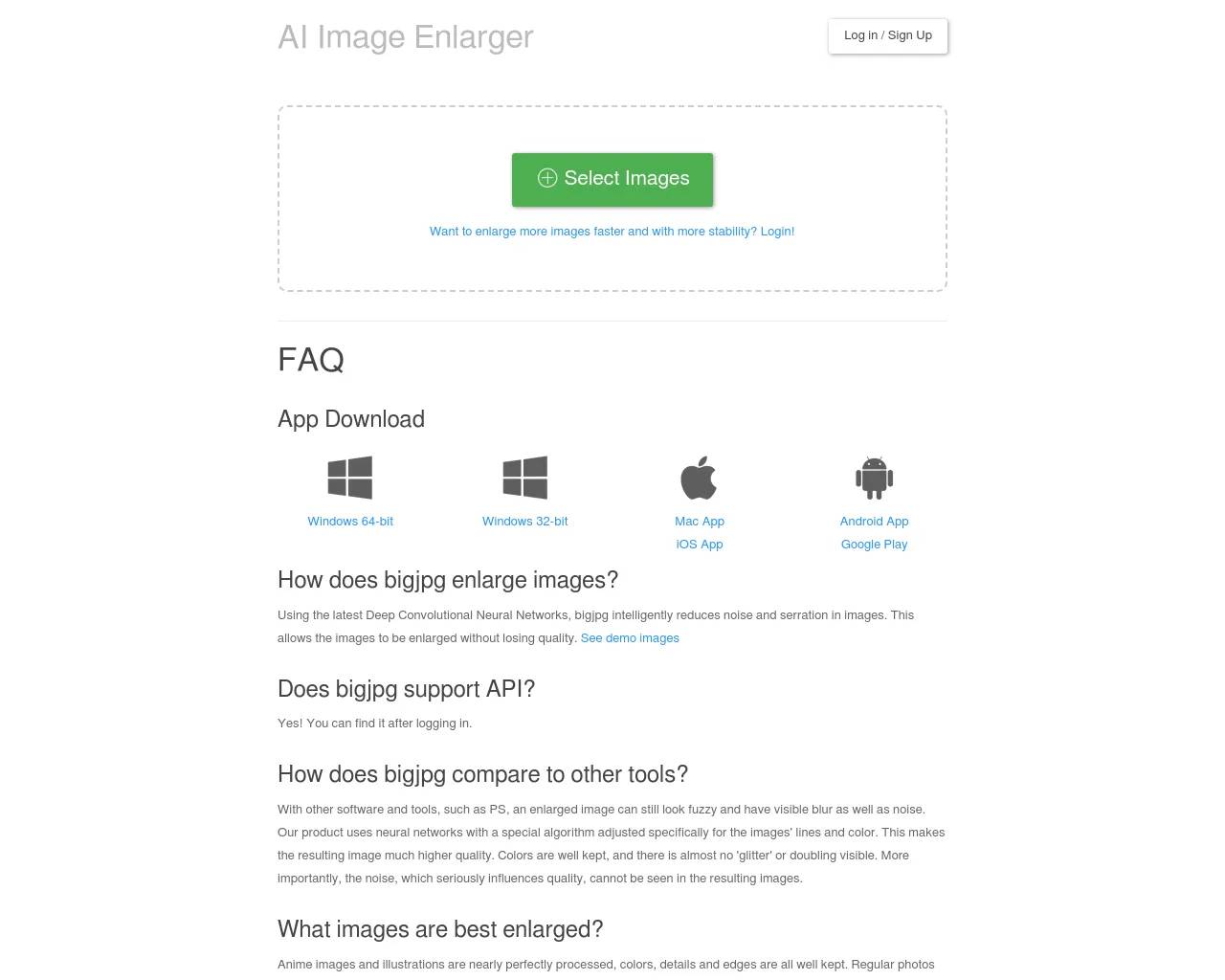
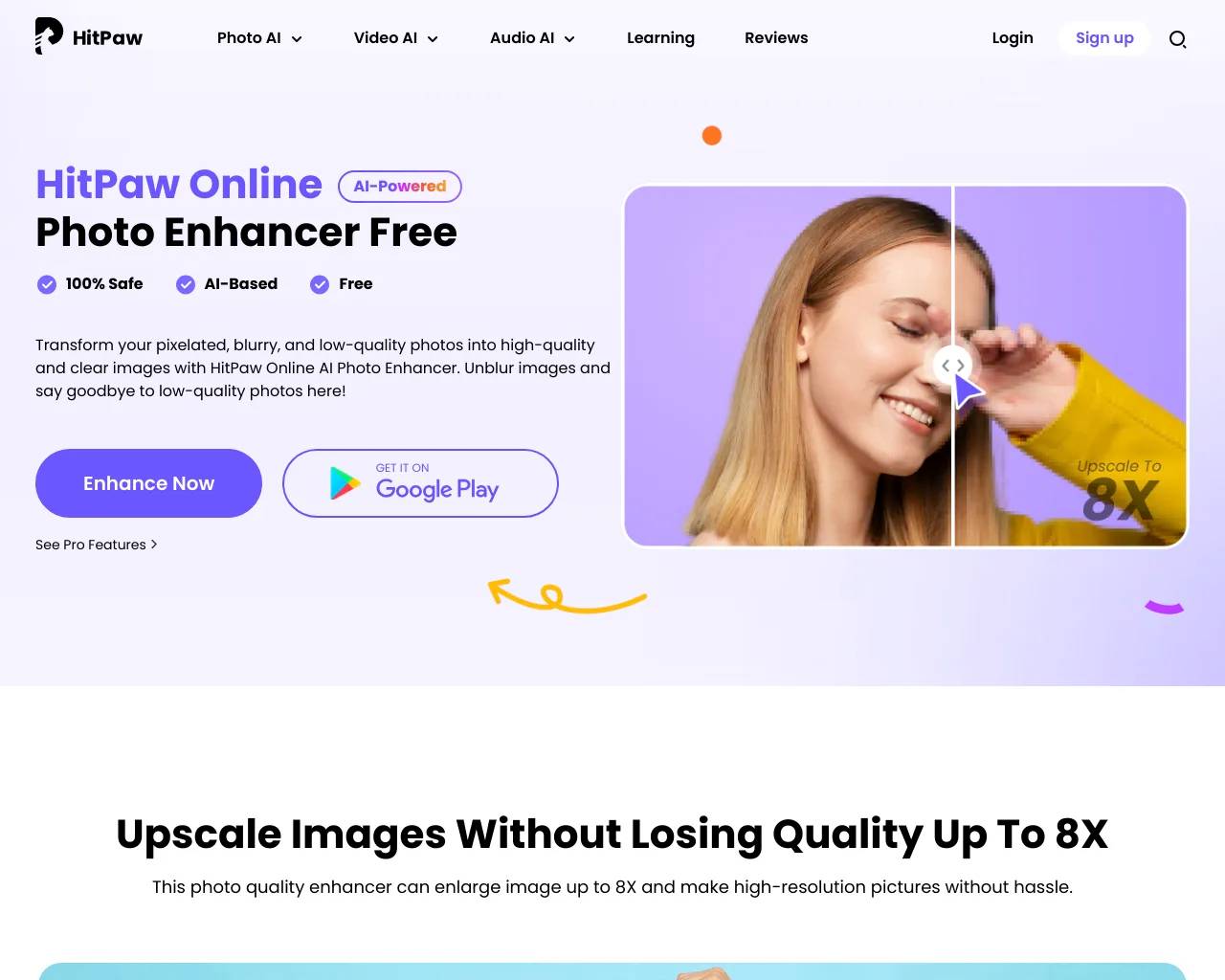
Top alternatives to AI Image Upscaler include HitPaw Online Photo Enhancer, AVCLabs Photo Enhancer AI, AVC AI, Imgupscaler, AI Image Enlarger.Where can I get AI Image Upscaler?
AI Image Upscaler is available at http://www.upscale.media.What category is AI Image Upscaler in?
AI Image Upscaler is listed in Image Upscaler.What is the purpose of Upscale.media?
Upscale.media functions as an AI image enhancer, allowing users to upscale images while maintaining superior quality. Its advanced technology effortlessly enhances visuals, making it an ideal solution for both individuals and businesses seeking high-quality image upscaling.Is Upscale.media a free online AI Photo Enhancer?
Indeed, Upscale.media enables users to enhance and upscale their low-quality images for free online. The process takes only a few seconds. PixelBin.io, on the other hand, offers various subscription plans for commercial or professional use.Which image types does Upscale.media support?
Currently, Upscale.media supports the image types PNG, JPG, JPEG, and WEBP.How can I use Upscale.media for bulk processing or commercial purposes?
For bulk processing or commercial purposes, you can use our product PixelBin.io. PixelBin offers real-time image transformations with automatic optimization, image URLs, and storage for your media library.What are the maximum image resolution and file size supported?
The maximum output resolution and size supported by Upscale.media are 1500 x 1500 px and 25 MB.Can I process images in bulk with Upscale.media?
Certainly, you can enhance image quality online in bulk using PixelBin.io. The initial transformations are free, and additional ones can be obtained by purchasing credits as needed. Alternatively, you can contact the customer service team for a custom package tailored to your enterprise''s requirements.How do I upscale an image using Upscale.media?
Upscaling an image with Upscale.media is a simple process: - Step 1: Download the Upscale.media app from the AppStore or PlayStore, or visit the website. Upload the image using the "Upload Image" option or the Drag-and-Drop feature. - Step 2: Wait for a few seconds as the free AI photo enhancer enhances your image''s resolution. - Step 3: Once processed, choose between two upscaling options: AI upscaling to 4X and Normal upscaling to 4X. - Step 4: Download the enhanced image by clicking the "Download Image" option.Which is the preferred AI photo enhancer?
Upscale.media is considered the best AI photo enhancer (AI image enlarger), utilizing cutting-edge technology to upscale images while preserving exceptional quality and clarity. It is the top choice for enhancing photographs with AI.Which AI image enlarger is recommended for commercial purposes?
For commercial purposes, Upscale.media stands out as the best AI image enlarger. Its advanced AI algorithms ensure exceptional image enlargement while maintaining top-notch quality, making it the ideal choice for businesses seeking professional-grade upscaled images.How can I increase image quality online?
To increase image quality online with Upscale.media, follow these steps: - Step 1: Visit the Upscale.media website or download the app on your Android or iOS device. - Step 2: Click on the "Upload Image" option or use the convenient Drag-and-Drop feature to upload your image. - Step 3: Wait a few seconds as the free AI photo enhancer enhances your image''s resolution. - Step 4: After processing, choose between "upscaling to 2X" and "upscaling to 4X". Click the "Enhance Quality" button and select your preferred option. Finally, click "Download Image" for the enhanced image.What is Upscale.media?
Upscale.media is a platform that serves as an AI image enhancer, enabling users to upscale images while maintaining superior quality. Its advanced technology effortlessly enhances visuals, making it an ideal solution for individuals and businesses seeking high-quality image upscaling.Is Upscale.media free Online AI Photo Enhancer?
<strong>Yes</strong>, with Upscale.media, you can enhance and upscale your low-quality images for free online. It only takes a few seconds to do so. <a {{pixelbinAnchorTag}}>PixelBin.io</a> provides various subscription plans for commercial or professional use.What images are supported?
Upscale.media now supports the image types <strong>PNG, JPG, JPEG, WEBP, and HEIC</strong>.What is the maximum image resolution / file size?
The maximum output resolution and size supported is <strong>{{maxUpscaleDimension}} x {{maxUpscaleDimension}} px</strong> and <strong>25 MB</strong>.Can I process the Images on Bulk with Upscale.media?
It is now easier to enhance the image quality online in bulk using PixelBin.io, where you get a first few transformations for free and rest you can avail by buying credits as per your requirements. You can also contact the customer service team for your custom package that fits the needs of your enterprise.How can I Upscale an image using Upscale.media?
Using Upscale.media You can upscale an image within a few seconds without applying technical skills. Here is how to do so: <br/><strong>Step 1:</strong> Download the Upscale.media’s app from the AppStore or PlayStore or go to the website and upload the image you wish to increase the image quality by clicking on the Upload Image option or simply using the Drag-and-Drop feature. <br/><strong>Step 2:</strong> Hang tight for a few seconds, as a free AI photo enhancer enhances your image's photo resolution. <br/><strong>Step 3:</strong> Once your image is processed, you can choose to upscale it by 2X, 4X, or 8X using AI. Signed-up users can upscale images to a maximum resolution of {{maxUpscaleDimension}} x {{maxUpscaleDimension}} px, while non-logged-in users are limited to {{maxResolutionLimitDimension}} x {{maxResolutionLimitDimension}} px. <br/><strong>Step 4:</strong> Download the image by clicking the Download Image option.Which is the best AI photo enhancer?
Upscale.media is the best AI photo enhancer (AI image enlarger), utilising cutting-edge technology to upscale images while preserving exceptional quality and clarity. It is the top choice for enhancing photographs with AI.Which is the best AI image enlarger for commercial purposes?
For commercial purposes, Upscale.media stands out as the best AI image enlarger. Its advanced AI algorithms ensure exceptional image enlargement while maintaining top-notch quality, making it the ideal choice for businesses seeking professional-grade upscaled images.How to increase image quality online?
To increase image quality online, follow these simple steps: <br/><strong>Step 1:</strong> Visit Upscale.media website or download it on your Android or Ios device <br/><strong>Step 2:</strong> Click on the "Upload Image" option or use the convenient Drag-and-Drop feature to upload your image. <br/><strong>Step 3:</strong> Wait a few seconds as the free AI photo enhancer enhances your image's resolution. <br/><strong>Step 4:</strong> Choose from the available upscaling options: 2X, 4X or 8X and click 'Enhance Quality'. Then download your enhanced image. Logged-in users can upscale up to {{maxUpscaleDimension}} x {{maxUpscaleDimension}} px, while non-logged-in users are limited to {{maxResolutionLimitDimension}} x {{maxResolutionLimitDimension}} px.
Compare AI Image Upscaler with…
Pick any tool to see a structured side-by-side: pricing, deployment, capabilities, and content policy.