- Category
- Study & Tutor
- Pricing
- Freemium
- Alternatives
- 6 similar tools
- Last updated
- 3 weeks ago
- Source
- Official site ↗︎
AI Collection Top Picks

Study & Tutor Category Picks

About QuizRise
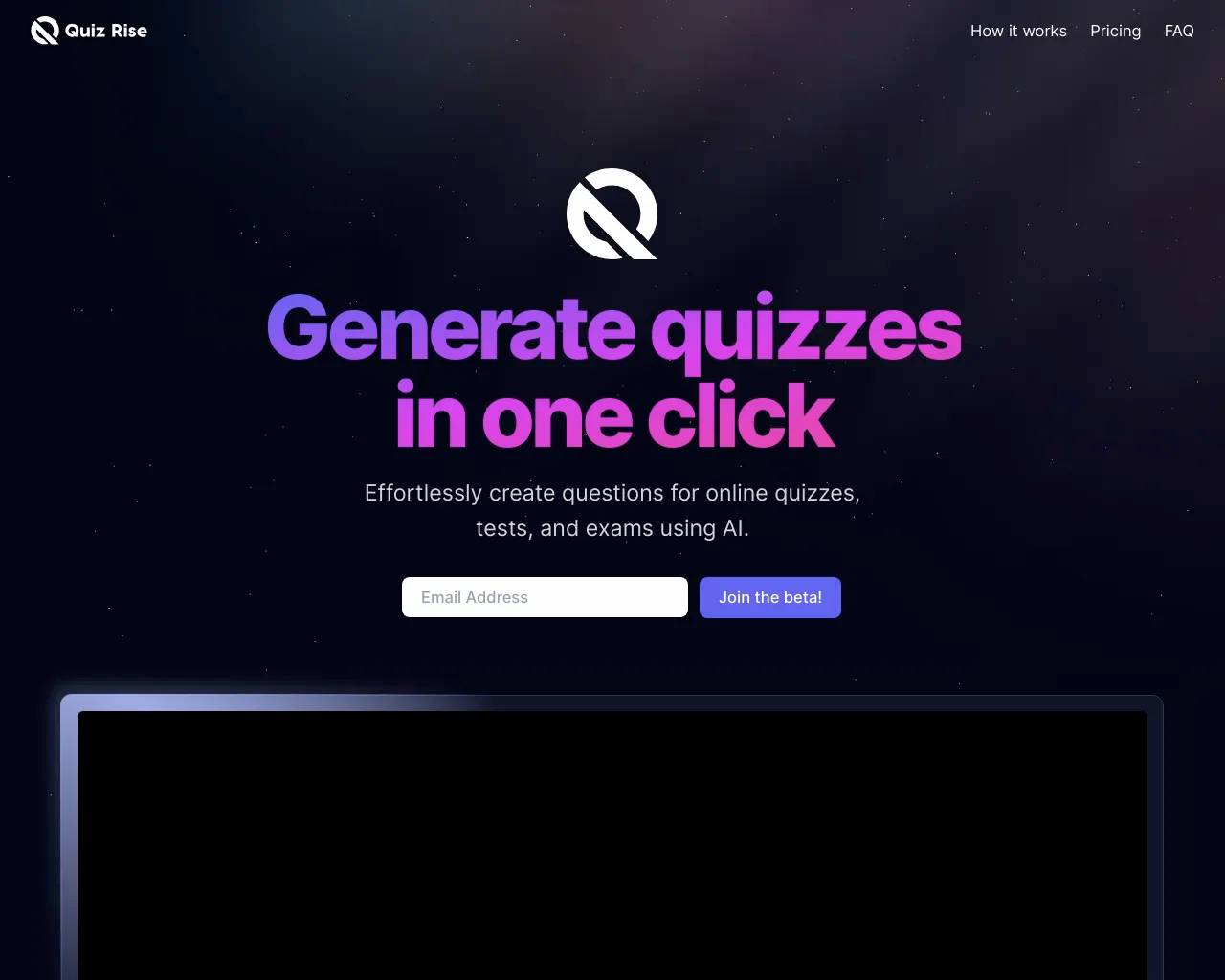
Create and share quizzes effortlessly with QuizRise. Create quizzes based on your content with ease, saving you valuable time. Join the education revolution!
QuizRise's Pricing Plans
QuizRise may change prices at any time. Here's our latest information:
Choose the plan that fits your needs
Free
Your preview to quiz-creating greatness
$0
- 5 Runs/month
- 500 character per runs
- 2500 character input total
- Only text & topic input
- 1 user
- Supports all Languages
- Access to all previous Quiz
- Email support
- Exports
Basic
Like a backstage pass, but for educational fun!
$14.99
- Everything in Free
- 150 Runs/month
- 1.500 character per runs
- 30.000 character input
- All input types
- All question types
- 3 Teacher & 10 student
- 1 Classrooms
- Supports all Languages
- Priority Support
Pro
Elevate Your Quizzes to the Next Level!
$59
- Everything in Basic
- 500 Runs/month
- 1.500 character per runs
- 50.000 character input
- All input types
- All question types
- 10 Teacher & 60 student
- 3 Classrooms
- API Access
- Priority Support
- Early access to new features
Frequently asked questions
What is QuizRise used for?
Generate & Share Quizzes with AI | QuizRise.com.Is QuizRise free?
QuizRise has a free tier; paid plans unlock additional features.What are alternatives to QuizRise?
Where can I get QuizRise?
QuizRise is available at https://quizrise.com.What category is QuizRise in?
QuizRise is listed in Study & Tutor.How QuizRise Works?
QuizRise operates by analyzing your content, extracting key facts, and then utilizing advanced AI, to generate a variety of questions and answers. Whether you have text, a webpage, YouTube video, or documents in PDF or Word format, QuizRise can effortlessly transform it into quizzes or assessments. Simply input your content or its URL, and QuizRise will swiftly generate relevant questions, making the process incredibly easy.Can I export my quiz?
You can export your generated quiz in various formats to meet your needsWhat kinds of questions am I able to generate?
You can create multiple-choice, true or false, short answer, and fill-in-the-blank questions from any given text.Is it possible to utilize content from PDF documents to make quizzes in QuizRise?
Certainly, QuizRise permits the use of content from PDF documents as a basis for generating quizzes and assessments.How do I input my content into QuizRise for question generation?
You can either directly input your content into QuizRise or provide a URL/link to the content you wish to convert into a quiz.Is it feasible to customize the questions produced by QuizRise?
Absolutely, you have the flexibility to customize and edit the questions generated by QuizRise according to your specific requirements or preferences.What''s the process for seeking support or assistance with QuizRise?
For any inquiries or assistance, you can get in touch with our support team through our website or via email.Can I collaborate with others on content creation in QuizRise?
Yes, QuizRise supports collaborative content creation, enabling you to invite others to collaborate on quizzes and assessments.Do you provide a free trial?
While we don''t offer free trials, we do have a free plan that allows you to generate up to three tests per month, giving you the opportunity to explore the service and assess its alignment with your needs.Are the answers always accurate?
Provided high-quality, precise text is given, the AI typically maintains a low error rate. However, it''s important to note that, similar to human input, AI may occasionally make errors, and complete accuracy cannot be guaranteed.Which languages does QuizRise support?
While QuizRise primarily supports English, it also functions effectively in several other languages such as Spanish, French, and Turkish. You can try entering text in your preferred language to check if the output is satisfactory.Features
1. Create Quizzes in Seconds 2. Simple Customization 3. Publish EasilyWhat type of questions can I create?
With QuizRise, you can easily create multiple choice, true or false, and fill in the blank questions from any type of content, whether it is a text, website URL, YouTube video link, or a file such as PDF, DOCX, PPTX, TXT, or image. • Multiple Choice Question Generator • True or False Question Generator • Fill in the Blank Question Generator • Create Quiz from YouTube Video • Create Quiz from Website • Create Quiz from PDF • Create Quiz from TextCan I use content from PDF documents to create quizzes in QuizRise?
Yes, you can use the content from your PDF documents in QuizRise to create quizzes and assessments. QuizRise automatically analyzes your PDF files, extracts the text, and uses that information to generate quiz questions, learning flashcards, or summaries. In addition to PDFs, QuizRise also supports DOCX, PPTX, TXT, Images, and many other file types. When you upload any of these files, QuizRise analyzes the content and creates learning materials within seconds. Learn more about our PDF Quiz Maker and AI PDF Summarizer.How can I input my content into QuizRise for question generation?
You can easily add your content to QuizRise in one of the following four ways: 1. From a File: Upload a file such as PDF, DOCX, PPTX, TXT, or an image to create a quiz based on its content. 2. From Text: Type or paste your text directly to generate a quiz from your written material. 3. From a URL: Enter a website link (URL) to create a quiz based on the webpage content. 4. From YouTube: Paste a YouTube video link to generate a quiz based on the video content.Can I customize the questions generated by QuizRise?
Yes, you can customize and edit the questions generated by QuizRise's AI Question Generator according to your needs and preferences. You can modify the question text, answer choices, or correct answers as you wish.How can I reach out for support or assistance with QuizRise?
If you have any questions or need assistance, you can contact our support team through our website or via email. Email: hello@quizrise.com Our team is always ready to answer your questions and help you get the best experience with QuizRise. For more tips and tutorials, visit our blog.Can I collaborate with others to create content in QuizRise?
Yes, QuizRise supports collaborative content creation. You can invite others to work with you on quizzes, flashcard sets, and assessments, and edit the content together. This feature allows teams to create richer and more effective learning materials through collaboration.Do you offer a free trial?
We do not offer a free trial, but we provide a free plan that allows you to create up to three quizzes per month. Each quiz can include up to 20 questions, and AI-generated flashcards and summaries are automatically generated with every quiz. The number of flashcards and summaries depends on the scope and length of the content you upload. Check our pricing page for more details.Are the answers always correct?
When high-quality, precise text is provided, the AI typically maintains a low error rate. However, it's essential to understand that, similar to human input, AI can occasionally make errors, and complete accuracy cannot be assured.How much text do I need to add?
For the best results in QuizRise, we recommend using at least 500 words of text. More content usually leads to more comprehensive and higher-quality questions. If you want to generate more than 10 questions, texts with over 1,000 words typically produce better results. When working with very long content, it is best to divide it into topics or sections. This way, you can create separate quizzes for each part and keep your materials more organized. For more information, visit our AI Question Generator page.What languages are supported by QuizRise?
QuizRise's primary language is English, but it also works seamlessly in Turkish, Spanish, French, and many other languages. You can add your text in any language you prefer and easily test whether the generated quiz meets your expectations.What can I use QuizRise for?
QuizRise is a powerful tool for creating quizzes, assessments, tests, and practice exercises. Whether you are a teacher, student, organization, or business, you will find that the platform is flexible enough to suit any purpose. With our AI-powered quiz generator, you can turn any text into a quiz, making QuizRise ideal for both learning and knowledge assessment. Looking for study-tool alternatives? Explore our dedicated pages: Quizlet alternative, Anki alternative, and Mindgrasp alternative. Teachers can create quizzes for their students, while businesses can design tests for employee training or evaluations. QuizRise is also perfect for creating quick assessments, practice tests, sample exams, or interactive study materials. It can be used to reinforce a topic, prepare for exams, or make the learning process more engaging. You can also generate study flashcards and lesson plans to support your teaching. In addition, QuizRise allows you to export your quizzes in different formats, embed them on websites or LMS platforms, and share them with your students, team members, or colleagues. This makes it easy to distribute your quizzes and interact with your audience. Whether for education, corporate training programs, or interactive content campaigns, QuizRise simplifies every step of the process for you.How can I share my quiz or test?
In QuizRise, you can easily share the quizzes or tests you create with your students, team members, or friends. To share your quiz, simply copy the shareable link (URL) generated by QuizRise and send it to anyone you want. Anyone with the link can access and take the quiz directly. Before sharing, you can customize the quiz settings to match your needs and personalize the participant experience. For example, you can choose whether the quiz will be public or restricted to specific people. You can also embed your quiz on your website, allowing visitors to take the quiz directly from your site. This way, you can not only share your quizzes but also provide an interactive learning experience on your website or social media platforms.Do you have an API for QuizRise?
Yes, QuizRise offers API access for developers and organizations. Through the API, you can integrate QuizRise's AI-powered question generation, flashcard creation, and content analysis features into your own applications, websites, or learning platforms. The API allows you to automate the quiz creation process and use QuizRise's infrastructure for your custom projects. For technical documentation and access details, please visit our QuizRise API documentation.Do you have a Chrome extension for QuizRise?
Yes, QuizRise has an official Chrome extension. With this extension, you can select any text, article, or content on a website and create a quiz, digital flashcards, or a summary with just one click. The extension helps teachers, students, and content creators save time by quickly transforming online materials into learning resources. You can download the QuizRise Chrome extension for free and start using it right away.Can I generate a quiz from a YouTube video?
Yes, with QuizRise you can easily create quizzes from YouTube videos. All you need to do is paste the YouTube video link (URL) into the quiz creation field. QuizRise automatically analyzes the video content and generates multiple choice, true or false, and fill in the blank questions based on it. Additionally, summaries and video flashcards are automatically created from the video content. This feature is ideal for teachers, students, content creators, and businesses. You can create assessments from educational videos, turn corporate training materials into quizzes, or develop interactive learning content from your own videos. Learn more about our YouTube Quiz Maker. You can also download YouTube subtitles or use the YouTube transcript generator for additional content extraction.
Compare QuizRise with…
Pick any tool to see a structured side-by-side: pricing, deployment, capabilities, and content policy.