- Category
- Image Upscaler
- Pricing
- Free
- Alternatives
- 6 similar tools
- Last updated
- 1 weeks ago
- Source
- Official site ↗
AI Collection Top Picks

Image Upscaler Category Picks

AVC AI
Online AI Image Enhancer that Improves Photo Quality by Upscaling, Denoising, Restoring, Face Refinement, and More
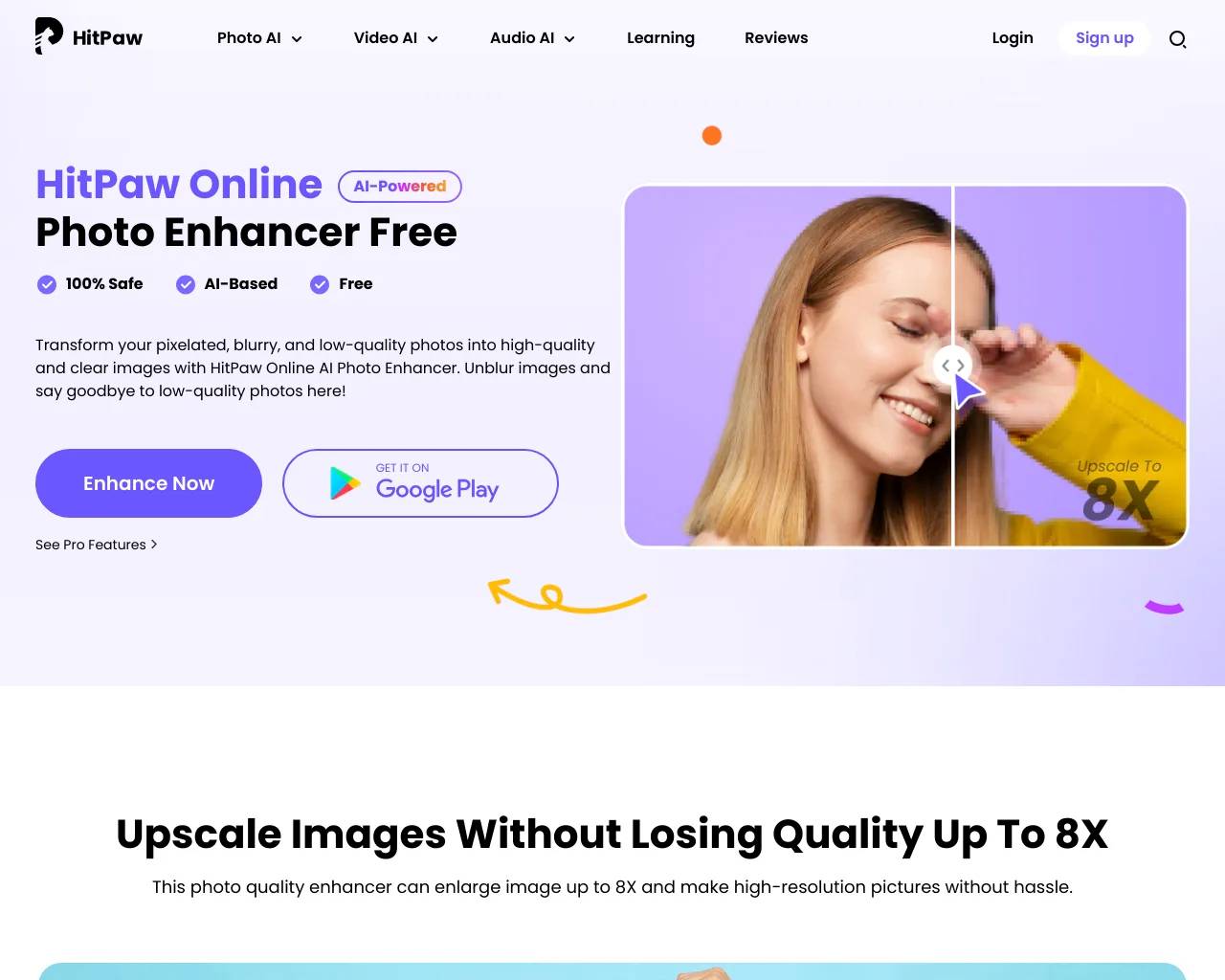
About HitPaw Photo Enhancer
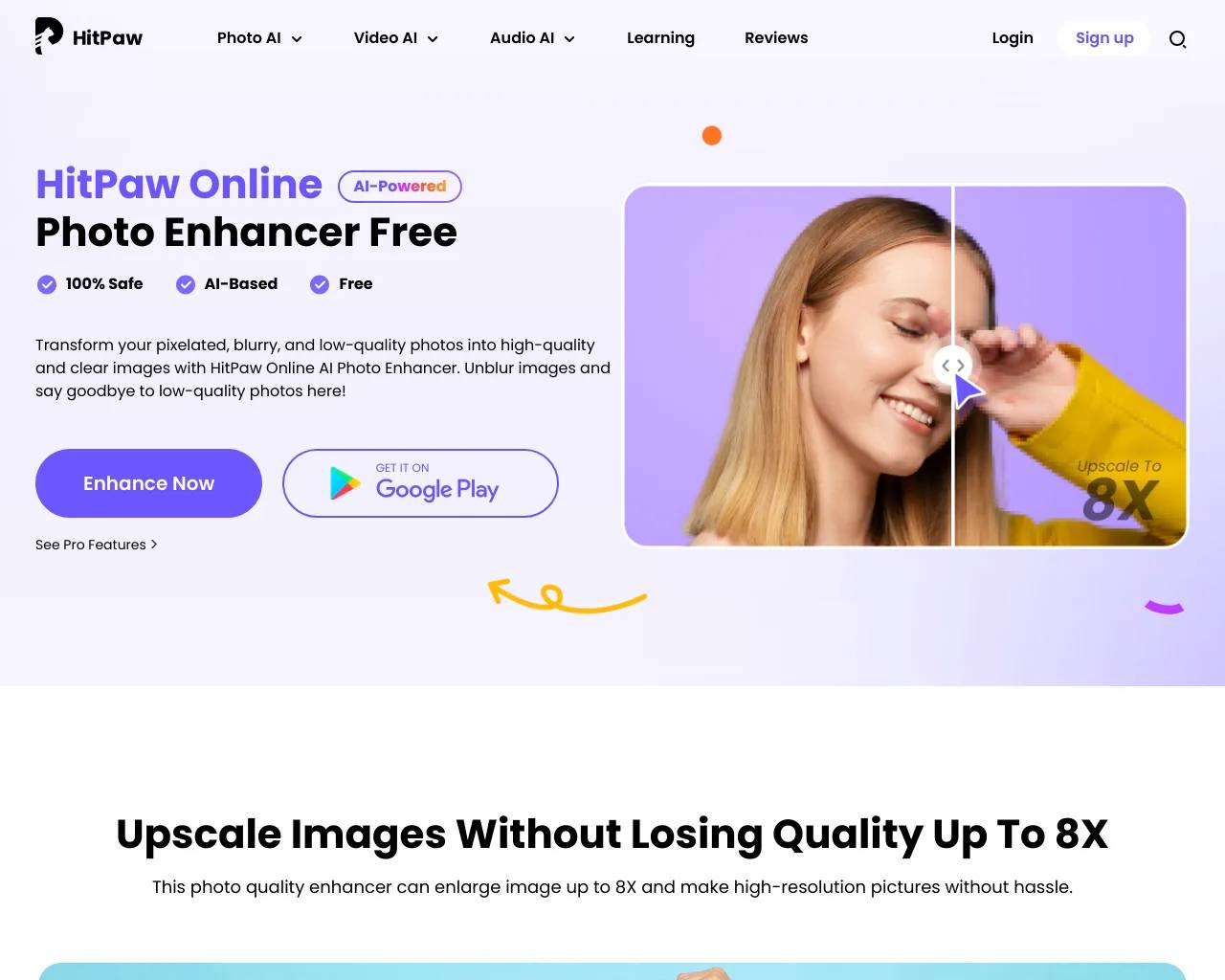
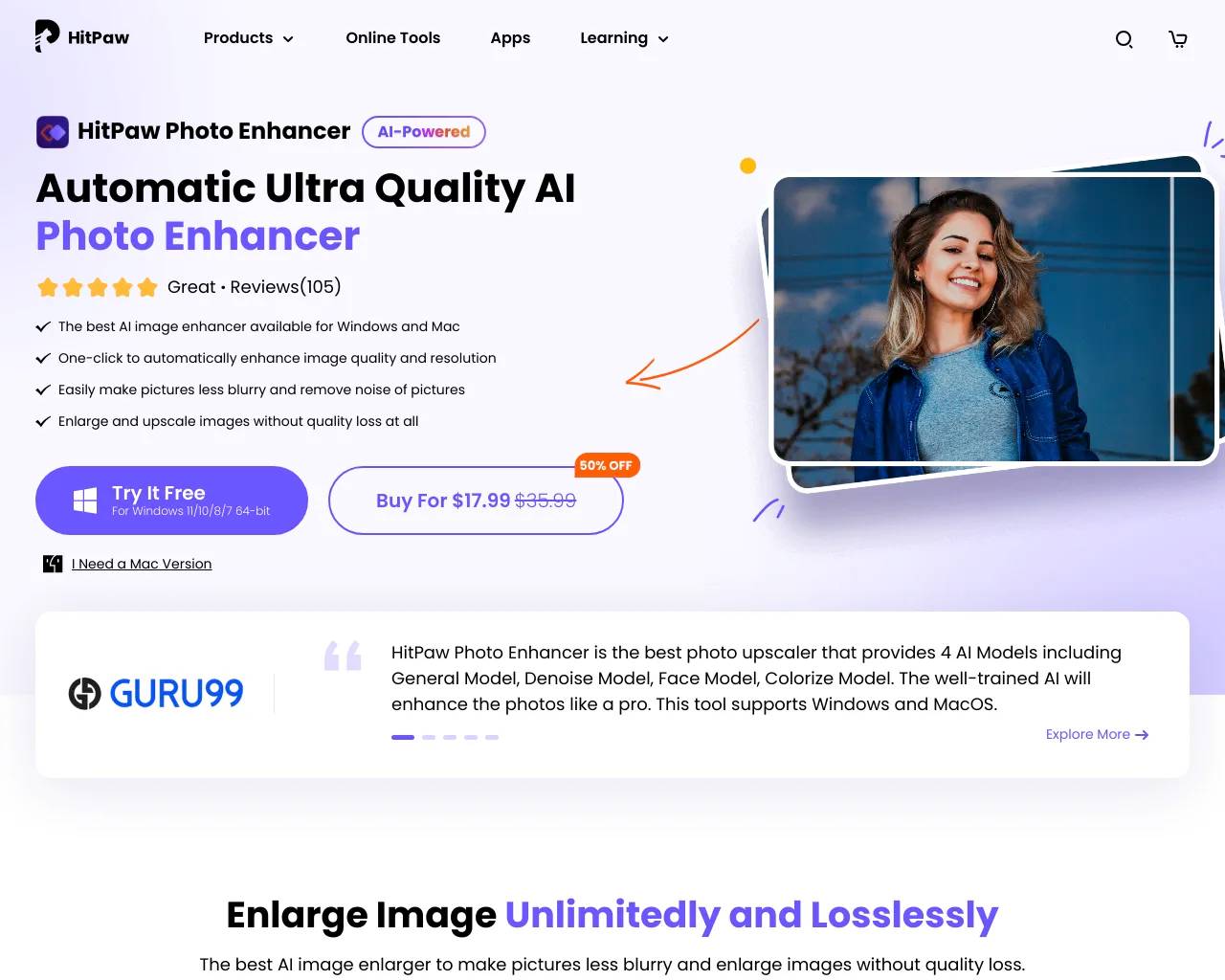
HitPaw FotorPea is an AI photo enhancer for Windows and Mac that improves image quality, upscales photos up to 8K, and restores old or blurry images with one click.
Frequently asked questions
What is HitPaw Photo Enhancer used for?
HitPaw AI Photo Enhancer – Enhance, Denoise & Upscale to 8K.Is HitPaw Photo Enhancer free?
HitPaw Photo Enhancer is free to use.What are alternatives to HitPaw Photo Enhancer?
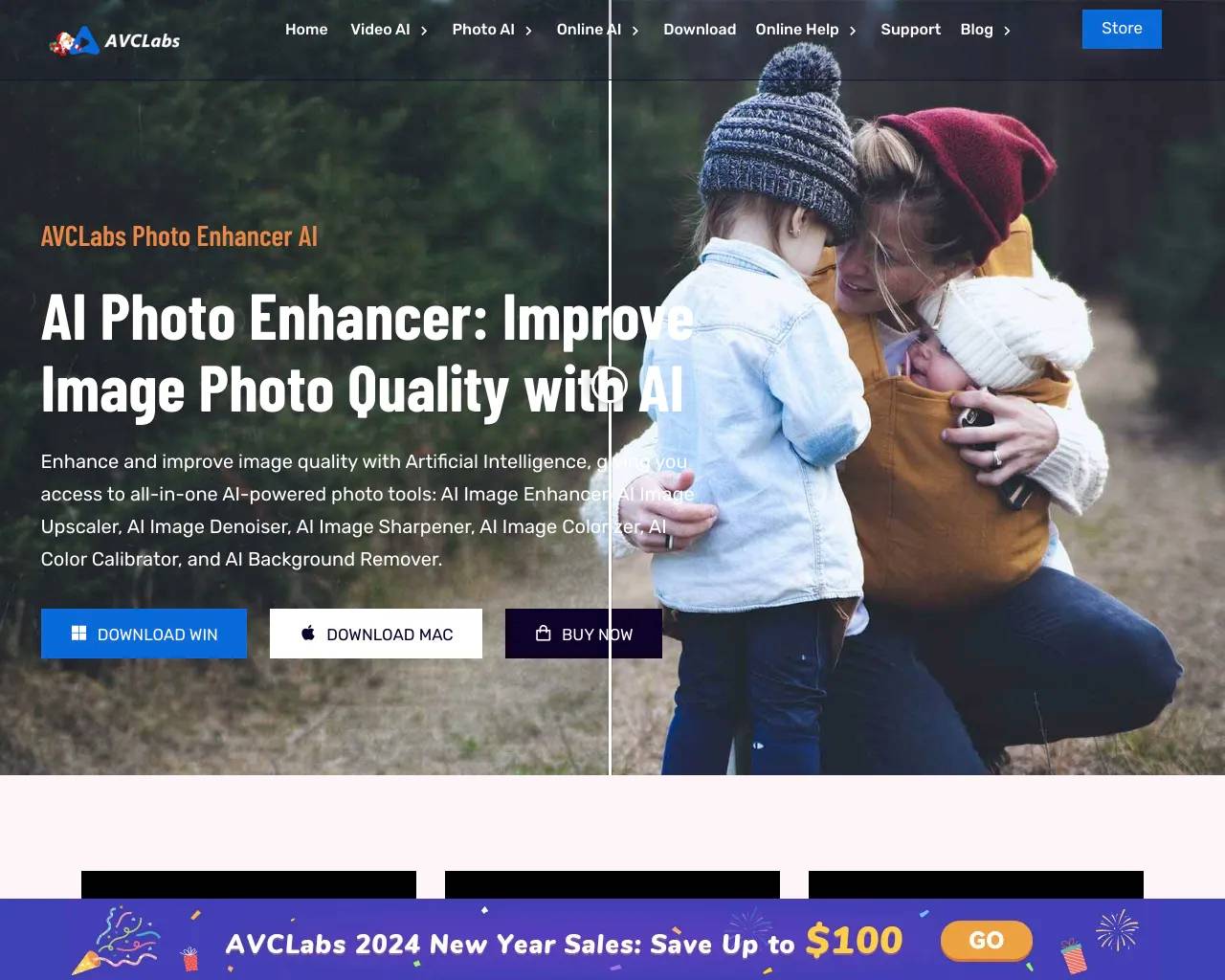
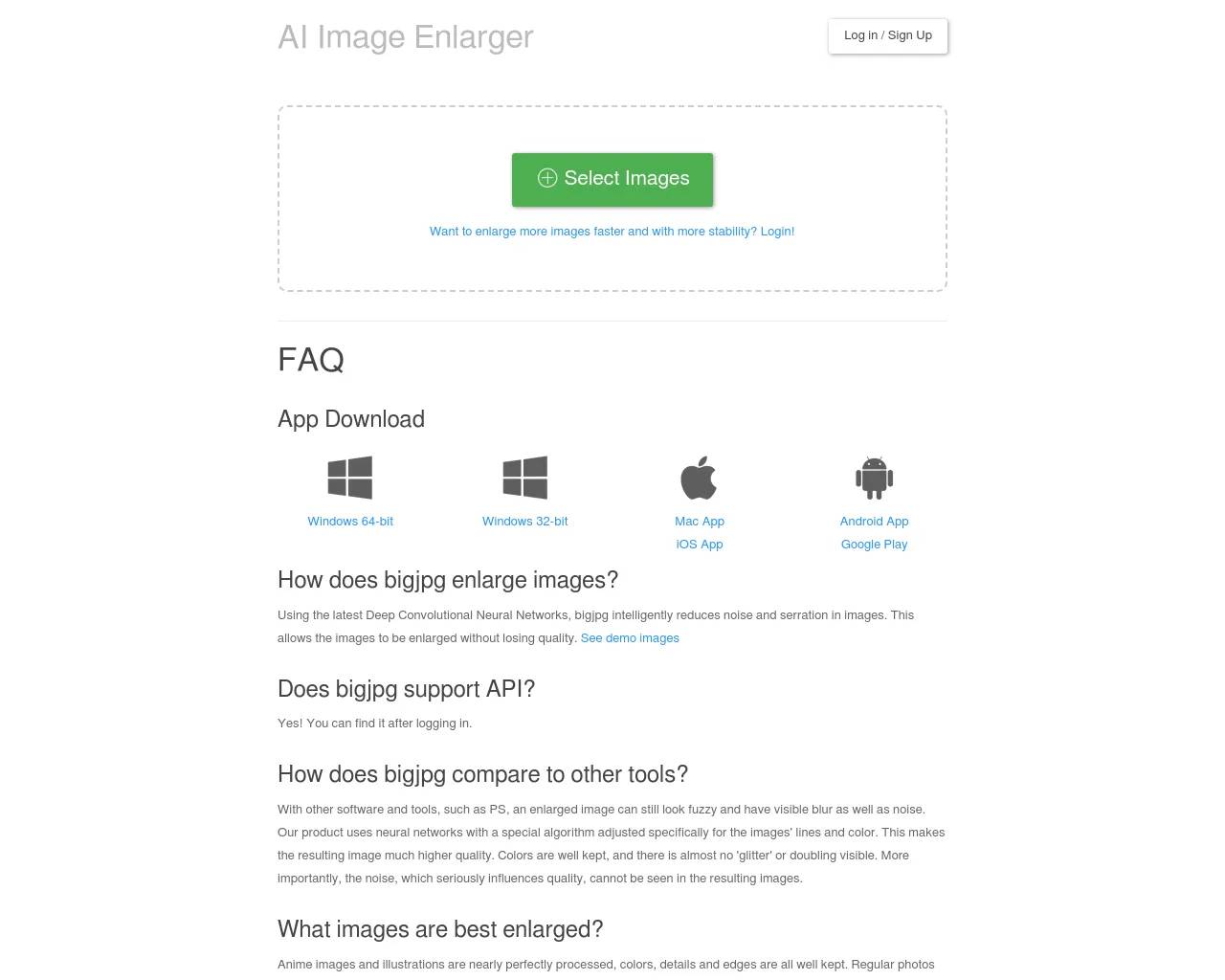
Top alternatives to HitPaw Photo Enhancer include HitPaw Online Photo Enhancer, AVCLabs Photo Enhancer AI, AVC AI, Imgupscaler, AI Image Enlarger.Where can I get HitPaw Photo Enhancer?
HitPaw Photo Enhancer is available at https://www.hitpaw.com/photo-enhancer.html.What category is HitPaw Photo Enhancer in?
HitPaw Photo Enhancer is listed in Image Upscaler.What is the finest photo enhancer available?
When in search of the most reliable and exceptional photo enhancer, look no further than HitPaw Photo Enhancer. This tool harnesses the power of AI to effortlessly enlarge and upscale images, eliminate image noise, and rectify color discrepancies. Additionally, it possesses the ability to restore old photos to their pristine condition.How can I boost the resolution of my photos to HD/2K/4K/8K?
Enhancing your photo resolution to HD/2K/4K/8K is a simple task with the assistance of HitPaw Photo Enhancer. With just one click, this potent AI-driven photo enhancer can transform low-quality images into high-resolution masterpieces, meeting your specific needs effortlessly.What is the process for enlarging photos using HitPaw Photo Enhancer?
Expanding your photos with HitPaw Photo Enhancer is a hassle-free process: 1. Launch HitPaw Photo Enhancer and either drag and drop your photo or click "Choose files" to import it. 2. Select an appropriate AI model and the desired output resolution for upscaling your photo. 3. Preview the enhanced result by clicking "Preview." 4. If you are satisfied with the outcome, click "Export" to preserve this high-quality image.What sets HitPaw Photo Enhancer apart with its features?
HitPaw Photo Enhancer stands out by harnessing AI technology to empower users, even those with no prior experience in photo restoration or upscaling. With a single click, it allows users to effortlessly restore or enhance the quality of any photo.How does HitPaw Photo Enhancer tackle image blurriness?
Do not fret if you have a blurry or out-of-focus picture; this AI image upscaler can effortlessly rectify the blur. Simply import the image in question and apply the enhancement. Within minutes, the AI technology will work its magic, resulting in a clear and crisp image.What is the best photo enhancer for PC?
If you're trying to find the best and most trustworthy AI photo enhancer free download for PC, then you shouldn't miss HitPaw FotorPea (originally named HitPaw Photo Enhancer). With its AI Enhancer feature, you can easily enlarge and upscale images, denoise raw images and correct the color. What's more, old photos can be restored to perfect condition.How can I improve my photo resolution to HD, 2K, 4K, 8K, or even 16K?
With HitPaw FotorPea's help, you can easily upscale low-quality pictures to HD, 2K, 4K, 8K, and even 16K resolution. Using advanced AI technology, FotorPea Photo Enhancer processes your photos with one click while preserving natural details and delivering exceptional clarity.How to enlarge photos with HitPaw FotorPea's photo quality enhancer?
First, open HitPaw FotorPea and drag & drop the photo or click on "Choose Files" to import your photo in the menu of AI Enhancer. Second, select a suitable AI model and the output resolution that you want to upscale your photo. Then, click on "Preview" to preview the enhanced result. If you're satisfied, click on "Export" to save this high-quality image.What are the features that make HitPaw FotorPea different?
HitPaw FotorPea utilizes AI technology to help users who even don't have any photo repair or upscale knowledge to one click restore or improve the quality of any kind of photo. There are different restoration modes designed for low-quality images, as well as for single-person or group old photos, particularly FotorPea offers generative enhancement.How does HitPaw FotorPea work when it unblurs the image?
Don't worry if you get a blurry or out of focus picture, this AI image upscaler can also fix the blur without any effort. Just import the needed photo and apply the enhancement, you will find it comes to clear within minutes.Is HitPaw Photo Enhancer now called HitPaw FotorPea?
Yes. HitPaw FotorPea is the new name for HitPaw Photo Enhancer. It's the same product with all existing image enhancement features retained, plus additional AI capabilities such as image generation and editing. Your license, account, and previous projects remain unchanged.How to make a blurry image clear?
Simply upload your image to FotorPea, choose an AI enhancement model, and let the tool automatically sharpen details, reduce blur, and restore clarity in one click.Can I use HitPaw FotorPea as a photo enhancer plugin in Photoshop?
Yes, HitPaw FotorPea offers a professional Photoshop plugin for seamless AI enhancement and restoration. You can upscale images by 2x/4x and fix blurry portraits directly within your PS workflow. Please note that the plugin requires a separate subscription and credits from the FotorPea software.
Compare HitPaw Photo Enhancer with…
Pick any tool to see a structured side-by-side: pricing, deployment, capabilities, and content policy.