- Category
- Image Upscaler
- Pricing
- Paid
- Alternatives
- 6 similar tools
- Last updated
- 2 days ago
- Source
- Official site ↗
AI Collection Top Picks

Image Upscaler Category Picks
AVC AI
Online AI Image Enhancer that Improves Photo Quality by Upscaling, Denoising, Restoring, Face Refinement, and More
About BigJPG AI
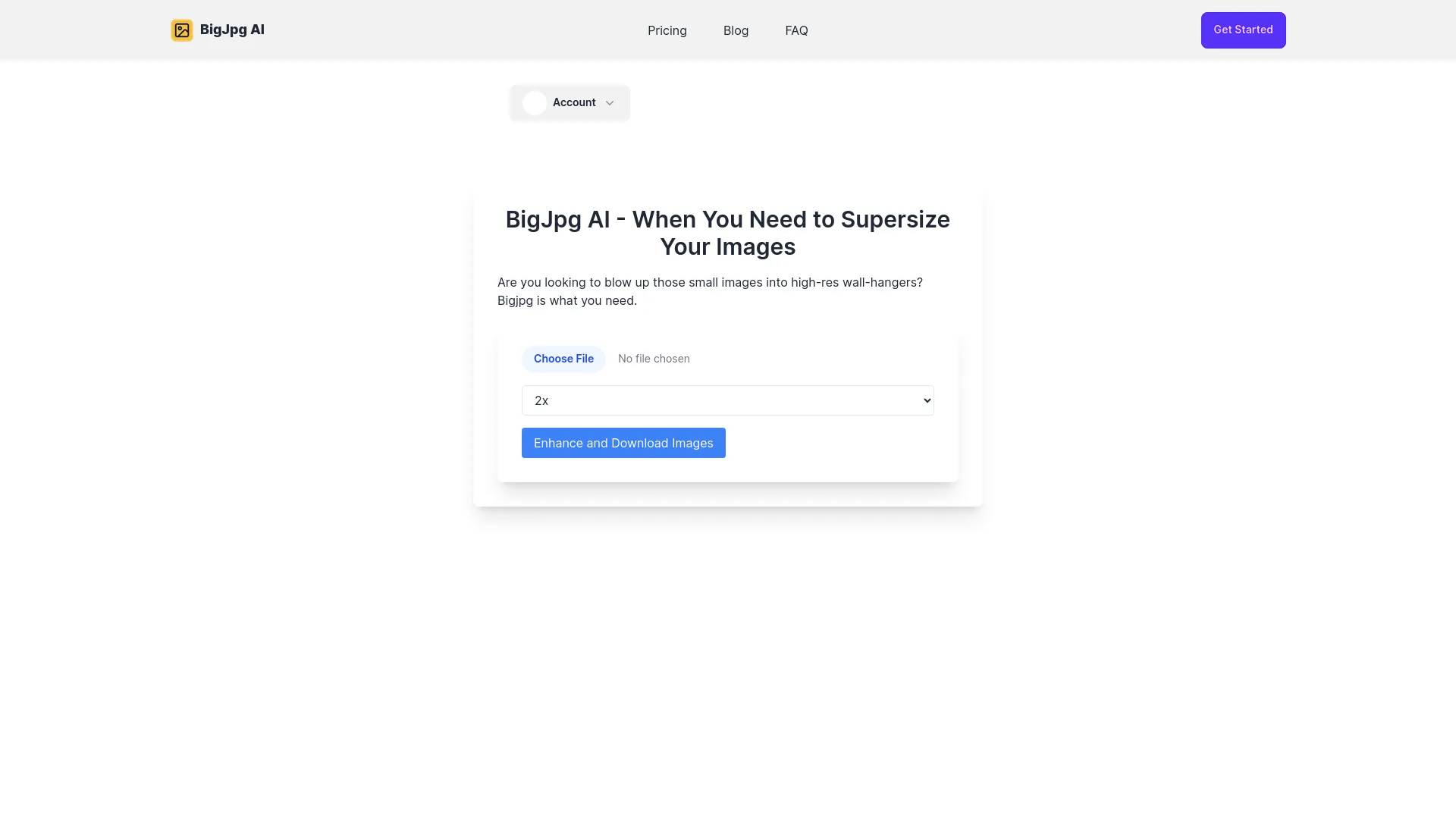
BigJPG AI: The nice image upscaler. It enlarges photos beyond limits, delivering crystal-clear results. Easy-to-use BigJPG creates print-quality enlargements.
BigJPG AI's Pricing Plans
BigJPG AI may change prices at any time. Here's our latest information:
BigJPG AI Premium
You need it
Paid users can batch process images and customize the enlargement up to 16 times.
$9.99
/monthly
Frequently asked questions
What is BigJPG AI used for?
BigJpg AI.Is BigJPG AI free?
BigJPG AI is a paid product. See the Pricing section for current plans.What are alternatives to BigJPG AI?
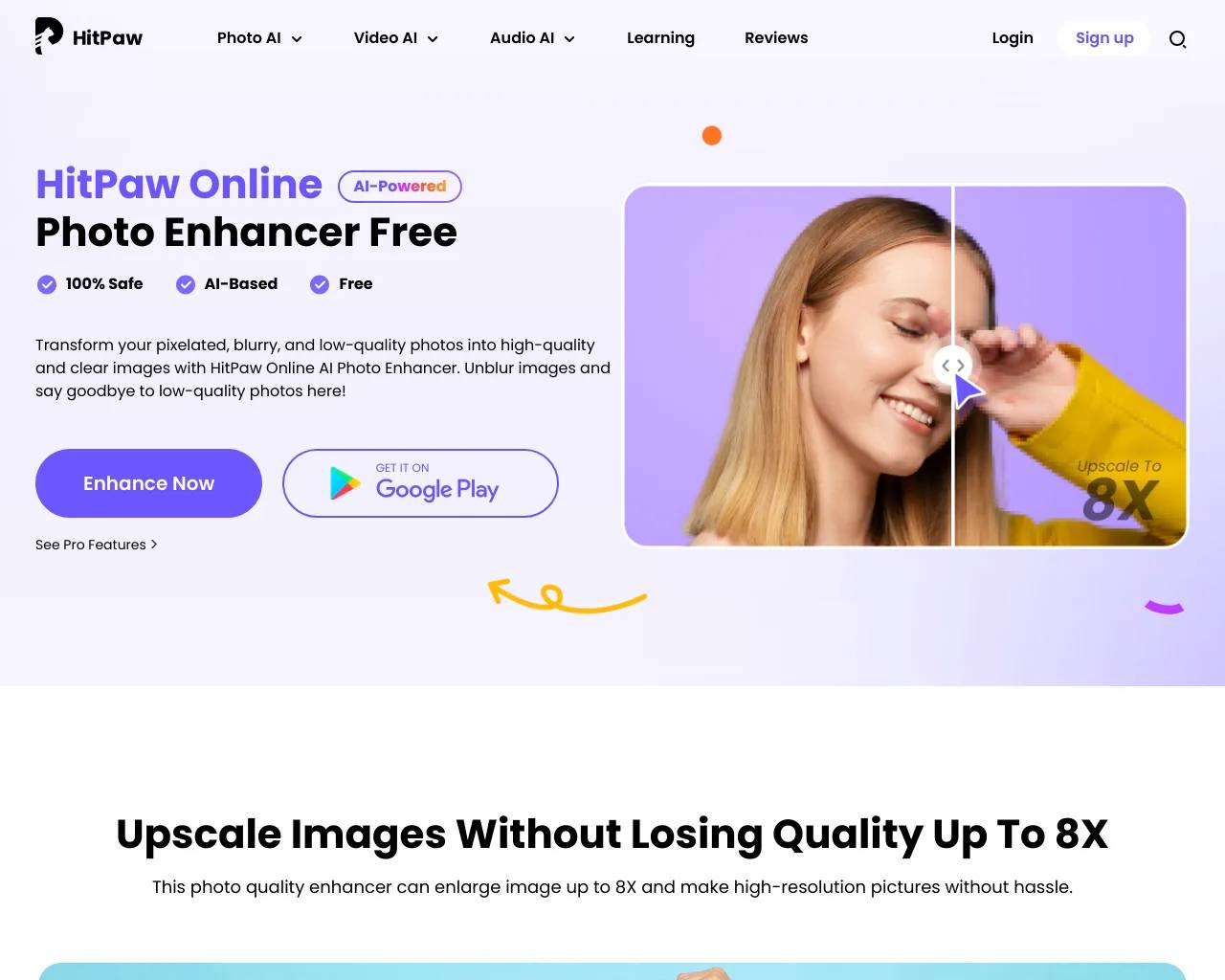
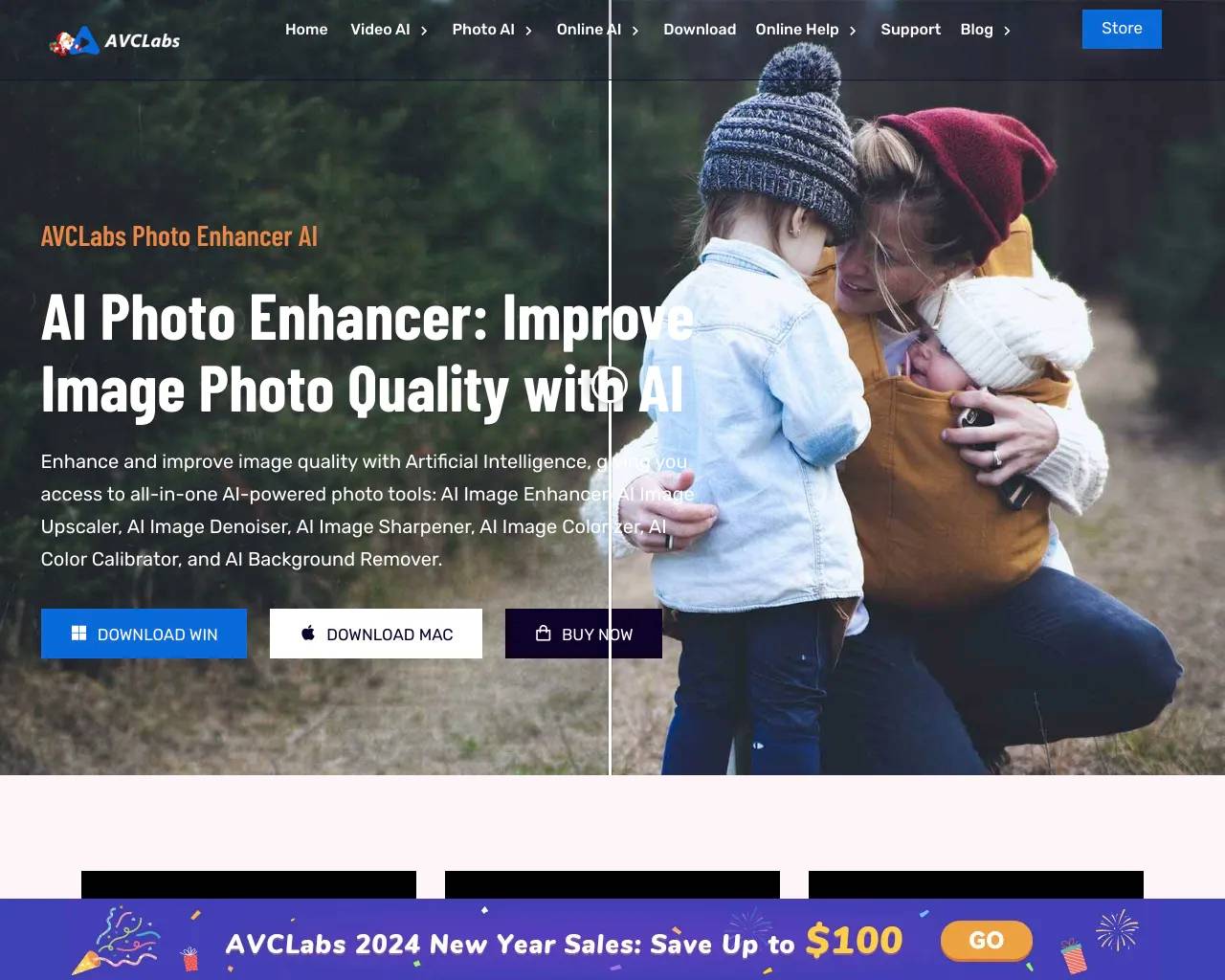
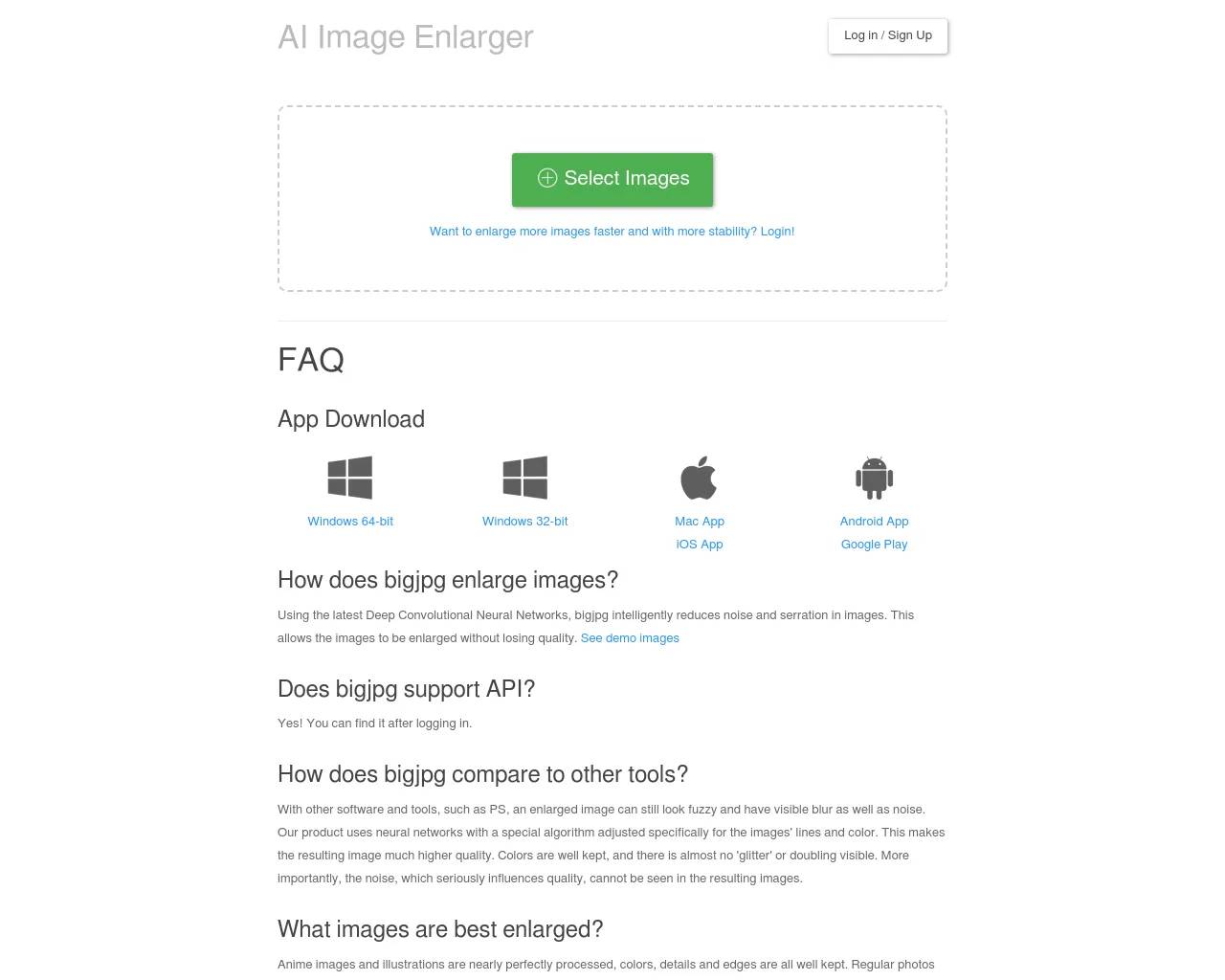
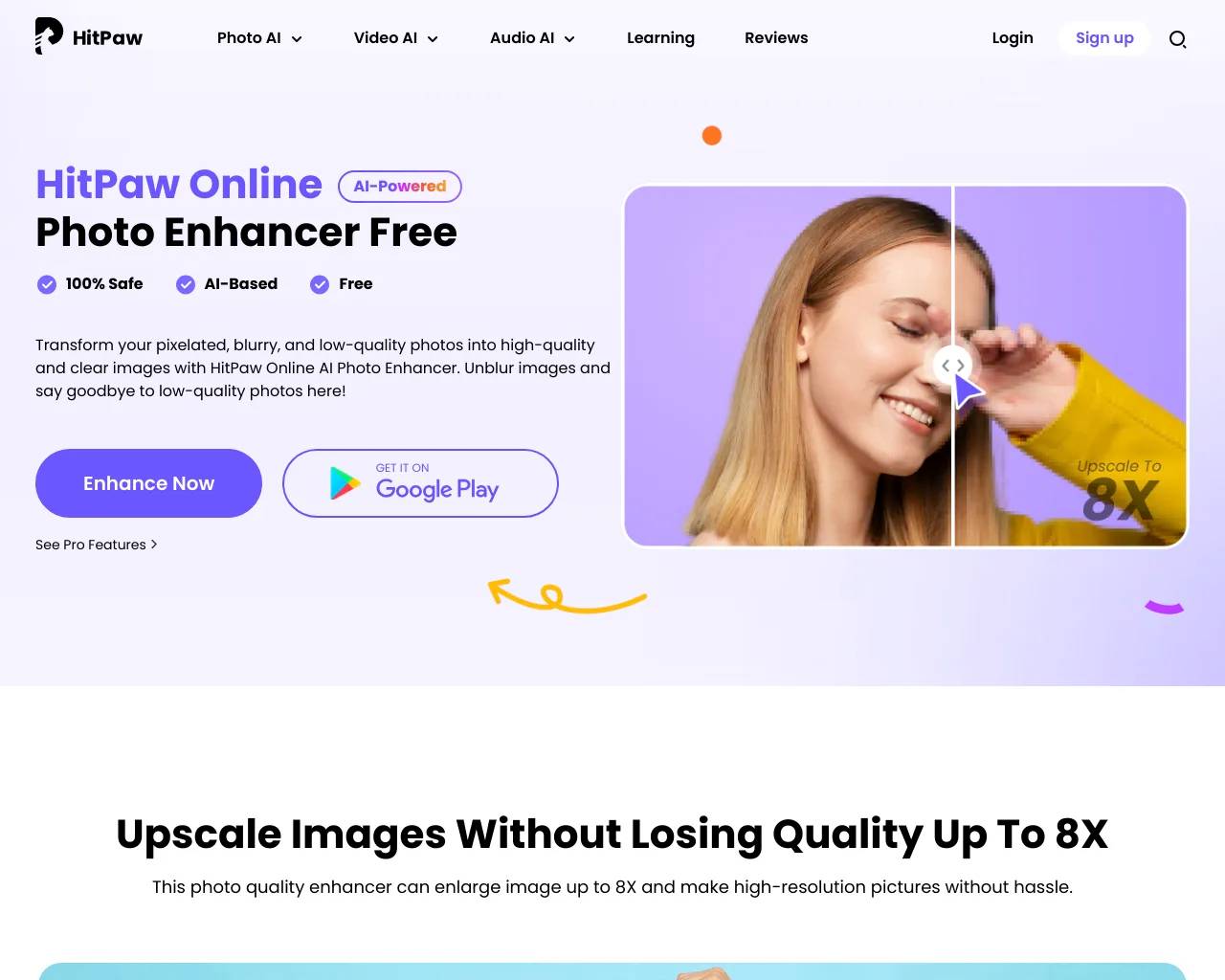
Top alternatives to BigJPG AI include HitPaw Online Photo Enhancer, AVCLabs Photo Enhancer AI, AVC AI, Imgupscaler, AI Image Enlarger.Where can I get BigJPG AI?
BigJPG AI is available at https://bigjpg.ai.What category is BigJPG AI in?
BigJPG AI is listed in Image Upscaler.What is the difference between the free and paid plans?
The free plan allows users to upload a single image and enlarge it up to 8 times. The paid plan offers additional features such as batch processing and customization, allowing users to enlarge images up to 16 times.Features
**First feature** AI-powered image enlargement up to 16 times, with superior quality and detail preservation.
**Second feature** Batch processing for paid users, enabling efficient handling of multiple images at once. **Use Cases**
**First use case** Photographers can upscale images without losing quality, perfect for printing high-resolution photos.
**Second use case** Designers can enlarge artwork or graphics to meet specific dimensions without compromising detail.
**Video Preview** [Watch the video preview here](https://youtu.be/zLBqkcrom3E?si=drtDlKAtaLjcBoE3)Can I get a refund?
Yes! You can request a refund within 14 days of your purchase. Reach out by email.What file types does Bigjpg support?
Bigjpg supports JPG, PNG, GIF, and BMP file formats.Is there a limit on upscaling dimensions?
No, you can upscale to pretty much any size you need.How much does Bigjpg cost?
It’s free for basic use, with premium paid plans for advanced features.How long does processing take?
Most images process in under a minute. Larger or more complex ones may take a few minutes.
Compare BigJPG AI with…
Pick any tool to see a structured side-by-side: pricing, deployment, capabilities, and content policy.