
Best Coloring Pages AI: Turning Photos and Story Ideas Into Printable Coloring Books
By: AI Collection
At a glance
Best Coloring Pages AI
A parent wants a birthday coloring page of the family dog. A teacher needs twenty themed worksheets by Monday. A children's-book author wants a printable coloring book where the same character shows up on every page. Those are three very different jobs, and they're the kind of thing Best Coloring Pages AI is built to handle in a few clicks rather than an afternoon in a design tool.
It's a web app that turns photos, short text prompts, and entire story ideas into printable, line-art coloring pages — and, increasingly, full coloring books. Here's what it actually does, what the plans cost, and where you'll want to look before committing.
Four tools under one roof
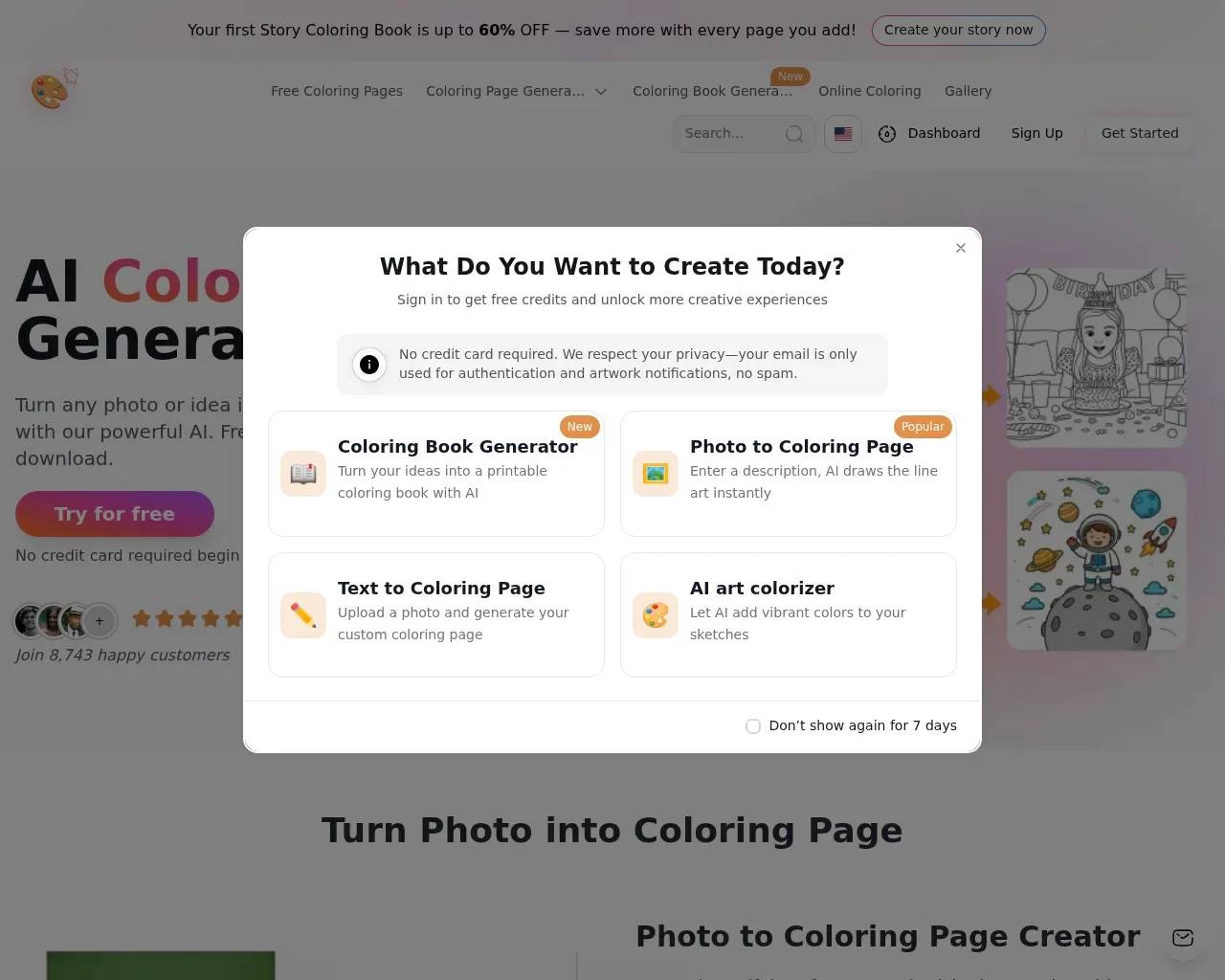
Most "AI coloring page" sites do one trick. This one bundles four related ones, which is the main reason it keeps showing up in roundups like The AI Journal's list of coloring-page generators for parents and teachers.
- Photo to Coloring Page. Upload a picture of a person, pet, or landscape and it traces out a clean line drawing you can print. Detail levels are adjustable, so you can dial a portrait down for a toddler or up for an adult who wants something intricate.
- Text to Coloring Page. Type a prompt — the site's own example is "superhero cat" — and pick an art style. Useful when you have an idea but no source photo.
- AI Art Colorizer. The reverse direction: feed it line art and it suggests palettes and shows a colored version, handy for previewing how a finished page might look.
- AI Coloring Book Generator. The most ambitious feature. Describe a story and it generates a sequence of pages with — per the site — consistent characters across the whole book, so your hero doesn't change faces from page to page.
There's also an in-browser coloring mode and a large free gallery, so kids can color on screen or you can grab a ready-made page without generating anything.
What a real workflow looks like
The photo-to-coloring screen is the clearest example of how much control you actually get. Alongside the upload box sit toggles for Remove Background, Keep Face, Private, and Remove Watermark, then a single Generate button. The sample output — a cartoon cat in a hoodie holding a drink — lands as crisp black-on-white line art, the kind of thing that prints cleanly on a home inkjet.
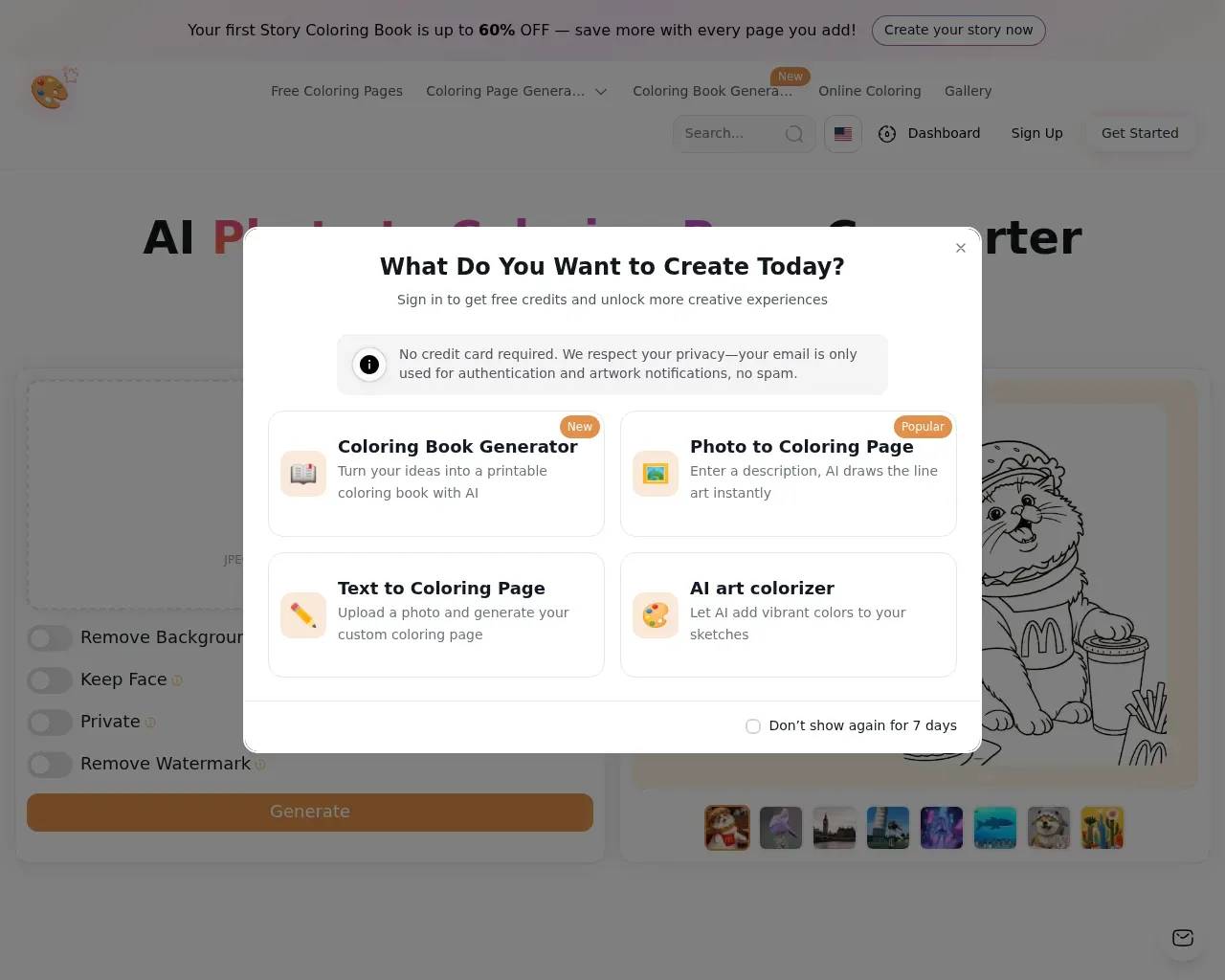
The presence of those toggles is worth reading as a hint: expect to experiment. "Keep Face" and adjustable detail exist because a single pass on a busy photo won't always nail it, so budget a couple of attempts for portraits or cluttered backgrounds rather than expecting one perfect render.
Pricing: read past the discount banner
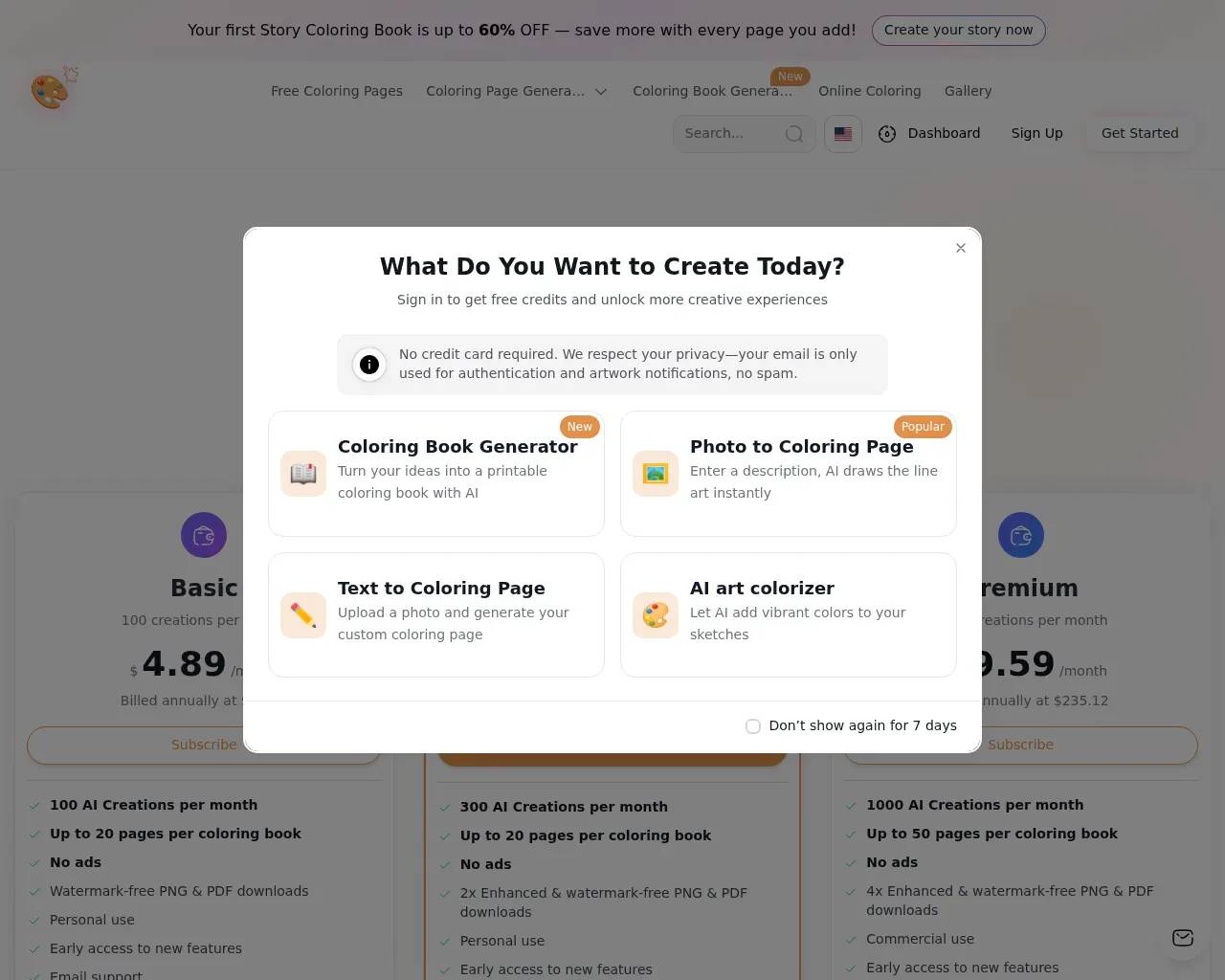
The site leans hard on promotions — a permanent "up to 60% off" story-book banner sits at the top — so it's worth separating the headline from the structure. Plans are credit-metered by "AI creations" per month, and the per-month figures shown reflect annual billing (the page advertises roughly 30% off versus paying monthly). There's also a one-time-purchase option for people who don't want a subscription.
Three paid tiers stack up like this:
- Basic — around $4.89/month on annual billing, 100 AI creations a month, watermark-free PNG and PDF downloads, personal use.
- Pro (flagged "Most Popular") — 300 creations a month and 2× enhanced, watermark-free downloads, still personal use.
- Premium — $19.59/month (billed annually at $235.12), 1,000 creations a month, 4× enhanced downloads, and the only tier with commercial-use rights.
A free tier lets you try the generator and colorizer without a credit card. Two things stand out. First, commercial rights live only on Premium — so a teacher selling printable packs, or anyone putting pages on Etsy, has to be on the top plan, not the cheap one. Second, page-per-book caps matter: Basic and Pro top out at 20 pages a book, while Premium allows 50. If your real goal is a thick coloring book, the math pushes you upward fast.
Who it fits
The sweet spot is non-designers who need volume and variety: parents making personalized pages, teachers and homeschoolers generating themed worksheets, and hobbyists who like having photo conversion, text generation, and a colorizer in one place instead of juggling separate tools. The vendor also points at art therapists and children's-book authors, and the full-book generator with consistent characters is the feature that actually backs up that last claim.
It's a weaker fit if you want a single free no-signup tool — there are leaner options like Colorify AI, GenColor AI, or iColoring AI for that — or if you need fine, illustrator-grade control over every line. This is a generate-and-tweak tool, not a vector editor.
A few things to weigh
The product is genuinely broad, but a buyer should go in clear-eyed:
- The catalog is enormous and partly built on branded characters. The sitemap runs to tens of thousands of themed pages across more than a dozen languages, and some lean on trademarked franchises. For personal printing that's fine; if you plan to sell pages, vet the IP before you do, even on the commercial-use plan.
- Credits are a real ceiling. Heavy users will feel 100 or even 300 monthly creations, especially when a single book eats many pages.
- Independent reviews are still thin. Beyond a handful of roundup mentions and a quiet Hacker News post, most signal comes from the site itself — including a self-reported "8,743 happy customers." Treat that as marketing, not an audited number, and lean on the free tier to judge output quality for your own images.
Bottom line
Best Coloring Pages AI is a capable, all-in-one coloring-page studio that does more than the single-trick generators it competes with — photo conversion, text prompts, a colorizer, and a genuinely useful full-book mode with consistent characters. The pricing is fair once you see past the discount theatrics, with the main catch being that commercial use and bigger books require the top tier. Start on the free plan, run a few of your own photos through it, and you'll know within minutes whether it fits your printing habit.
Sources consulted
- Best Coloring Pages AI — homepage — core feature set, free-trial and "8,743 customers" claims, promotional framing
- Best Coloring Pages AI — pricing — Basic/Pro/Premium tiers, per-plan creations, page caps, download quality, and the visible annual prices
- Best Coloring Pages AI — llms.txt — official feature descriptions and stated target audience
- Best Coloring Pages AI — sitemap — scale and multilingual breadth of the themed coloring-page library
- The AI Journal — Best AI coloring page generators for kids, parents, and teachers — independent positioning and competitive context
- Hacker News — AI-powered Coloring Pages Generator — independent (if limited) community signal
Published on: June 19, 2026
Looking for alternatives to Best Coloring Pages AI? See all Best Coloring Pages AI alternatives →
Have an AI tool of your own? Submit it below and get a free, in-depth product review article — just like this one.
Add your AI tool in seconds
Paste your URL and we'll draft the listing. You review and edit every field before submitting.
More Product Reviews:
By: AI Collection