youtube video downloader
youtube video downloader is an AI tool. Best Free YouTube Video Downloader | Save Videos in HD & 4K.

- Category
- Video Editing
- Alternatives
- 6 similar tools
- Last updated
- 2 days ago
- Source
- Official site ↗
AI Collection Top Picks

Video Editing Category Picks

About youtube video downloader
Download YouTube videos and shorts in HD with AISEO YouTube Video Downloader. No ads, watermarks, or registration required. Fast, free, and easy!
What you get
Additional Information
What problem does this tool solve? AISEO YouTube Video Downloader lets anyone grab YouTube videos or Shorts—watermark-free and in full HD—without installing extensions or dealing with ads.
Who benefits most from it? Content creators, educators, commuters, and anyone who needs reliable offline access to videos or quick audio extractions.
Features:
HD & Shorts Support – download public videos and Shorts in resolutions from 144 p to 1080 p.
One-Click MP3 Extraction – strip high-quality audio for podcasts, lectures, or background listening.
Batch Downloader – queue up to ten URLs and process them in parallel to save time.
Browser-Based Workflow – works on desktop and mobile without plugins, software, or sign-ups.
Use Cases:
Teacher with spotty classroom Wi-Fi: preloads documentary clips and Shorts for smooth, ad-free playback during lessons.
Daily commuter: converts favorite live-performance videos to MP3 for offline listening on the train.
Bronnen
Frequently asked questions
What is youtube video downloader used for?
Best Free YouTube Video Downloader | Save Videos in HD & 4K.Is youtube video downloader free?
Pricing for youtube video downloader varies — see the Pricing section for details.What are alternatives to youtube video downloader?
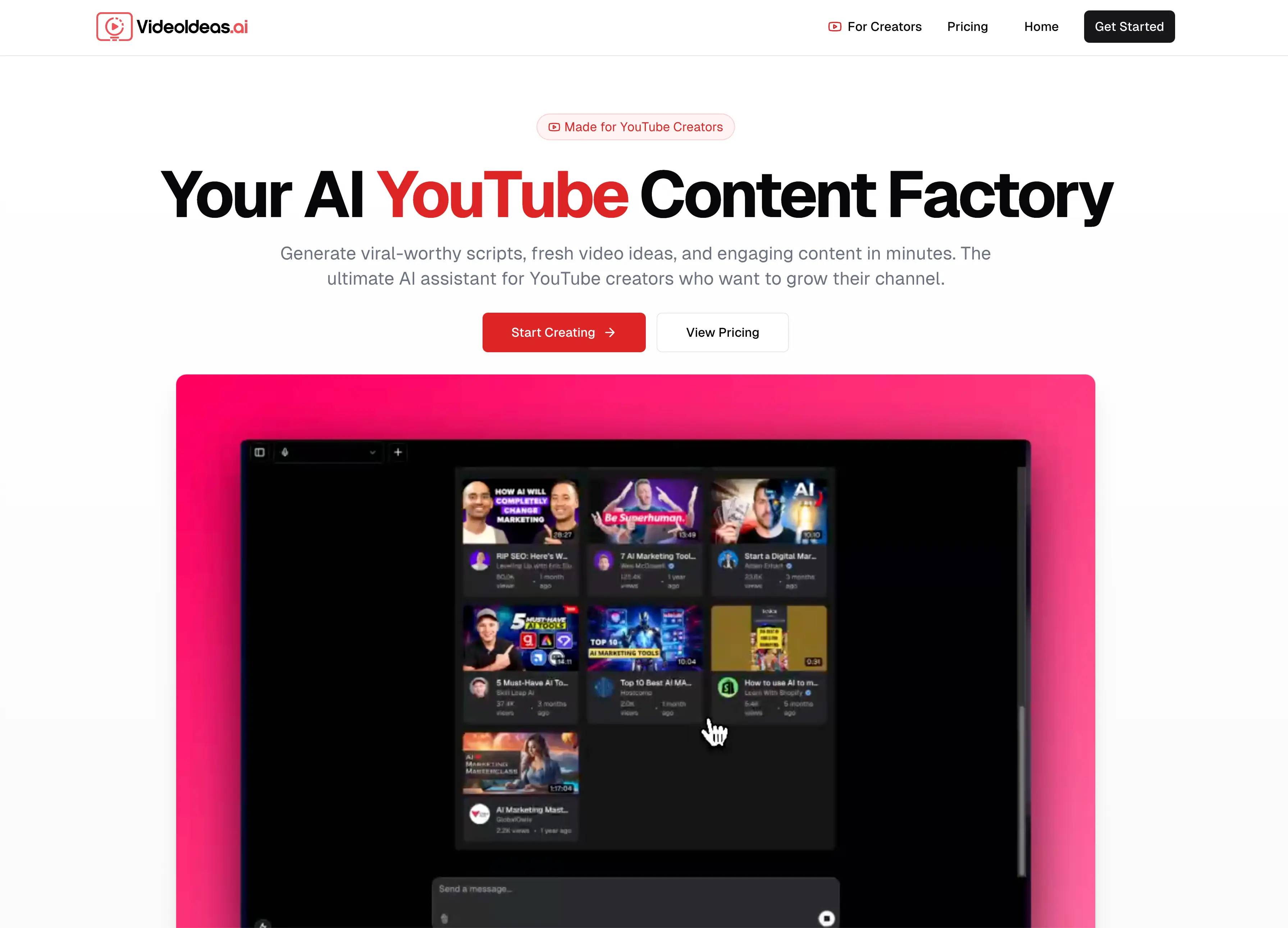
Top alternatives to youtube video downloader include SellerPic AI, VideoIdeas AI, Klap App, AI video editor, Atlabs AI.Where can I get youtube video downloader?
youtube video downloader is available at http://app.aiseo.ai/tools/youtube-video-downloader.What category is youtube video downloader in?
youtube video downloader is listed in Video Editing.Is it legal to download videos from YouTube?
Yes, you can download YouTube videos online for personal use, but not for commercial purposes. Always check copyright and terms, especially with private videos from YouTube, to ensure proper use.Can I download YouTube videos in full HD or 4K?
Yes, you can download YouTube videos in high definition or 4K if the original video is available in those resolutions. Using a YouTube Video Downloading tool allows access to high quality, ensuring clear offline watching across devices.How do I download YouTube videos on my mobile device?
To download YouTube videos on your smartphone using a YouTube Video Downloading tool, follow these simple steps:Copy the YouTube Video URL: Open YouTube on your phone and copy the URL of the video you want to download.Open a Free YouTube Downloader: Use an online MP4 video downloader like AISEO’s YouTube Video Saver.Paste the URL: Input the copied URL into the downloader's input field.Download: Click the download button, and the video will be saved to your device.For smartphones, AISEO offers one of the best YouTube video downloader apps with fast video conversion and no registration. Whether it’s for downloading YouTube videos or YouTube shorts, this video downloader for YouTube Shorts is optimized for mobile use.How do I download videos from YouTube to my computer?
Downloading videos from YouTube to your PC is straightforward with the right tool. Here’s how:Copy the YouTube Video Link: On your PC, open YouTube and copy the URL of the video you want to download.Open a YouTube Video Downloading tool: Head to AISEO’s YouTube Video Download tool, a top choice for free YouTube video downloader for PC.Paste the URL: Paste the copied YouTube video link into the input box. We offer various resolutions and various qualities, you can choose any.Download the Video: Click the download button, and the video will be saved to your computer.AISEO offers a YouTube downloader with fast speeds and video conversion options, perfect for YouTube shorts downloader and long-form content. It's also one of the best YouTube video saver for laptop and Chrome users.Can I download YouTube videos on an iPhone or iPad?
Yes, you can save videos from YouTube on an iPhone or iPad. Open the YouTube Video Downloading tool in your browser, input the video link, and start downloading for offline watching on iOS devices. We offer cross platform compatibility.Can I download entire YouTube playlists?
Yes, you can download entire YouTube playlists by downloading the videos one by one. Simply input each YouTube URL into the YouTube Video Downloading tool to save videos directly for offline watching on various devices.Are there any limits to the number of videos I can download from YouTube?
No, there’s no limit to the number of videos you can do unlimited downloads from YouTube for personal use. However, the free YouTube Video Downloading software discourages spammy downloading practices to ensure fair use.Who should use this YouTube Video Downloading Tool?
The AISEO YouTube Video Downloading tool is perfect for a wide range of users:Content Creators: If you need videos for reference, inspiration, or offline editing, this best YouTube Video Downloading app offers quick use.Students: Download educational videos for offline study, using a YouTube Video Downloading tool for convenience.Travelers: For those on the go with limited internet bandwidth, this tool is great for downloading YouTube videos for offline enjoyment.Social Media Managers: Use a video downloader for YouTube Shorts to capture and share videos across platforms.Casual Users: Anyone who enjoys offline use to their favorite content will find this free YouTube installer helpful.Whether you’re looking for the fastest YouTube downloader, or need a reliable YouTube downloader online for all devices, this tool offers seamless performance across all platforms.What are the best use cases of a YouTube Video Downloader?
The best use cases of a YouTube Video Downloading tool include:Offline Viewing: Download videos for watching later without needing internet connection, perfect for travel or areas with poor connectivity.Content Archiving: Save important videos, tutorials, or live streams to your device for long-term storage using a free YouTube downloader.Educational Purposes: Students and teachers can use an easy YouTube Video Downloading tool to capture lectures or tutorials for offline study sessions.Social Media Marketing: Social media managers can use a video saver for YouTube Shorts to repost or analyze video trends.Video Editing: Download videos for use in projects and perform faster video conversion to different formats using the best YouTube video downloader for PC or YouTube video downloader Chrome.These use cases highlight the flexibility of tools like AISEO, allowing for various formats, including YouTube video downloader online MP4, to meet your needs.Can I download private YouTube videos?
No, you cannot download private YouTube videos using a YouTube Video Downloading tool. Private videos are restricted for privacy and require permission to view and use.Will the audio quality remain the same when downloading YouTube videos?
Yes, when you save YouTube videos with a reliable YouTube Video Downloading tool, the audio files quality remains the same as the original video. This ensures high-quality audio for offline watching across multiple devices.How do I convert downloaded YouTube videos into other formats?
To convert downloaded YouTube videos into other formats, AISEO provides several tools:YouTube to MP3 Converter (for audio formats)Video to Blog ConverterThese tools ensure smooth video conversion after downloading YouTube videos using our YouTube Video Downloading tool.
Compare youtube video downloader with…
Pick any tool to see a structured side-by-side: pricing, deployment, capabilities, and content policy.