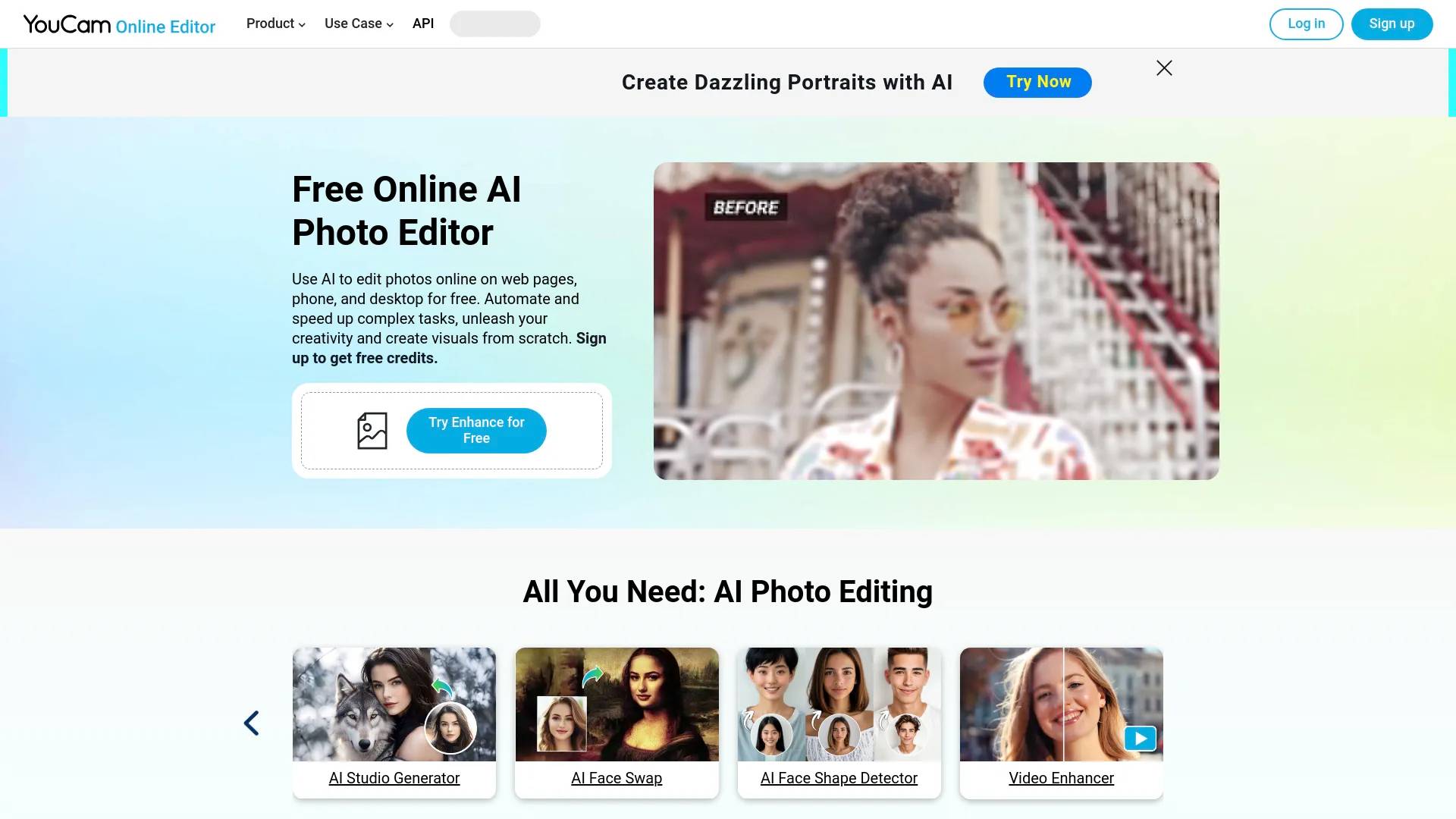
YouCam Online Editor
YouCam Online Editor is an AI tool. AI Photo Editor: Edit, Enhance & Generate | YouCam.
- Category
- Image Editing
- Alternatives
- 6 similar tools
- Last updated
- 2 days ago
- Source
- Official site ↗
AI Collection Top Picks

Image Editing Category Picks

About YouCam Online Editor
The best AI photo editor and image editor online. Remove backgrounds, enhance portraits, generate AI art, and create videos right in your browser.
YouCam Online Editor's Pricing Plans
YouCam Online Editor may change prices at any time. Here's our latest information:
Pricing Plans
Free Account
5 free credits given upon sign up, enough to complete 1-2 photo edits.
Annual Subscription
- 40 credits/mo $2.50/mo
- 100 credits/mo $5.83/mo
- 200 credits/mo $6.67/mo
- 500 credits/mo $16.58/mo
- 1000 credits/mo $29.08/mo
Pay as You Go
- 10 credits $4.99
- 50 credits $19.99
- 100 credits $23.99
- 200 credits $49.99
- 500 credits $99.99
Frequently asked questions
What is YouCam Online Editor used for?
AI Photo Editor: Edit, Enhance & Generate | YouCam.Is YouCam Online Editor free?
Pricing for YouCam Online Editor varies — see the Pricing section for details.What are alternatives to YouCam Online Editor?
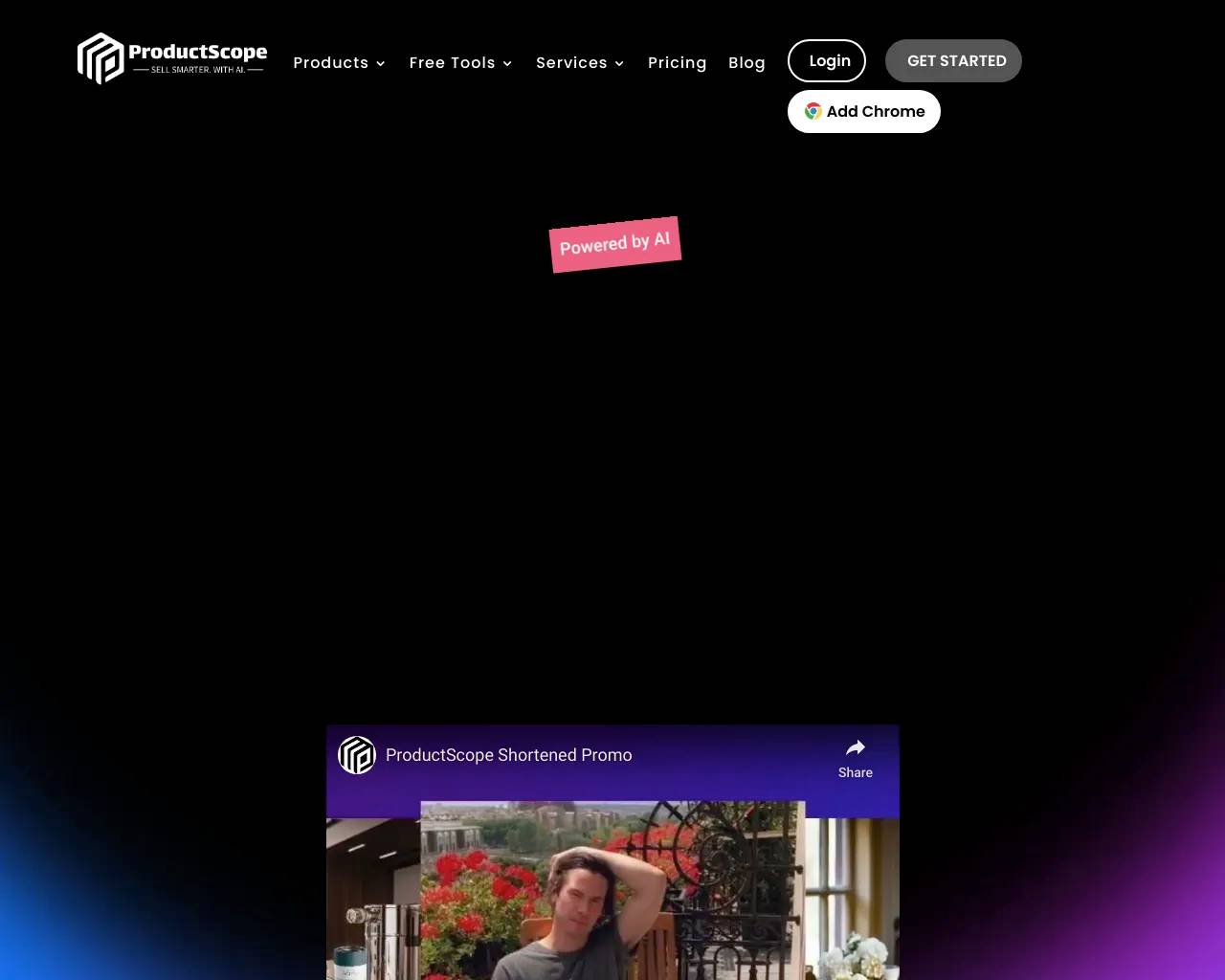
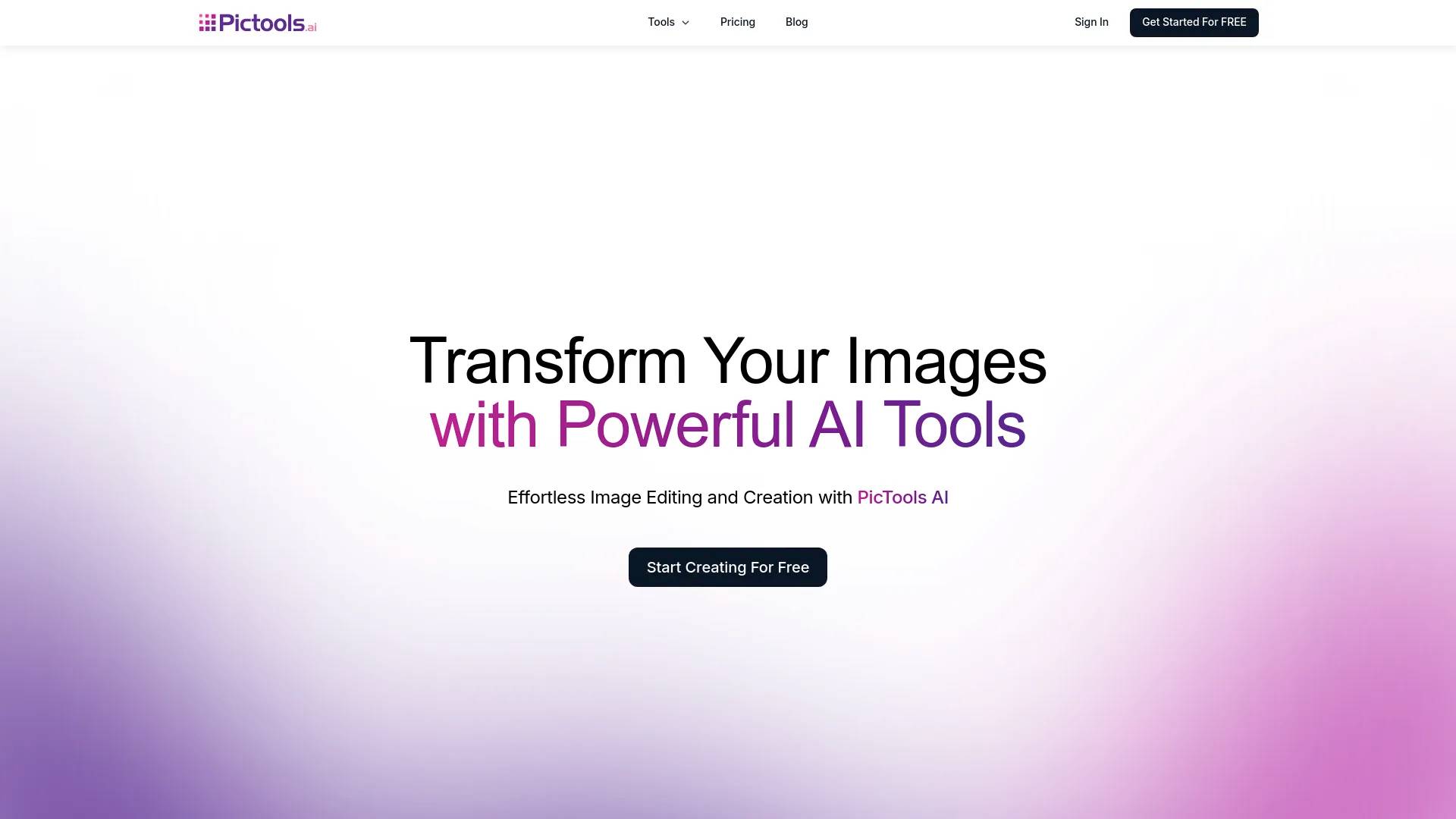
Top alternatives to YouCam Online Editor include Photoshift, PicTools.AI, AI Photos Editor, AVCLabs PhotoPro AI, ProductScope AI.Where can I get YouCam Online Editor?
YouCam Online Editor is available at https://yce.perfectcorp.com/.What category is YouCam Online Editor in?
YouCam Online Editor is listed in Image Editing.2. What features does YouCam Online Editor offer for photo editing?
It offers tools to improve image quality, remove backgrounds or unwanted objects, extend image borders, and replace objects with generative AI. You can achieve professional-level results with these intuitive tools.3. How does YouCam use AI to enhance photo quality?
Its AI analyzes your image to enhance resolution, colorize, and apply edits that bring out the best in your photos.4. Can I remove backgrounds or unwanted objects from my photos?
Yes, YouCam includes AI tools that allow you to remove backgrounds and any unwanted elements from your photos with just a few clicks.5. What is generative AI, and how can it extend image borders or replace objects?
Generative AI can add new content to your photo, like extending the image background seamlessly or swapping specific objects with ones you choose. This feature offers creative flexibility in photo editing.6. Is YouCam Online Editor suitable for beginners, or is it mainly for professional use?
YouCam Online Editor is ideal for both beginners and professionals. Its intuitive interface makes it easy for newcomers, while ensuring high-quality results. Professionals can also use it to streamline traditional editing tasks, saving time, costs, and effort.7. Do I need to install any software, or is it fully online?
YouCam Online Editor is fully online, so no installation is needed. Simply open it in your browser on any mobile device or desktop to start editing.8. How do I save and export edited images from YouCam Online Editor?
Once you’re finished editing, tap the "Download" button to save your high-quality image directly to your device.9. How much does YouCam Online Editor cost?
YouCam Online Editor offers several pricing plans, including 5 free credits for new users, which cover 1-2 photo edits. An annual subscription provides a monthly credit allowance, while a pay-as-you-go option lets you purchase credits as needed. Select the plan that best suits your editing needs!What is the best AI photo editor for beginners in 2026?
The best AI photo editor for beginners in 2026 is one that requires no steep learning curve or heavy software installation. YouCam's Online Editor is highly recommended because it provides automated, one-click tools like background removal and image enhancement directly in your browser. You can start editing for free directly in our editor, after signup.
Is there a free AI photo enhancer to fix blurry photos online?
Yes, if you need to unblur photos with AI, the YouCam AI Photo Enhancer is a safe and accessible tool[4]. It utilizes machine learning to restore lost details, sharpen soft edges, and reduce noise from low-resolution or out-of-focus images, letting you enhance your photos instantly without complex editing software.
How do I remove unwanted objects or people from a photo using AI?
You can easily remove objects from photos with AI using our automated AI Object Remover. Simply brush over the unwanted person, text, or distraction, and the AI will erase them. It then intelligently reconstructs the background texture and lighting to make the edit look clean and natural.
Can you really turn a single photo into an AI video?
Yes, you can turn a photo into a video with AI using our specialized animation features. The AI analyzes the depth and subjects in your still image to generate realistic movement—such as flowing water, drifting clouds, or subtle cinematic camera pans—which is ideal for creating eye-catching social media content.
Do I need a powerful computer to run YouCam’s AI tools?
No, YouCam is a fully browser-based online AI photo editor with no download required. Because all heavy AI processing is handled securely on our cloud servers, you can edit, enhance, and modify images quickly using almost any standard computer, tablet, or smartphone without slowing down your system.
Why should I choose YouCam over other AI editing software?
YouCam is designed specifically for everyday creators, small business owners, and social media managers who need professional results without the complexity of desktop suites like Photoshop. It focuses on speed and ease-of-use, packing advanced generative AI features into an intuitive, accessible online interface.
Is my data secure, and do you use my photos to train AI models?
Your privacy is very important to us. We do not use your personal images or uploaded content to train our AI models without your consent. All files are securely processed on our servers and automatically deleted after a short period. You can find more details in our Privacy Policy.
Compare YouCam Online Editor with…
Pick any tool to see a structured side-by-side: pricing, deployment, capabilities, and content policy.