RunComfy
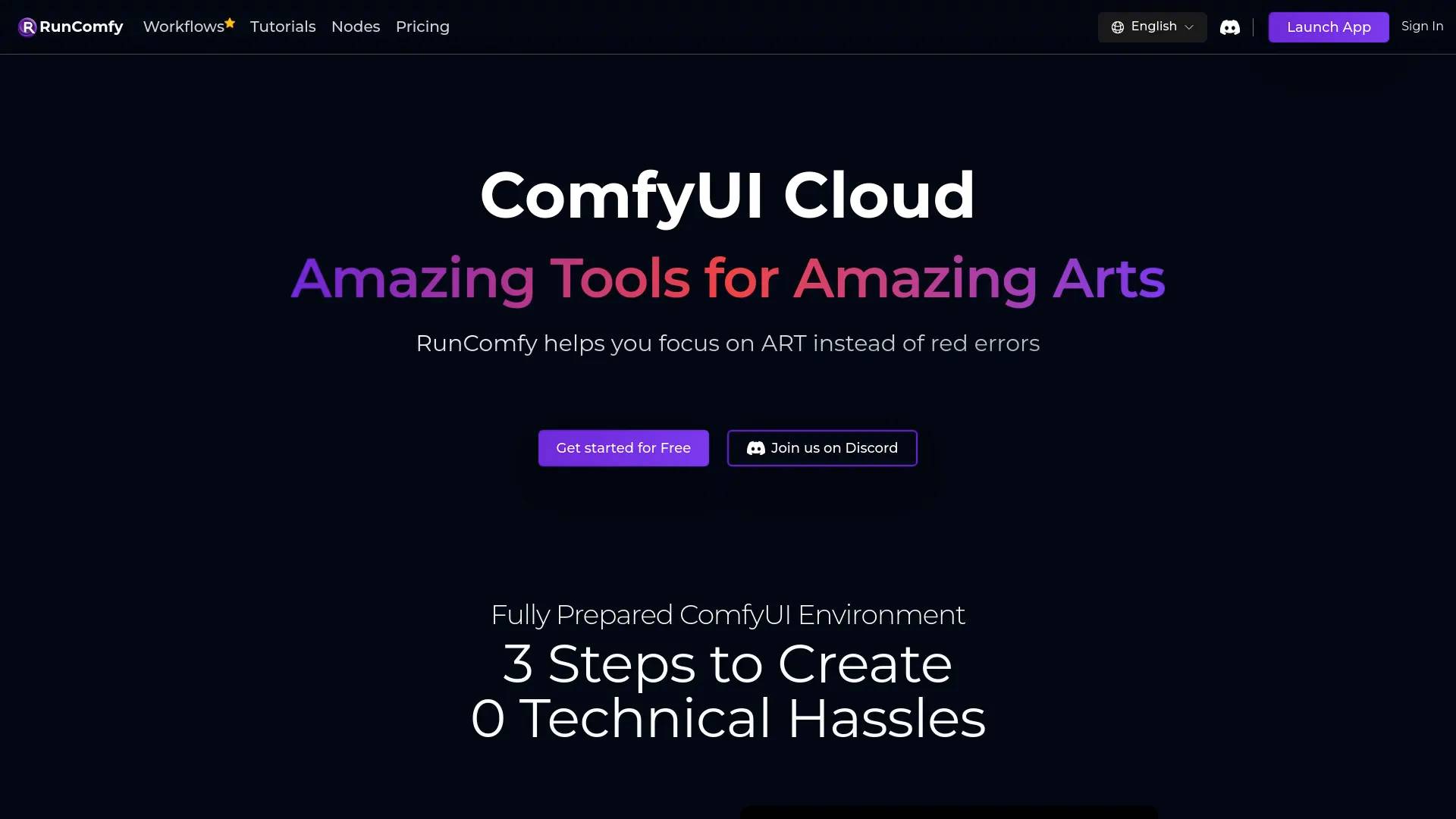
RunComfy is an AI tool. RunComfy: Top ComfyUI Platform - Fast & Easy, No Setup.
- Category
- Text to Video
- Pricing
- Free
- Alternatives
- 6 similar tools
- Last updated
- 2 days ago
- Source
- Official site ↗
AI Collection Top Picks

Text to Video Category Picks


About RunComfy
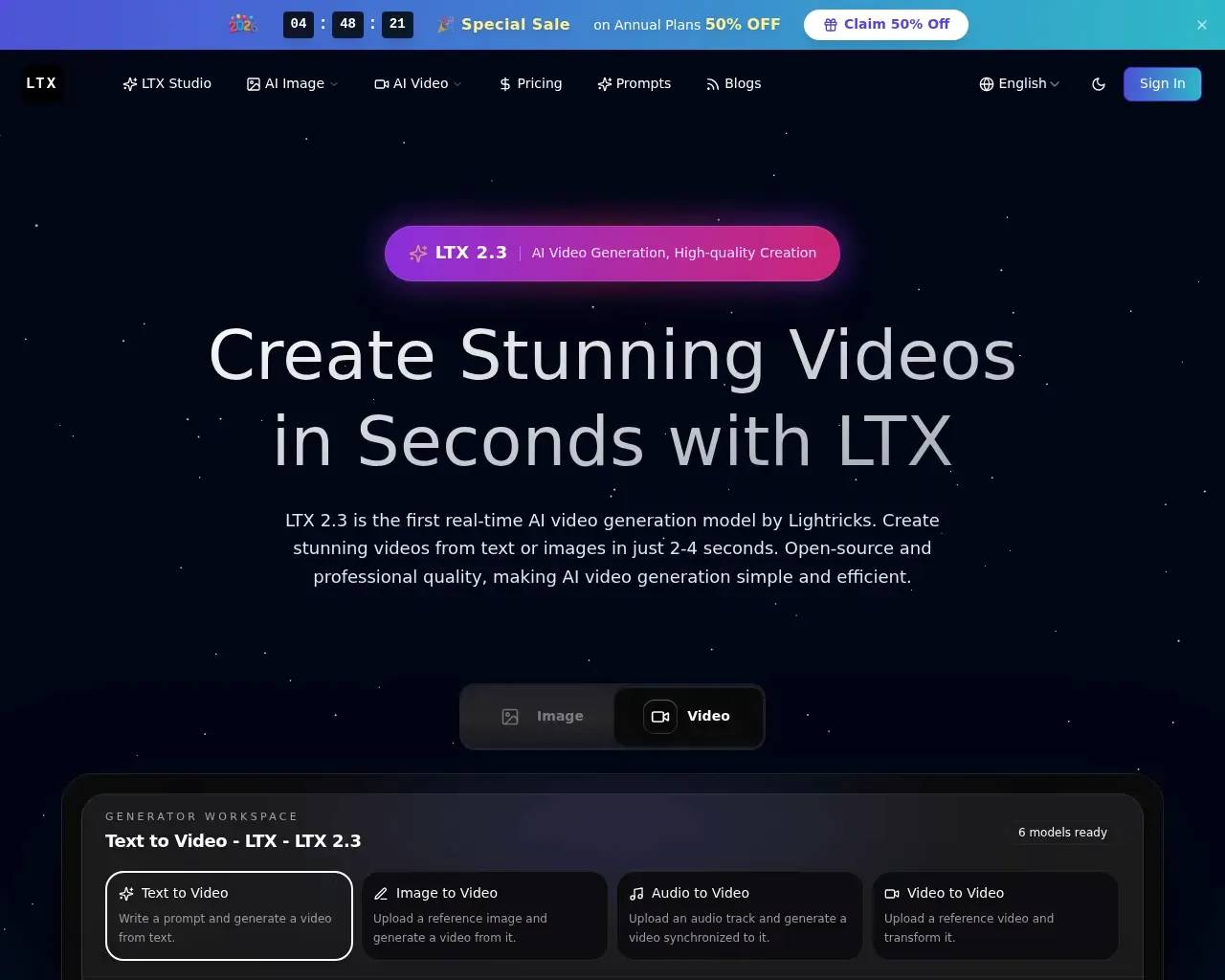
Launch ComfyUI in the cloud with no setup. Run ComfyUI workflows on fast GPUs and deploy a production ComfyUI API that autoscales with demand.
Frequently asked questions
What is RunComfy used for?
RunComfy: Top ComfyUI Platform - Fast & Easy, No Setup.Is RunComfy free?
RunComfy is free to use.What are alternatives to RunComfy?
Where can I get RunComfy?
RunComfy is available at https://www.runcomfy.com.What category is RunComfy in?
RunComfy is listed in Text to Video.How Does ComfyUI Compare to Automatic 1111?
When comparing Automatic 1111 with ComfyUI, several differences in usability, performance, and flexibility become evident: - **User Interface and Complexity**: Automatic 1111 is praised for its user-friendly interface, making it easy to navigate. In contrast, ComfyUI features a more intricate, node-based GUI that offers advanced users greater flexibility but may come with a steeper learning curve. - **Performance and Speed**: ComfyUI has demonstrated faster processing times compared to Automatic 1111, especially for various image resolutions. - **Workflow Considerations**: Automatic 1111 employs a destructive workflow, meaning changes are permanent unless the entire process is restarted. Conversely, ComfyUI uses a non-destructive workflow, allowing users to adjust and refine their work without starting over, which can enhance efficiency and creativity. - **Extensions**: ComfyUI supports extensions and custom elements, such as the "CLIP Set Last Layer" node for image management and various plugins for tasks like graph organization and pose adjustment. This flexibility allows for a more tailored image creation experience. In summary, Automatic 1111 is ideal for users seeking a straightforward interface, while ComfyUI is better suited for those who need advanced tools and faster performance.How Can I Get Started with ComfyUI?
Installing ComfyUI can be intricate and requires a powerful GPU. To simplify this, RunComfy offers a pre-configured ComfyUI cloud environment. This allows you to focus on mastering ComfyUI for your creative projects without worrying about setup. RunComfy also provides a variety of ready-to-use workflows and detailed tutorials. For any questions, feel free to contact us on Discord.How Fast is Image or Video Generation with ComfyUI?
The speed of image and video generation depends on the machine model you choose. Here are the approximate times for generating a 1024x1024 image with 20 steps in SDXL: - **Medium Machine (16GB VRAM | 48GB RAM)**: 11 seconds - **Large Machine (24GB VRAM | 48GB RAM)**: 8 seconds - **Extra Large Machine (48GB VRAM | 48GB RAM)**: 6.5 seconds - **2X Large Machine (80GB VRAM | 96GB RAM)**: 3.5 seconds - **2X Large Plus Machine (80GB VRAM | 180GB RAM)**: 2.2 secondsWhy Choose RunComfy for ComfyUI?
Opting for RunComfy’s ComfyUI Cloud services offers numerous advantages: - **High-Speed GPUs**: We provide access to powerful GPUs (24GB/48GB, and soon 80GB), ensuring fast results without the need for expensive hardware investments. This is particularly important for complex AI video and image tasks. - **Pre-Installed Models and Nodes**: Our environment comes with over 200 popular models and nodes already installed, saving you from tedious setup. - **Efficient Workflows**: Our pre-designed workflows are constantly updated with the latest features and visuals, saving you time and ensuring access to cutting-edge improvements. - **Robust File Management**: Easily upload and download ComfyUI models, nodes, and results with our streamlined file management system, keeping your projects well-organized. In summary, choosing RunComfy for ComfyUI means benefiting from speed, convenience, and efficiency. We are committed to making your Stable Diffusion experience as smooth and productive as possible.Is there a ComfyUI API service?
faq_answer_api_serviceCan I upload and download my own models or loras to a RunComfy machine? Will my models still be saved after I shut down the machine?
Absolutely! You can directly download models from Civitai, Hugging Face, and Google Drive to RunComfy, with speeds 25 times faster than local uploads. You can also easily upload your own models to the RunComfy from your local device. All the models you use will be securely saved across sessions, so you don't have to worry about losing your work when you close the machine.
Can I install and manage nodes within RunComfy ComfyUI cloud?
Absolutely! RunComfy provides a pre-installed ComfyUI Manager that allows you to easily install and manage nodes. Even better, RunComfy provides a flexible mechanism for you to have unlimited ComfyUI environments to work with (just imagine you have many many different cloud machines for you to play with different nodes setup). To learn more about this powerful feature, click here.
Can I upload my images and videos in RunComfy ComfyUI cloud?
Yes, you can upload images and videos (including folder structures) into the input folder of RunComfy ComfyUI using the file browser.
Will generated, uploaded, or downloaded data persist across machine sessions?
Yes! With RunComfy's Cloud Save feature, you can save your entire workflow, including custom nodes, models, and the complete ComfyUI running environment. The next time you open your workflow in RunComfy, everything will be exactly as you left it. To learn more about this powerful feature, click here.
Is there any technical support available?
Yes! We offer technical support through our Discord channel and email: hi@runcomfy.com. Our team is ready to assist with any questions or issues you might have while using ComfyUI.
I have more questions about ComfyUI/RunComfy, where to find more information?
Great! We are here to answer all of your questions, please see our Ultimate Guide to ComfyUI in RunComfy here first and it is being updated all the time. If you still have questions, please feel free to reach out to us on Discord or email us at here.
Why should I use RunComfy for my AI class/workshop/tutorials?
RunComfy is a ComfyUI Cloud service that supports AI educators by providing a seamless, collaborative, and high-performance environment for teaching ComfyUI in AI art. It offers unique features like cloud saving, extensive GPU options, flexible payment systems, and an up-to-date ComfyUI environment, making it ideal for classes, workshops, and tutorials. For more information, please visit here.Do you have education, team or enterprise plans?
Of course, we have collaborated extensively with educational institutions, government-led AI training programs, and a wide range of enterprises to provide a comprehensive AI Art online content and learning environment. For more information, please feel free to reach out to us at here.
How to get invoice?
Please visit How do I get invoice for my payments with RunComfy?
Compare RunComfy with…
Pick any tool to see a structured side-by-side: pricing, deployment, capabilities, and content policy.