Remover.video
Remover.video is an AI tool. Remover.video - AI Text & Watermark Remover | Free Editor.
- Category
- Watermark Remover
- Pricing
- Paid
- Alternatives
- 6 similar tools
- Last updated
- 3 days ago
- Source
- Official site ↗
AI Collection Top Picks
Watermark Remover Category Picks
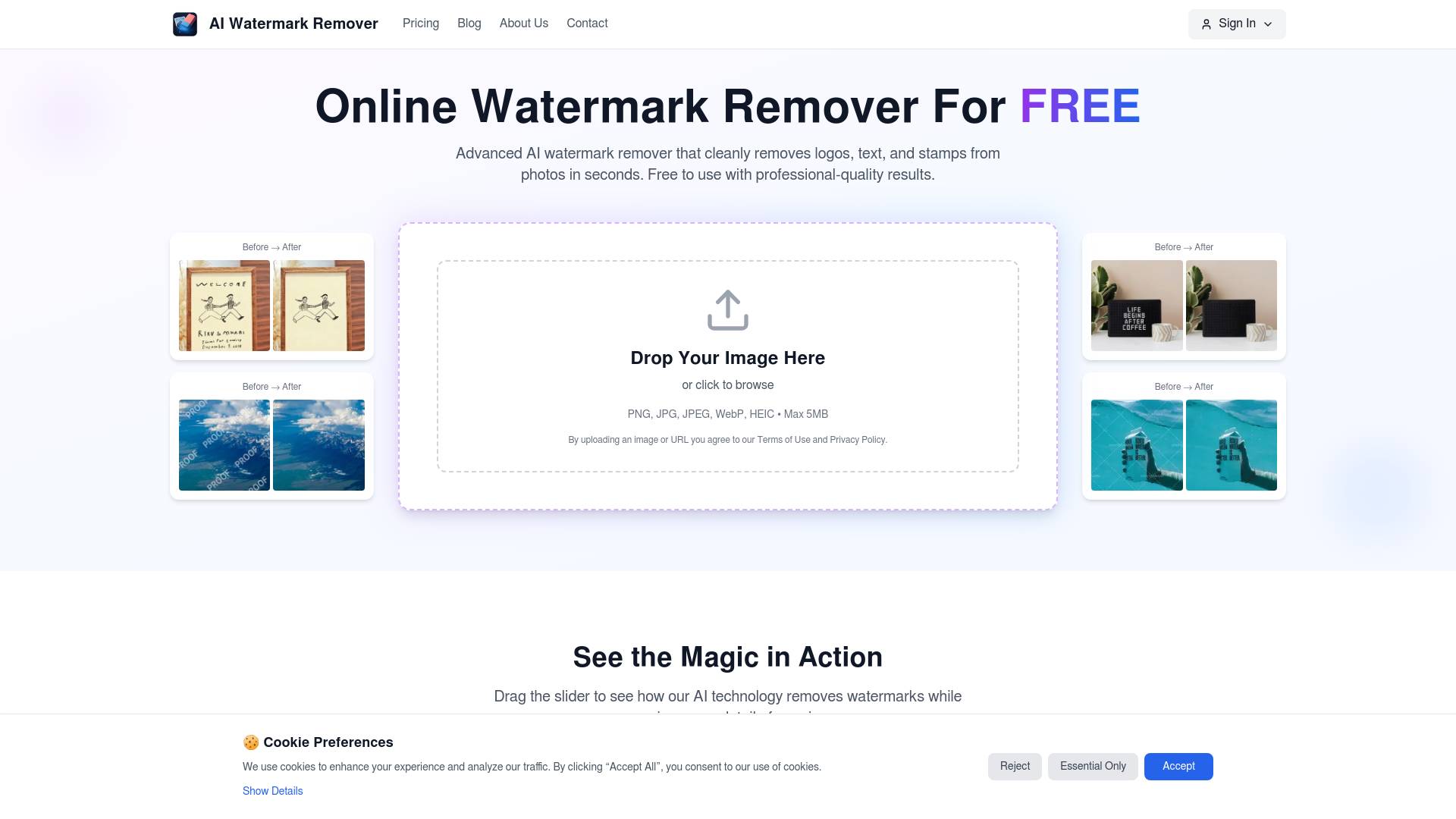
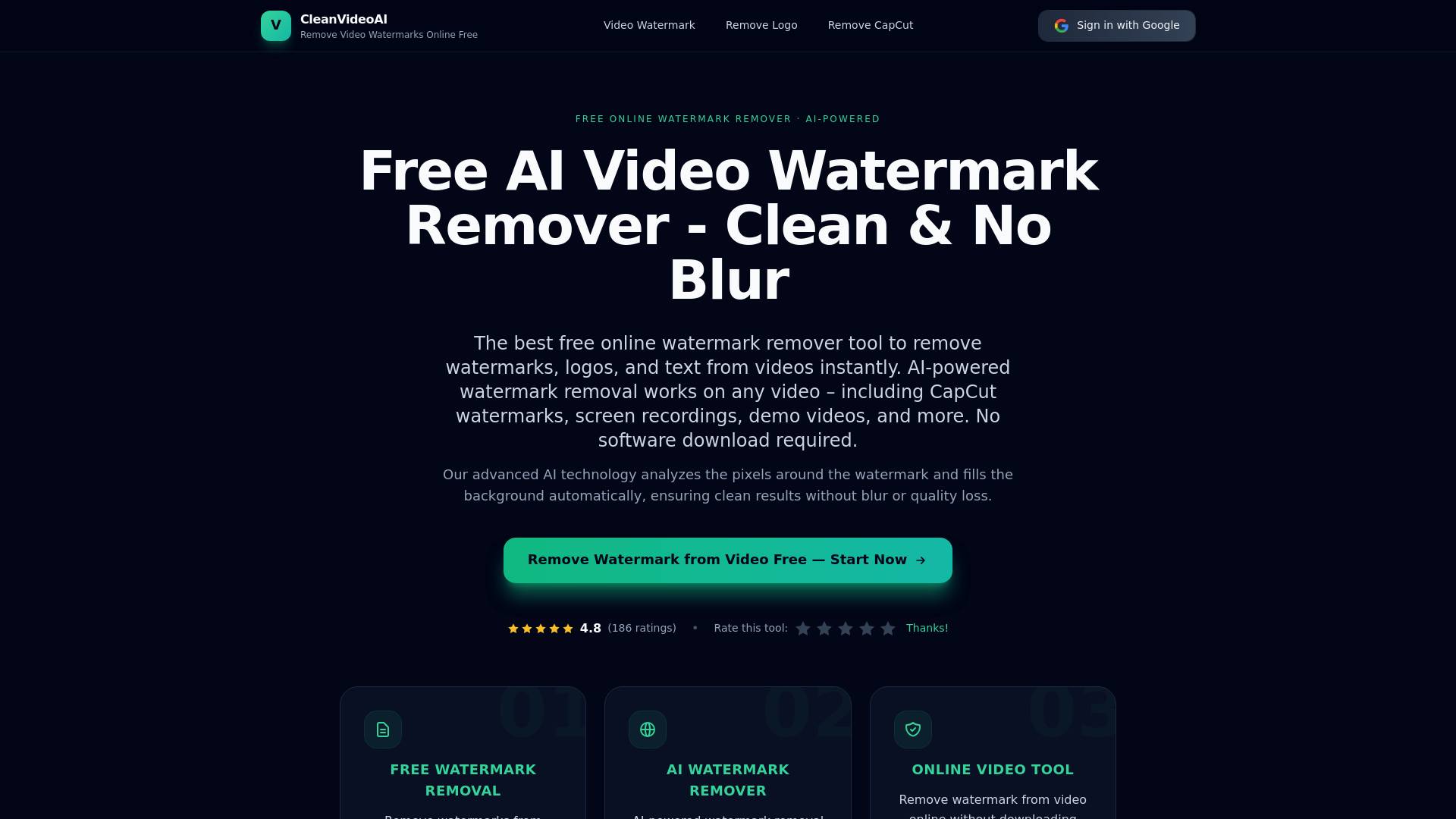
About Remover.video
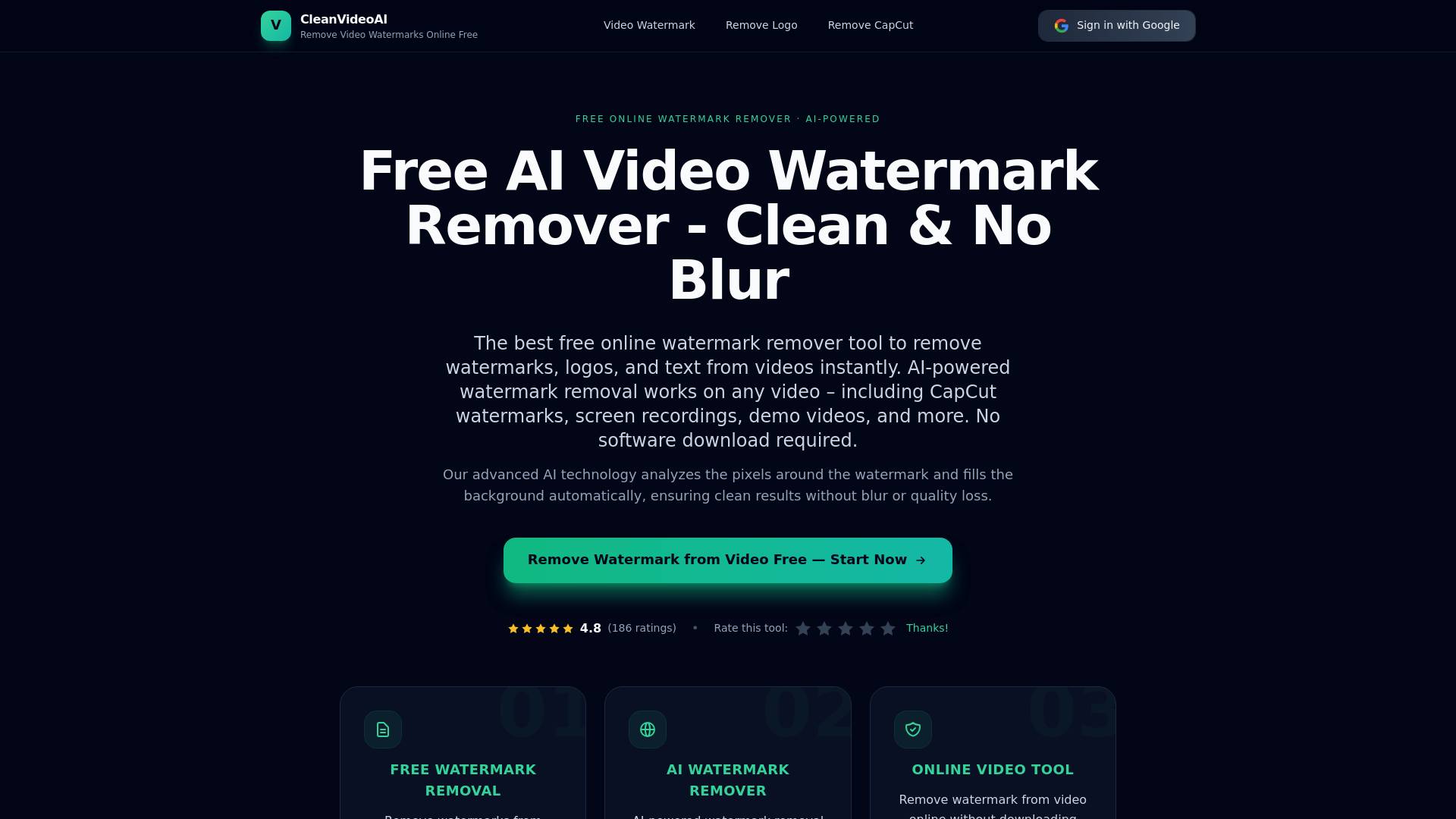
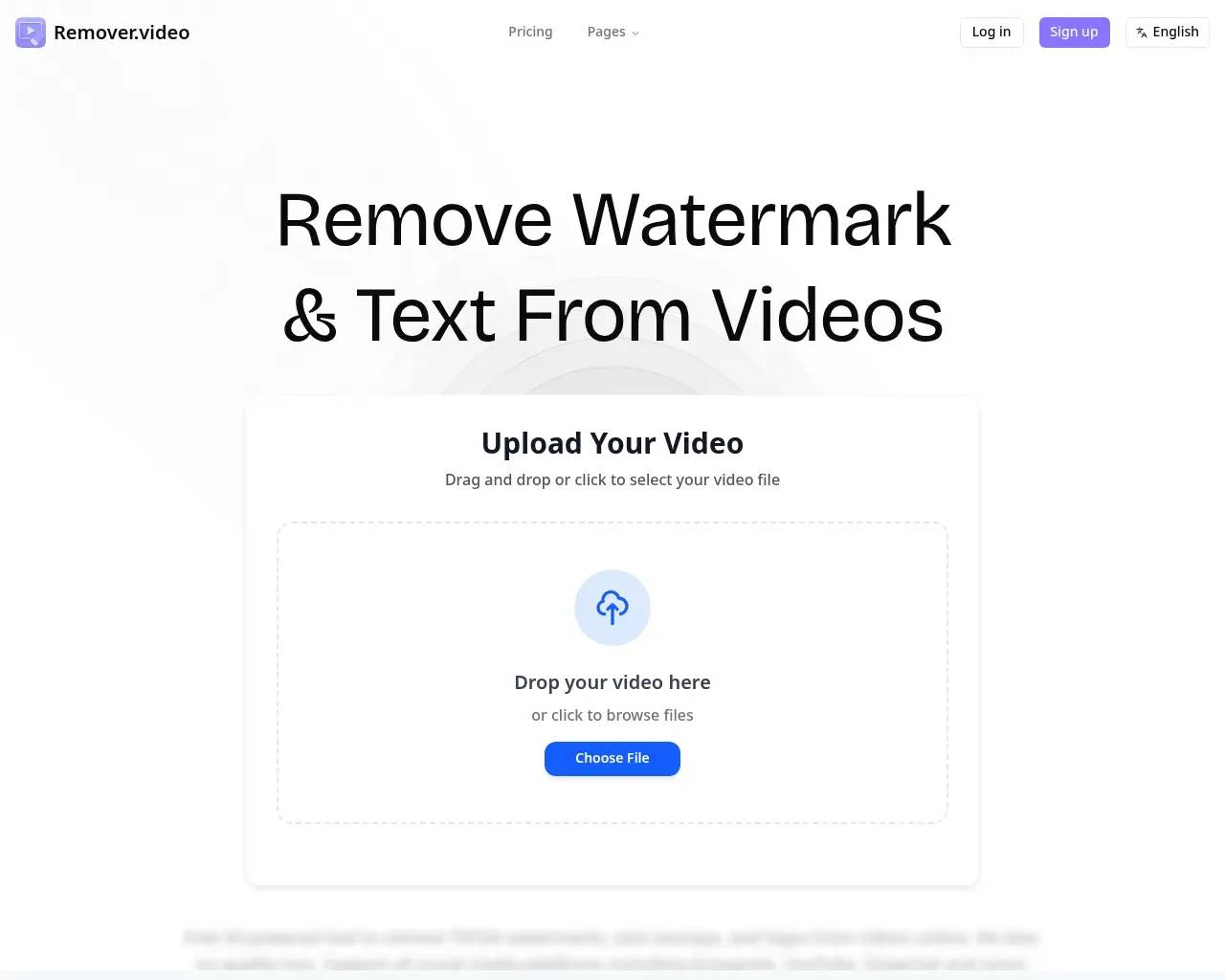
Professional AI-powered tool to remove text, watermark and logos from videos online. Free video editor supporting TikTok, Instagram and all social media formats.
Remover.video's Pricing Plans
Remover.video may change prices at any time. Here's our latest information:
Pricing
Standard
300 Credits
9.99
monthly
Pro
1000 Credits
19.99
monthly
- 1
What you get
Additional Information
Remove Watermark from Video Online Free Without Blur
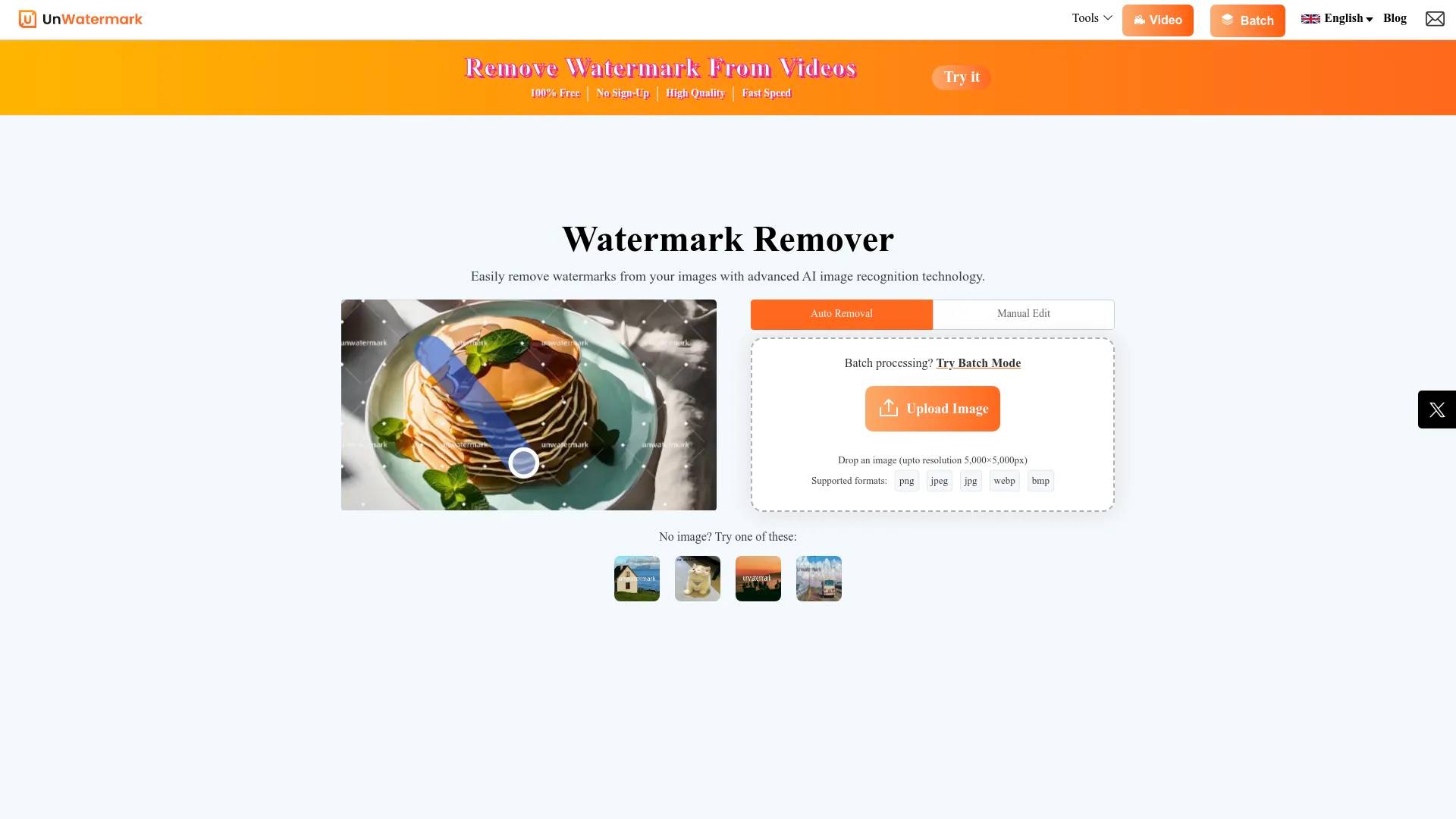
Remover.video is a free AI-powered tool to remove watermark from video online without blur or quality loss. It helps you remove text from video, logos, subtitles, and captions automatically. Whether you are editing TikTok, Instagram Reels, or YouTube videos, this tool makes video cleanup fast and simple.
⸻
AI Tool to Remove Text, Logo, and Subtitles from Video
Remove Text from Video Online
Easily remove text overlays from video using AI. This includes captions, titles, and hardcoded subtitles. The tool detects unwanted text and removes it while keeping the background natural.
Remove Logo and Branding from Video
Need to remove logo from video? Remover.video can clean brand marks, watermarks, and overlays from videos without leaving blur or artifacts. Perfect for repurposing content across platforms.
Remove Subtitles and Captions from Video
Remove subtitles from video online free. Whether it’s embedded captions or downloaded video subtitles, the AI can erase them cleanly while preserving video quality.
⸻
Remove TikTok Watermark and Social Media Overlays
If you are searching for how to remove TikTok watermark or remove watermark from Instagram video, this tool provides a simple solution. Upload your video and remove watermarks from TikTok, Instagram Reels, Snapchat, and YouTube videos in seconds.
⸻
Free Online Watermark Remover for Video Creators
Fast, Simple, and No Editing Skills Needed
Just upload your video, select the area, and let AI handle the rest. No complex settings, no software download, and no login required.
No Blur, No Quality Loss
Unlike many watermark remover tools, Remover.video focuses on high-quality output. It removes watermark and text from video without blur, keeping your content clean and professional.
Works with Multiple Video Platforms
Supports videos from TikTok, Instagram, YouTube, Facebook, and more. Ideal for creators who want to reuse and optimize content across platforms.
⸻
How to Remove Watermark from Video (Step-by-Step)
- Upload your video file
- Select or auto-detect watermark or text area
- Let AI process and remove unwanted elements
- Download your clean video with no watermark
⸻
Best AI Video Editor to Remove Watermark and Text
Remover.video is designed for creators, marketers, and agencies who need a fast and reliable way to remove watermark from video online. It combines AI automation with high-quality results, making it one of the easiest ways to remove text, logos, and subtitles from videos.
Frequently Asked Questions (FAQ)
What is the best way to remove watermark from video online free?
The easiest way is to use an AI-powered tool like Remover.video. It automatically detects and removes watermarks, text, and logos without blur or quality loss. Just upload your video and process it in seconds.
⸻
Can I remove text from video without blur?
Yes. Remover.video uses AI to remove text overlays, subtitles, and captions while preserving the original background. This ensures clean results without visible blur or distortion.
⸻
How do I remove TikTok watermark from a video?
Upload your TikTok video to Remover.video, select the watermark area (or use auto mode), and let the AI process it. You can download a clean video without the TikTok watermark in just a few clicks.
⸻
Is it free to remove watermark from video online?
Yes, you can remove watermark from video online free with basic usage. Some advanced features or longer videos may require credits.
⸻
What types of elements can be removed from videos?
You can remove:
- Watermarks
- Text overlays
- Logos and branding
- Subtitles and captions
⸻
Does removing watermark affect video quality?
No. The AI is designed to remove watermark and text without blur or quality loss, keeping your video clear and natural.
⸻
What platforms are supported?
Remover.video supports videos from TikTok, Instagram Reels, YouTube, Snapchat, Facebook, and other social media platforms.
Frequently asked questions
What is Remover.video used for?
Remover.video - AI Text & Watermark Remover | Free Editor.Is Remover.video free?
Remover.video is a paid product. See the Pricing section for current plans.What are alternatives to Remover.video?
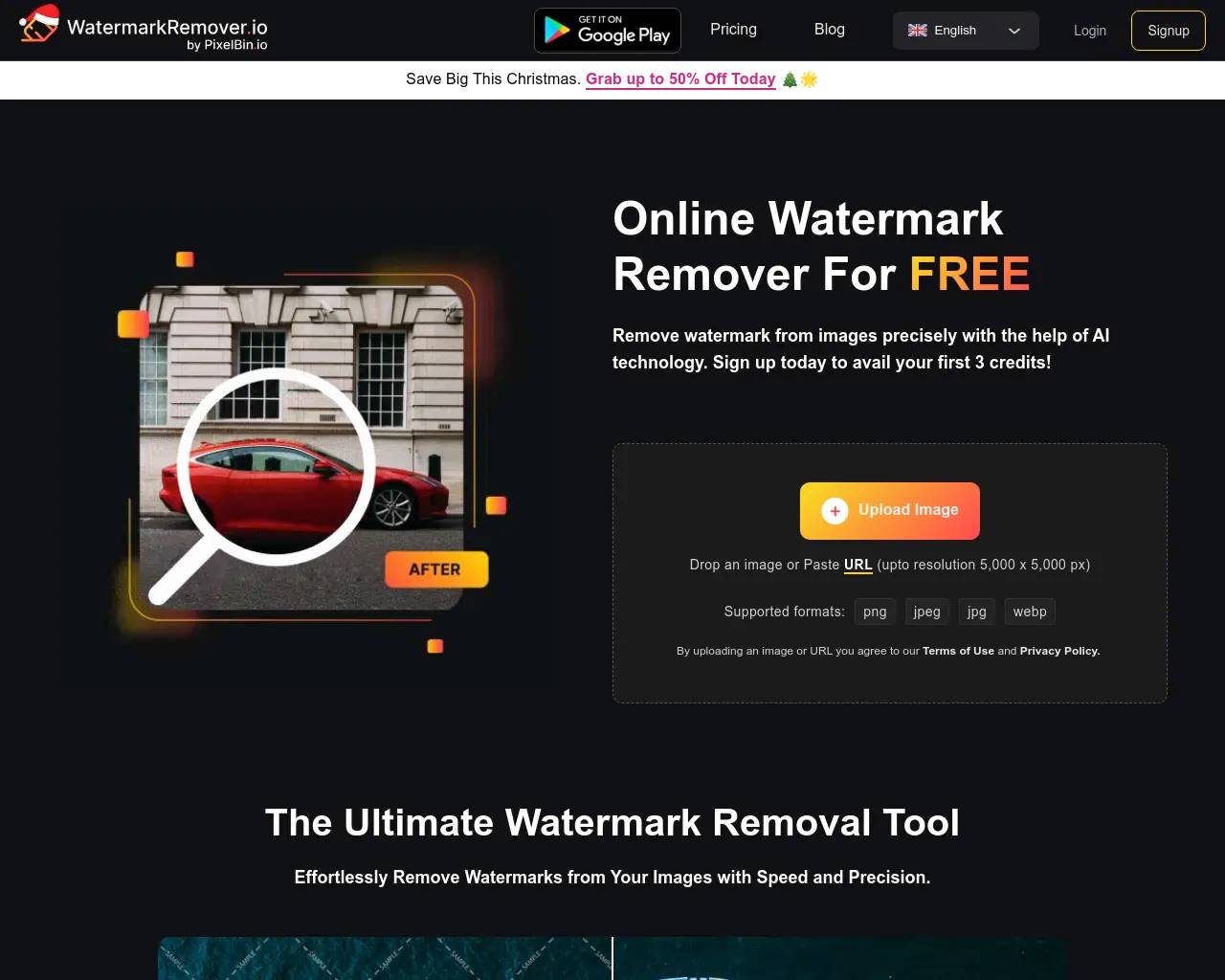
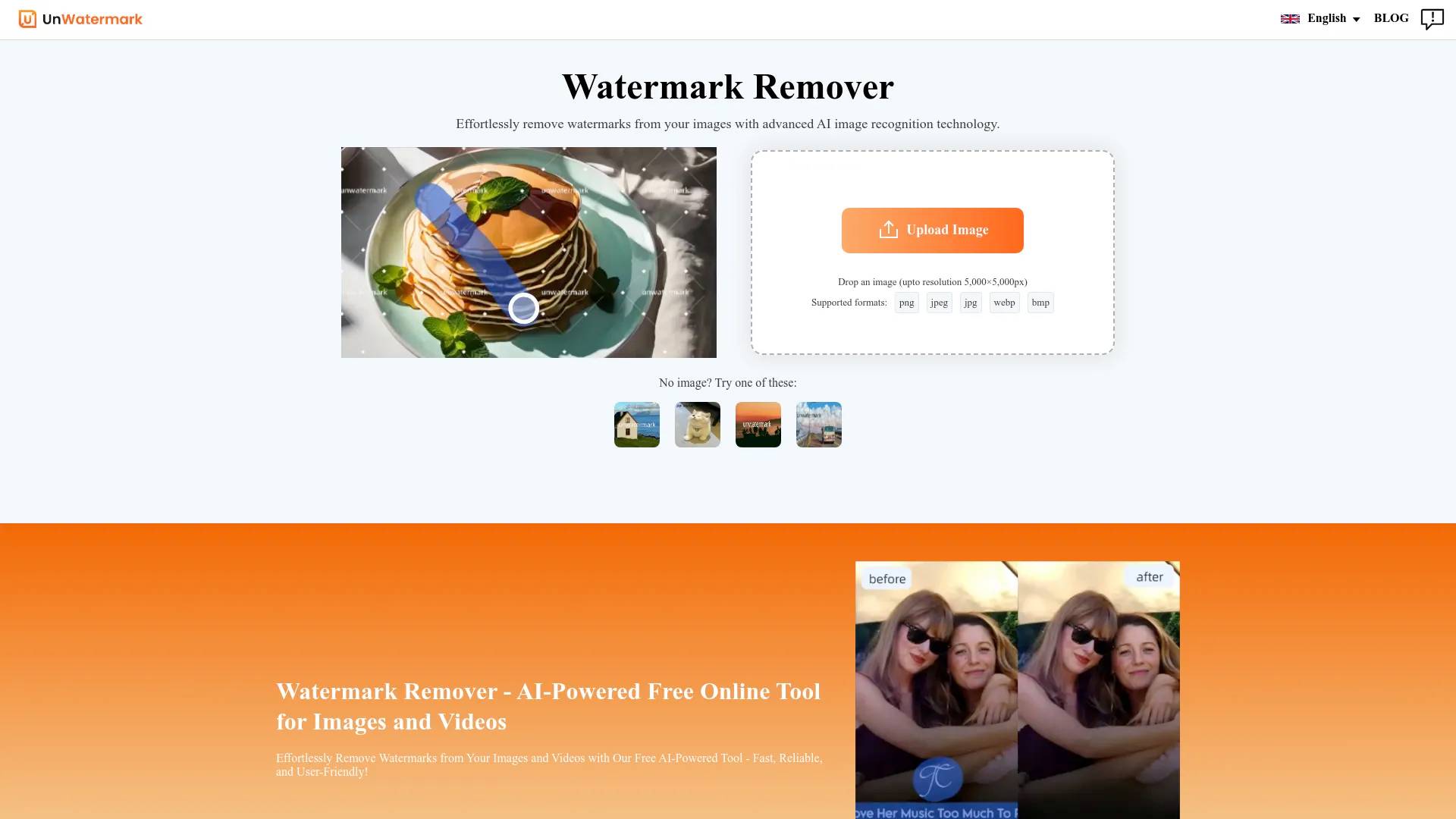
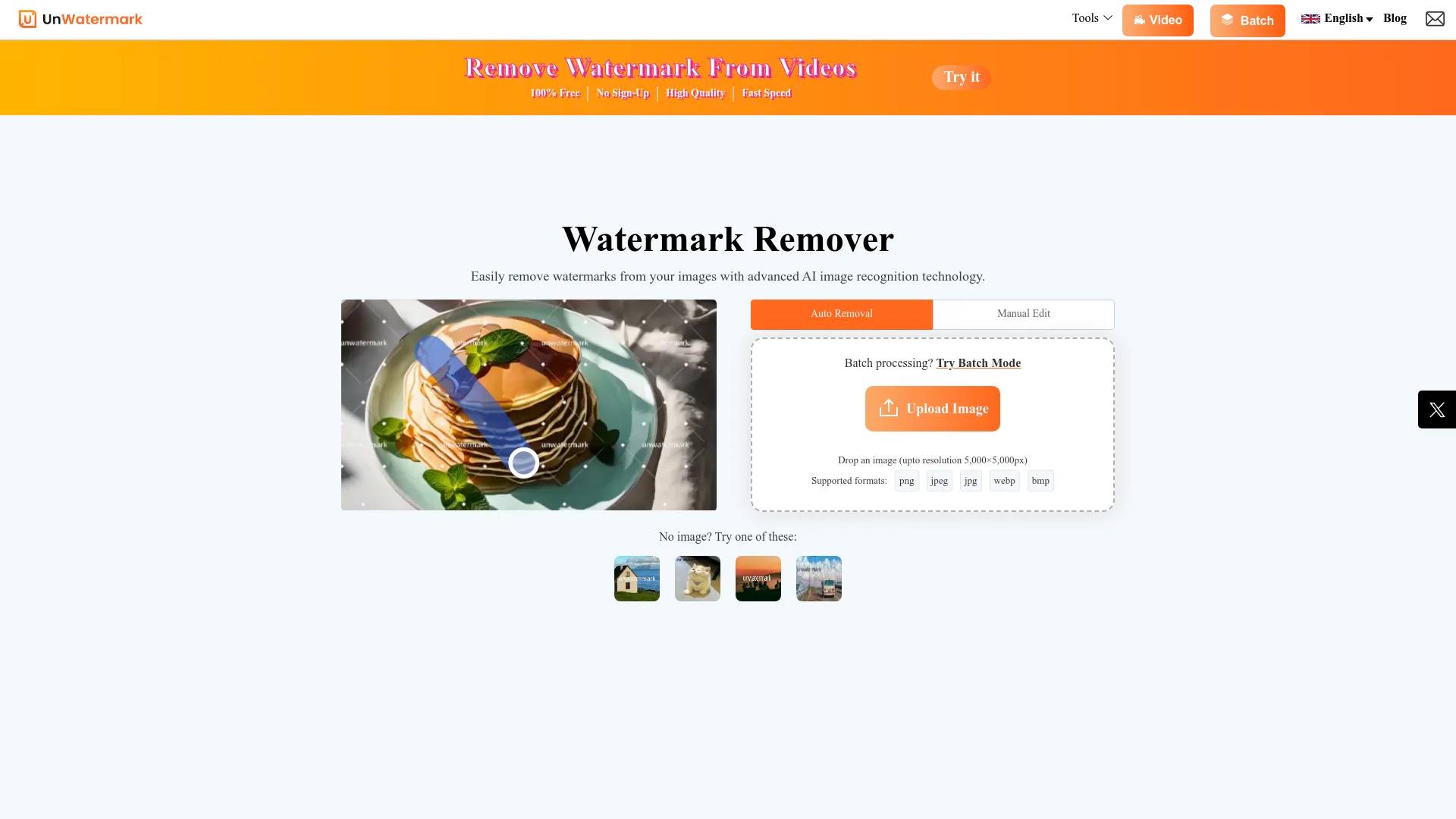
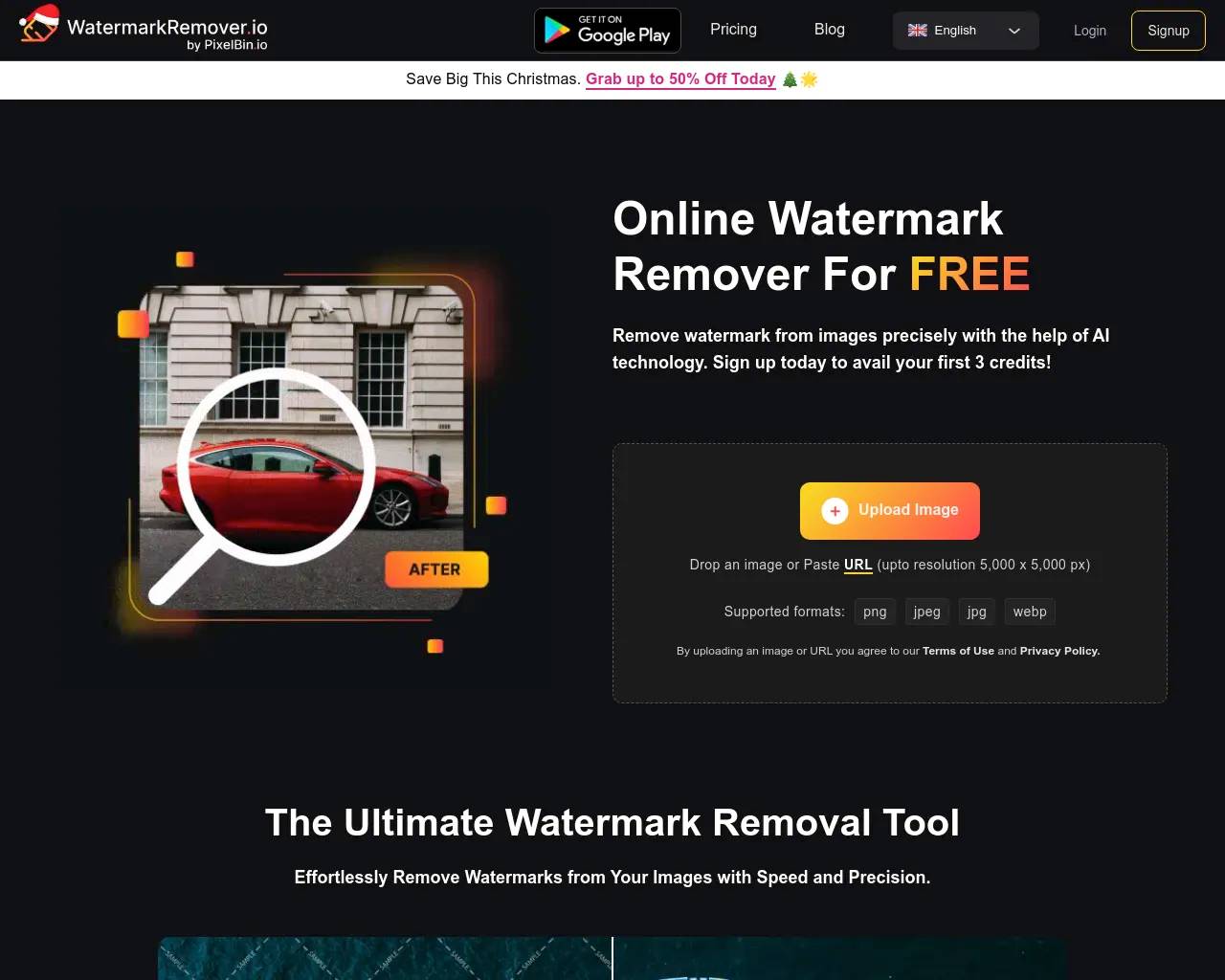
Top alternatives to Remover.video include Ai Watermark Remover, Video Watermark Remove AI, Watermark Remover, Unwatermark.AI, AI Watermark Remover Online for Free.Where can I get Remover.video?
Remover.video is available at https://remover.video.What category is Remover.video in?
Remover.video is listed in Watermark Remover.
Compare Remover.video with…
Pick any tool to see a structured side-by-side: pricing, deployment, capabilities, and content policy.