- Category
- Image Editing
- Pricing
- Free
- Alternatives
- 6 similar tools
- Last updated
- today
- Source
- Official site ↗
AI Collection Top Picks

Image Editing Category Picks
About Prisma
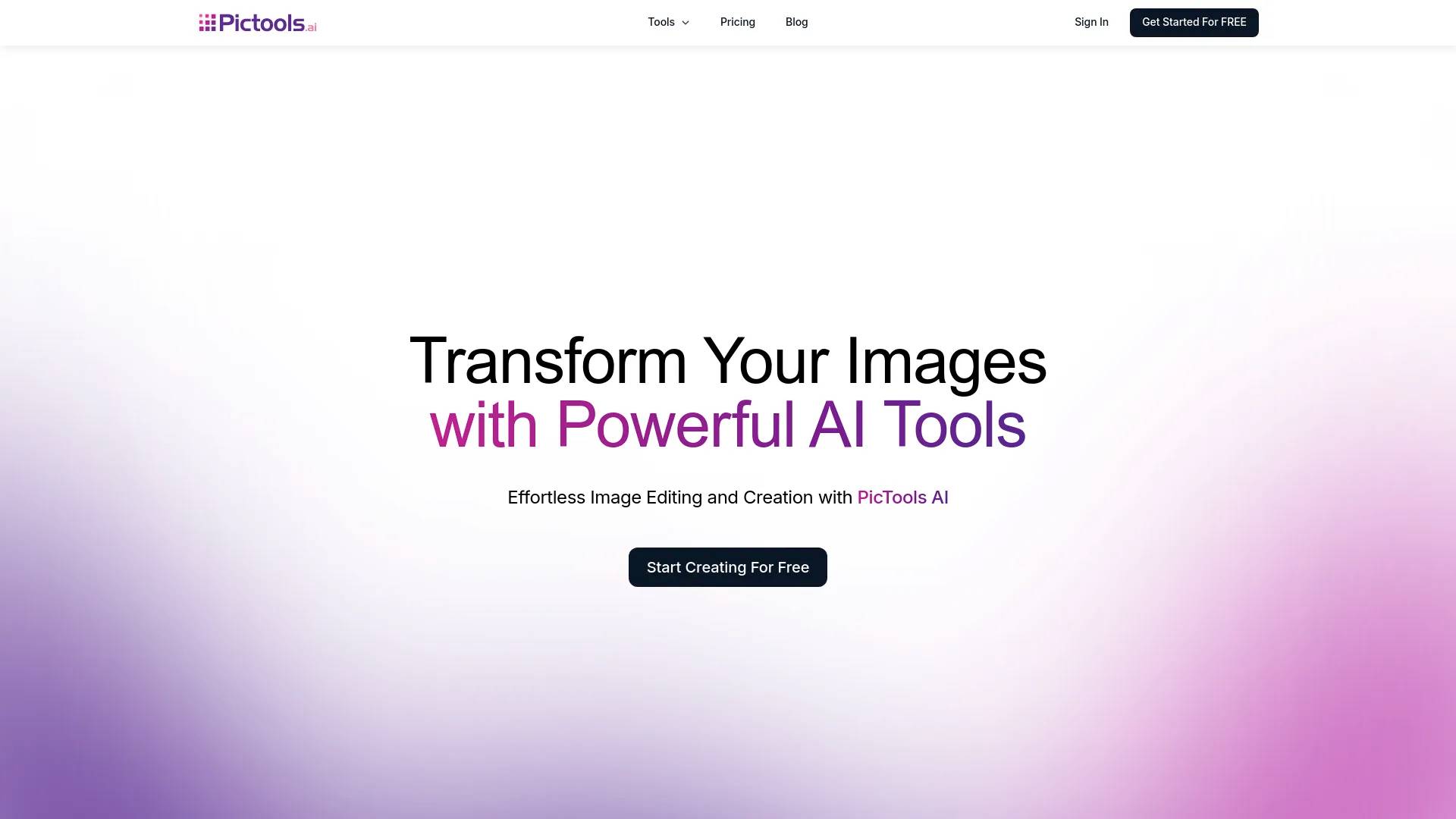
Prisma captures the essence of your photos transforming them into vivid color paintings.
What you get
Additional Information
Prisma is an innovative photo editing application that allows users to transform their images into vivid color paintings. With access to over 700 brilliant art and portrait styles, users can unleash their creativity and enhance their photos like never before. The application also offers the ability to modify both the foreground and background separately, ensuring that every element of an image can be customized.
Beyond style transformations, Prisma includes splendid frames to upgrade images and professional editing tools designed for optimum creative control. Whether you're looking to create an artistic masterpiece or simply enhance a casual snapshot, Prisma provides the tools necessary to achieve perfection.
The app is designed for both casual users and professional creators, making photo editing accessible and exciting for everyone. Additionally, Prisma is available on mobile devices and for larger screens via Prisma Web, ensuring a versatile editing experience.
Frequently asked questions
What is Prisma used for?
Prisma - Prisma Labs.Is Prisma free?
Prisma is free to use.What are alternatives to Prisma?
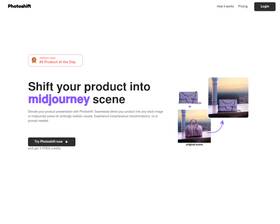
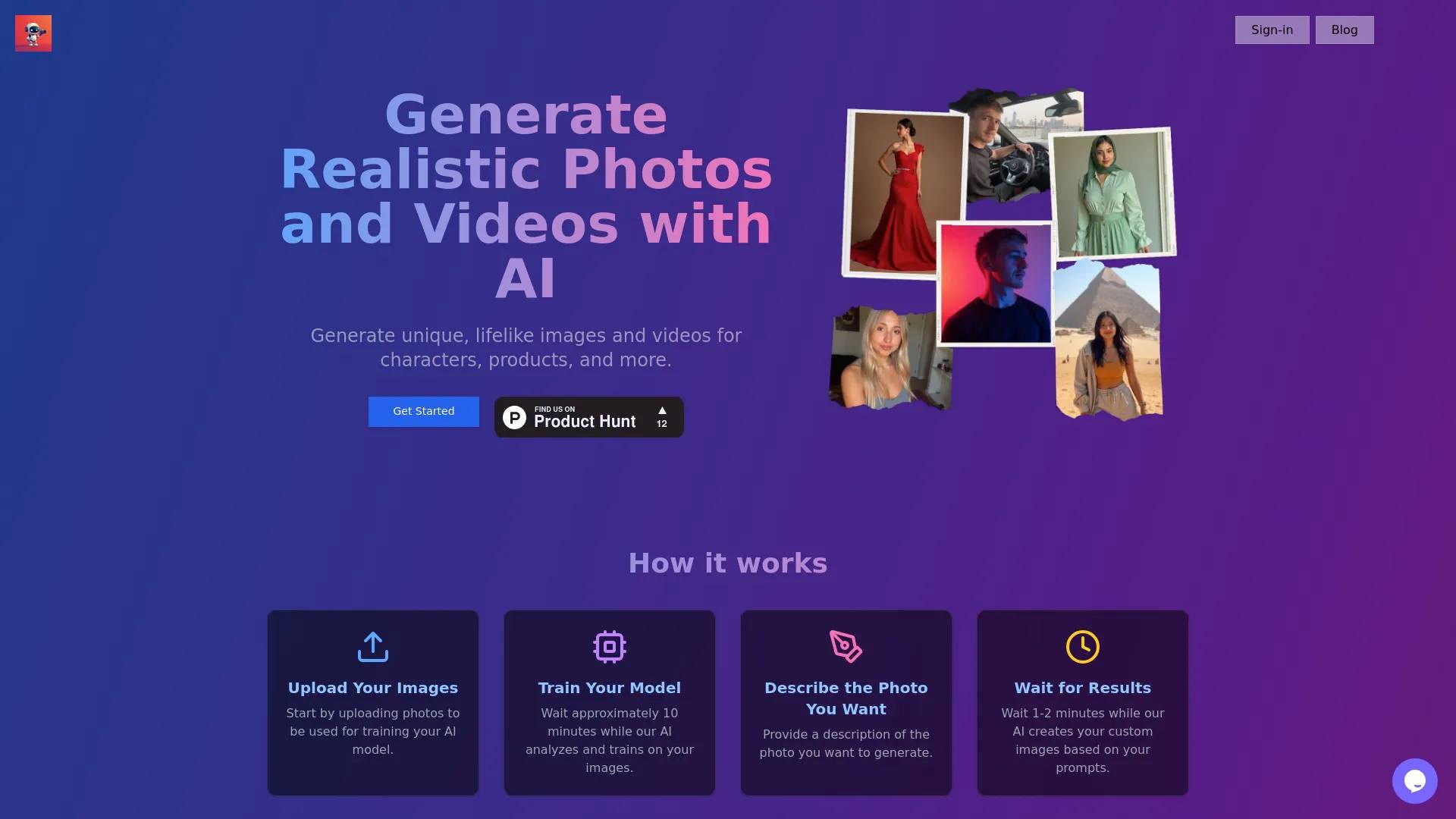
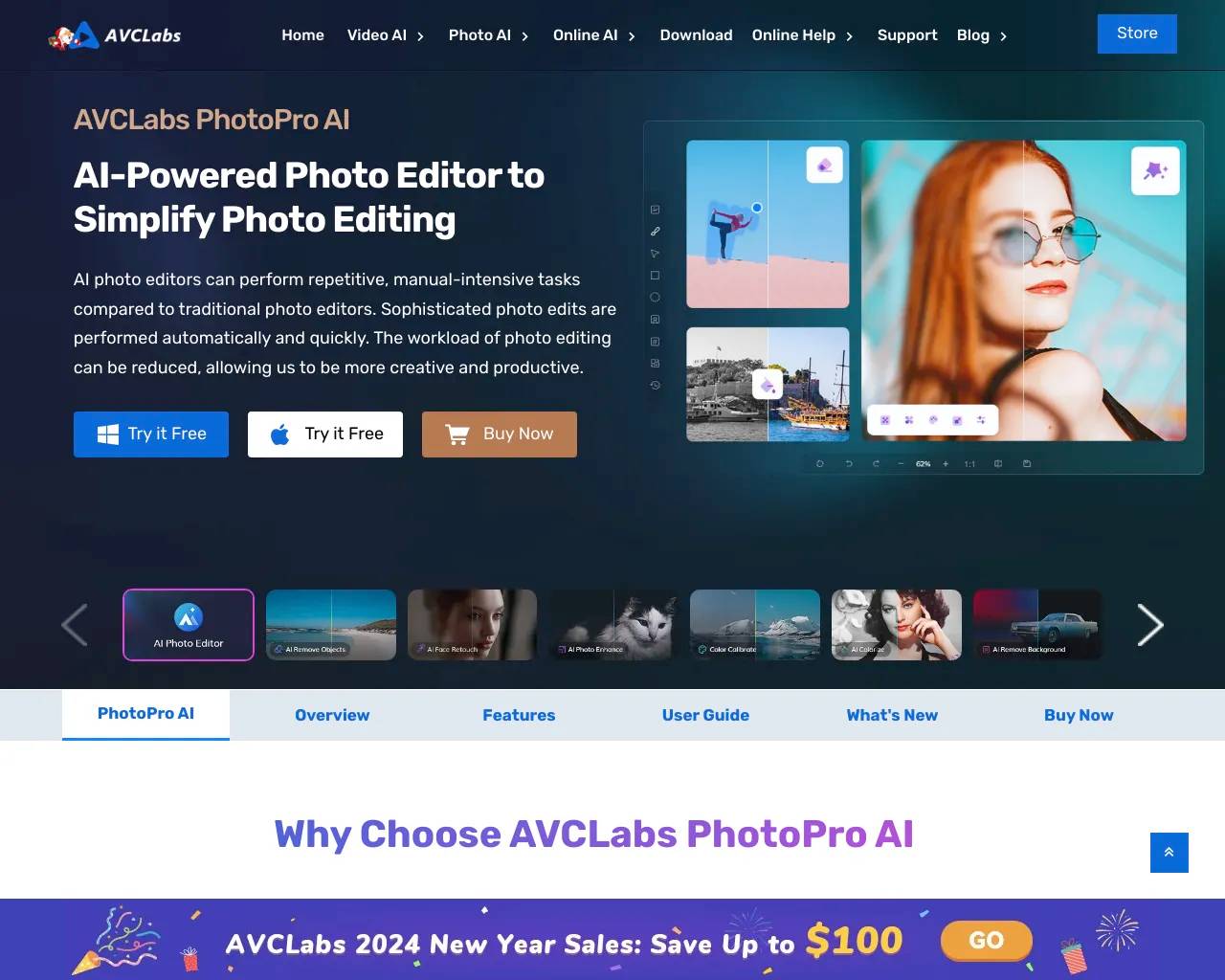
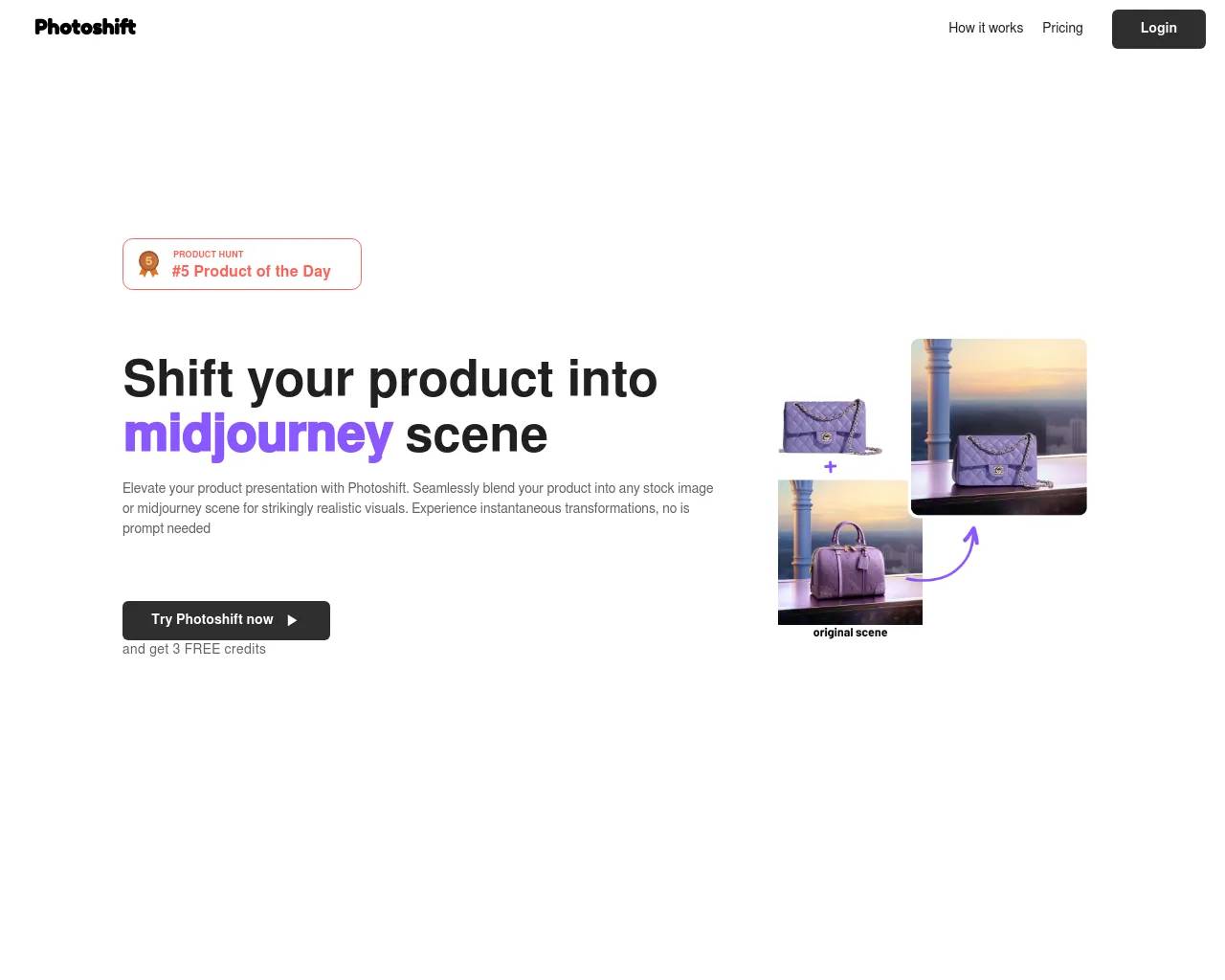
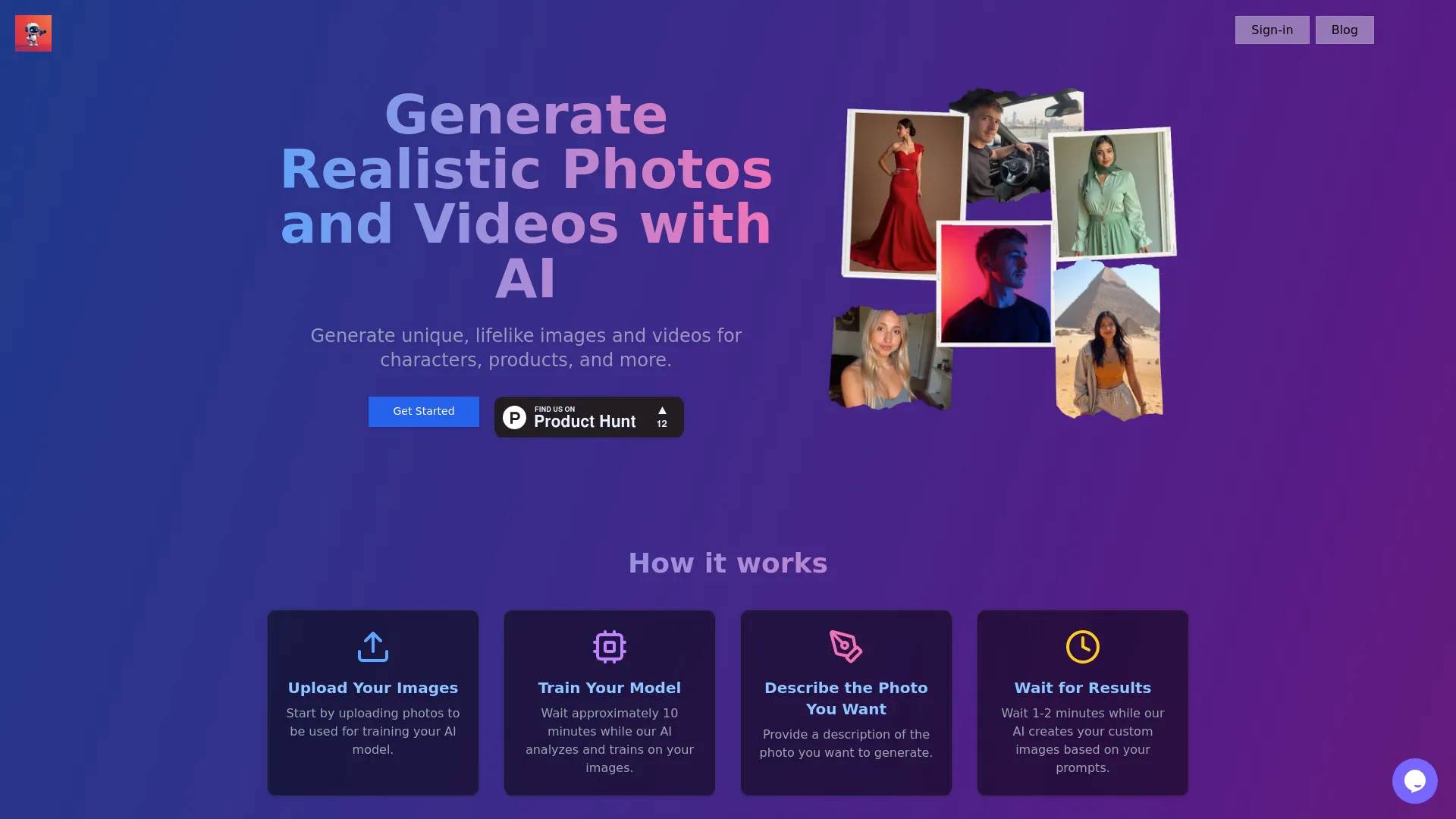
Top alternatives to Prisma include Photoshift, PicTools.AI, AI Photos Editor, AVCLabs PhotoPro AI, ProductScope AI.Where can I get Prisma?
Prisma is available at https://prisma-ai.com/prisma.What category is Prisma in?
Prisma is listed in Image Editing.
Compare Prisma with…
Pick any tool to see a structured side-by-side: pricing, deployment, capabilities, and content policy.