PDF Flex
PDF Flex is an AI tool. AI PDF Summarizer - Summarize Any Text in Seconds - PDF Guru.
- Category
- PDF & Document Tools
- Pricing
- Free
- Alternatives
- 6 similar tools
- Last updated
- 2 days ago
- Source
- Official site ↗
AI Collection Top Picks

PDF & Document Tools Category Picks
About PDF Flex
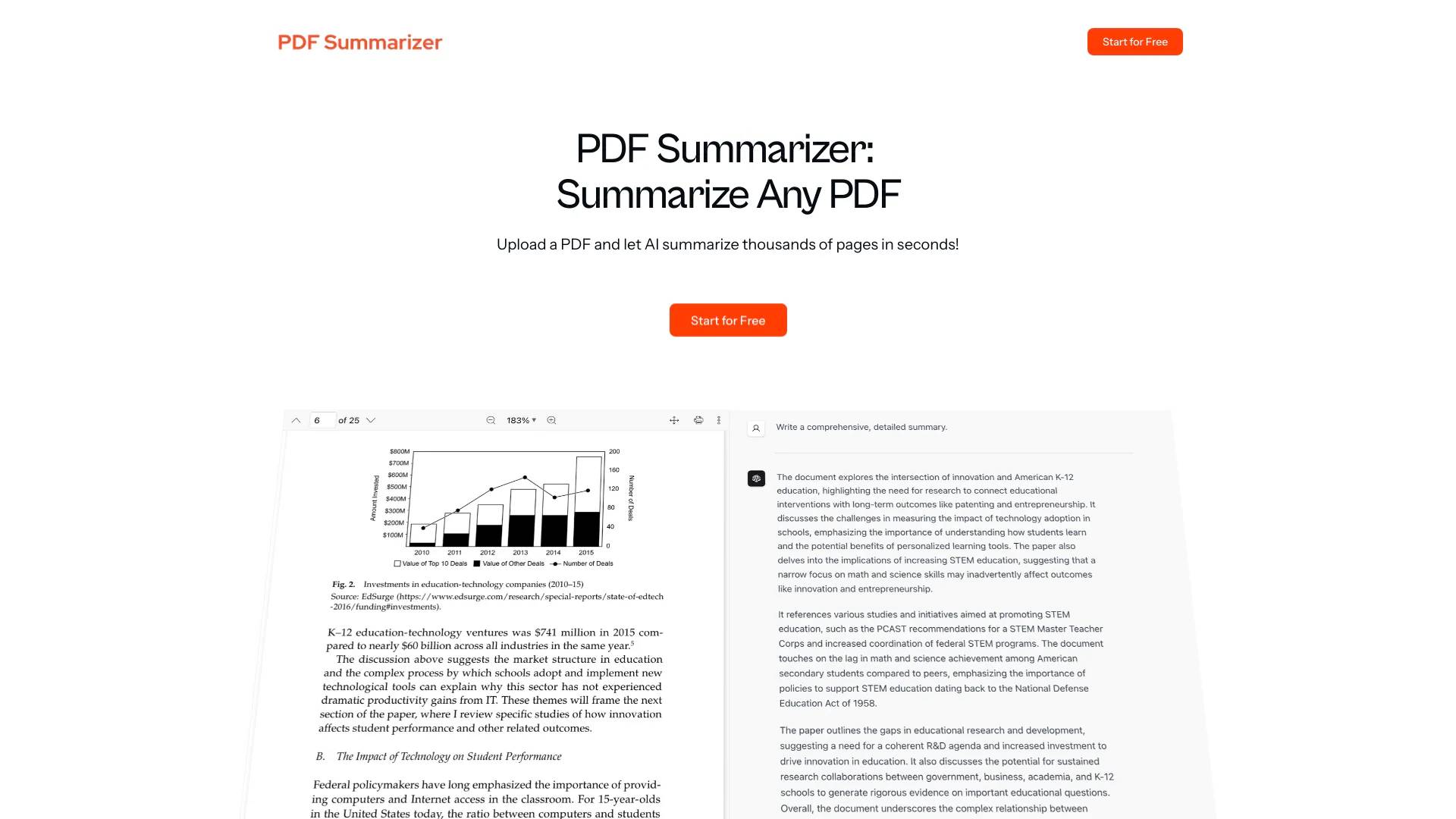
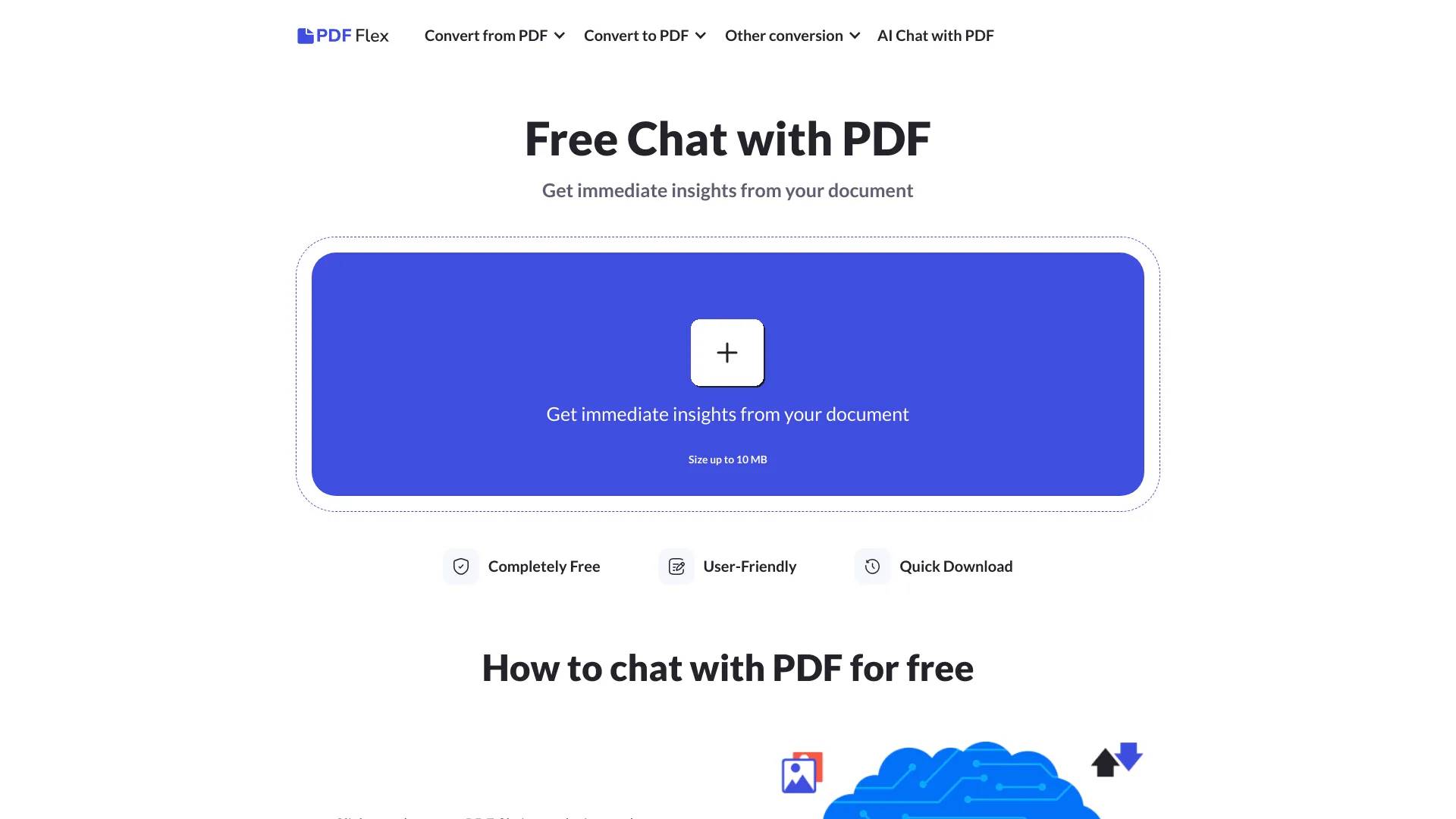
Our smart AI tool makes it easier than ever to summarize PDF files. This easy-to-use PDF analyzer helps you understand documents faster, saving time on reading and research.
What you get
Additional Information
What is PDF Summarizer by PDF Flex?
PDF Summarizer is an innovative AI assistant that allows you to interact with your PDF documents in a conversational manner. Whether you need to summarize long texts, extract specific information, or analyze complex data, this tool has you covered. Simply upload your PDF file, and PDF Summarizer will cover the rest.
Pricing Information
You can access PDF Summarizer for free. For further details, visit the PDF Flex website or contact the support team at support@pdfflex.com.
Primary Benefits of Free PDF Summarizer
- Extensive language compatibility: PDF Summarizer supports nearly all languages, enabling you to interact with your documents in your preferred one.
- Rapid processing: This AI tool can read and analyze PDF files in about 5 seconds, ensuring quick and efficient results.
- Versatile functionality: Whether you need document analysis, summarization, translation, or general assistance, this chat with PDF adapts to your specific needs.
- User-friendly interface: PDF Summarizer’s intuitive design makes it easy to navigate your PDFs.
- Universal accessibility: Access PDF Summarizer on any device through any web browser. Simply upload your PDF to get started.
Practical Applications of PDF Summarizer
- Document summarization: Effortlessly generate summaries of your PDFs, saving time and ensuring you focus on the most relevant information.
- Research assistance: Ideal for reading research papers, contracts, and FAQs, Chat PDF helps you process extensive material efficiently.
- Data extraction and analysis: Perfect for professionals in finance or other fields that require precise data extraction from dense documents. Analyze reports, extract key metrics, or compile data for market research, enhancing your productivity.
- Customized learning: Tailors its responses to match your language preferences and comprehension level, making learning materials more accessible, especially for non-native speakers.
- Language learning support: Communicate with PDFs in various languages to receive instant translations and explanations.
- Enhanced reading comprehension: Improve your understanding of texts through interactive Q&A sessions and other engaging methods.
- Creative writing assistance: Writers can benefit from exploring and understanding complex literary works from different cultures, enriching their storytelling abilities.
Frequently asked questions
What is PDF Flex used for?
AI PDF Summarizer - Summarize Any Text in Seconds - PDF Guru.Is PDF Flex free?
PDF Flex is free to use.What are alternatives to PDF Flex?
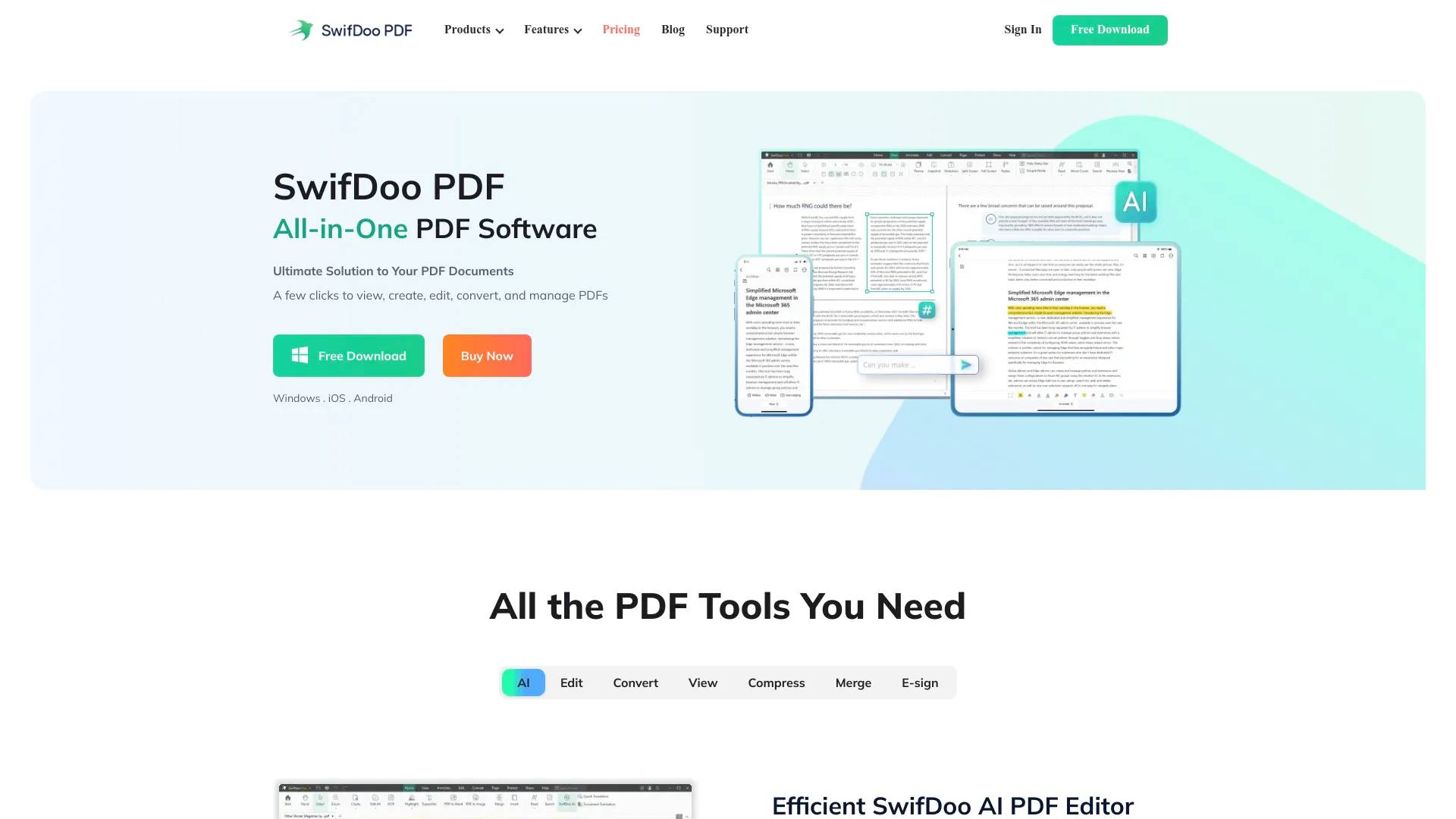
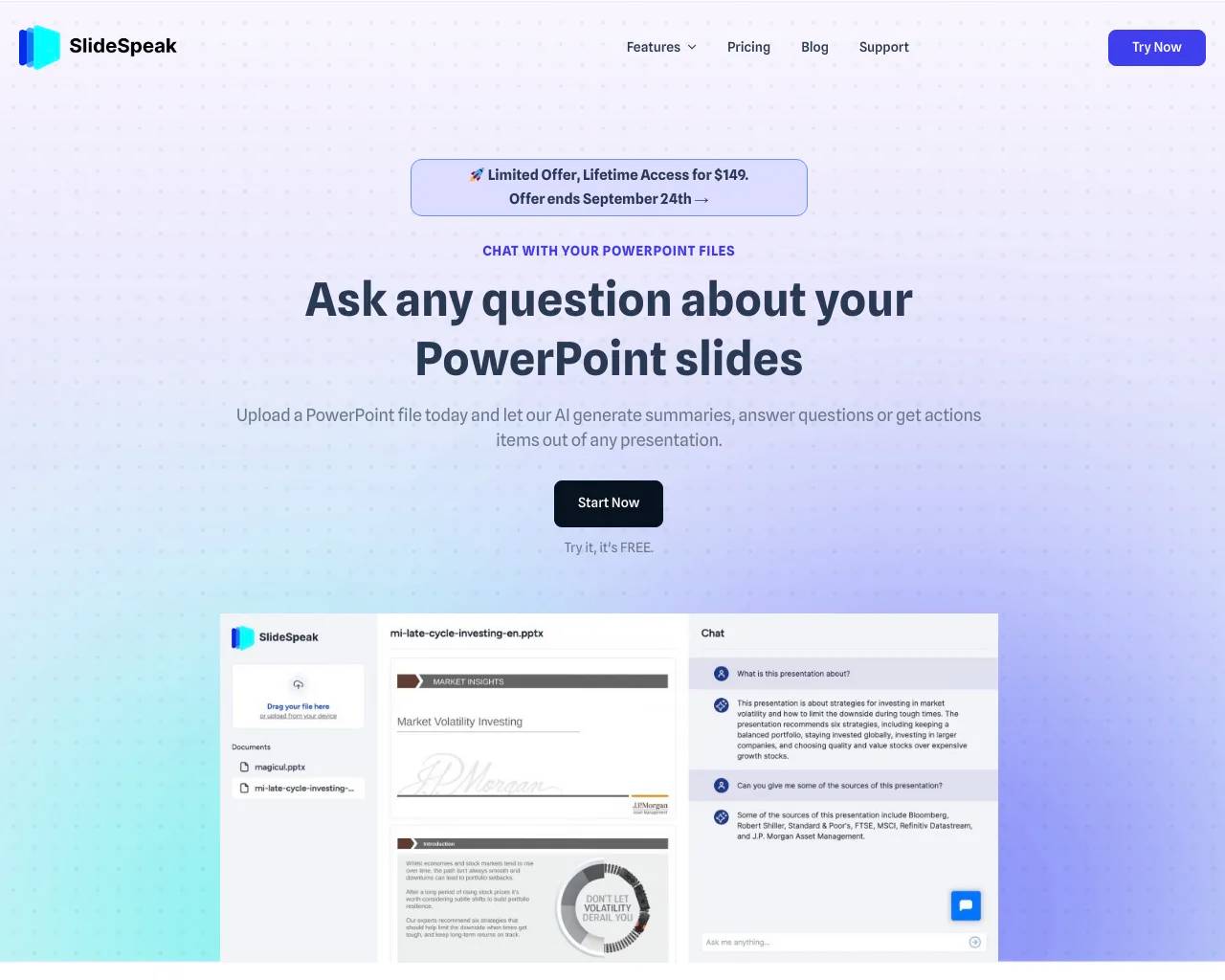
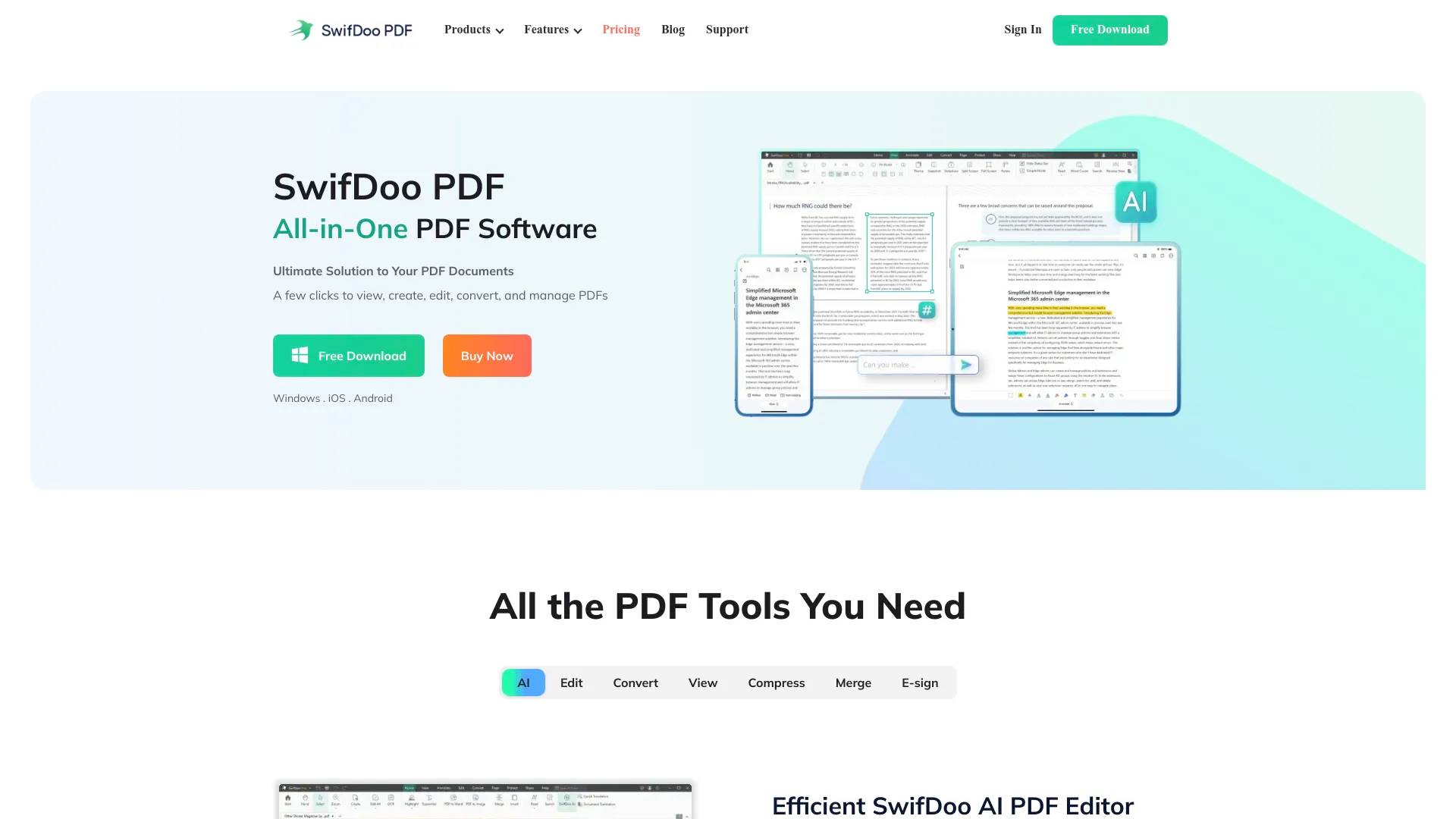
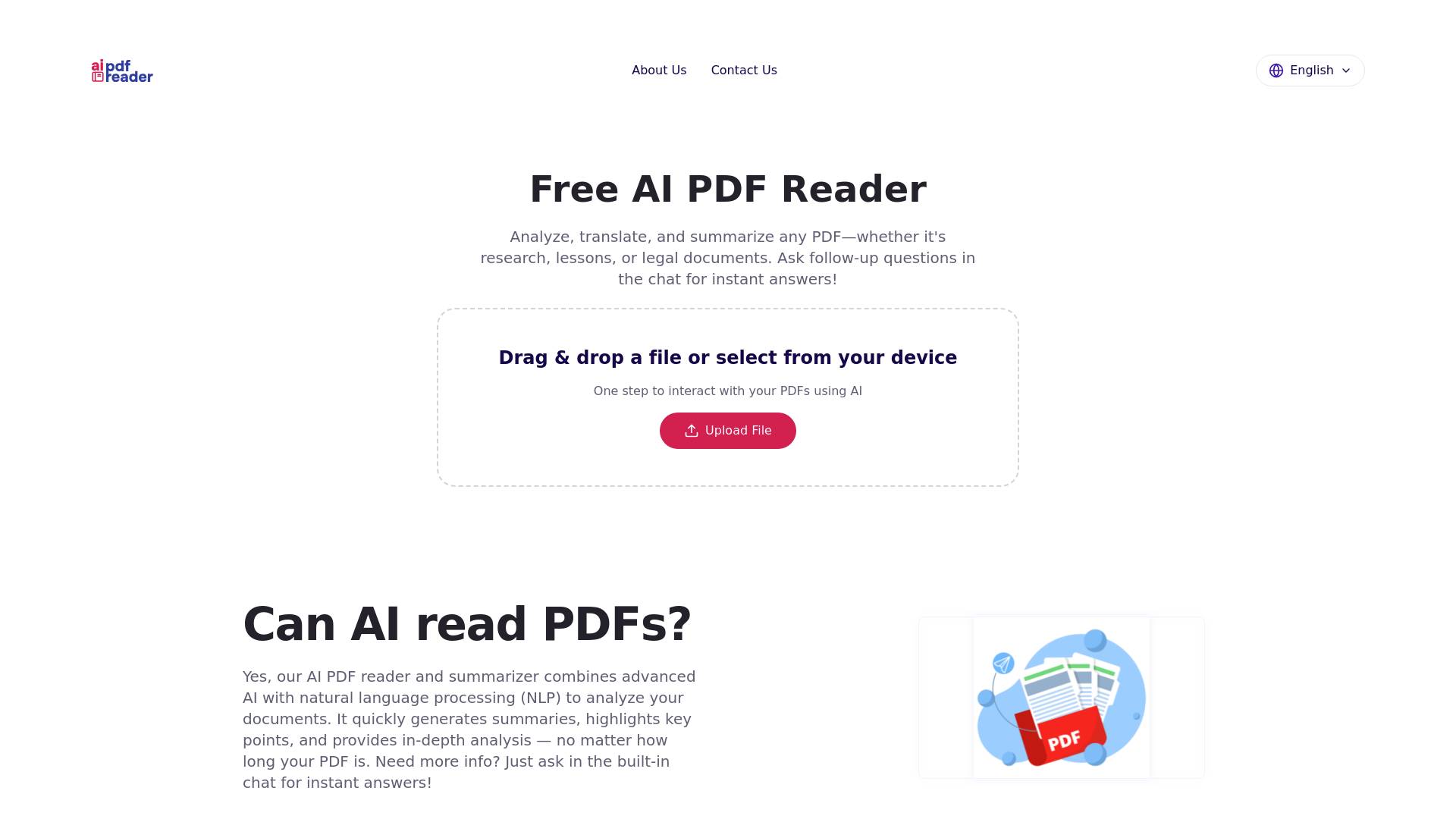
Top alternatives to PDF Flex include SwifDoo PDF, Free AI PDF Reader, Filechat, SlideSpeak, Bard PDF.Where can I get PDF Flex?
PDF Flex is available at https://pdfflex.com/ai-chat-with-pdf.What category is PDF Flex in?
PDF Flex is listed in PDF & Document Tools.Pricing Information
You can access PDF Summarizer for free. For further details, visit the PDF Flex website or contact the support team at support@pdfflex.com.Primary Benefits of Free PDF Summarizer
- Extensive language compatibility: PDF Summarizer supports nearly all languages, enabling you to interact with your documents in your preferred one. - Rapid processing: This AI tool can read and analyze PDF files in about 5 seconds, ensuring quick and efficient results. - Versatile functionality: Whether you need document analysis, summarization, translation, or general assistance, this chat with PDF adapts to your specific needs. - User-friendly interface: PDF Summarizer’s intuitive design makes it easy to navigate your PDFs. - Universal accessibility: Access PDF Summarizer on any device through any web browser. Simply upload your PDF to get started.Practical Applications of PDF Summarizer
- Document summarization: Effortlessly generate summaries of your PDFs, saving time and ensuring you focus on the most relevant information. - Research assistance: Ideal for reading research papers, contracts, and FAQs, Chat PDF helps you process extensive material efficiently. - Data extraction and analysis: Perfect for professionals in finance or other fields that require precise data extraction from dense documents. Analyze reports, extract key metrics, or compile data for market research, enhancing your productivity. - Customized learning: Tailors its responses to match your language preferences and comprehension level, making learning materials more accessible, especially for non-native speakers. - Language learning support: Communicate with PDFs in various languages to receive instant translations and explanations. - Enhanced reading comprehension: Improve your understanding of texts through interactive Q&A sessions and other engaging methods. - Creative writing assistance: Writers can benefit from exploring and understanding complex literary works from different cultures, enriching their storytelling abilities.Can AI summarize a PDF file?
Of course! You can create summaries from PDF files. It's super simple. Just upload your doc, and our PDF AI Summarizer will scan through it, pull out the key points, and give you a clean, simple summary in seconds. No tech skills needed, no endless scrolling. Whether you’re doing research, catching up on reading, or just curious about what’s inside, it helps you get the big picture — without the big effort.How to analyze PDF using AI?
It’s super easy to do with our PDF article summarizer — just follow these steps: 1. Scroll up to the top of the page. 2. Click the + button or drag your PDF into the upload box. 3. Let the AI work its magic for a few seconds. 4. Review your summary, then ask your PDF any follow-up questions. No plot too complex. Make notes from PDF with our large PDF summarizer and uncover every detail.Can I use your tool to summarize PDFs for free?
Try it for free — your first PDF summary is on us, plus you can ask up to three questions in the chat — all powered by our smart AI that summarizes PDF files in seconds. Love it? Upgrade for unlimited access and unlock all of PDF Guru: convert, compress, edit, e-sign, and more.How to summarize a PDF on Mac?
It’s easy! Whether you're using a Mac or any other device, just upload your file and let our PDF simplifier do the work. No apps to install, no setup needed — just a stable internet connection.Is it safe to use a PDF summarizer?
We can’t speak for every tool out there — but we can talk about ours. And yes, it’s completely safe. We use HTTPS encryption and trusted security protocols to keep your files protected during upload and processing. Plus, our tool is verified by Google Safe Browsing — so you can use it with total peace of mind.In what languages can I chat with PDF?
Our users often ask, "Is it possible to summarize this PDF in Spanish—or other languages?" With our PDF analyzer, there are no language limits. It supports over 90 — and counting.How to choose the best PDF summary generator?
Choosing the right tool can be tricky — here’s what to look for: - Is it secure? You’re uploading your files, so privacy and safety matter. - Can you try it first? A free trial or test run lets you see how it works without committing. - Curious what others think? Check out reviews on Trustpilot for real, honest feedback. - What else does it do? The best tools offer more than just an AI that reads PDFs. Look for extras like editing, compressing, converting, or even signing your files.
Compare PDF Flex with…
Pick any tool to see a structured side-by-side: pricing, deployment, capabilities, and content policy.