TopView AI's Link-to-Video Tool: Turning a Product URL Into an Ad in Minutes
By: AI Collection
At a glance

Topview AI URL to Video
FreemiumTopView AI's Link-to-Video Tool: Turning a Product URL Into an Ad in Minutes
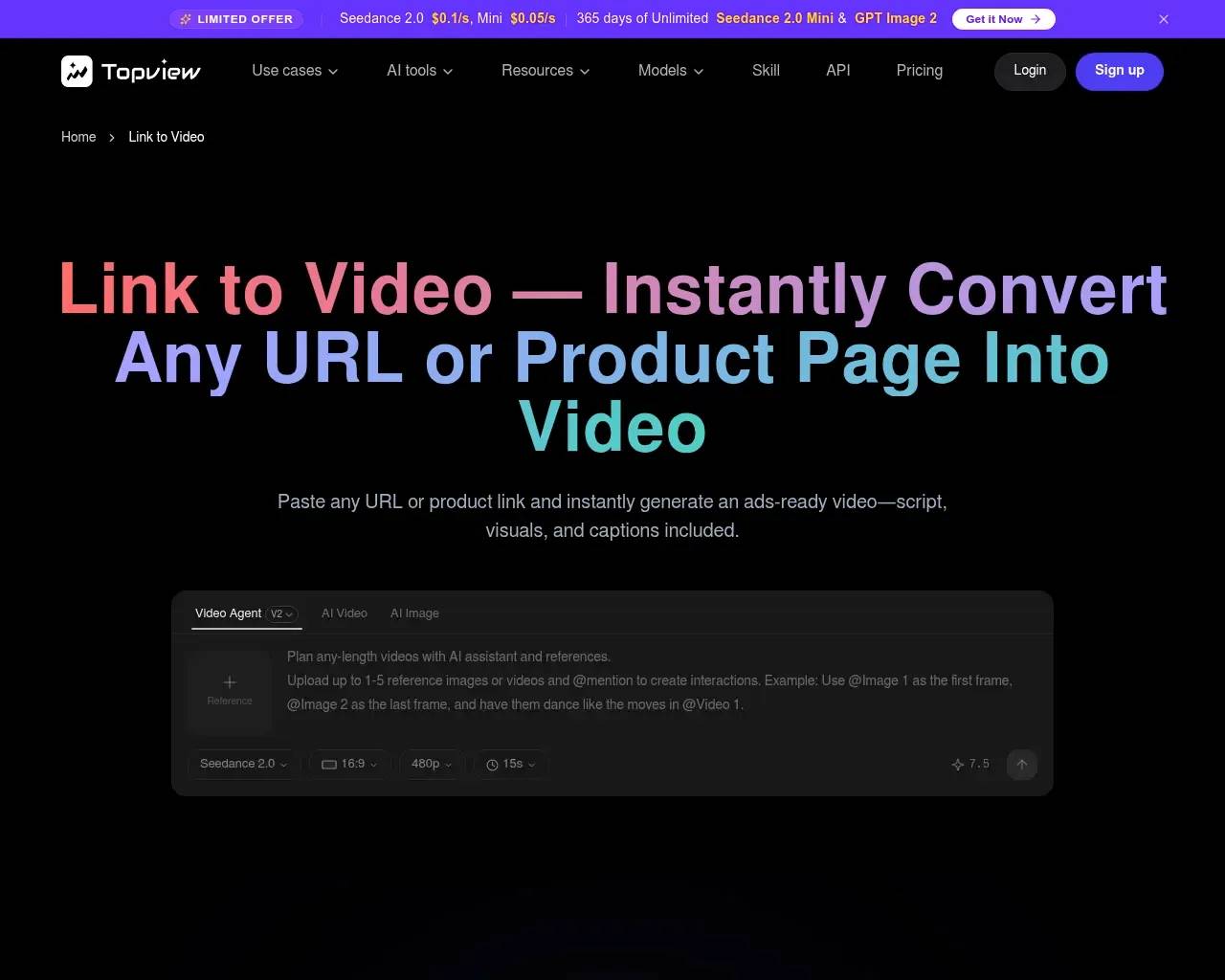
You paste a product page URL. A few minutes later you have a vertical video with a script, captions, voiceover, and stock-style B-roll, ready to run as a TikTok or Instagram ad. That's the entire pitch behind TopView's Link to Video AI Agent, one tool inside the broader TopView AI video platform built for ecommerce sellers, marketers, and agencies who don't have time to brief an editor for every SKU.
What it actually does
Feed it a URL — a product listing, an article, an Amazon page — and the agent scrapes the page, drafts a script around it, picks visuals (its own stock, your uploaded photos, or AI-generated B-roll), and assembles a finished video with an AI voiceover or a talking AI avatar reading the script. It's built specifically for the "I have 200 SKUs and need 200 ad variants" problem, not for one painstakingly art-directed brand film.
The same platform offers a Video Script Extractor (pull the script out of a competitor's existing video) and a Photo Talking Avatar feature that animates a still photo into a presenter delivering your copy — both of which feed into the same link-to-video pipeline rather than being separate products.
Pricing: credits, not flat seats
TopView runs on a credit system rather than unlimited generation. Per its current pricing page and the plan data on file:
| Plan | Price (billed annually) | Credits | Roughly |
|---|---|---|---|
| Free | $0 | 10/month | ~2 videos, watermarked |
| Starter | $14.70/mo ($176/yr) | 600/year | ~120 videos, no watermark, Photo Talking up to 60s |
| Business | $49.90/mo ($599/yr) | 3,000/year | ~600 videos, Photo Talking up to 120s, priority support |
| Enterprise | Custom | Custom | Custom seats, avatars, voices |
That's roughly $0.83–$1.47 per finished video depending on tier, before you factor in re-renders. Which leads to the one real caveat worth flagging.
The honest limitation: credits burn on previews too
Independent reviews aggregated from Trustpilot and G2 point to the same recurring friction: credits get deducted for test generations and regenerations, not just the final export. If you're iterating on an avatar's mouth movement or tweaking a script three times before you're happy, you're spending the same credits a finished video would cost — which matters a lot more on the Free or Starter tier than on Business. TopView's own terms state refunds are available within three days of purchase, but only if the credits from that payment haven't been used yet, so it's worth doing a few cheap test runs before committing to an annual plan rather than after.

This isn't unique to TopView — every credit-metered AI video tool has some version of this tension — but it's the kind of detail that doesn't show up in the marketing copy, so worth knowing going in.
A real case: training videos for 80+ students
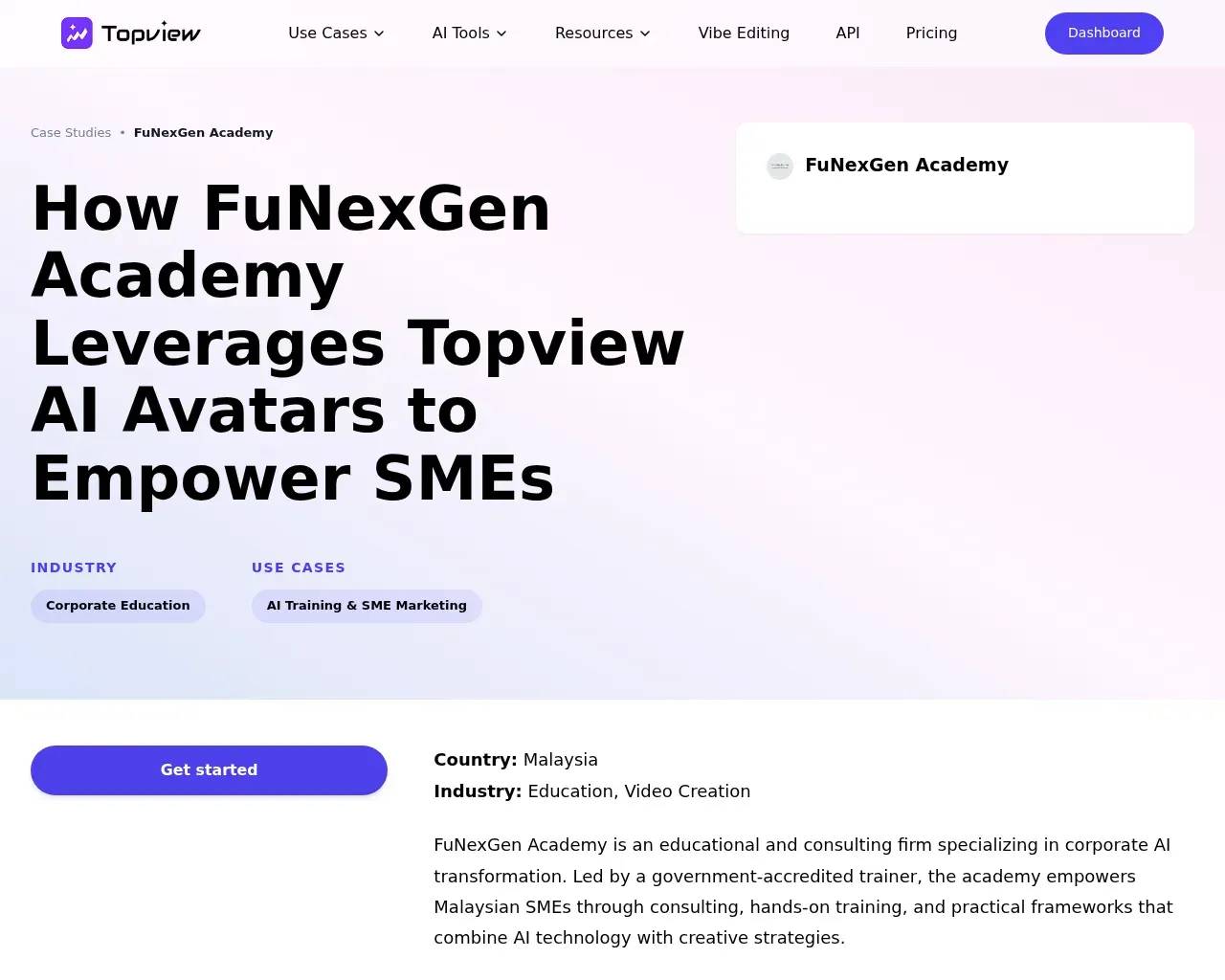
TopView publishes customer case studies rather than just testimonials, and one of them is concrete enough to be useful here: FuNexGen Academy, an SME-focused training provider in Malaysia, used TopView's AI avatars and face-swap features to produce corporate training videos for more than 80 students, swapping in localized presenter faces without re-shooting footage for each cohort. It's a different use case than the ecommerce-ad framing on the homepage — a reminder that the underlying avatar/voice engine is general-purpose even though the link-to-video entry point is optimized for product marketing.
Who this is actually for
- Ecommerce sellers and dropshippers who need ad variants at volume and don't have an in-house video team.
- Agencies and marketers running paid social who want a first draft fast, then trim it in a real editor rather than starting from a blank timeline.
- Anyone needing a talking-avatar explainer from a script or a single photo, without hiring a presenter.
It's a weaker fit if you need one polished, brand-specific hero video — the link-to-video flow is built for speed and volume, not bespoke art direction, and the credit cost adds up fast if you're treating it as a sandbox rather than a production tool.
Sources consulted
- Link to Video AI Agent - Convert URL to Video | TopView — product description, core mechanics
- TopView pricing page — plan structure and credit framing
- Case Study: How FuNexGen Academy Uses AI Avatars to Empower SMEs — customer use case (80+ students, AI avatars, face swap)
- TopView sitemap and case studies sitemap — discovery of customer case studies
- Web search aggregating Trustpilot and G2 review themes — credit-consumption complaints and refund policy
- Wayback Machine availability check — confirms an actively-crawled, long-running site
Published on: June 26, 2026
Vous cherchez des alternatives à Topview AI URL to Video ? Voir toutes les alternatives à Topview AI URL to Video →
Have an AI tool of your own? Submit it below and get a free, in-depth product review article — just like this one.
Ajoutez votre outil IA en quelques secondes
Collez votre URL et nous préparerons la fiche. Vous relisez et modifiez chaque champ avant l'envoi.