Sintra AI Review: A Team of 12 AI "Employees" for Small Businesses
By: AI Collection
At a glance
Sintra
PaidSintra AI Review: A Team of 12 AI "Employees" for Small Businesses
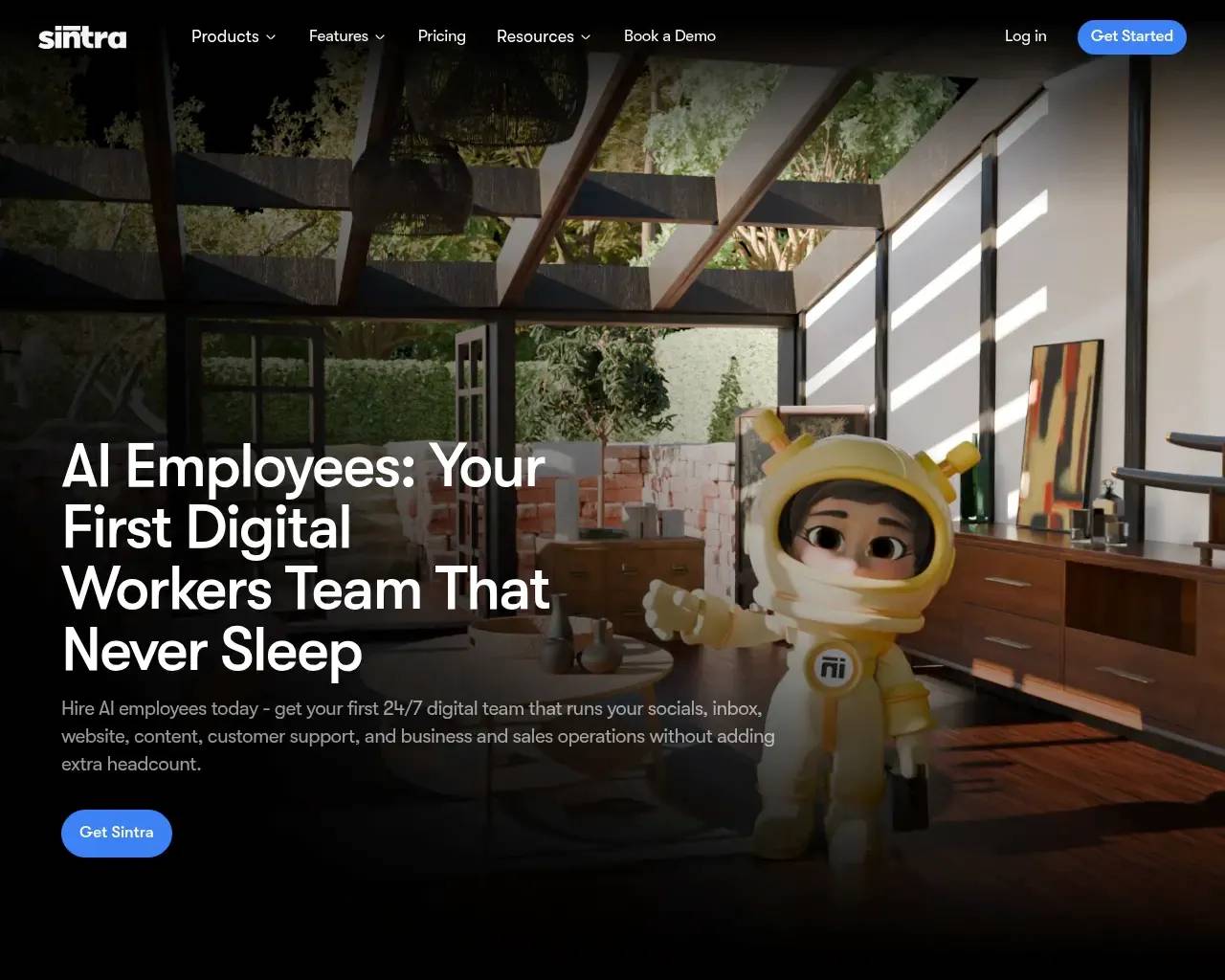
Most AI tools hand you a blank chat box and expect you to already know what to type. Sintra makes a different bet. Instead of one general assistant, it gives you a roster of twelve named "helpers," each pitched as a specialized employee — one for SEO, one for customer support, one for social media, and so on. The homepage leans into the metaphor hard, inviting you to "hire your first AI employees team."
It's a smart framing for the people Sintra is actually built for: solo founders and small teams who don't have a marketer, a copywriter, or a support rep on payroll and don't want to babysit prompts to fake one. Here's what the product really does, what it costs, and where it runs out of road.
The roster: twelve helpers, one workspace
Sintra's core idea is division of labor. Rather than a single model you have to steer, you pick the helper whose job matches your task and talk to it in plain language. The current line-up, per Sintra's own product catalog, includes:
- Cassie for customer support replies
- Penn for copywriting and Soshie for social and blog content
- Seomi for SEO and Commet for e-commerce pages
- Milli for sales and Scouty for recruiting
- Dexter for light data analysis and Buddy for business-development research
- Vizzy for visuals, Gigi for coaching, and Emmie for email
The appeal is that you don't design a workflow. Each helper arrives pre-scoped to a function, so the "what do I even ask it?" problem mostly disappears. Independent reviewers keep landing on the same first impression: the interface is uncluttered and tasks are neatly compartmentalized, which lowers the intimidation factor for non-technical users.
Brain AI: the part that makes it stick
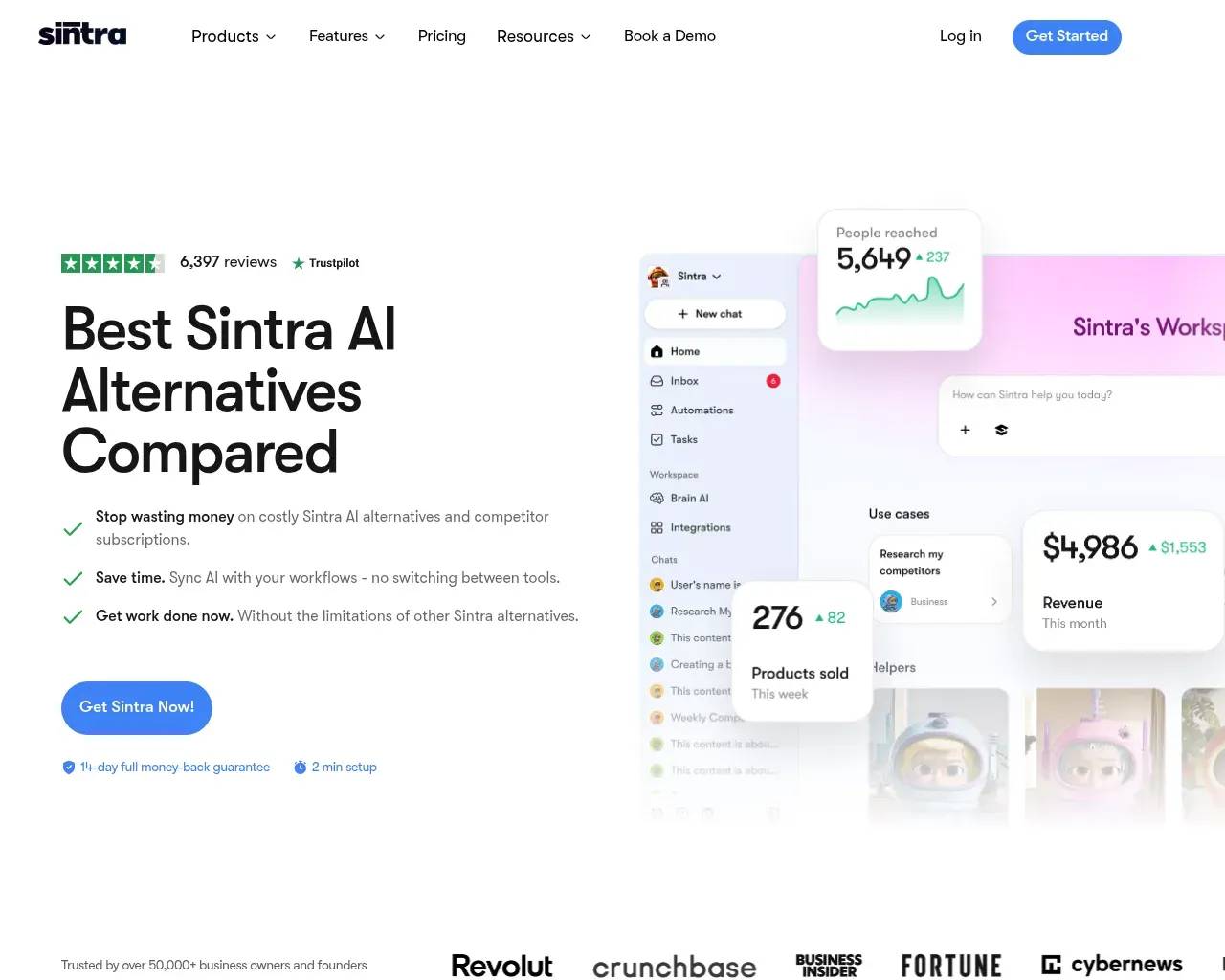
The feature Sintra pushes hardest — and the one reviewers single out as genuinely useful — is Brain AI. You feed it your brand details (tone, products, audience), and the helpers reference that shared context so their output reads less generic over time. For someone producing weekly social posts or routine email replies, that on-brand consistency is the difference between a usable draft and a delete-and-rewrite. It's also Sintra's answer to the obvious question: why not just use ChatGPT? The pitch is that the helpers already know your business.
Pricing
Sintra sells two ways. A single helper runs $39/month, and the Sintra X plan — all twelve-plus helpers in one workspace — is $97/month. Annual billing lowers the effective price, and the site frequently runs limited-time discounts. There's no traditional free trial; instead Sintra offers a 14-day money-back guarantee, so trying it means paying first and asking for a refund if it disappoints.
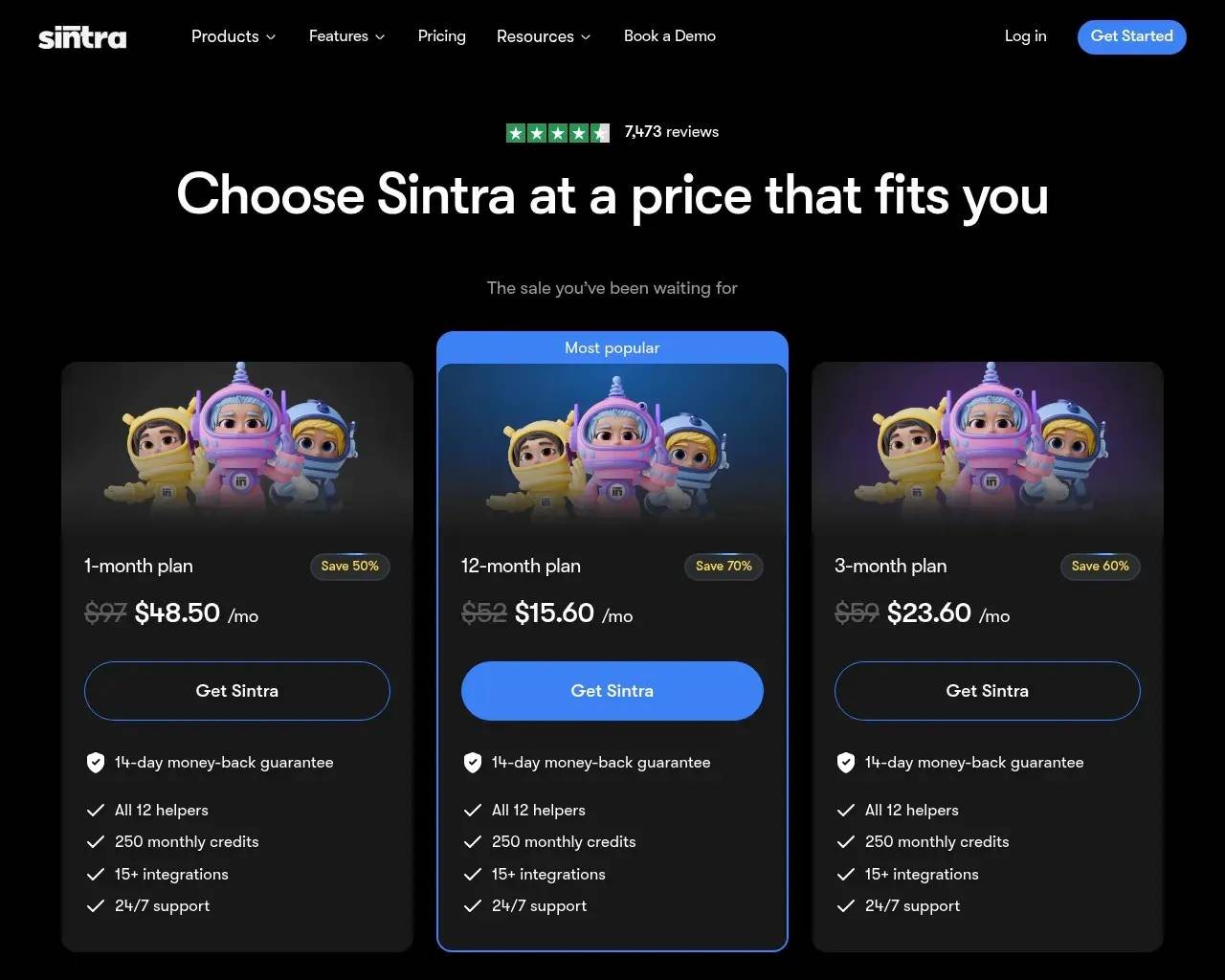
That $97 figure is where opinions split. If you'd otherwise pay a freelancer or stack three or four point tools, the bundle is easy to justify. If you only need one function, the per-helper plan is the saner entry point — and there you're weighing a single $39 helper against a $20 ChatGPT subscription that can cover many of the same tasks with more effort on your part.
Where it stops
This is the part the marketing skips, so let's be clear about it. Sintra is a productivity layer, not an automation platform. Across independent reviews and community threads, the same limitations surface:
- No real automation or orchestration. There's no custom-agent builder, no shared task context across helpers, and no triggered workflows between your other tools. It is not a Zapier or n8n replacement, and treating it like one will disappoint.
- Helper overlap. Several helpers cover adjacent content tasks, and it isn't always obvious which one to reach for.
- No native video. If multimedia is central to your work, you'll still be juggling outside tools.
- It can feel lightweight. One reviewer quoted in third-party roundups complained it "looks like I am playing a kids game" rather than a serious business tool — a fair reaction if you're a technical founder expecting depth and control.
There are also scattered complaints worth checking before you commit: reports of access trouble after purchase and slow support responses turn up in user reviews. None of it is universal — third-party review roundups skew positive overall — but that 14-day refund window is your friend here.
Who it's actually for
Sintra fits a specific person well: a non-technical solopreneur or small-business owner with a handful of recurring tasks — weekly content, social posts, email follow-ups, support replies, basic SEO — who wants on-brand output without learning prompt engineering or wiring up automations. Sintra's own customer case studies lean on exactly that profile, citing users who say they reclaimed a few hours a week once routine work moved to the helpers. The small-business crowd on Reddit echoes the verdict: strong for structured, repeatable work, frustrating if you expect autonomous agents.
If you're a power user who wants to build custom agents, chain tools together, or run complex multi-step pipelines, this isn't your tool — look at agent frameworks or automation platforms instead.
The verdict
Sintra is a well-packaged convenience product. The "AI employees" branding oversells what is, underneath, a friendly front end on familiar generative-AI capabilities — but the packaging is the point. For the right user, twelve pre-scoped helpers plus Brain AI's brand memory genuinely remove friction, and the time saved on routine output is real. Just go in knowing the ceiling: it speeds up tasks, it doesn't automate your business. Start with a single $39 helper for your most repetitive job, and only step up to Sintra X once that one helper has earned it.
FAQ
Does Sintra replace ChatGPT? Not exactly. It's built on similar generative AI but adds pre-scoped helpers and brand memory (Brain AI) so you do less prompting. Power users may still prefer a raw chat model.
Is there a free trial? No free trial, but there's a 14-day money-back guarantee, so you can test it and request a refund.
Can Sintra automate workflows between my apps? No. There's no cross-tool automation or custom-agent orchestration — it's a productivity assistant, not an automation platform.
Sources consulted
- Sintra homepage — product positioning, the twelve helpers and their roles, organization details
- Sintra pricing — plan structure and the Sintra X bundle
- Sintra sitemap & case studies — iOS app and Brain/context features, customer case-study claims
- Cybernews — Sintra AI review — hands-on pros and cons
- Lindy — Sintra AI review — feature testing and limitations
- Efficient.app — Sintra review — pricing and verdict signal
- AI Tool Discovery — Sintra on Reddit — community sentiment from r/Entrepreneur
Published on: June 4, 2026
Looking for alternatives to Sintra? See all Sintra alternatives →
Have an AI tool of your own? Submit it below and get a free, in-depth product review article — just like this one.
Add your AI tool in seconds
Paste your URL and we'll draft the listing. You review and edit every field before submitting.