AI Collection Top Picks
Podcast Tools Category Picks
About Podsuite
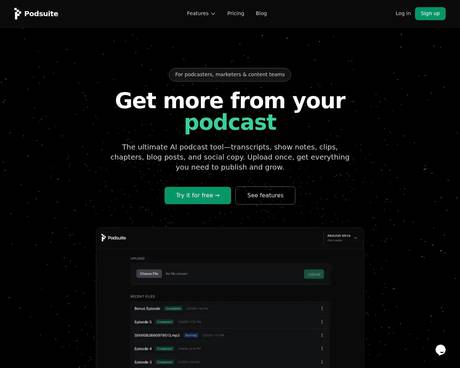
The ultimate AI podcast tool—transcripts, show notes, clips, chapters, blog posts, and social copy. Upload once, get everything you need to publish and grow.
What you get
Additional Information
Podsuite is designed specifically for podcasters, marketers, and content teams to maximize the potential of their audio content. By simply uploading an episode, users receive comprehensive outputs, including accurate transcripts with speaker diarization, publish-ready show notes, chapters segmented by topics, SEO-friendly title suggestions, and shareable audio clips. This allows creators to streamline their processes and save valuable time on content production.
One of the standout features of Podsuite is its ability to transform podcast episodes into fully edited blog articles, enhancing the creator’s ability to engage with audiences across multiple platforms. The tool is built to respect the natural flow and structure of podcasts, providing users with outputs that maintain the tone and style of their original content. Creators benefit from a structured workflow that eliminates the hassle of manual writing.
Podsuite supports various audio formats and prioritizes content privacy, ensuring that users have full control over their materials. Additionally, advanced features allow for the automatic extraction of social media posts designed for platforms like LinkedIn and X, which can be generated from the episode content itself. This not only saves time but enhances content distribution efforts.
Overall, Podsuite empowers podcasters to transform their audio assets into a diverse range of digital content, fostering engagement and growth through its efficient and user-friendly interface.
Frequently asked questions
What is Podsuite used for?
Podsuite – Podcast Transcription, Show Notes & Content Tools.Is Podsuite free?
Pricing for Podsuite varies — see the Pricing section for details.What are alternatives to Podsuite?
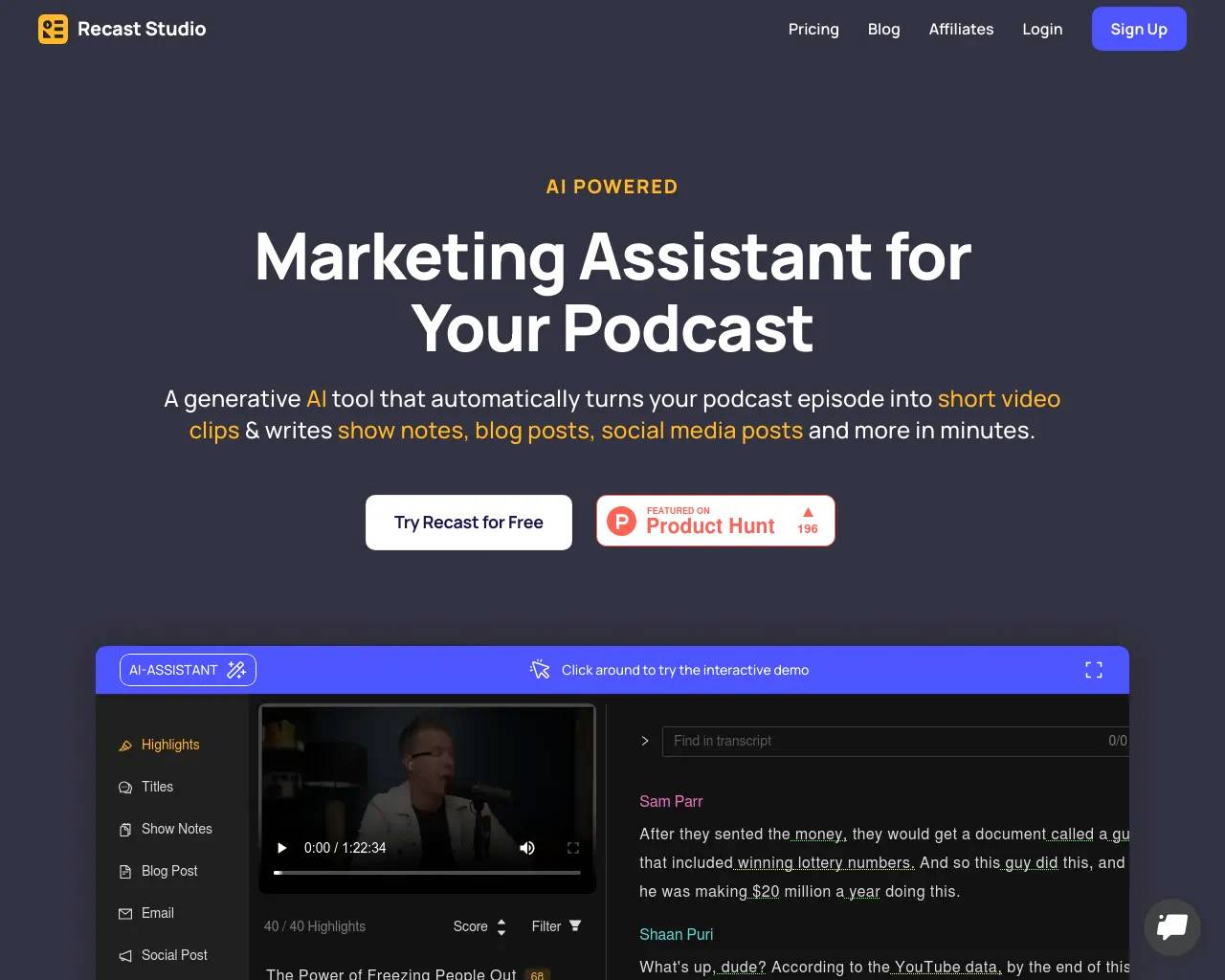
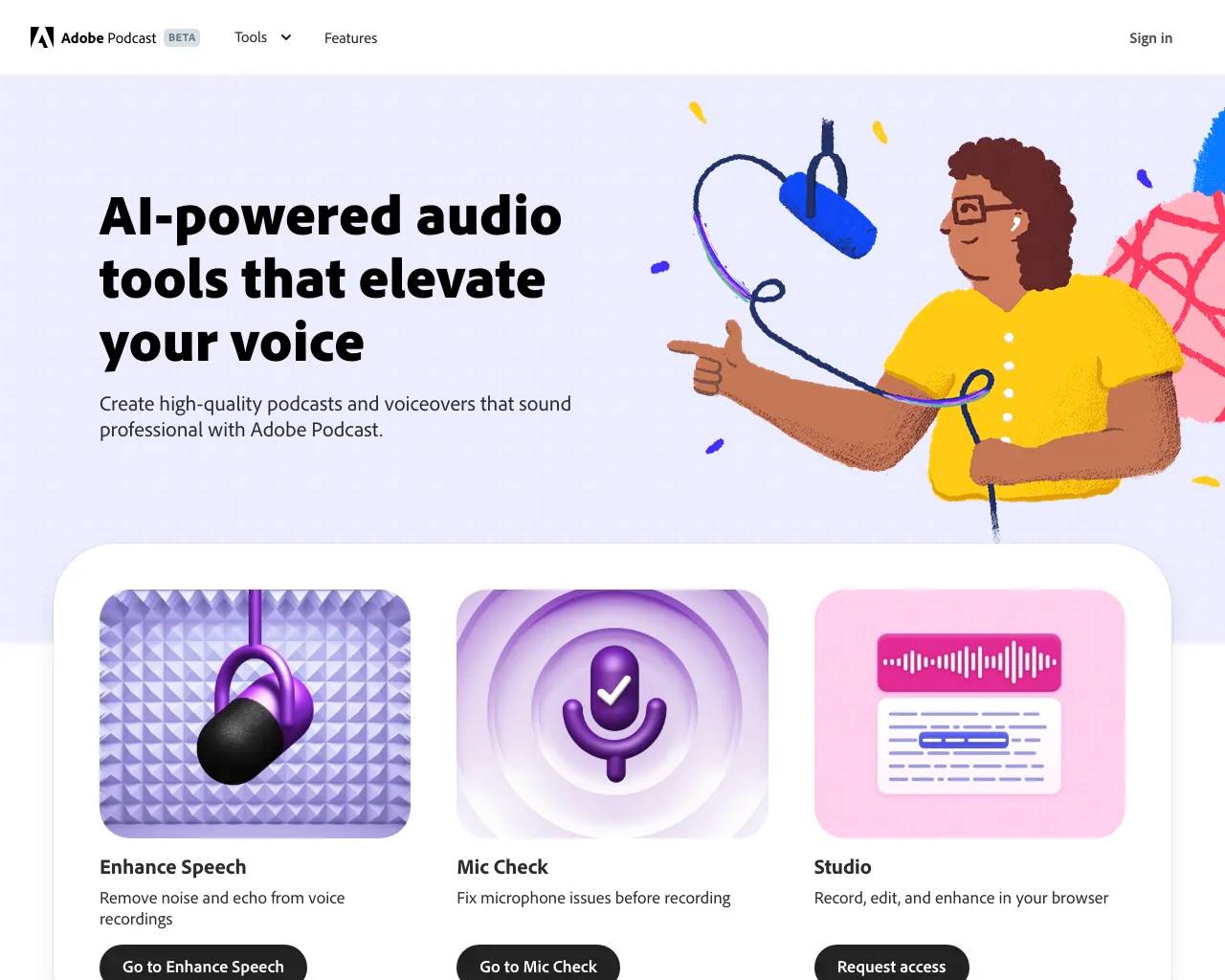
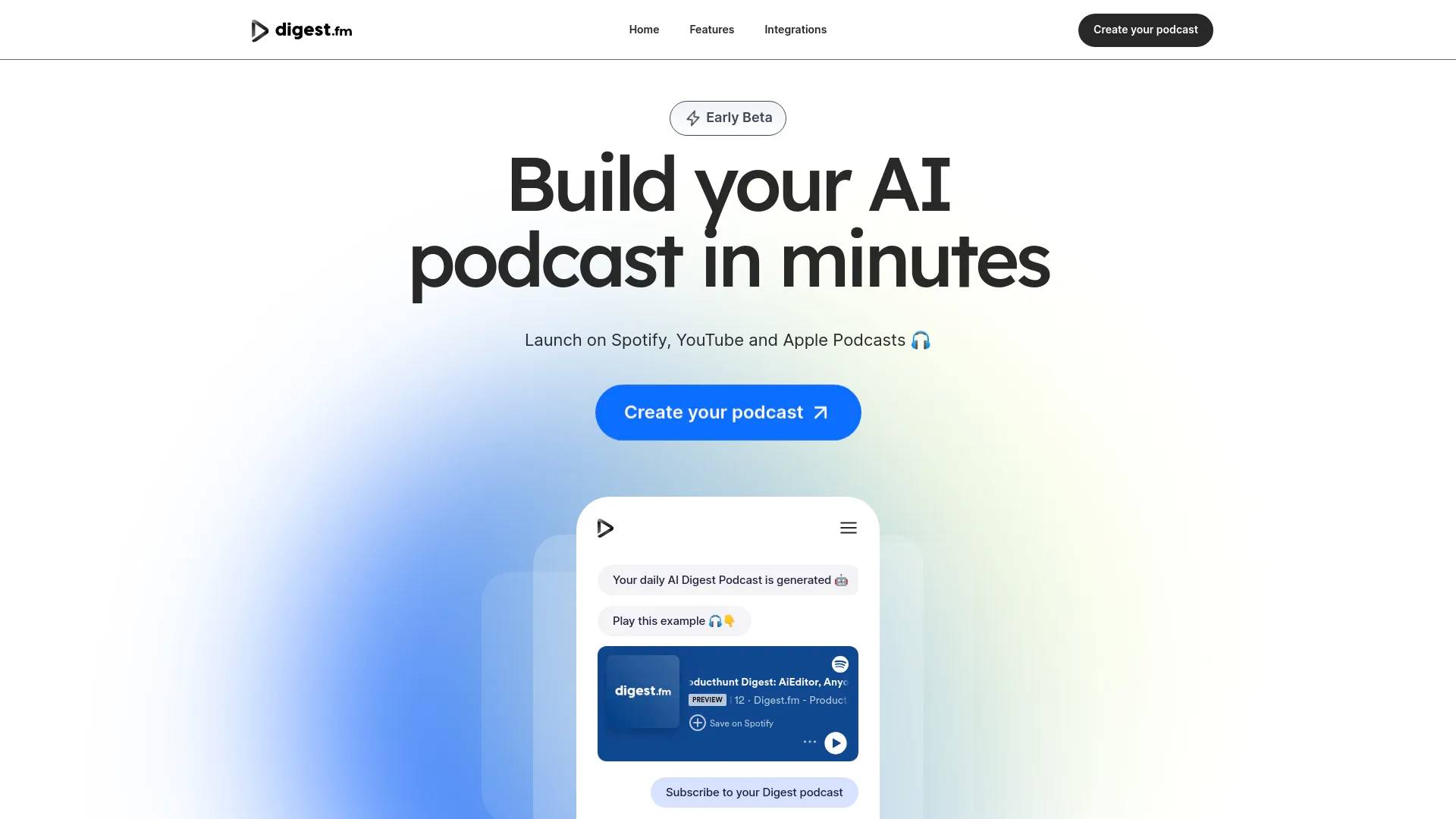
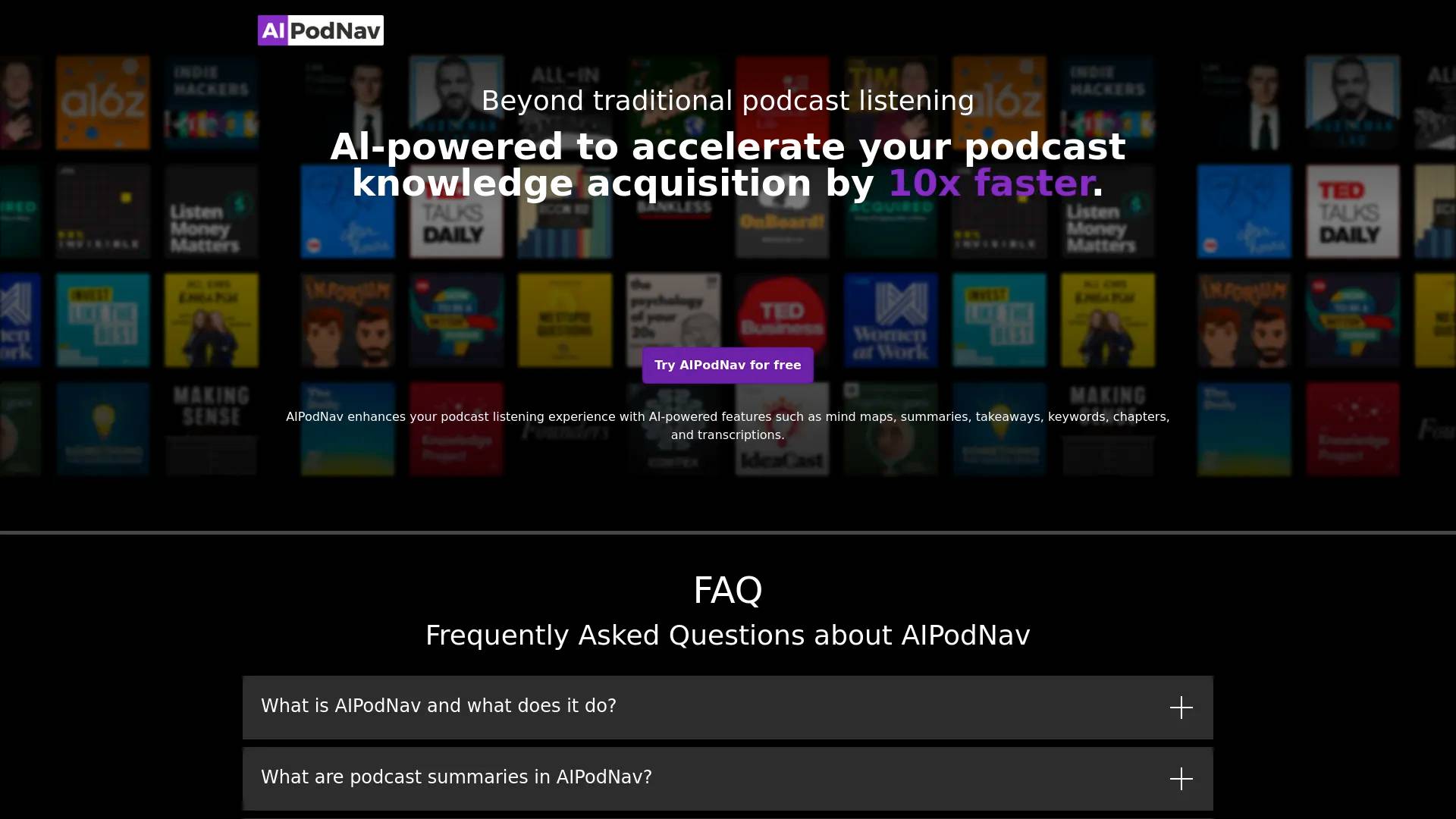
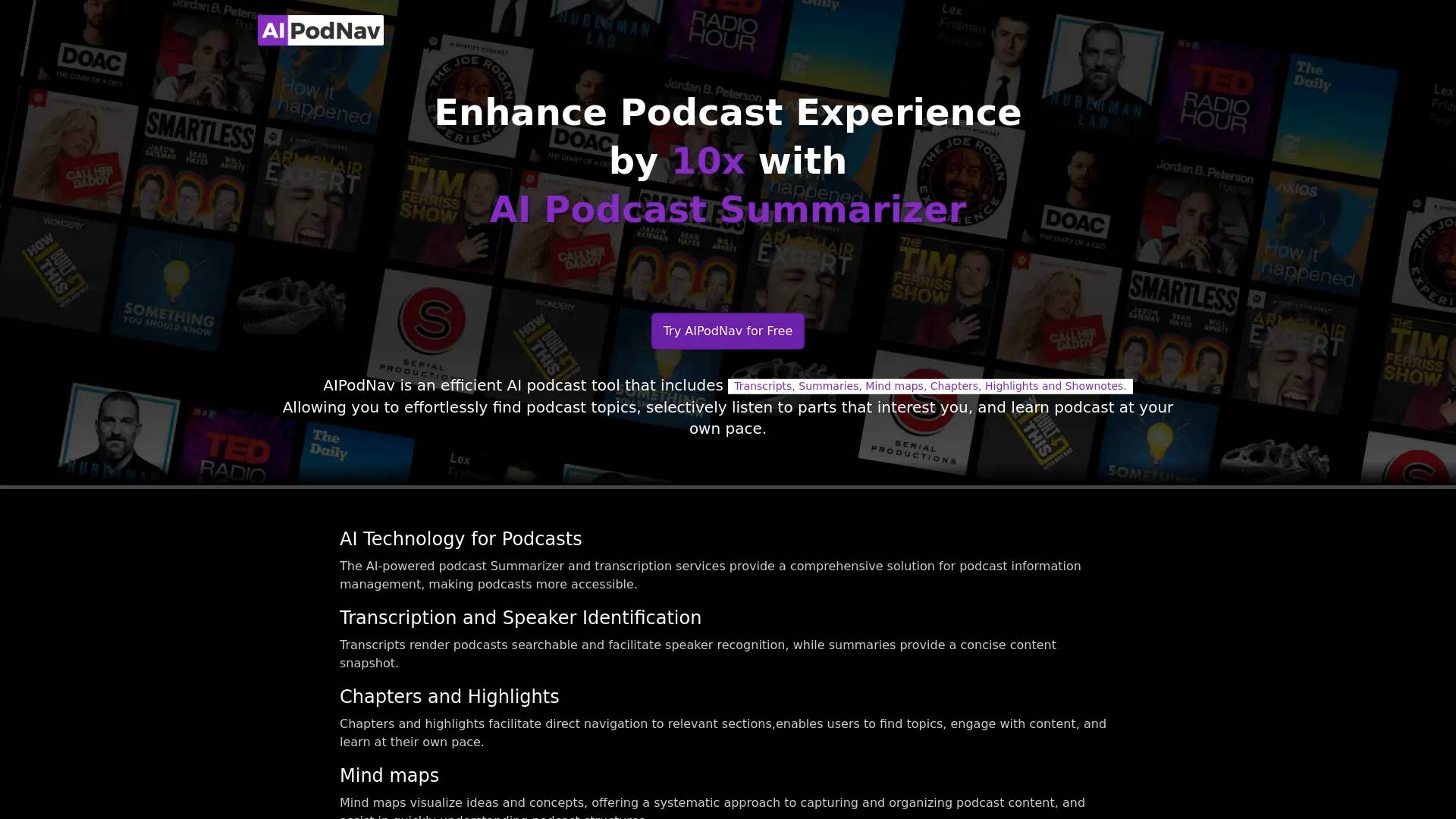
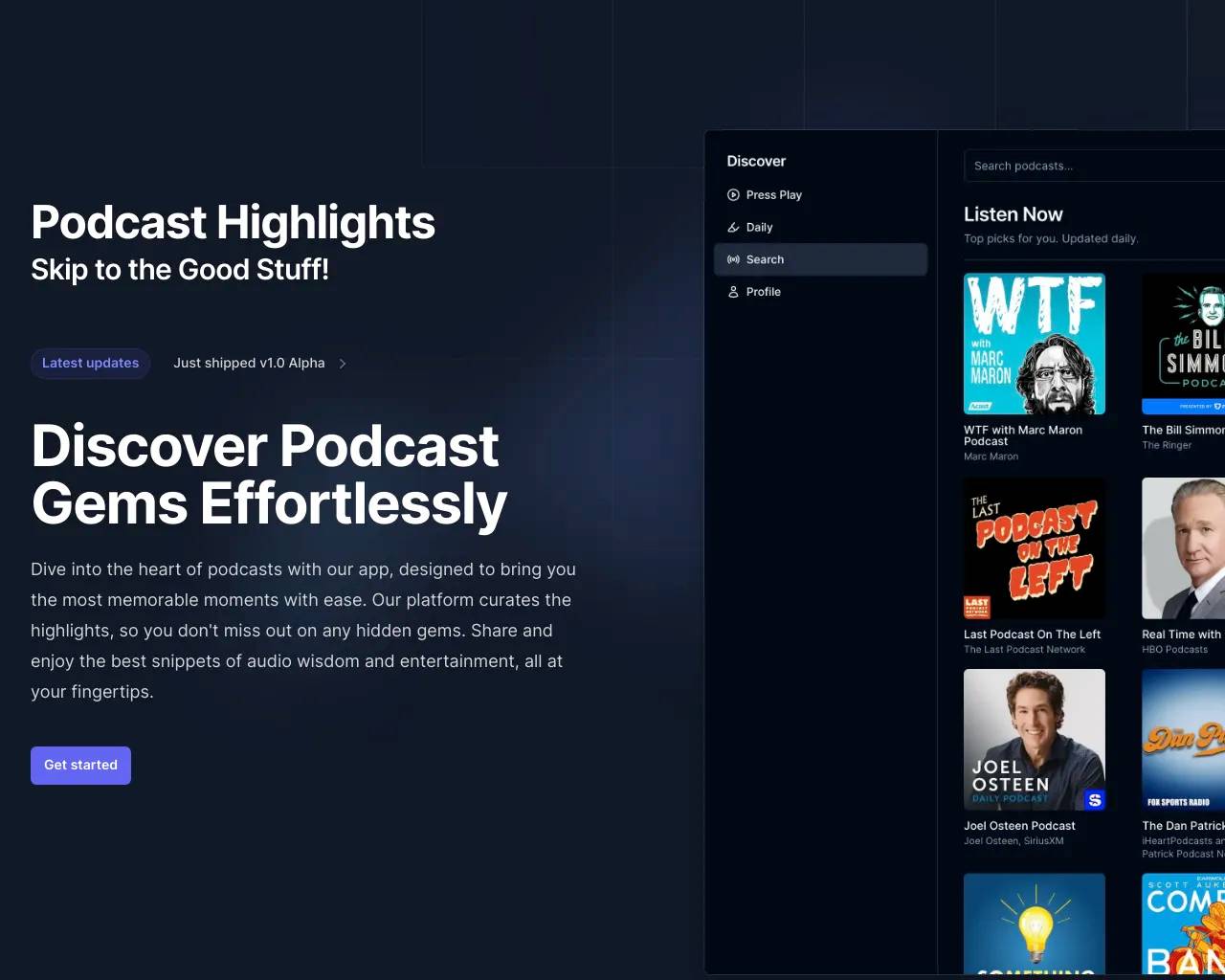
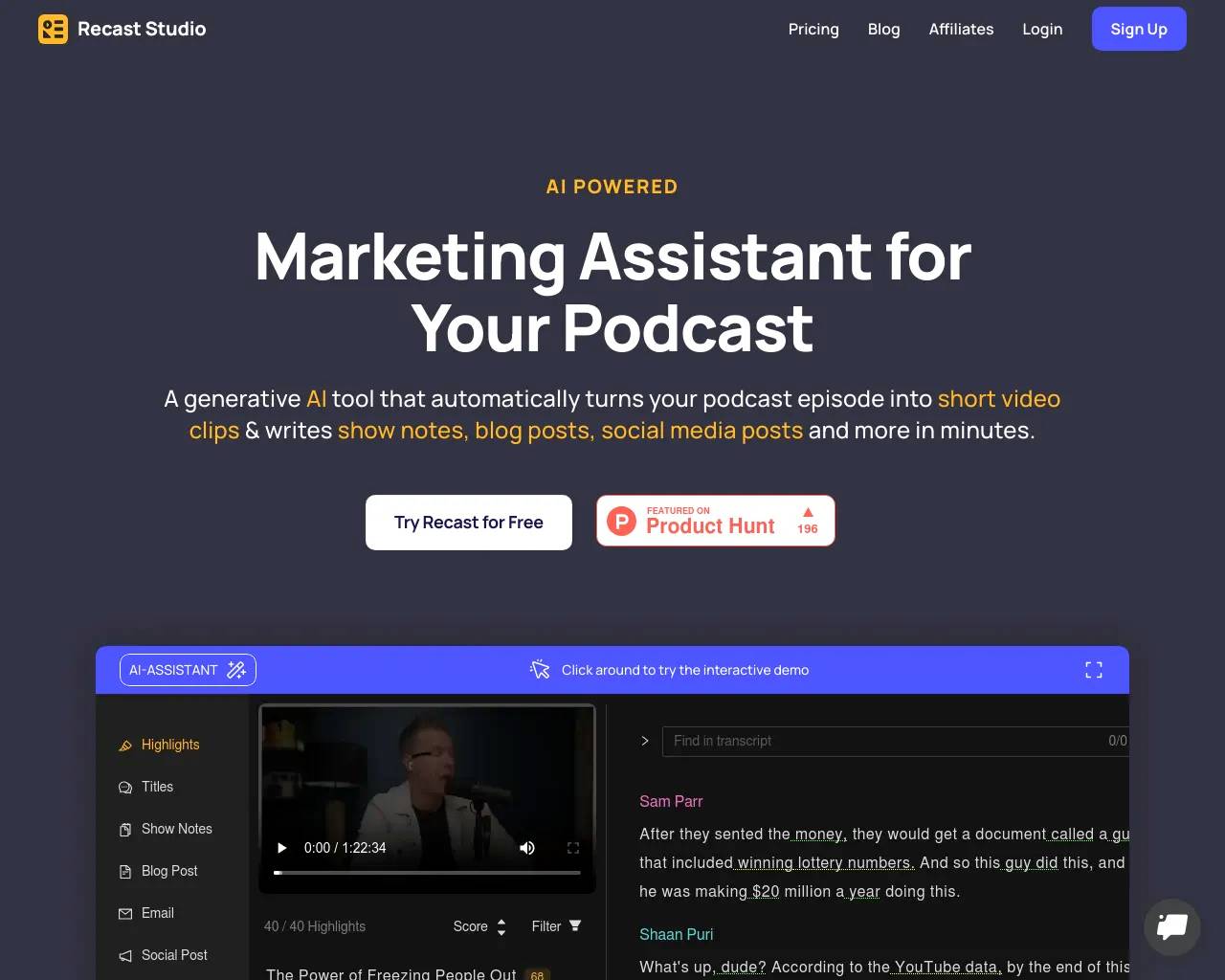
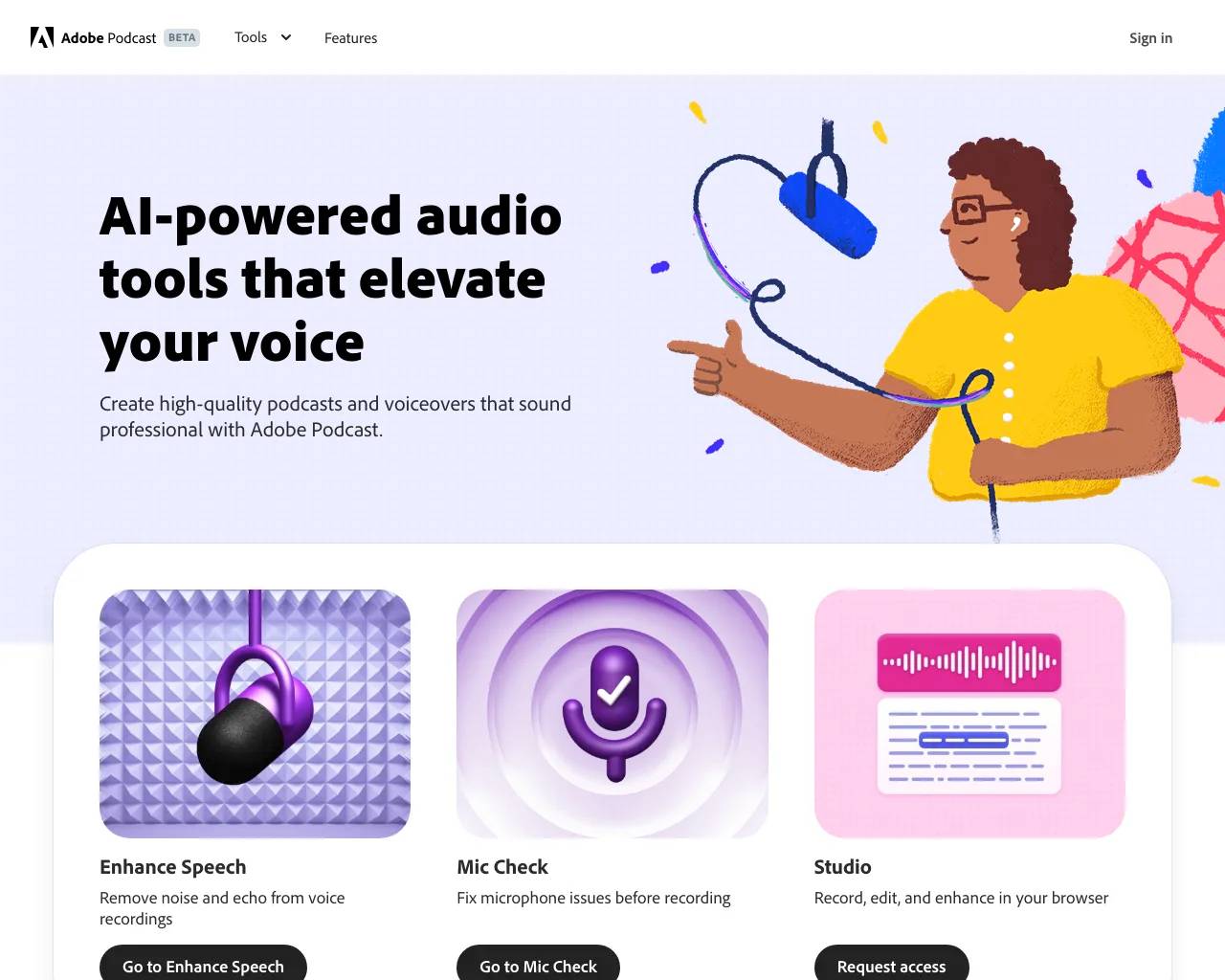
Top alternatives to Podsuite include Recast Studio, Adobe Podcast, Podcast Highlights, Digest.fm, AIPodNav.Where can I get Podsuite?
Podsuite is available at https://podsuite.io/.What category is Podsuite in?
Podsuite is listed in Podcast Tools.Features
1. Podcast transcription with speaker diarization 2. SRT file export for video captions and YouTube 3. AI-generated show notes and episode summary 4. Podcast chapter markers (Spotify and YouTube compatible) 5. Episode title suggestions 6. SEO keyword extraction 7. Blog article generation from episode content 8. Newsletter copy generation 9. Social media posts for LinkedIn and X (in speaker's voice) 10. Highlight clip timestamps and quote hooks 11. Fully editable outputs 12. Corrections flow through to all generated content 13. Supports MP3, WAV, M4A formats 14. No training on user content ---How accurate is the podcast transcription?
We use professional-grade speech-to-text tuned for podcast audio. You can correct speaker names and any line; corrections flow into all generated content.Use Cases
* Transcribe podcast audio to text automatically * Generate podcast show notes without manual writing * Turn a podcast episode into a blog post * Create an SRT file for YouTube captions * Find shareable clip moments without re-listening * Build a weekly newsletter from each episode * Generate SEO keywords for podcast discoverability * Add chapters to Spotify and YouTube episodes * Repurpose podcast content across multiple channelsWhat audio formats do you support?
MP3, WAV, M4A, and other common podcast formats. Upload from your computer or link from your host.Is my content private?
Yes. Your episodes and outputs are yours. We don't train on your content or share it.Can I edit the outputs?
Everything is editable—transcripts, show notes, blog posts, and clips. Export to your tools or copy from the app and tweak as needed.Do you support video podcasts?
Yes. Audio is extracted and transcribed automatically, with SRT file export for adding captions to your video. Video support is expanding.
Compare Podsuite with…
Pick any tool to see a structured side-by-side: pricing, deployment, capabilities, and content policy.