Picture to Drawing
AI - Turn Photos Into Drawings Online.
- Category
- AI Art & Illustration
- Pricing
- Paid
- Alternatives
- 6 similar tools
- Last updated
- today
- Source
- Official site ↗
AI Collection Top Picks

AI Art & Illustration Category Picks
About Picture to Drawing
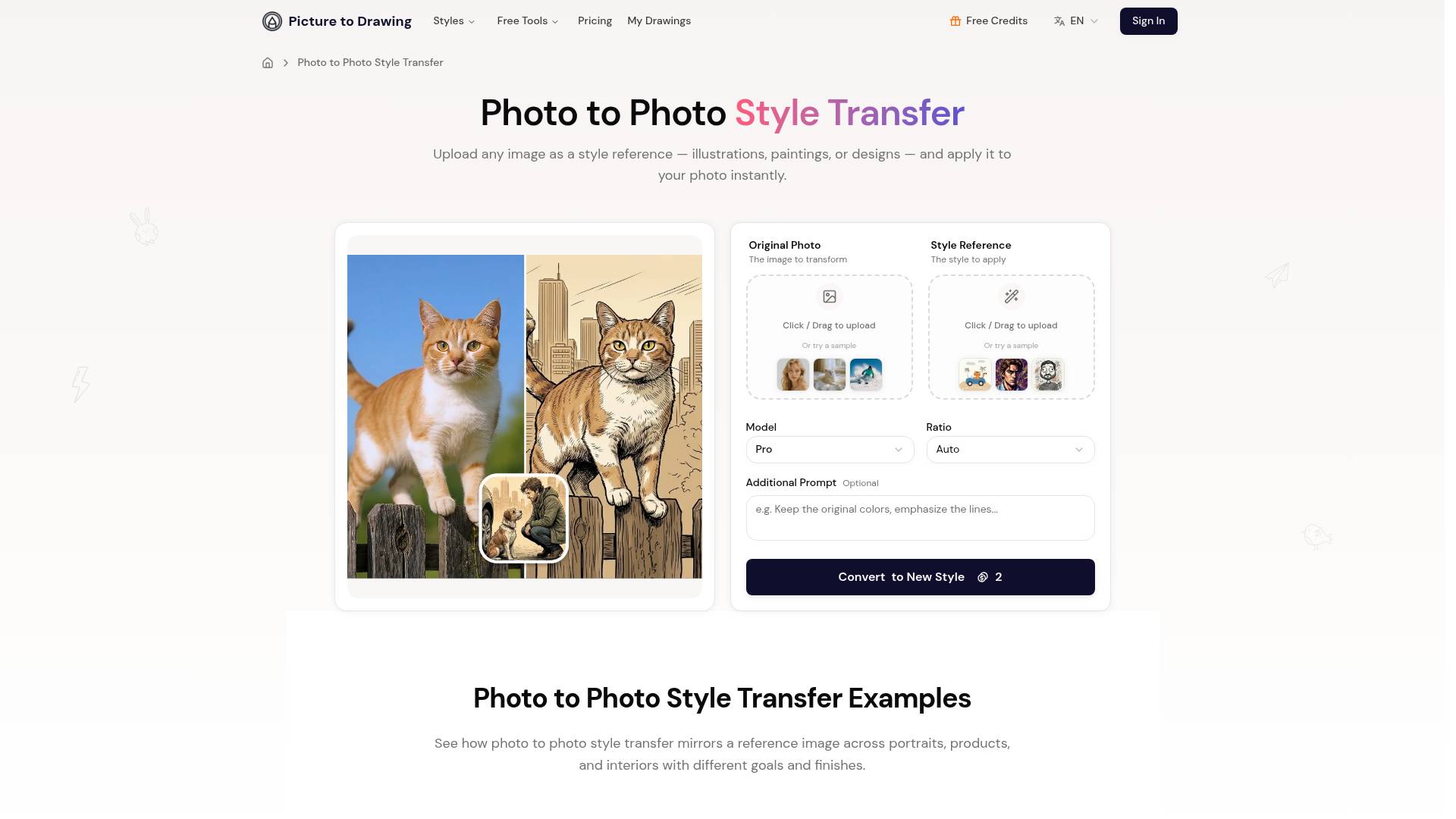
Photo to Photo Style Transfer that mirrors any reference image onto your own photos in seconds—try it now.
Picture to Drawing's Pricing Plans
Picture to Drawing may change prices at any time. Here's our latest information:
Picture to Drawing Pricing Plans
Basic
200 credits, valid for 1 months
$12.99
per month
What you get
Additional Information
Features
- Advanced AI Technology: Cutting-edge artificial intelligence that analyzes photo composition, lighting, and textures to create authentic artistic conversions
- Multiple Art Styles: Choose from pencil sketches, charcoal drawings, watercolor paintings, ink illustrations, and colored pencil artwork
- Lightning Fast Processing: Complete picture to drawing transformation in 20-30 seconds with optimized AI servers
- High Resolution Output: Download conversions in full resolution, perfect for printing, framing, or professional use
Use Cases
- Personalized Gifts: Create unique, heartfelt gifts by converting cherished family photos to artistic drawings for special occasions
- Social Media Content: Stand out on Instagram, Facebook, and other platforms with engaging artistic picture to drawing content
- Marketing Materials: Enhance brochures, websites, and advertisements with distinctive photo to sketch artwork for business branding
- Home Decoration: Transform favorite photographs into elegant wall art using picture to drawing technology for personalized decor
- Educational Projects: Perfect for teachers and students for art education, presentations, and creative assignments
Frequently asked questions
What is Picture to Drawing used for?
Picture to Drawing AI - Turn Photos Into Drawings Online.Is Picture to Drawing free?
Picture to Drawing is a paid product. See the Pricing section for current plans.What are alternatives to Picture to Drawing?
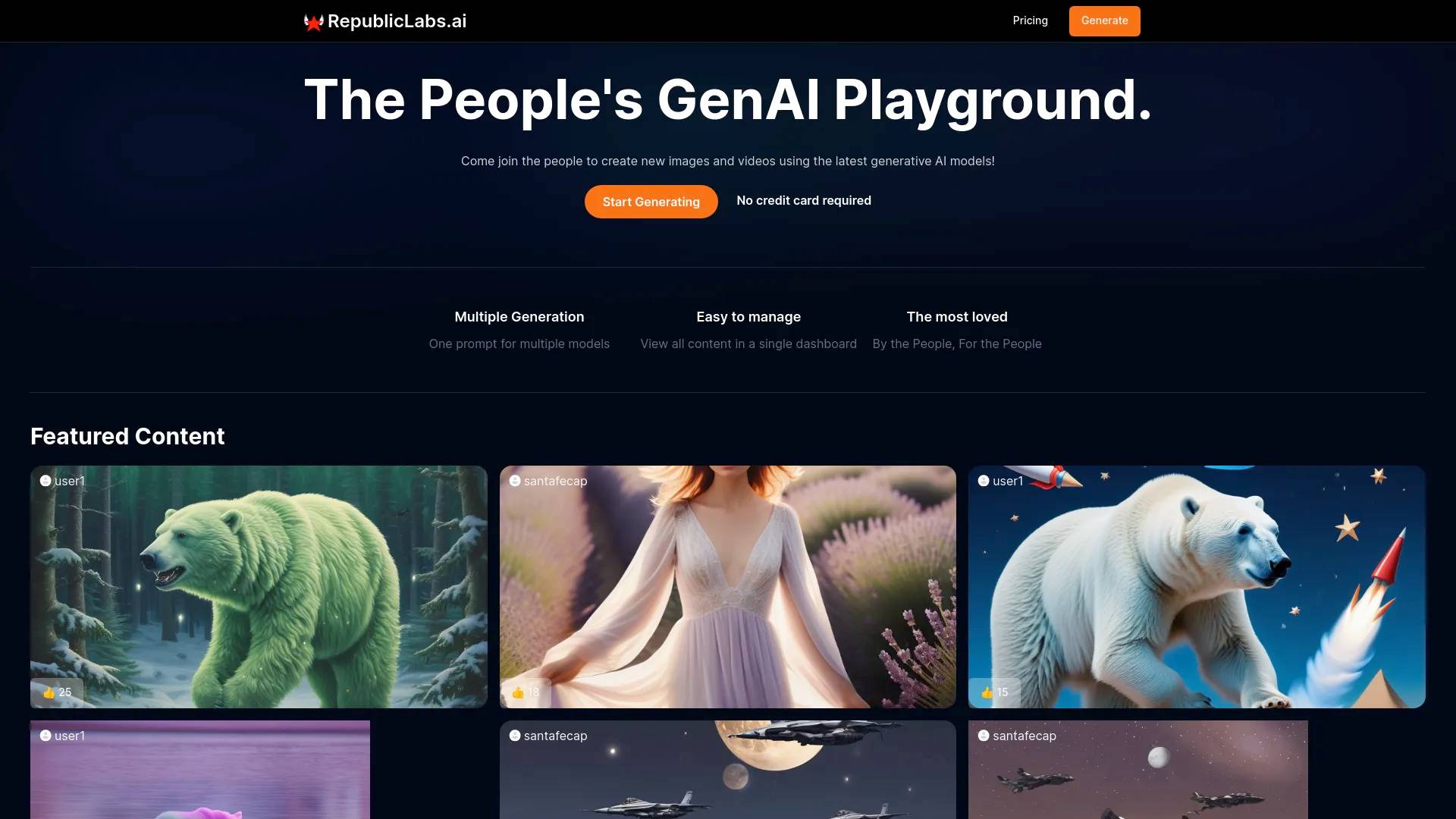
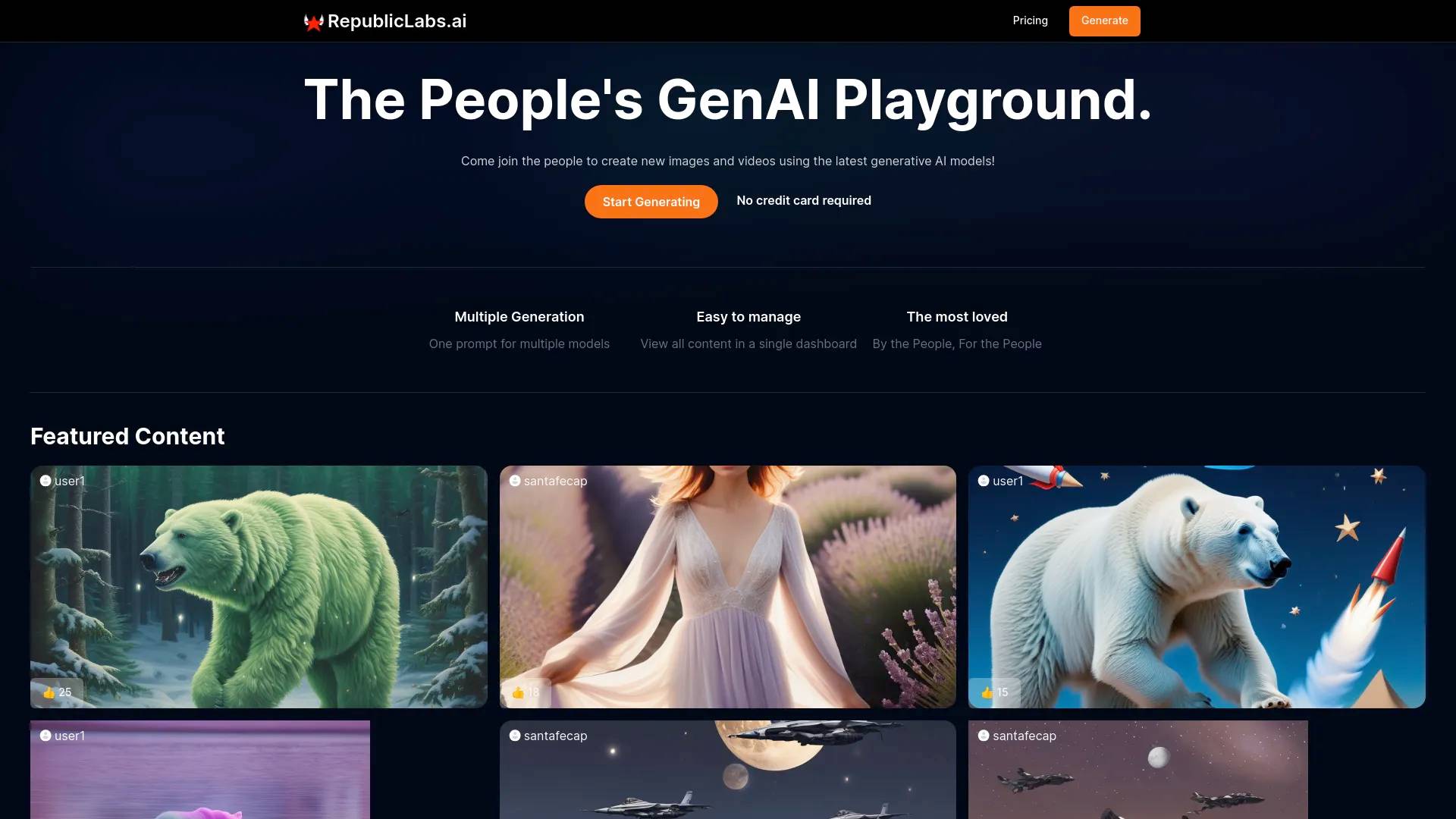
Top alternatives to Picture to Drawing include Ink AI - Tattoo Generator, StickerIt.AI, Republiclabs.ai, AnimeGenius, BgRem.Where can I get Picture to Drawing?
Picture to Drawing is available at https://picturetodrawing.com/photo-to-photo-style.What category is Picture to Drawing in?
Picture to Drawing is listed in AI Art & Illustration.Use Cases
- **Personalized Gifts**: Create unique, heartfelt gifts by converting cherished family photos to artistic drawings for special occasions - **Social Media Content**: Stand out on Instagram, Facebook, and other platforms with engaging artistic picture to drawing content - **Marketing Materials**: Enhance brochures, websites, and advertisements with distinctive photo to sketch artwork for business branding - **Home Decoration**: Transform favorite photographs into elegant wall art using picture to drawing technology for personalized decor - **Educational Projects**: Perfect for teachers and students for art education, presentations, and creative assignmentsWhat is the difference between Pro and Max?
Pro is optimized for speed, affordability, and dependable photo to photo style transfer across most use cases. Max pushes for higher fidelity on complex textures and niche art directions but consumes more credits.What if I do not like the first render?
Adjust your prompt with the exact change you want—mood, color, texture—and re-run. If needed, upload a clearer style reference so the AI follows your direction.Which reference images work best?
Clear images with a strong, readable style work best. Avoid blur, heavy watermarks, or muddy lighting so the AI can mirror the look accurately.What image formats are supported?
JPG, PNG, and WebP are supported for both style reference and content uploads. Use higher resolution when possible for sharper results.Will the subject stay recognizable?
Usually yes—the main subject and key traits are kept while the chosen style is applied. For extra control, add prompts like 'keep the face shape' or 'preserve label text.'How secure is my upload?
Uploads are encrypted in transit and processed on secure servers. We delete images after completion of your AI style transfer with reference image, and we never train on your assets.Do I need rights to the style I copy?
Yes. Use reference images you own or license-free styles before selling or publishing. You keep full rights to outputs you generate; just make sure the style you mimic is cleared for your commercial use.
Compare Picture to Drawing with…
Pick any tool to see a structured side-by-side: pricing, deployment, capabilities, and content policy.