Image to Video AI
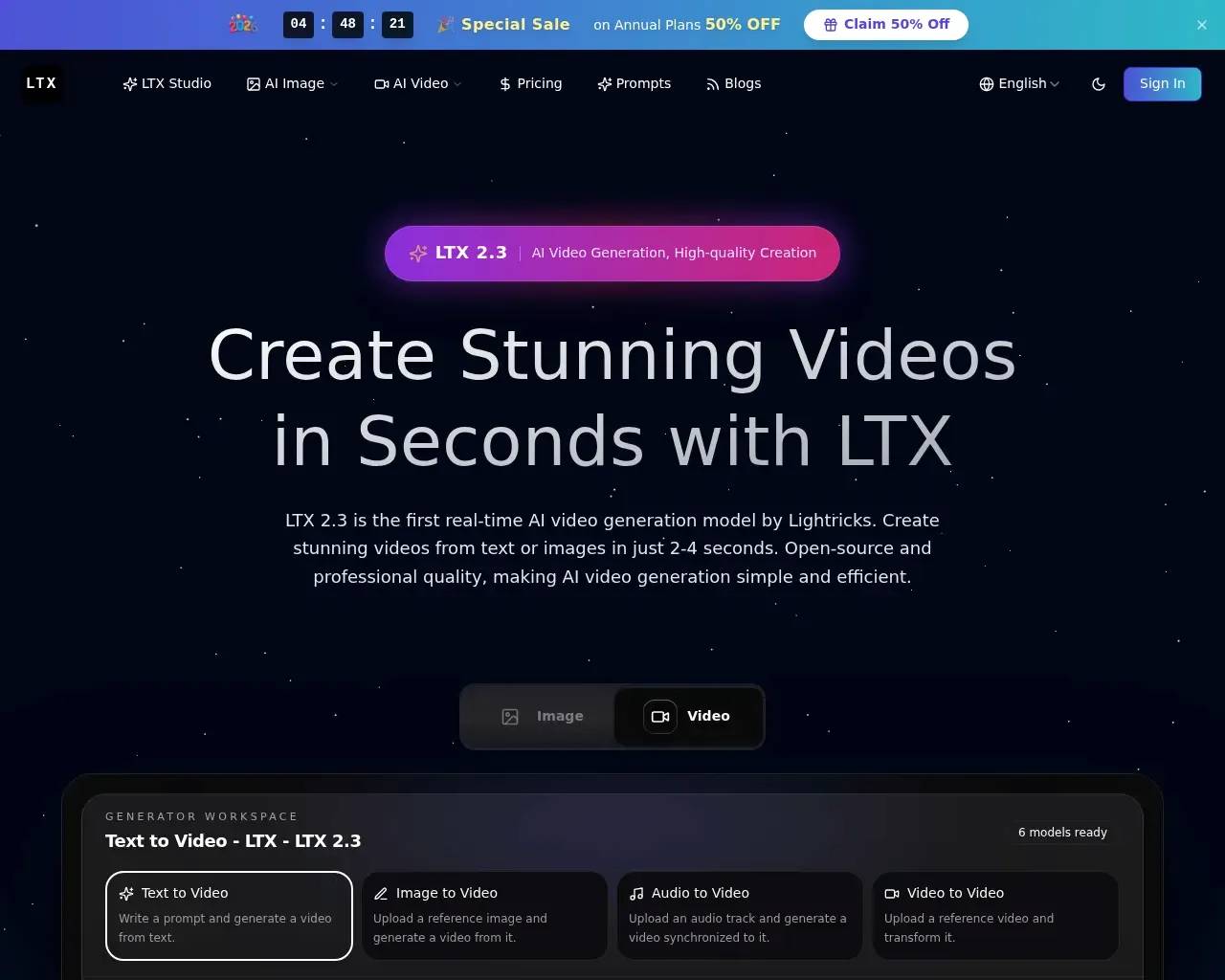
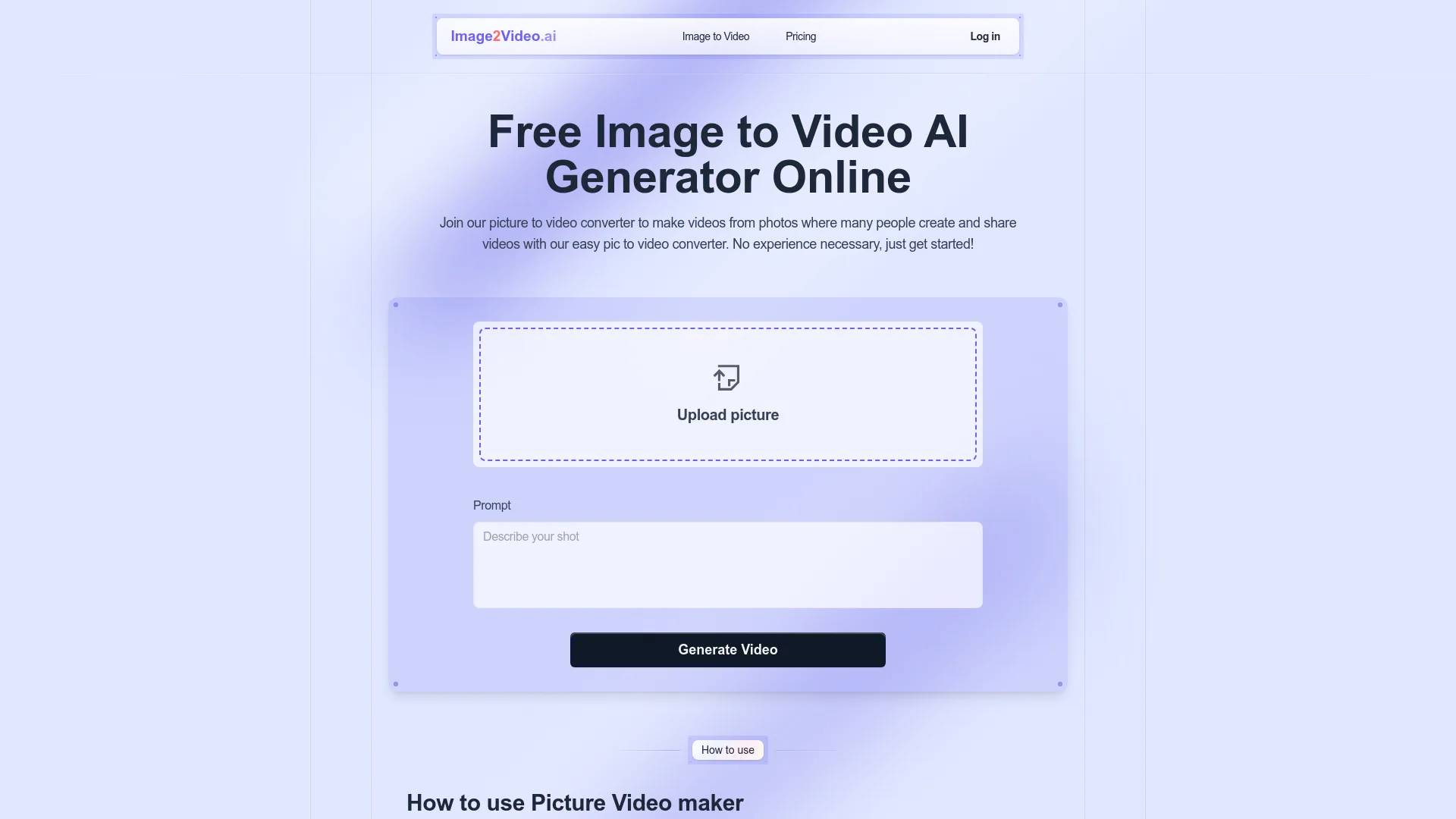
Image to Video AI is an AI tool. Image to Video AI: Create Videos from Photos, AI Video Maker.
- Category
- Text to Video
- Alternatives
- 6 similar tools
- Last updated
- 2 days ago
- Source
- Official site ↗
AI Collection Top Picks

Text to Video Category Picks
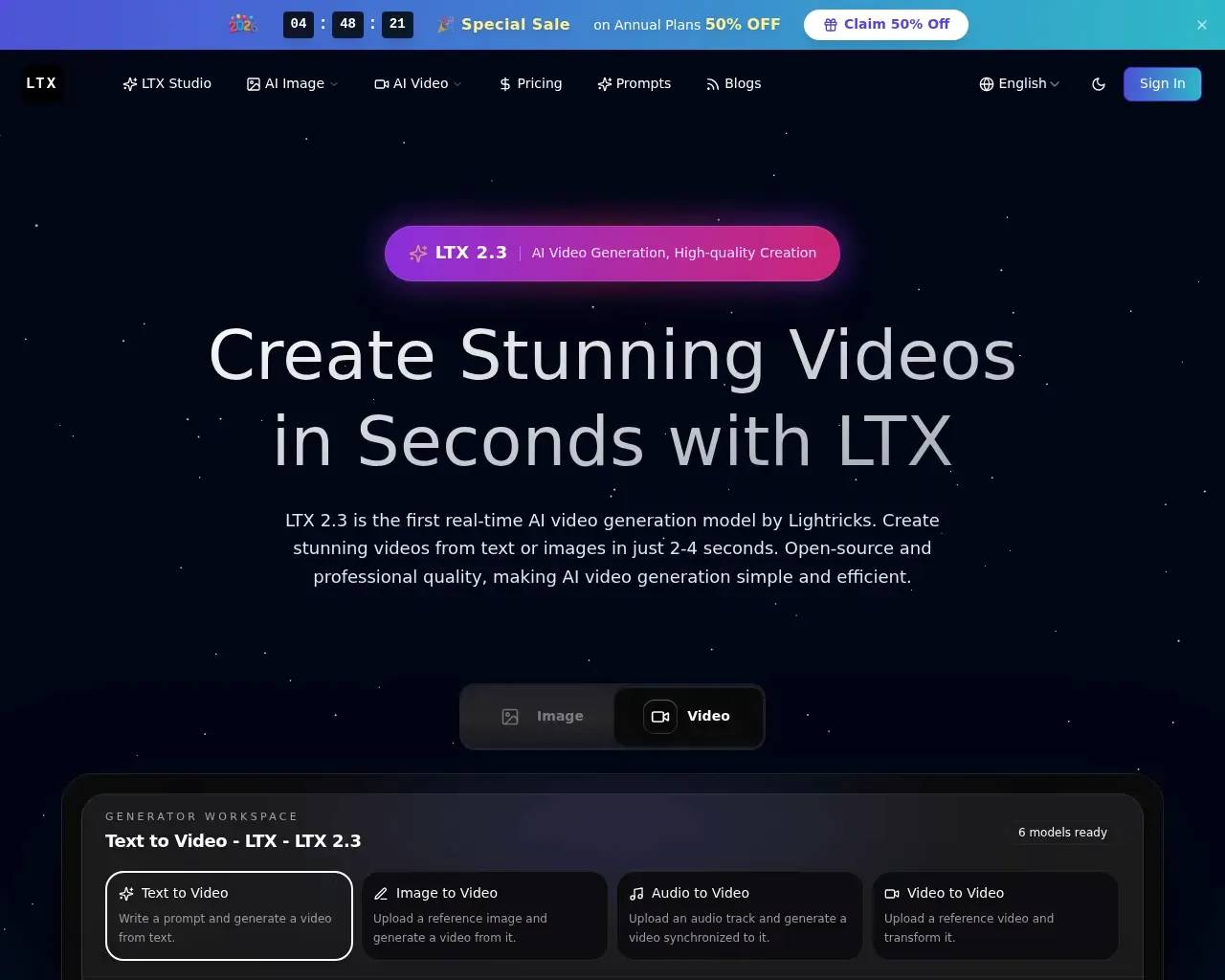
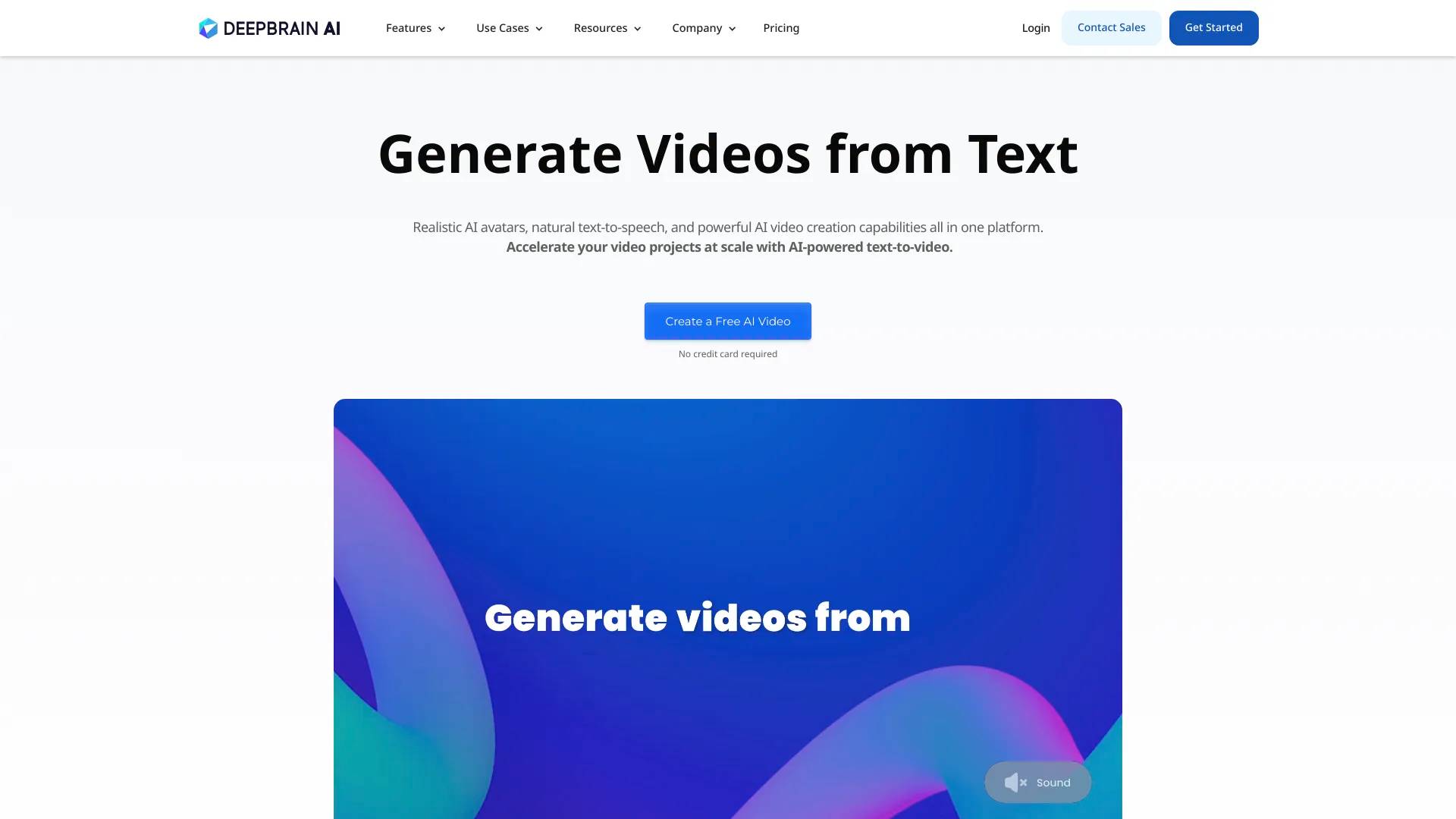
About Image to Video AI
Image to Video AI increases AI photo to video quality. Get the perfect animation using a free picture to video converter.
Image to Video AI's Pricing Plans
Image to Video AI may change prices at any time. Here's our latest information:
Image to Video AI Pricing Plans
Free plan
Log In to Access
- 10 Generate times
- Free Trial on First Sign In
- Shared generation queue
- Download video
Frequently asked questions
What is Image to Video AI used for?
Image to Video AI: Create Videos from Photos, AI Video Maker.Is Image to Video AI free?
Pricing for Image to Video AI varies — see the Pricing section for details.What are alternatives to Image to Video AI?
Where can I get Image to Video AI?
Image to Video AI is available at https://image2video.ai/.What category is Image to Video AI in?
Image to Video AI is listed in Text to Video.What is photo to video converter?
Our Image To Video AI platform uses advanced technology to transform your static photos into dynamic video content. Simply upload your images, describe your vision in natural language, and let our Image To Video AI handle the conversion process. The photo to video converter works perfectly on any device, from smartphones to desktop computers, making it easy to create engaging videos from your pictures.What can I use photo to video online for?
Using Image To Video AI is incredibly versatile - create marketing videos, social media content, product showcases, educational materials, and personal memory videos. The system works like having a professional video editor - just upload your photos and type your instructions, and watch as our Image To Video AI brings your concept to life with full automation. Our photo to video technology is possibly the best tool for creating engaging visual content from static images.Is my data safe and is it free to use in Image to Video AI?
Using Image To Video AI is completely secure with our robust security policy! We offer both free and premium pricing plans for your selection. The best part is that no downloads are required - our Image To Video AI platform is entirely web-based and functions smoothly across all major browsers like Safari and Chrome. Your uploaded photos and generated videos are protected with industry-standard encryption.Are there any tips for this Image To Video AI Generator?
Our Image To Video AI lets you easily create videos from your images online—no software download required. Transform your photos instantly with cutting-edge Image To Video AI technology. Our photo to video converter handles JPEG and PNG formats, displaying results in MP4 format. Experience professional-grade Image To Video AI effects, including dynamic transitions, intelligent zoom features, and smooth animations that bring your static images to life.Are picture video free?
Image To Video AI offers free versions with generous features, plus subscription options for full functionality and premium effects. This photo to video AI tool delivers stunning results in record time - perfect for creators of all levels. The advanced Image To Video AI processing ensures professional-quality output every time. Whether you're looking to 'make a video with pictures and music' or 'create a video with pictures and music', our platform offers comprehensive functionality.Can I use Image to video AI on my smartphone?
Yes! Our Image To Video AI platform is fully optimized as a mobile-responsive web app for both iOS and Android devices. These Image To Video AI features work seamlessly on smartphones, eliminating expensive production costs. The smart photo to video capabilities let you customize effects effortlessly right from your mobile browser - no app installation required.What file formats are Image to video AI supported?
Our Image To Video AI platform supports common image formats like JPEG, PNG, and JPG as input. Video output format is MP4, which is universally compatible across all devices and platforms. Our professional Image To Video AI system helps transform still images into dynamic content. Whether you're using basic photo to video functions or advanced Image To Video AI capabilities, creating videos has never been easier.Can I add music to my Image to video AI?
Yes, but now we have Image to video AI haven't add the function of background music from audio files yet. For iPhone users, you can easily 'make a video with pictures of an iPhone' using built-in apps. You can 'images to video online' with ease, and even 'make video from photos online' in just a few clicks. So why not explore these tools and bring your static images to life in exciting new ways?How long can my Image to video AI be?
Our Image To Video AI currently supports five-second generation. Some services allow you to 'turning photos into video' or convert 'photo to mp4' and 'images to mp4'. For a quick laugh, you might want to create a 'photo funny video'. If you need to convert specific file formats, look for options to change 'pic to mp4' or 'jpg to video'.Can I share my picture video on social media?
Image To Video AI allows direct sharing to popular social media platforms or easy exporting for manual uploads. Transform your content through Image To Video AI solutions. Modern Image To Video AI technology makes it simple to convert your photos into engaging videos. Using advanced photo to video tools, you can add text overlays, transitions, and music without traditional filming.Do I need technical skills to use Image to video AI?
Our Image To Video AI is designed to be user-friendly and doesn't require advanced technical skills. The platform features an intuitive interface that makes photo to video conversion accessible to everyone, regardless of their technical background. Simply upload your images, customize your settings, and let our Image to video AI handle the complex processing automatically.
Compare Image to Video AI with…
Pick any tool to see a structured side-by-side: pricing, deployment, capabilities, and content policy.