Fotor Video Editor
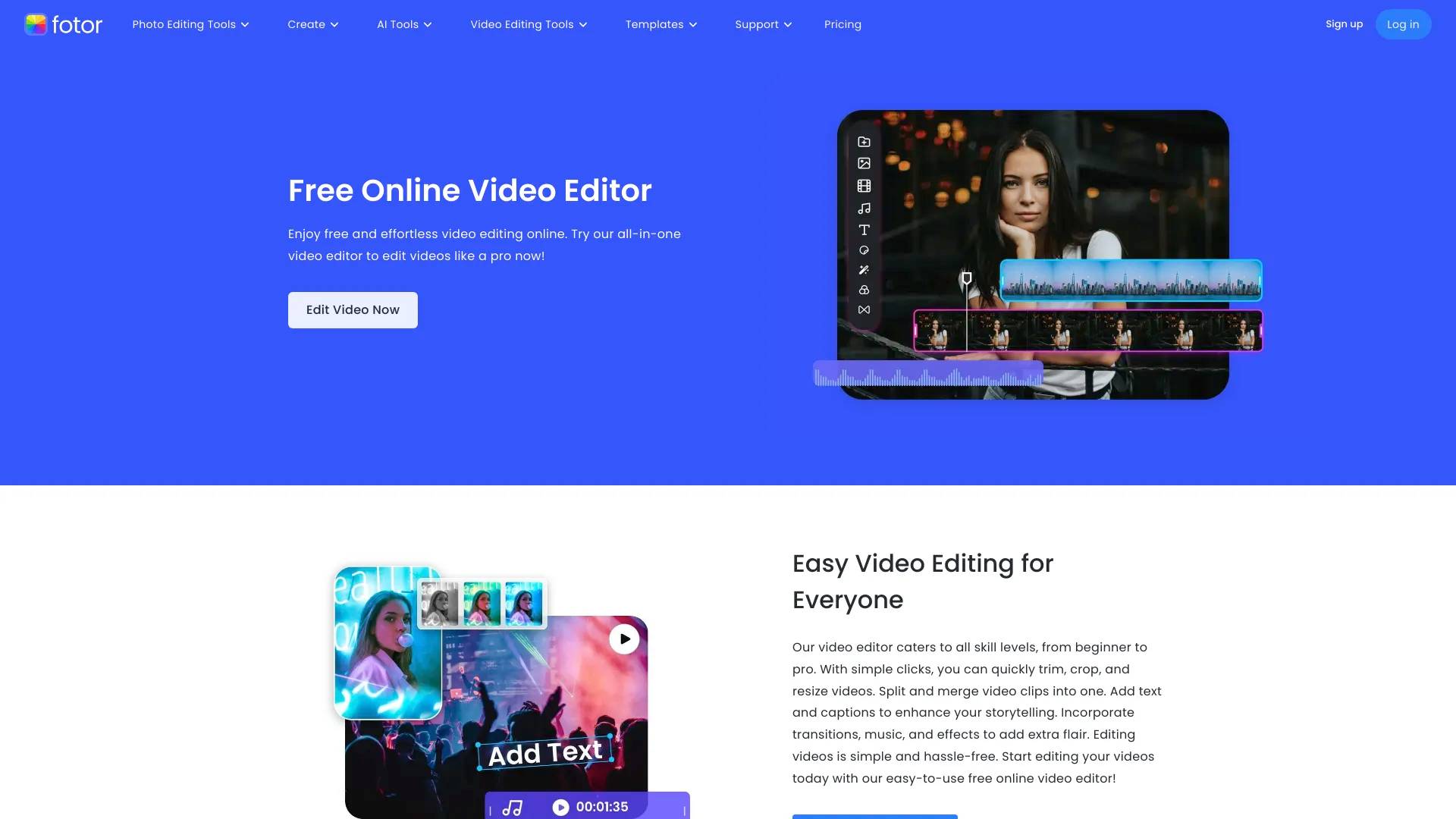
Fotor Video Editor is an AI tool. Enjoy free and effortless video editing online. Try Fotor all-in-one video editor to edit videos like a pro now.
- Category
- Video Generation & Editing
- Pricing
- Paid
- Alternatives
- 6 similar tools
- Last updated
- 1 years ago
- Source
- Official site ↗
About Fotor Video Editor
Fotor video editor caters to all skill levels, from beginner to pro. With simple clicks, you can quickly trim, crop, and resize videos. Split and merge video clips into one. Add text and captions to enhance your storytelling. Incorporate transitions, music, and effects to add extra flair.
Fotor Video Editor's Pricing Plans
Fotor Video Editor may change prices at any time. Here's our latest information:
Fotor Video Editor Pricing Plans
Fotor Video Editor Pricing Plans
$3.99/month
$47.99/Year
How Fotor Video Editor compares
Fotor Video Editor alongside its closest alternatives in the Video Generation & Editing category.
| Tool | Use case | Pricing | More |
|---|---|---|---|
| Fotor Video Editorthis page | Enjoy free and effortless video editing online. Try Fotor all-in-one video editor to edit videos like a pro now! | Paid | — |
| SellerPic AI | SellerPic: AI Fashion Models & Product Image & Video Generator | — | Open ↗ |
| VideoIdeas AI | VideoIdeas.ai is Your AI YouTube Content Factory. Generate viral-worthy scripts, fresh video ideas, and engaging content in minutes. | — | Open ↗ |
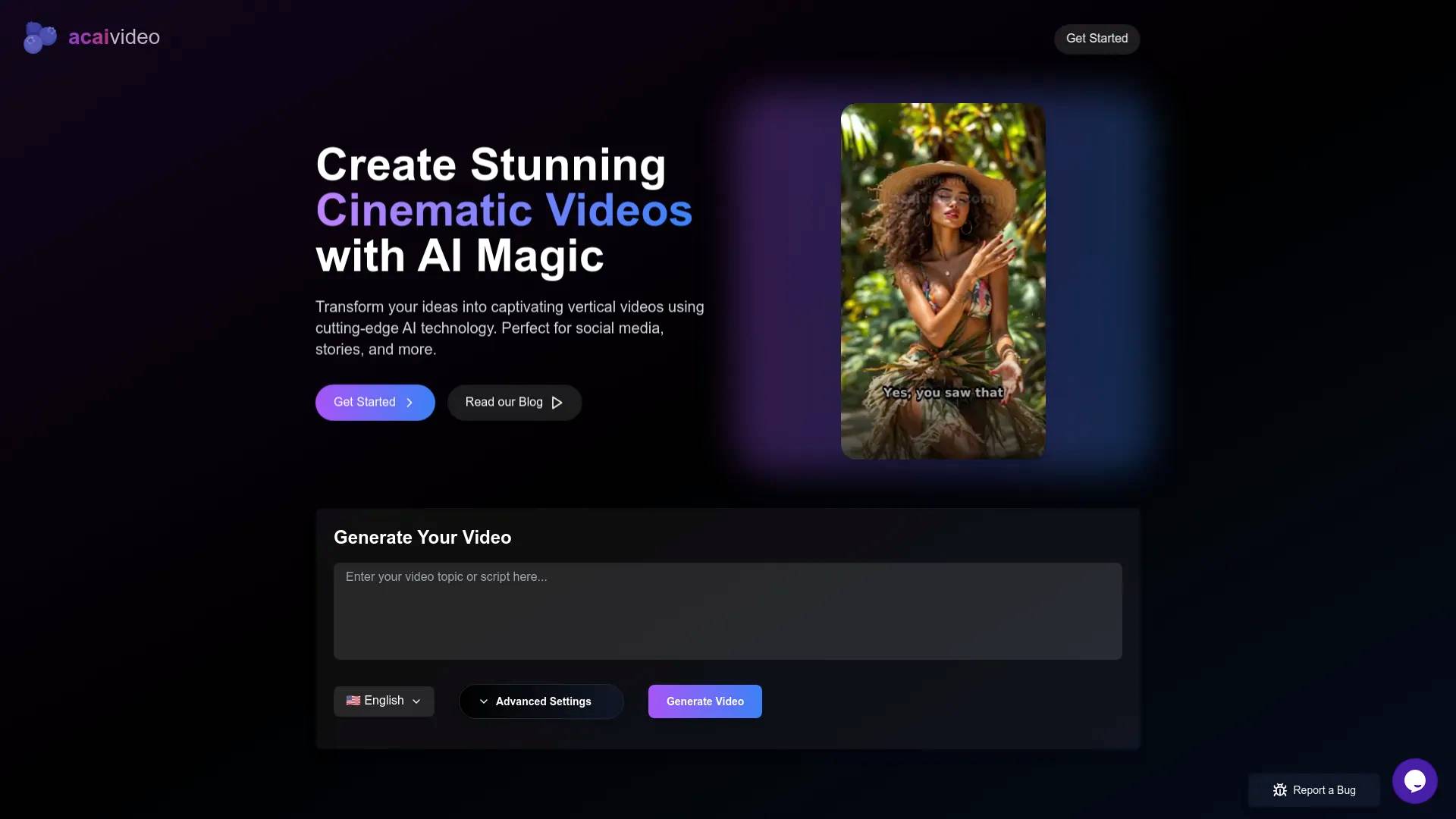
| 🫐 AcaiVideo | Generate Engaging Videos with AI, for TikTok, YouTube and Instagram Reels | — | Open ↗ |
What you get
Additional Information
Frequently Asked Questions
How to Edit Videos?
- Upload your video files from your device to Fotor video editor.
- Trim, cut, add text, transitions, and effects. Adjust audio and video settings to enhance your video.
- Download your edited video in HD resolution and share it with the world!
Features
- AI Technology
- Time-Saving
- One-Click
- Cross-Devices
Use Cases
- Marketing
- Presentation
- Vlog
Frequently asked questions
What is Fotor Video Editor used for?
Enjoy free and effortless video editing online. Try Fotor all-in-one video editor to edit videos like a pro now!.Is Fotor Video Editor free?
Fotor Video Editor is a paid product. See the Pricing section for current plans.What are alternatives to Fotor Video Editor?
Top alternatives to Fotor Video Editor include SellerPic AI, VideoIdeas AI, 🫐 AcaiVideo, Klap App, DEEPBRAIN AI.Where can I get Fotor Video Editor?
Fotor Video Editor is available at https://www.fotor.com/video-editor/.What category is Fotor Video Editor in?
Fotor Video Editor is listed in Video Generation & Editing.How to Edit Videos?
1. Upload your video files from your device to Fotor video editor. 2. Trim, cut, add text, transitions, and effects. Adjust audio and video settings to enhance your video. 3. Download your edited video in HD resolution and share it with the world!Features
1. AI Technology 2. Time-Saving 3. One-Click 4. Cross-Devices