Cinematic
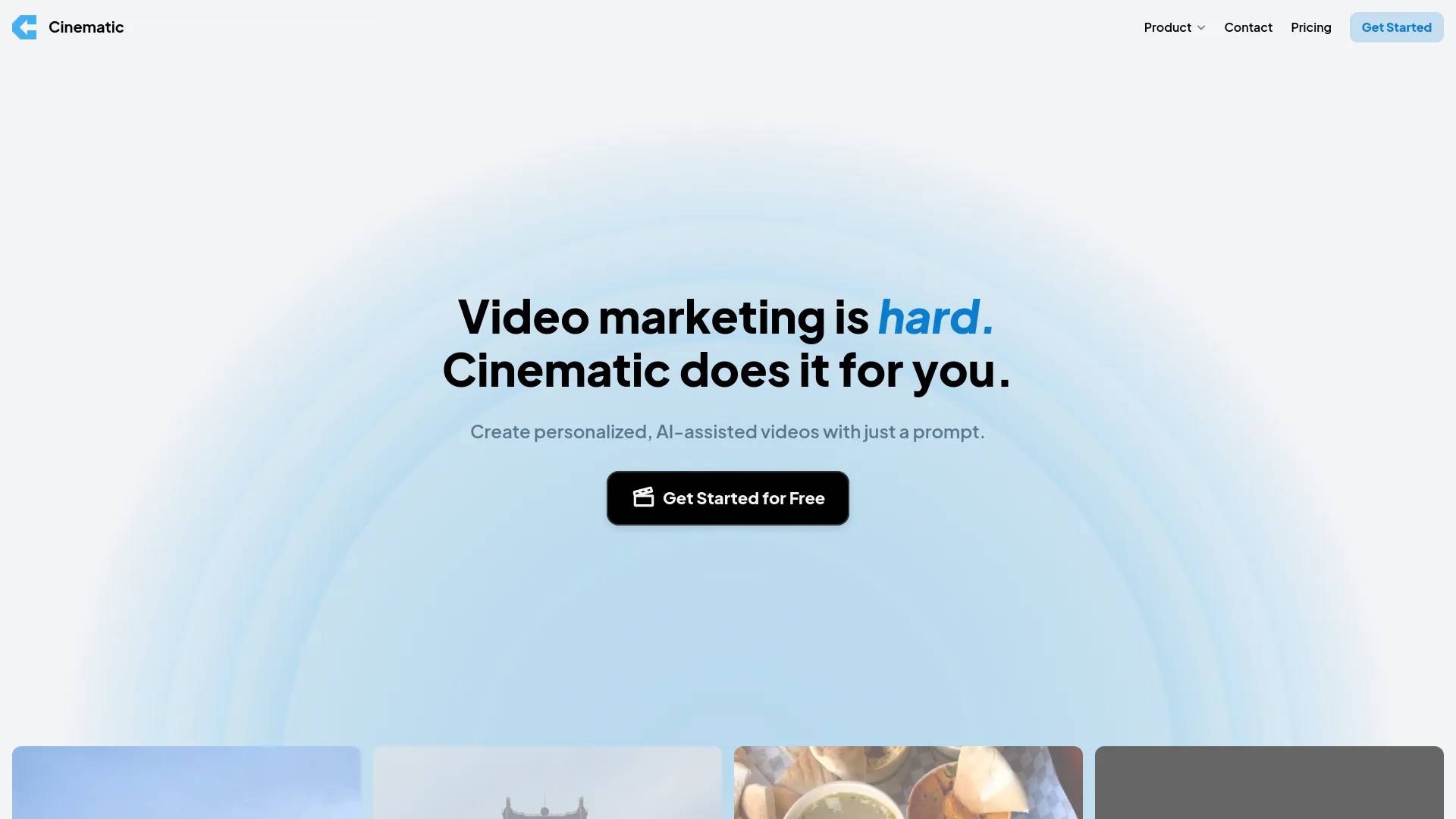
Cinematic is an AI tool. Automatically generate short-form videos to grow your business with AI.
- Category
- Video Generation & Editing
- Pricing
- Freemium
- Alternatives
- 6 similar tools
- Last updated
- 1 years ago
- Source
- Official site ↗
About Cinematic
Cinematic uses AI to automatically create trending social media videos for you or your brand. Trends on platforms like TikTok and Instagram Reels are always changing -- and nearly impossible to keep up with. With Cinematic, you can stay ahead of the curve and automatically generate videos that are more likely to increase your views and followers.
Cinematic's Pricing Plans
Cinematic may change prices at any time. Here's our latest information:
Pricing
Free
$0
per month
- 3 free exports
- Full editing control
- Custom brand assets & styles
- Unlimited video creations
Growth
Early Bird
$29
per month
- Unlimited exports
- No watermark
- 3 users in team workspace
- Automatic beat sync
- Everything in Free Plan
Enterprise
Custom
- Manage multiple brands
- Unlimited users
- Enterprise support
- Custom requirements
- Everything in Growth Plan
How Cinematic compares
Cinematic alongside its closest alternatives in the Video Generation & Editing category.
| Tool | Use case | Pricing | More |
|---|---|---|---|
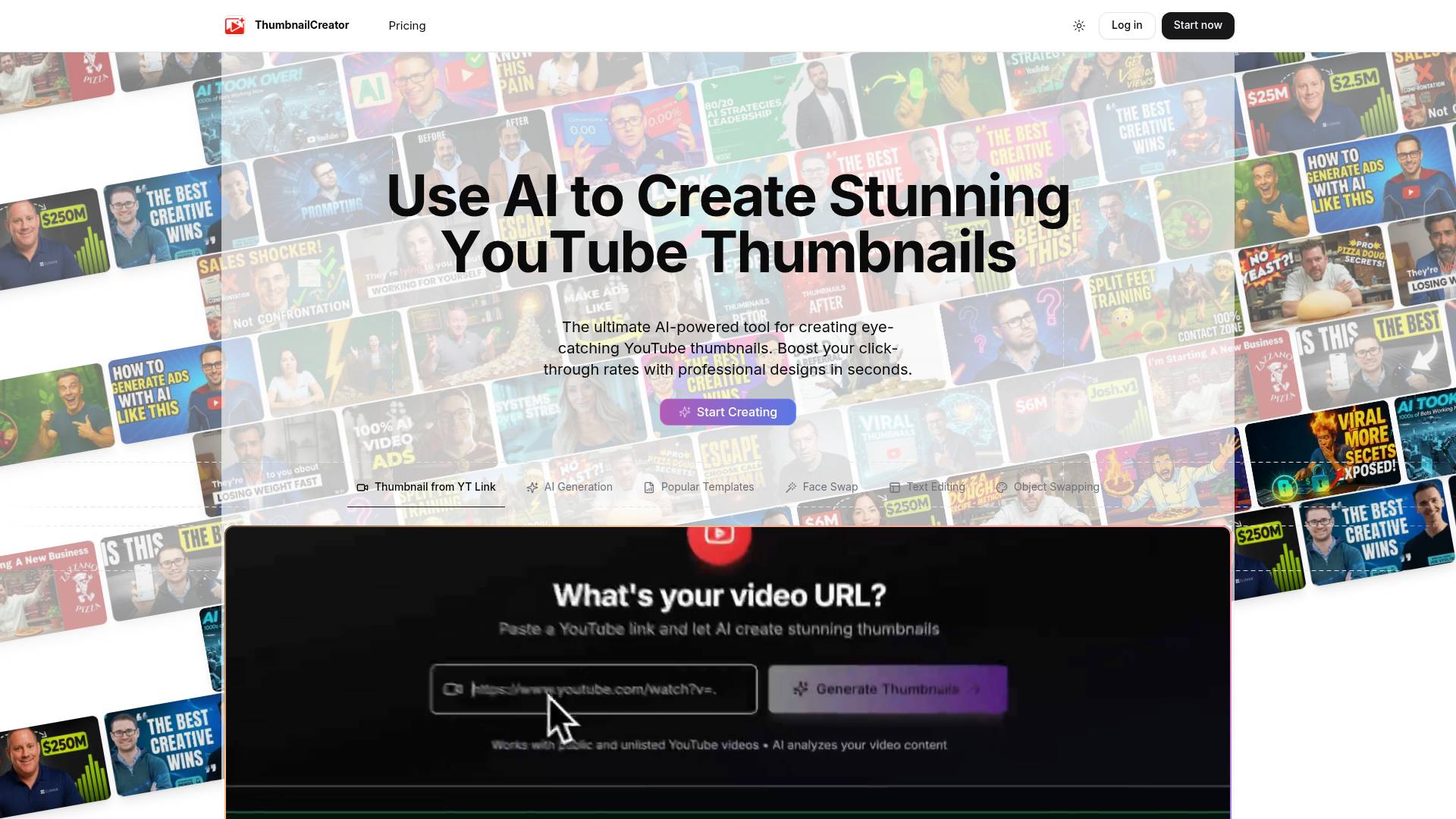
| Cinematicthis page | Automatically generate short-form videos to grow your business with AI | Freemium | — |
| SellerPic AI | SellerPic: AI Fashion Models & Product Image & Video Generator | — | Open ↗ |
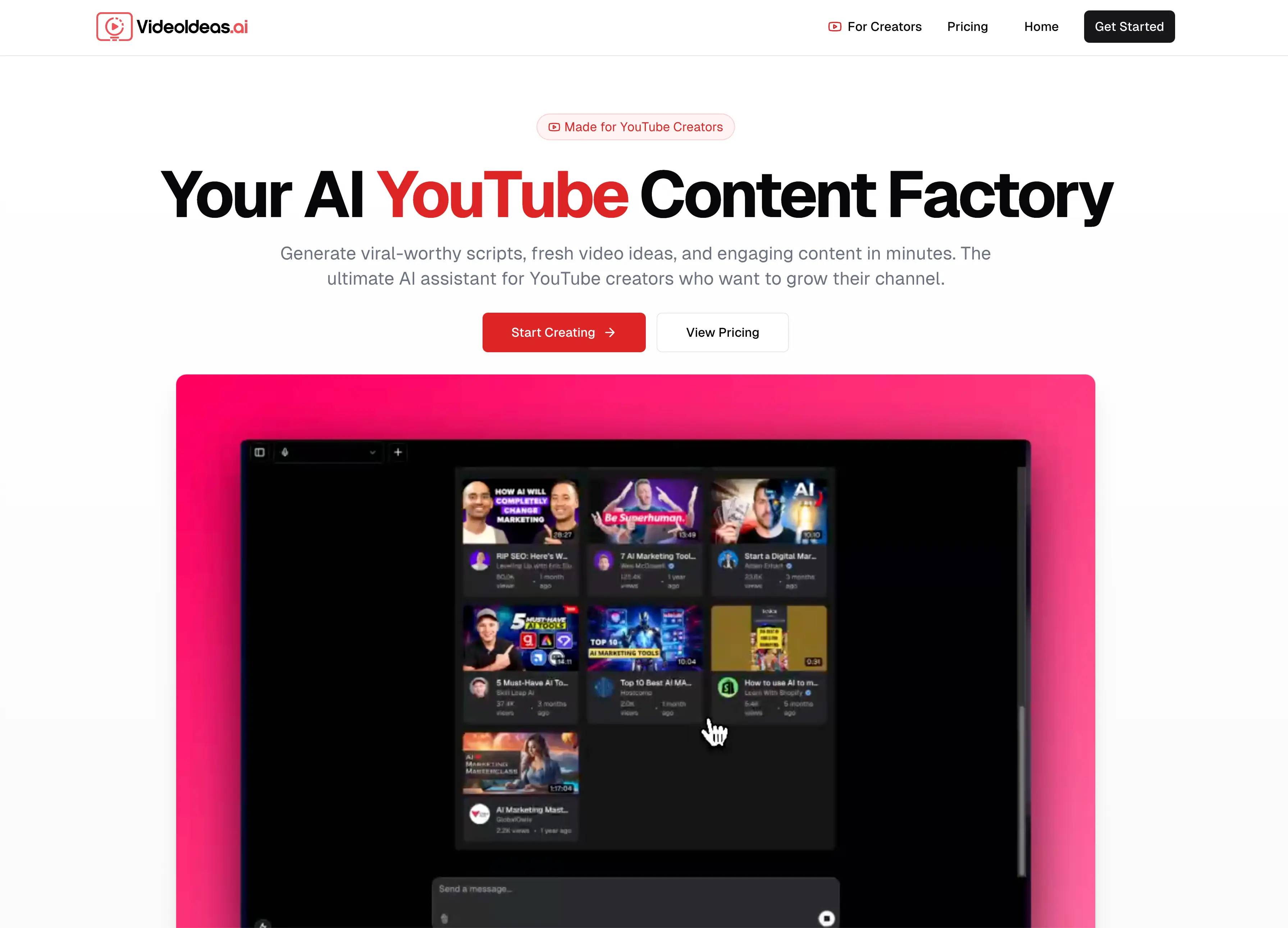
| VideoIdeas AI | VideoIdeas.ai is Your AI YouTube Content Factory. Generate viral-worthy scripts, fresh video ideas, and engaging content in minutes. | — | Open ↗ |
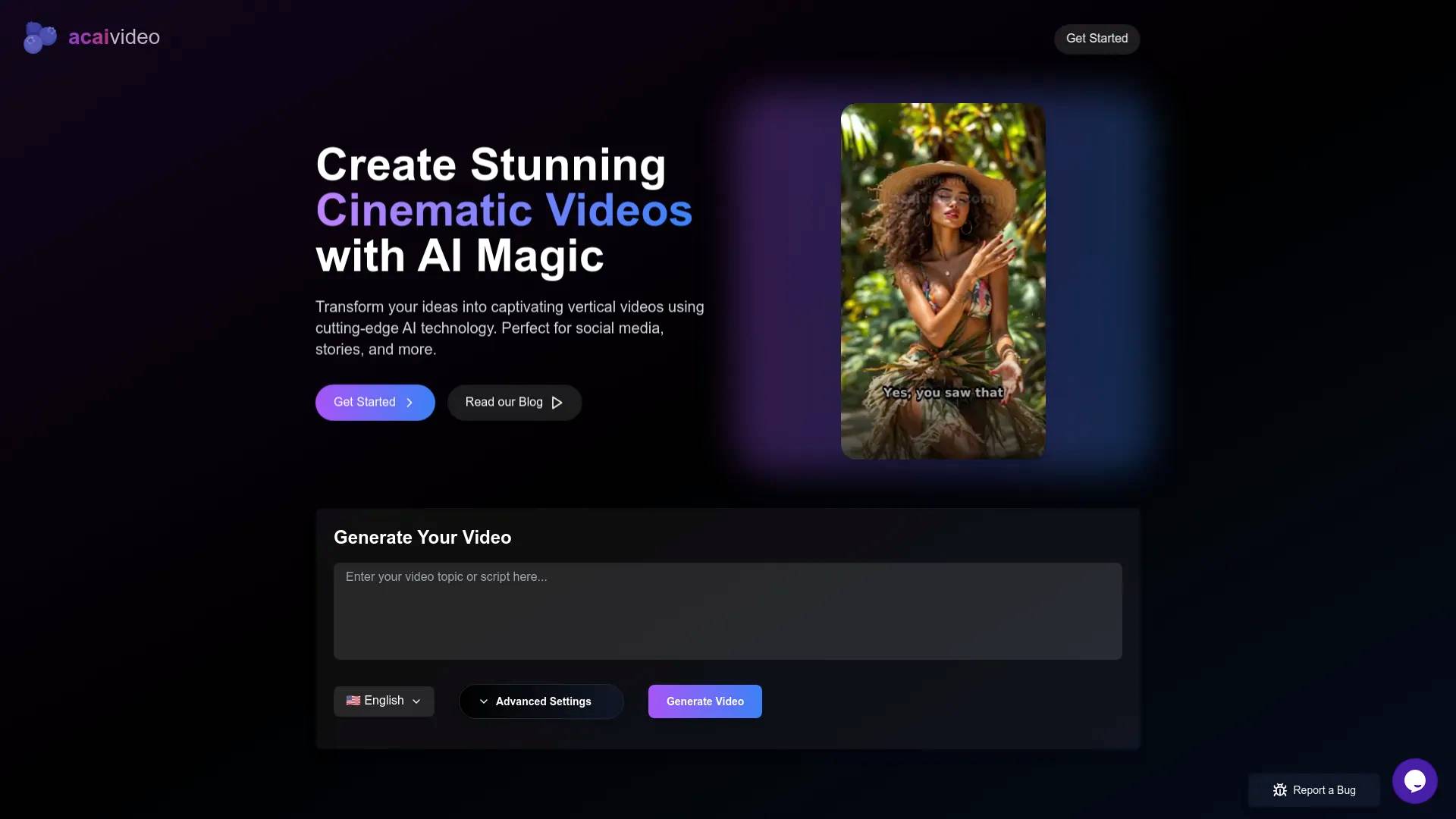
| 🫐 AcaiVideo | Generate Engaging Videos with AI, for TikTok, YouTube and Instagram Reels | — | Open ↗ |
What you get
Additional Information
Cinematic automatically creates trending social-media videos for you or your brand with AI.
Trends on TikTok, Instagram Reels, and more are always changing. With Cinematic, you can stay on top of the trends and automatically create videos that are more likely to increase views and your following.
To start:
- Optionally input your website. Cinematic will pull in all of your fonts, colors, and understand your business.
- Add any photos or videos you may have. Cinematic automatically indexes and analyzes these photos or videos to best use them in your video creations.
- Select from trends or create with a text prompt.
- Edit your videos in a Canva-like editor designed for everyday people, not video pros. Add voiceovers, stock media, and more.
Features:
* Automatically create videos from trending templates.
* Automatically create videos from text prompts.
* Have full control over your generated videos through an easy-to-use editor. Preview your video and see any changes you make in real-time.
* Add free stock media, sync music to beats, add or modify AI voiceovers, and much more.
* Export your videos to MP4 to post on any social platform.
The traditional process of making social media videos takes a ton of time. With Cinematic, greatly reduce the video creation time and become more consistent across your socials, and start to reap the results.
Frequently asked questions
What is Cinematic used for?
Automatically generate short-form videos to grow your business with AI.Is Cinematic free?
Cinematic has a free tier; paid plans unlock additional features.What are alternatives to Cinematic?
Top alternatives to Cinematic include SellerPic AI, VideoIdeas AI, 🫐 AcaiVideo, Klap App, DEEPBRAIN AI.Where can I get Cinematic?
Cinematic is available at getcinematic.com/?ref=aicollection.What category is Cinematic in?
Cinematic is listed in Video Generation & Editing.