AI Finder
AI Finder is an AI tool. AI Finder - Query Your File System with LLM.
- Category
- Task & Personal Assistant
- Pricing
- Paid
- Alternatives
- 6 similar tools
- Last updated
- 2 days ago
- Source
- Official site ↗
AI Collection Top Picks

Task & Personal Assistant Category Picks



About AI Finder
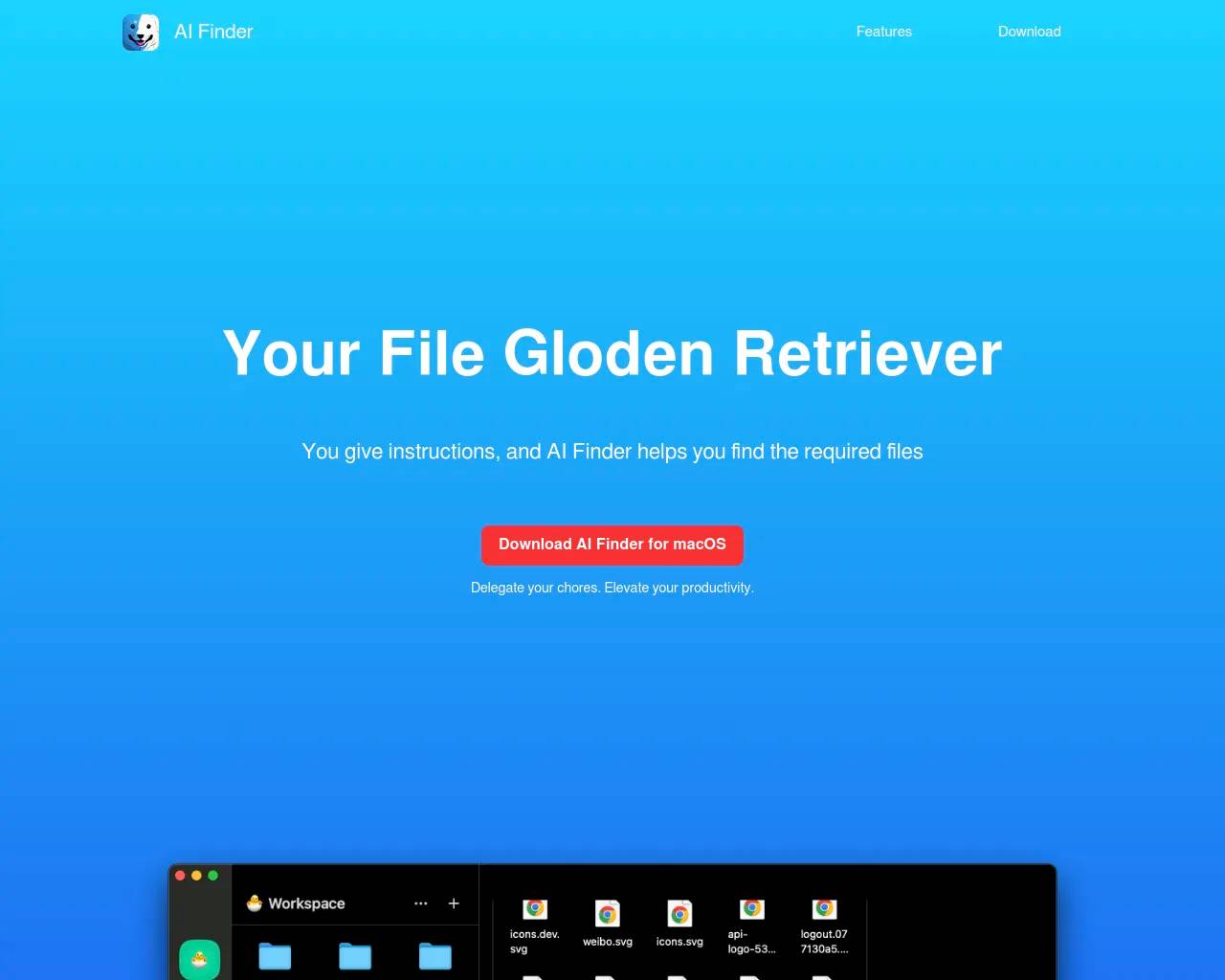
You Ask, We Find | Find Any File | You give instructions, and it can help you find the required files in a cluttered stack of documents.
AI Finder's Pricing Plans
AI Finder may change prices at any time. Here's our latest information:
AI Finder: Query Your File System with LLM
Lifetime
$8
What you get
Additional Information
SET UP YOUR WORKSPACE
You can establish a workspace for the files or folders you want to interact with. AI Finder will execute your instructions within the workspace. Having a separate workspace helps facilitate a cleaner and more efficient workflow.
KEY FEATURES
- Engage in a conversation with your file system and search for files or folders according to your requirements.
- Remove or search for duplicate files or folders.
- Extract files or folders from the MenuBar, so you no longer need to leave the active window or divert your attention to search for files.
PRIVACY-PROTECTED
We are highly concerned about your privacy during the design process. Your files or folders will not be uploaded. All file searches and processing take place on your device.
Frequently asked questions
What is AI Finder used for?
AI Finder - Query Your File System with LLM.Is AI Finder free?
AI Finder is a paid product. See the Pricing section for current plans.What are alternatives to AI Finder?
Top alternatives to AI Finder include BeeDone: AI Productivity Game, Todobee, Dewey, Cogram, Sidekick.Where can I get AI Finder?
AI Finder is available at https://aifinderapp.com/.What category is AI Finder in?
AI Finder is listed in Task & Personal Assistant.KEY FEATURES
- Engage in a conversation with your file system and search for files or folders according to your requirements. - Remove or search for duplicate files or folders. - Extract files or folders from the MenuBar, so you no longer need to leave the active window or divert your attention to search for files.PRIVACY-PROTECTED
We are highly concerned about your privacy during the design process. Your files or folders will not be uploaded. All file searches and processing take place on your device.What is AI Finder?
AI Finder is an AI-powered file management agent for macOS that lets you search files by content using natural-language queries. Instead of remembering file names or locations, you simply type or speak what you need—AI Finder handles the rest.How does this work?
AI Find Any File uses OpenAI's GPT to provide AI assistance within your macOS apps. AI Find Any File will use GPT to understand your query request, and then search for files that meet your requirements in the specified files or folders.Is my data private and secure?
Absolutely. All file analysis is performed locally on your device—no content is uploaded to the cloud. AI Finder adheres to your system's privacy and permission settings.Does AI Find Any File require full access to the file system?
NO. AI Find Any File is a sandboxed app, so it doesn't have permission to access your file system. You need to create a Workspace that includes the files and folders you want AI Find Any File to access. AI Find Any File will only search for files that meet your requirements within the Workspace.
Compare AI Finder with…
Pick any tool to see a structured side-by-side: pricing, deployment, capabilities, and content policy.