Video Swap
AI Video Swap Tool for Face Swap, Character Replace & Motion Control | Video Swap.
- Category
- Video Editing
- Alternatives
- 6 similar tools
- Last updated
- 3 weeks ago
- Source
- Official site ↗
AI Collection Top Picks

Video Editing Category Picks
About Video Swap
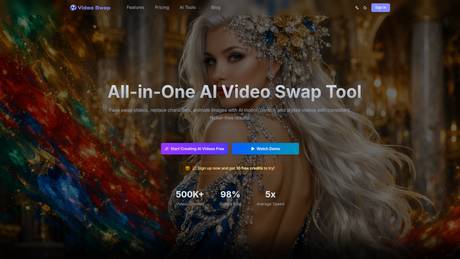
Create AI face swap videos, replace characters, transfer motion, and stylize clips in one workflow. Video Swap helps creators and teams generate consistent video edits faster online.
Frequently asked questions
What is Video Swap used for?
AI Video Swap Tool for Face Swap, Character Replace & Motion Control | Video Swap.Is Video Swap free?
Pricing for Video Swap varies — see the Pricing section for details.What are alternatives to Video Swap?
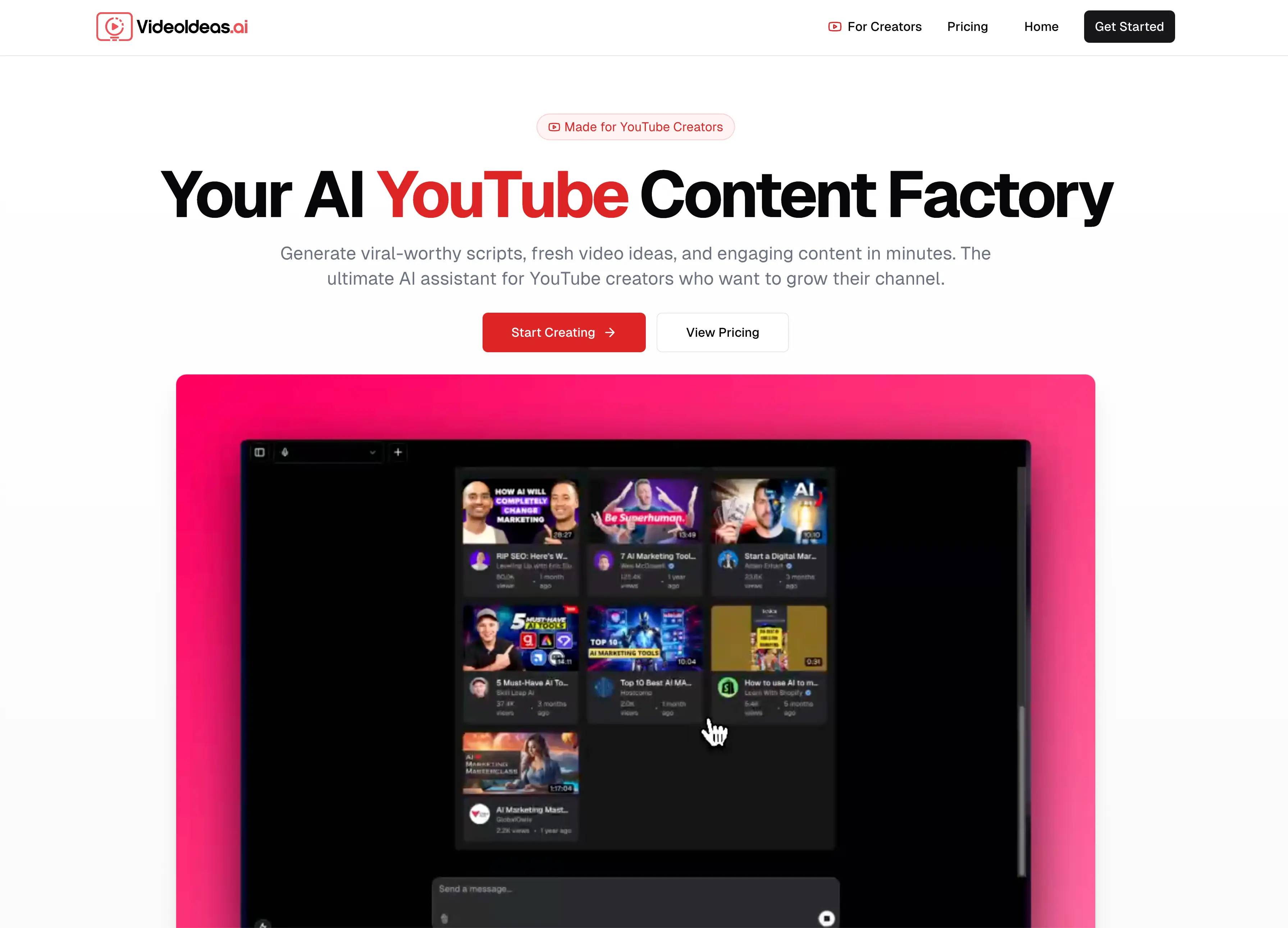
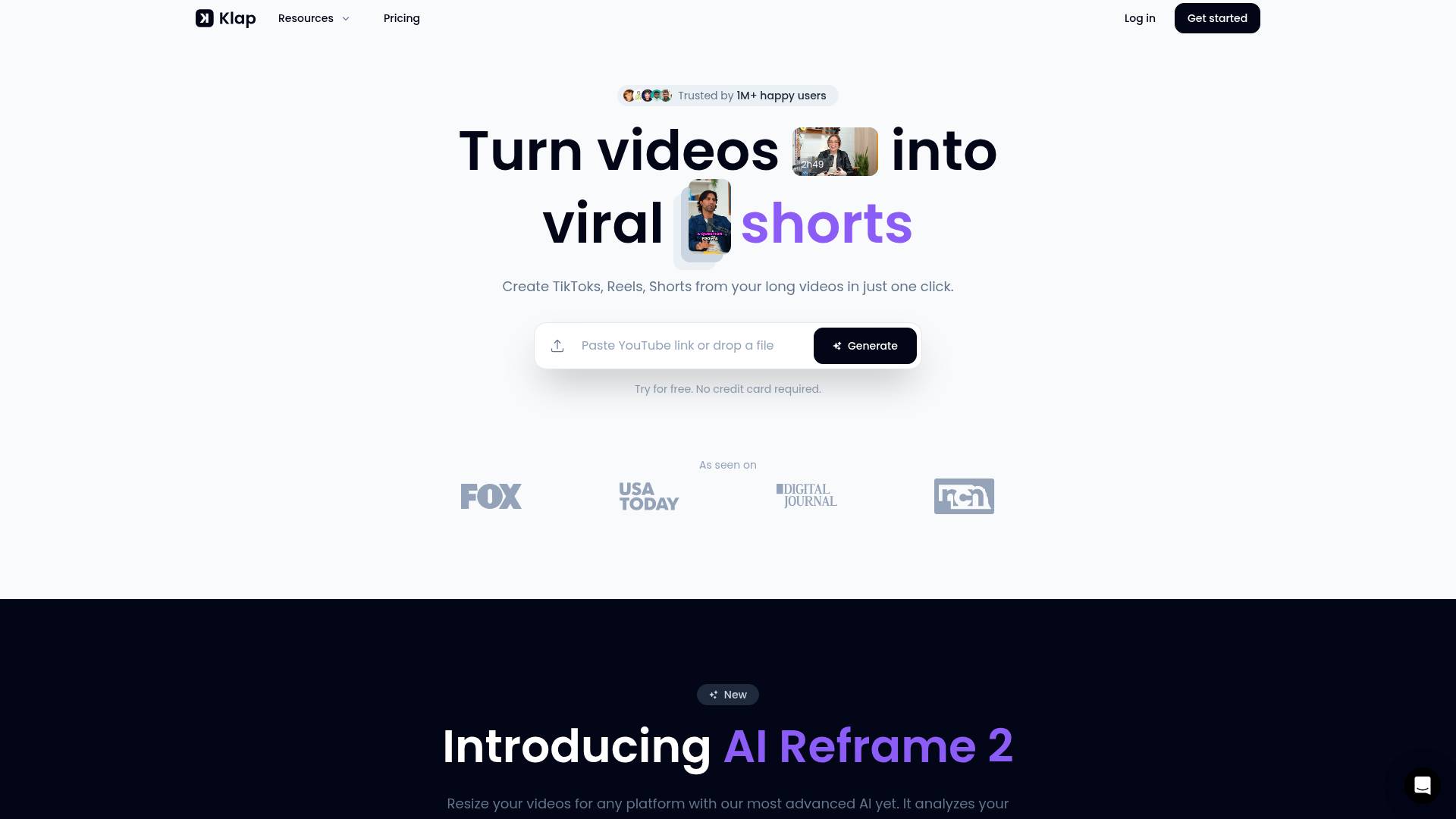
Top alternatives to Video Swap include SellerPic AI, VideoIdeas AI, Klap App, AI video editor, Atlabs AI.Where can I get Video Swap?
Video Swap is available at https://www.videoswap.app.What category is Video Swap in?
Video Swap is listed in Video Editing.What is AI Video Swap Studio?
AI Video Swap Studio is an all-in-one online AI video creation platform that allows users to complete video face swaps, character replacements, video style transfers, and AI motion control by simply uploading materials or entering text descriptions, without requiring professional video editing skills to easily generate high-quality AI video content.What types of video processing can this platform do?
Our platform supports Video Face Swap, Character Swap/Replacement, Video Style Transfer, and AI Motion Control. Whether it's social content, marketing short videos, film clips, or creative displays, everything can be completed in one place.Do I need to download software or install an application to use it?
No, AI Video Swap Studio runs entirely in your browser. You can access it directly on any modern browser without downloading or installing a client, which means you can quickly start creating on your computer, tablet, or phone.Is this tool suitable for people with no video editing experience?
Yes, the platform is designed with an extremely simple interface. All complex AI calculations and video processing steps are automatically completed in the background. Users only need to upload materials, select effects, and click generate, making it very suitable for beginners and content creators.Does the platform support free use and paid plans?
The platform offers a free trial plan. New users can experience core features and generation effects without payment. If you need higher generation quotas, faster processing speeds, or high-definition watermark-free output, you can choose to upgrade to a paid subscription plan to get richer usage benefits.Can I use the video content generated by this platform for commercial purposes?
Yes, you can use the video content generated by the platform for commercial purposes, such as social media promotion, advertising production, brand content presentation, etc. However, please ensure that you have legal usage rights for the input materials and comply with the provisions in the terms of use.How does this platform ensure my privacy and material security?
We value user privacy and data security. All uploaded materials and generated videos are processed in a secure environment and will not be leaked or used for other purposes without user authorization. You can use this service with confidence for video creation.What should I do if I encounter problems during use?
If you have any questions or encounter problems during use, you can visit our website help center for detailed tutorials, or contact us via email at hi@videoswap.app. We will provide support and solutions as soon as possible.
Compare Video Swap with…
Pick any tool to see a structured side-by-side: pricing, deployment, capabilities, and content policy.