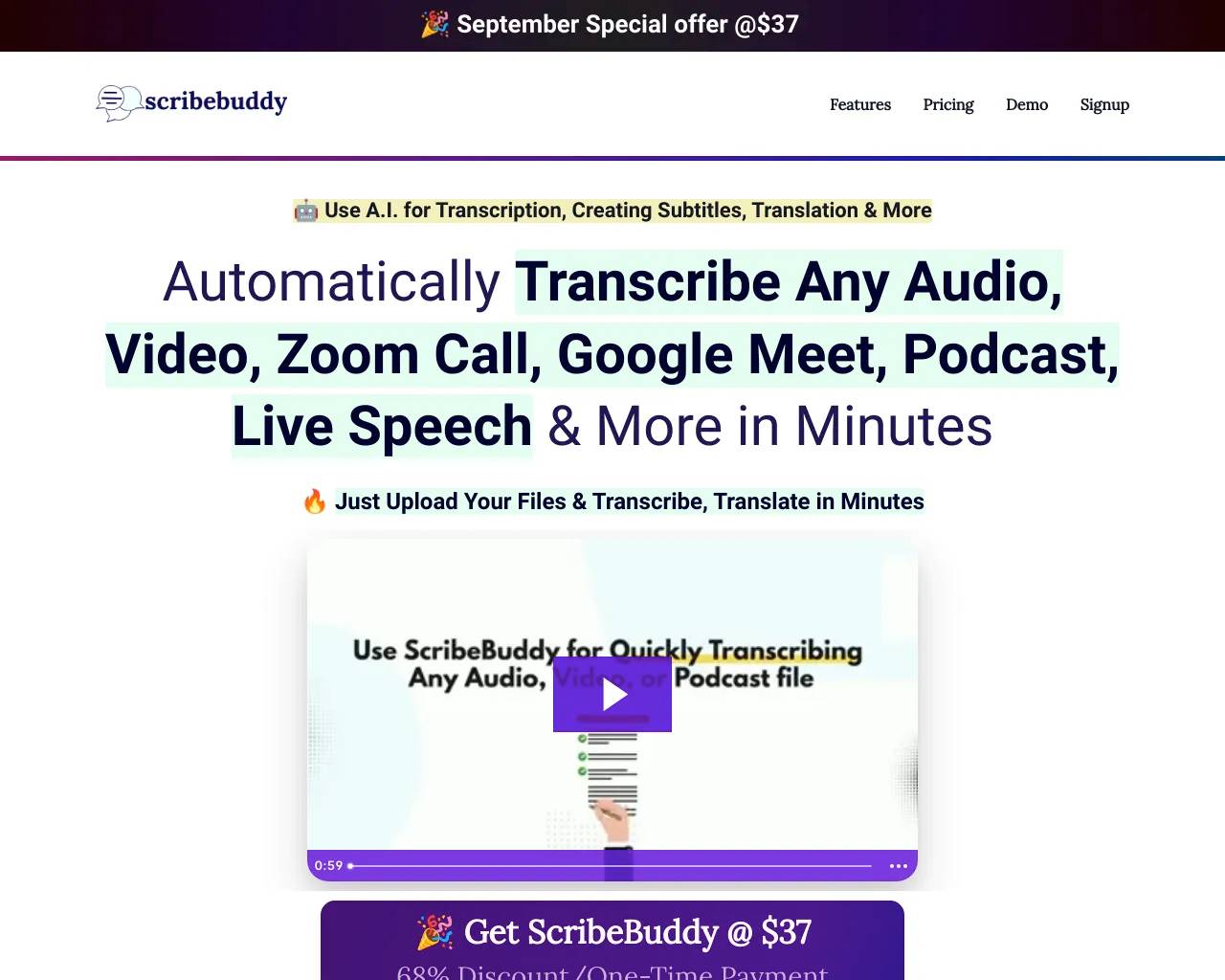
Transcribe Audio to Text
Audio to Text Converter - Speech to Text Online | transcribetotext.org.
- Category
- Translation & Transcript
- Alternatives
- 6 similar tools
- Last updated
- 3 weeks ago
- Source
- Official site ↗
AI Collection Top Picks

Translation & Transcript Category Picks
About Transcribe Audio to Text
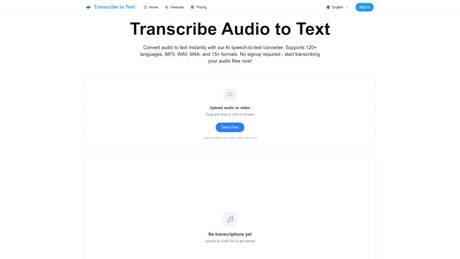
Convert audio to text instantly with our AI transcription tool. Supports 120+ languages, MP3, WAV, M4A, and 15+ formats. Fast, accurate speech-to-text conversion in minutes. No signup required - start free!
Frequently asked questions
What is Transcribe Audio to Text used for?
Audio to Text Converter - Speech to Text Online | transcribetotext.org.Is Transcribe Audio to Text free?
Pricing for Transcribe Audio to Text varies — see the Pricing section for details.What are alternatives to Transcribe Audio to Text?
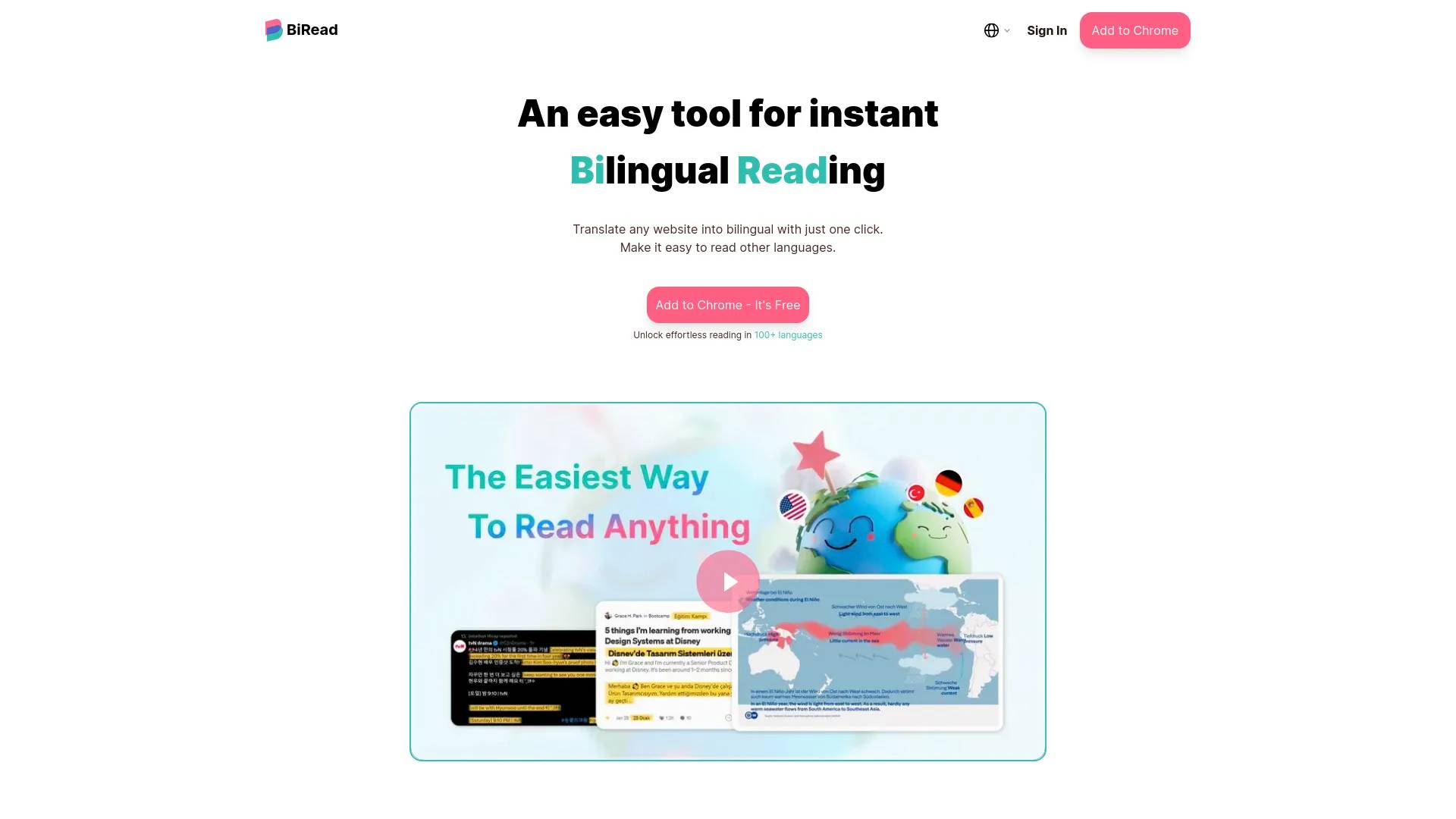
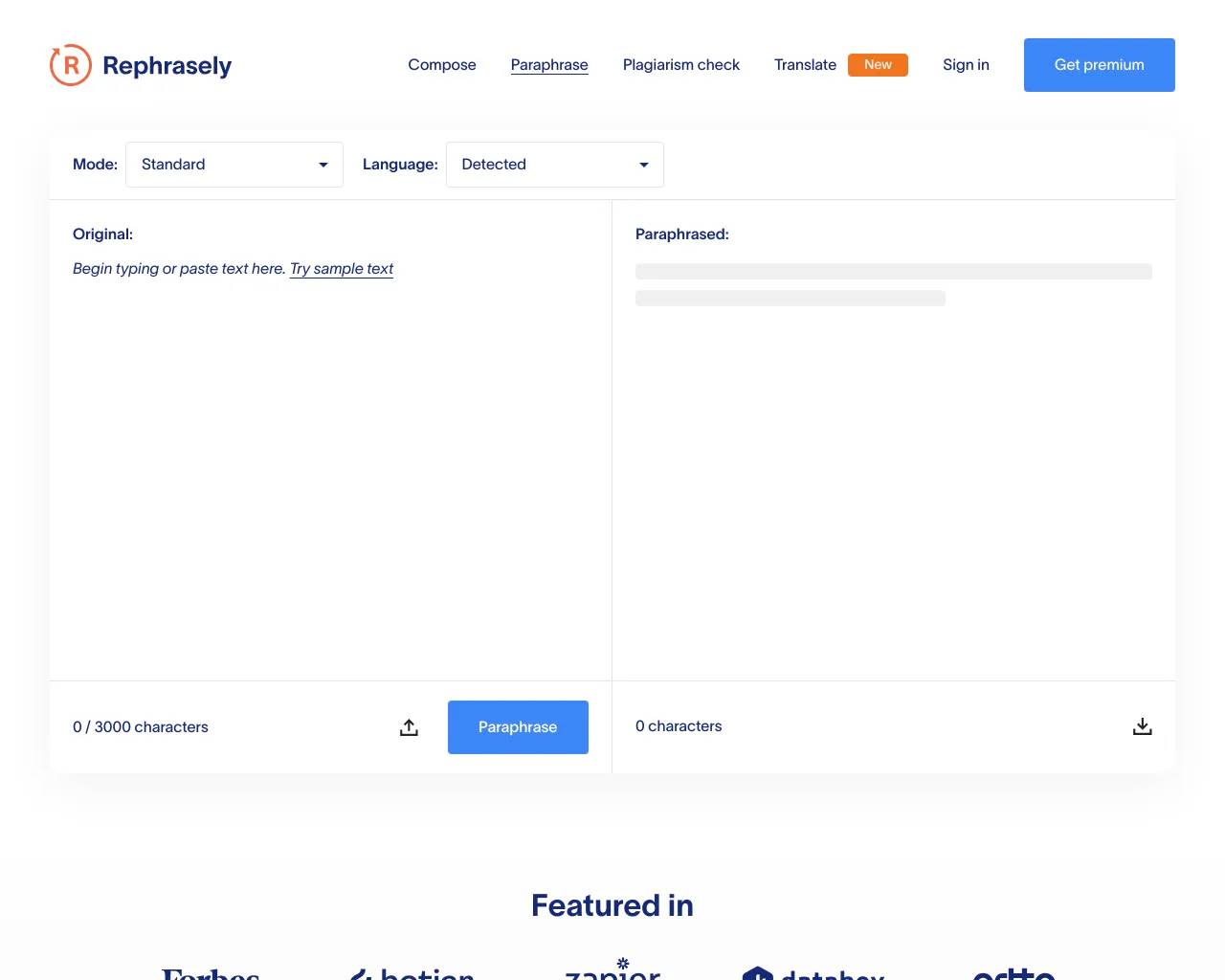
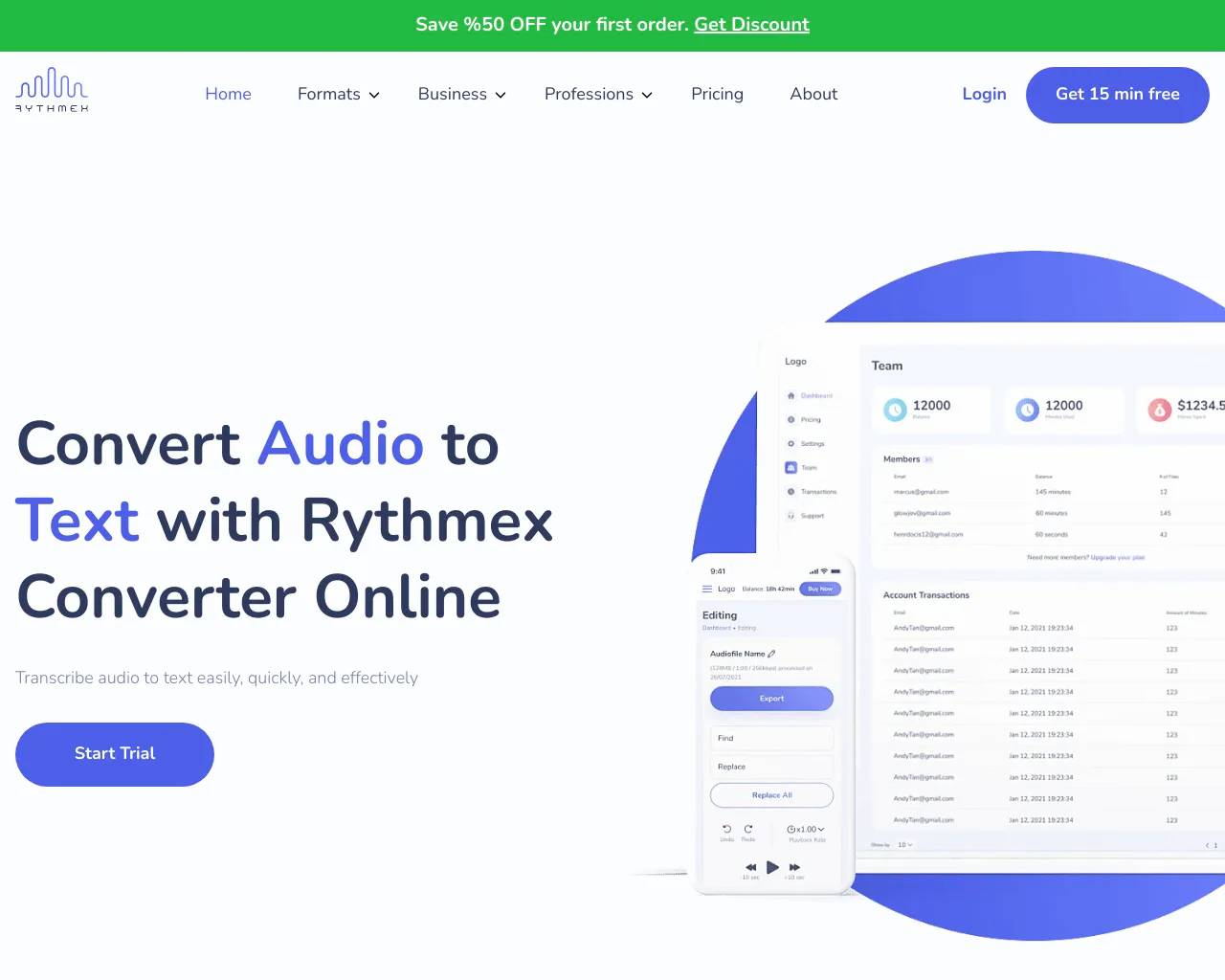
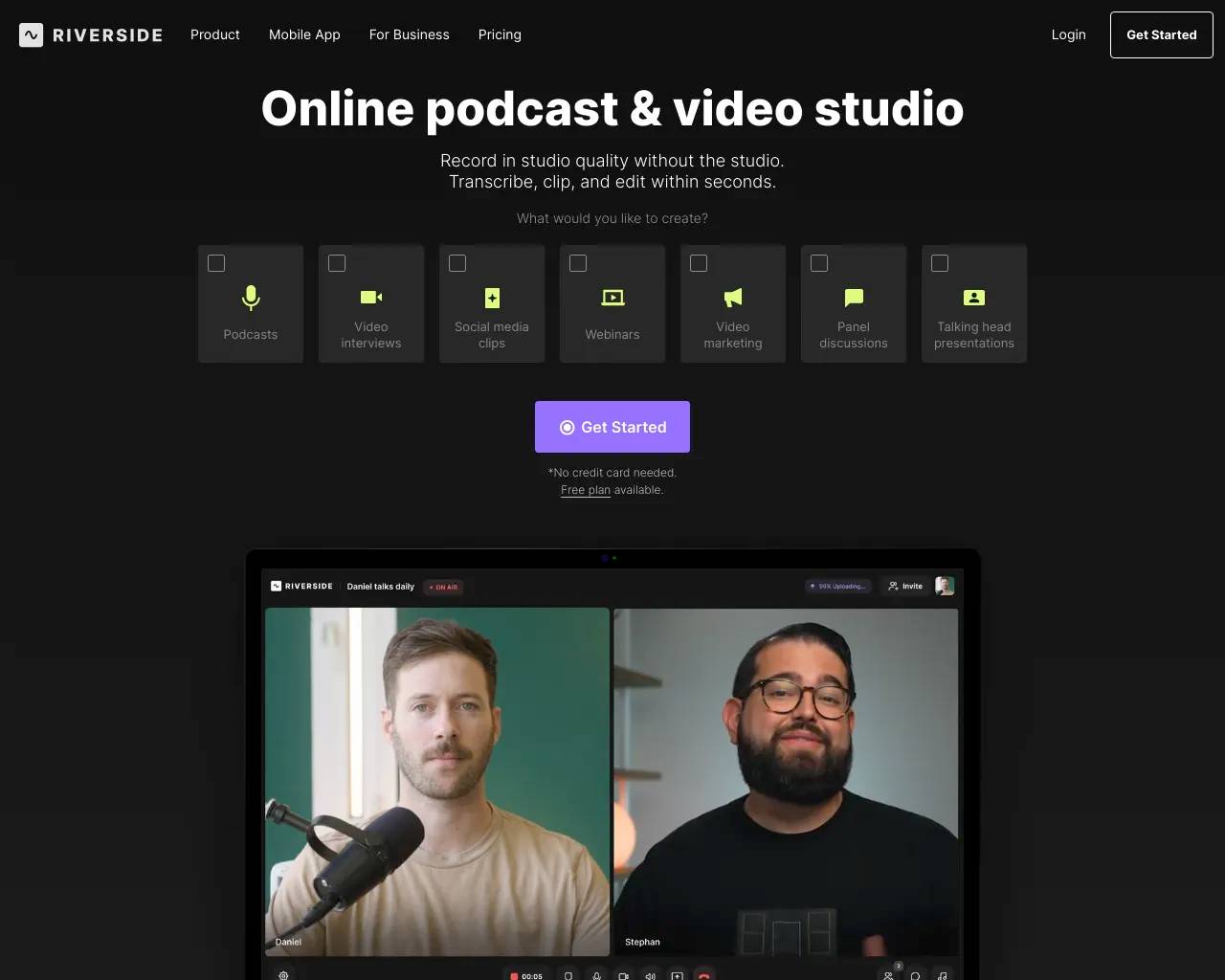
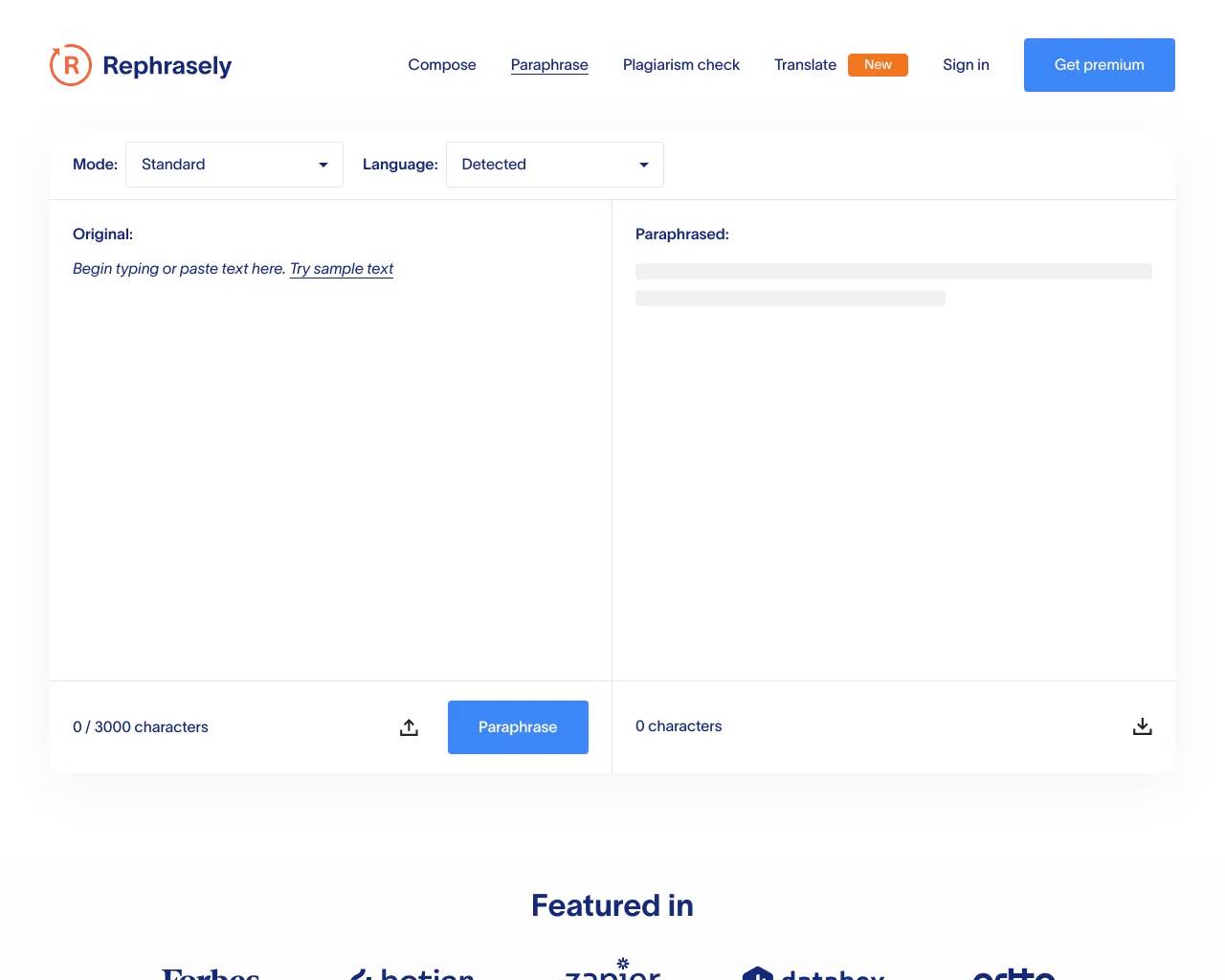
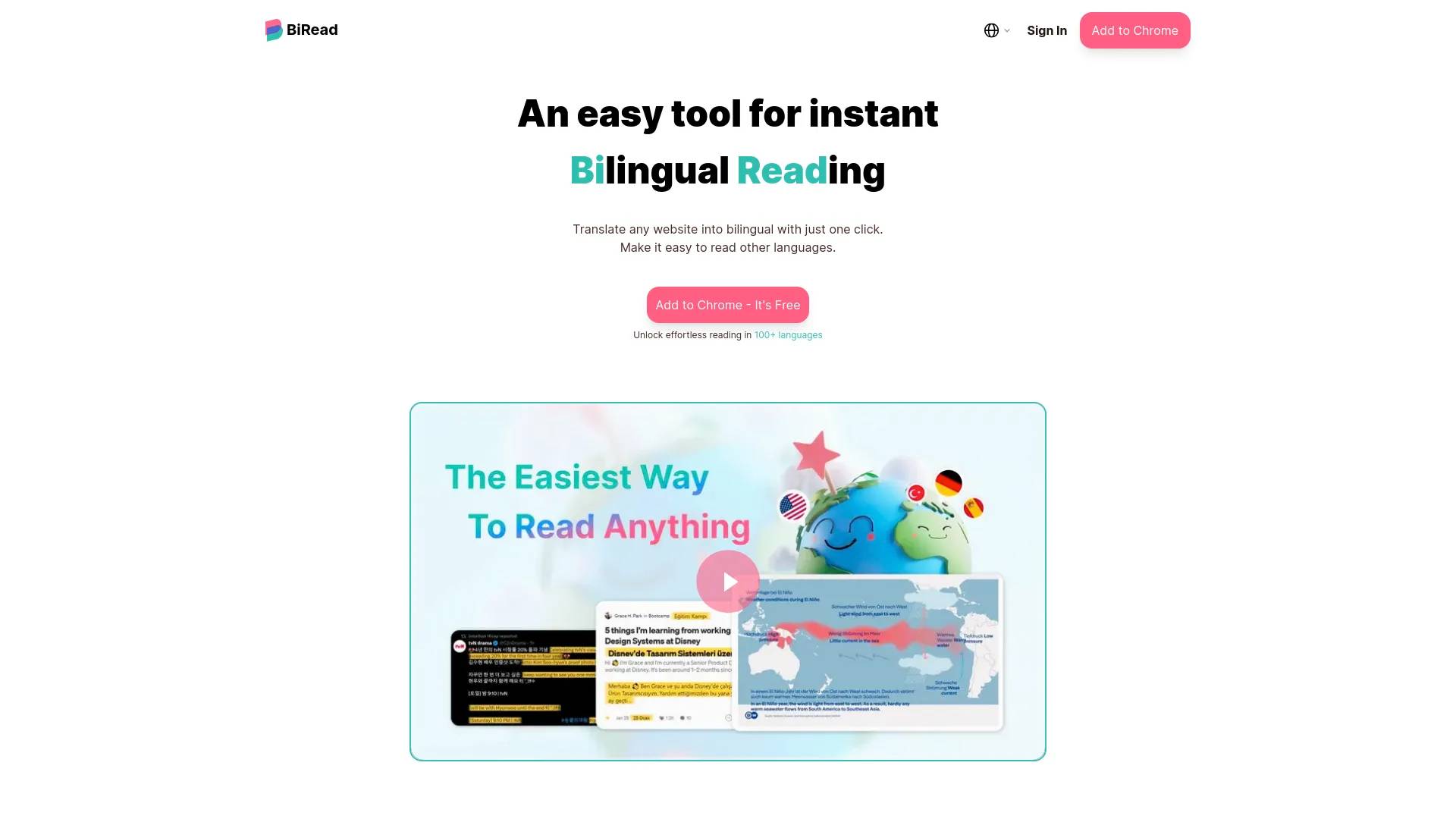
Top alternatives to Transcribe Audio to Text include BiRead, Rephrasely, Rythmex, RIVERSIDE, Deciphr AI.Where can I get Transcribe Audio to Text?
Transcribe Audio to Text is available at https://transcribetotext.org/.What category is Transcribe Audio to Text in?
Transcribe Audio to Text is listed in Translation & Transcript.How does the audio to text converter work?
Simply upload your audio file (MP3, WAV, M4A, or other supported formats), and our AI-powered speech-to-text converter will automatically convert audio to text. The process typically takes just a few minutes, and you'll receive a transcript with word-level timestamps and speaker identification (for Pro users).What audio formats are supported for audio to text conversion?
Our audio to text converter supports over 15 audio formats including MP3, WAV, M4A, FLAC, OGG, and more. No need to convert your files before uploading - just drag and drop your audio file and we'll convert it to text automatically.How long does audio to text conversion take?
Speech-to-text conversion speed depends on the length of your audio file. Typically, a 1-hour audio file is converted to text in 2-5 minutes. Our optimized AI infrastructure ensures fast processing while maintaining high accuracy.How accurate is the audio to text conversion?
Our AI speech-to-text converter provides highly accurate audio to text results, especially for clear audio with minimal background noise. Accuracy can vary based on audio quality, accents, and background noise. For best results, use clear audio recordings with minimal background interference.What languages are supported?
We support over 120 languages and dialects, making it perfect for global content creators, multilingual projects, and international businesses. The service automatically detects the language in your audio file.What's the difference between Free and Pro plans?
Free users can transcribe audio and video files up to 20MB and access 80% of the content. Pro users can upload files up to 5GB, get unlimited transcriptions, full content access, speaker identification, and priority processing.Is my audio data secure and private?
Yes, we take your privacy seriously. All audio files are processed securely and are automatically deleted after transcription is complete. We never share your audio files or transcripts with third parties. For more details, please review our Privacy Policy.Can I export my transcriptions?
Yes! You can export your transcriptions in multiple formats including TXT (plain text), SRT (subtitles), and VTT (WebVTT). Pro users can export full transcripts, while free users can export up to 80% of the content.Are there file size and duration limits?
Yes. Free users can upload files up to 20MB. Pro users can upload files up to 5GB, with a maximum duration of 10 hours per file. Files exceeding these limits cannot be processed.Do you support AI translation?
Yes! Pro users have access to our highly accurate AI translation feature. You can translate your transcriptions into multiple languages with high accuracy, making it perfect for multilingual content creation and international projects. The translation feature supports over 120 languages.How secure is my data?
We take data security very seriously. All audio files are processed using secure, encrypted connections. Your files are automatically deleted after transcription is complete, and we never store your audio content permanently. All data transmission is encrypted, and we comply with industry-standard security practices to protect your privacy.Can I use transcriptions for commercial purposes?
Yes! Pro users receive a commercial license that allows you to use transcriptions for commercial purposes, including business presentations, content creation, publishing, and more. Free users are limited to personal, non-commercial use only. Upgrade to Pro to unlock commercial licensing.
Compare Transcribe Audio to Text with…
Pick any tool to see a structured side-by-side: pricing, deployment, capabilities, and content policy.