Pixocto.ai
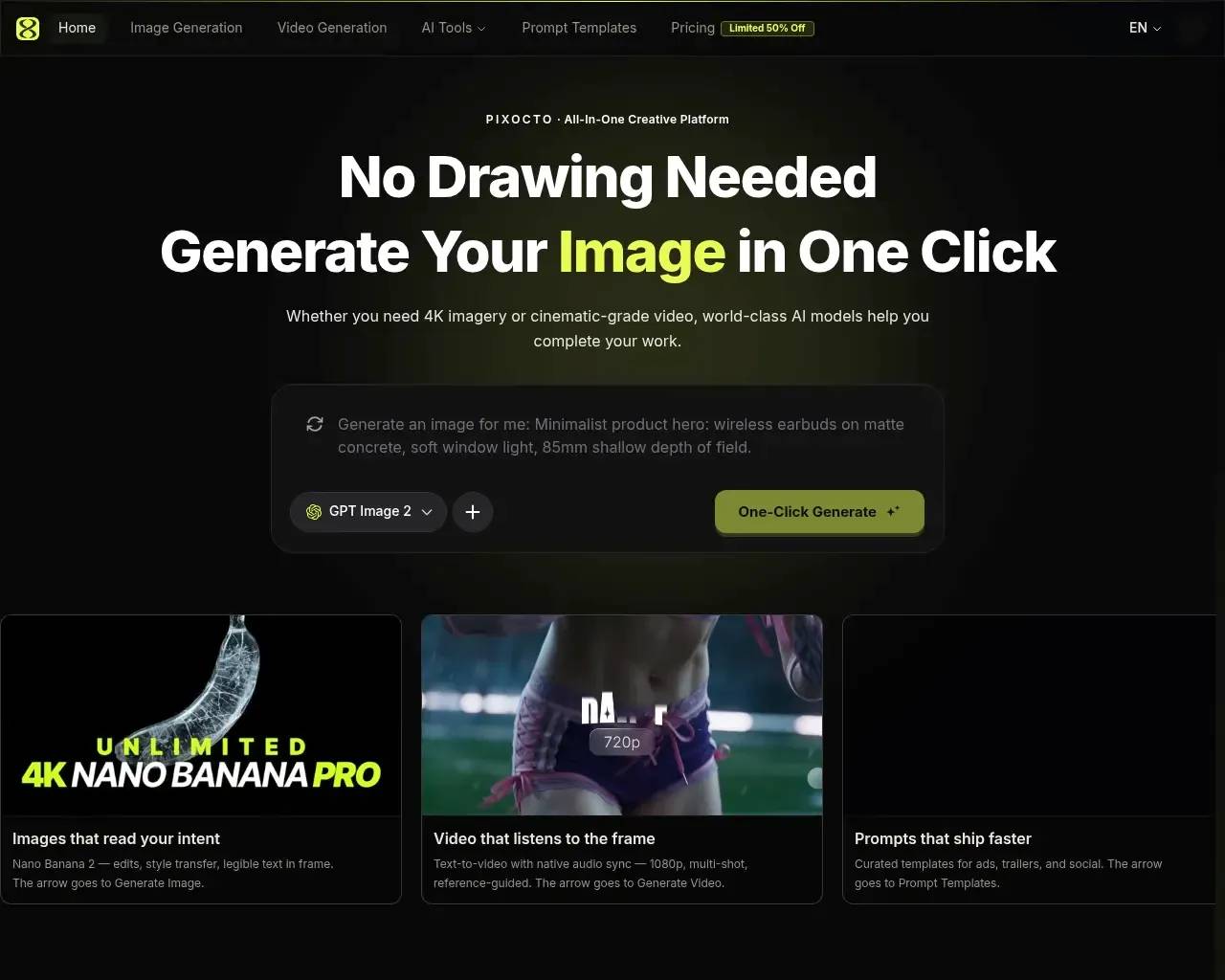
GPT Image 2 & Nano Banana 2 Free to Try | Pixocto AI — AI Image & Video.
- Category
- AI Art & Illustration
- Alternatives
- 6 similar tools
- Last updated
- 1 months ago
- Source
- Official site ↗
AI Collection Top Picks

AI Art & Illustration Category Picks
About Pixocto.ai
Try GPT Image 2 & Nano Banana 2 on Pixocto—AI stills with references and 4K-class output, plus AI video (Seedance), credits on signup, transparent pay-as-you-go pricing.
Frequently asked questions
What is Pixocto.ai used for?
GPT Image 2 & Nano Banana 2 Free to Try | Pixocto AI — AI Image & Video.Is Pixocto.ai free?
Pricing for Pixocto.ai varies — see the Pricing section for details.What are alternatives to Pixocto.ai?
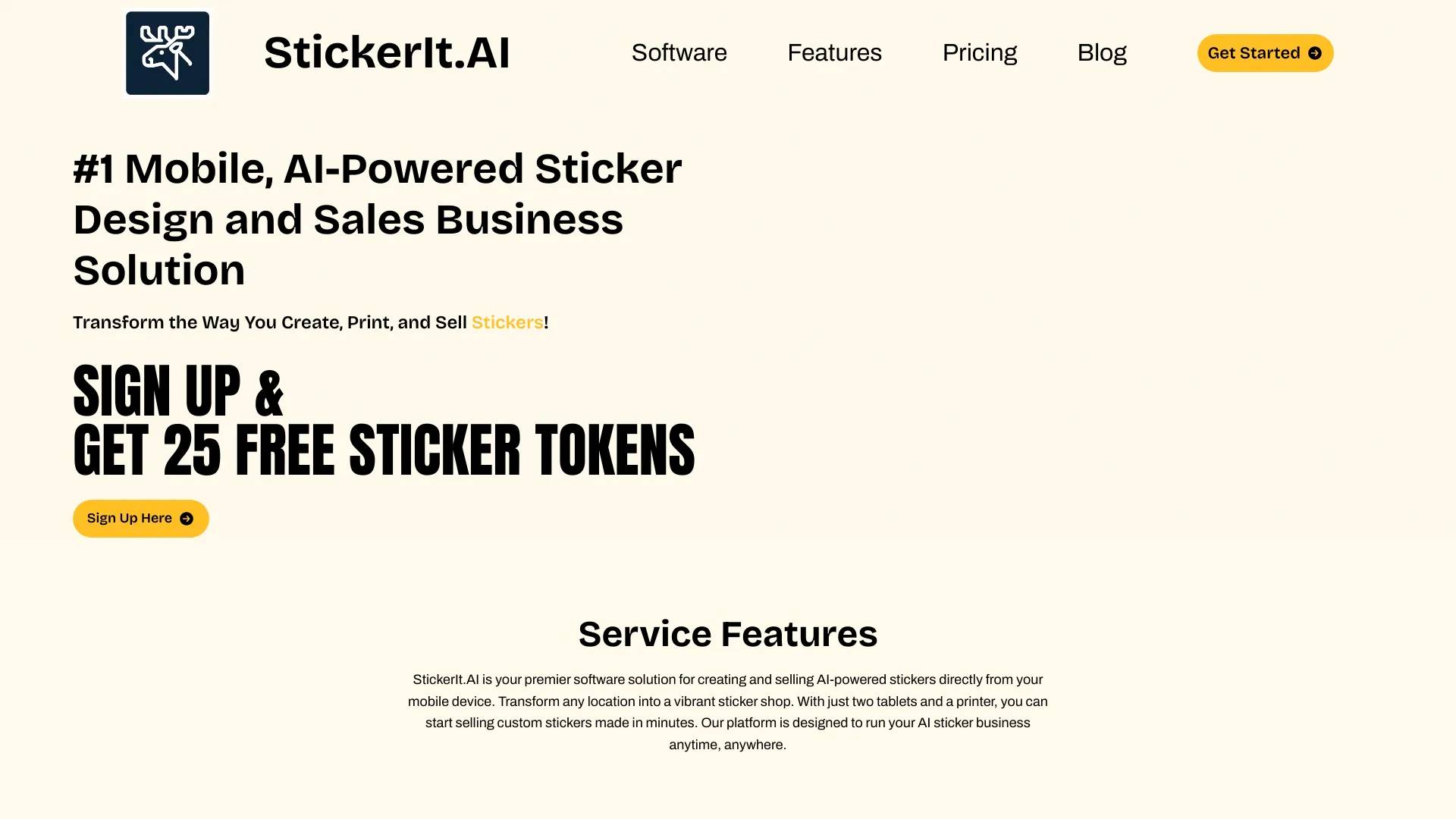
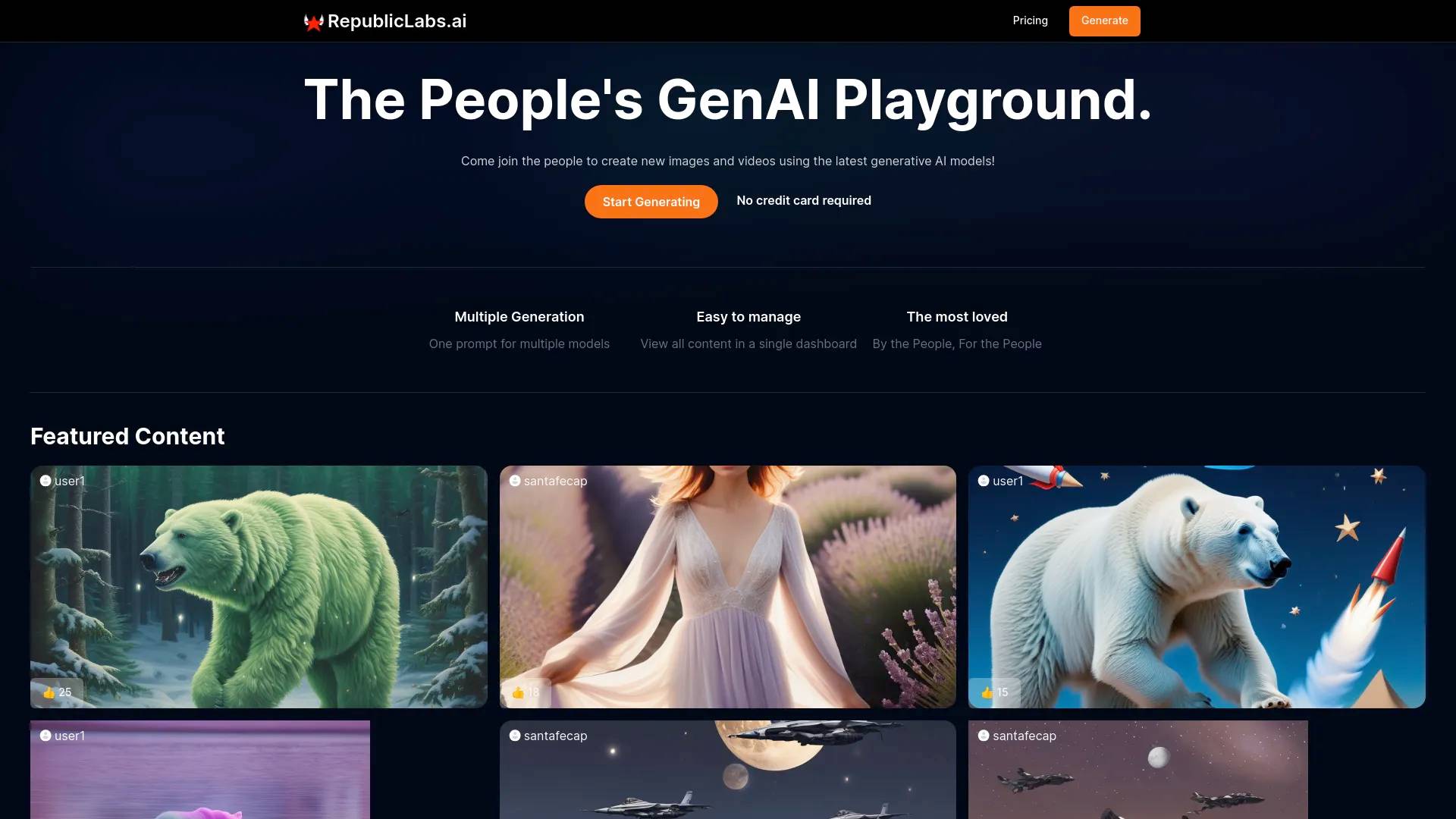
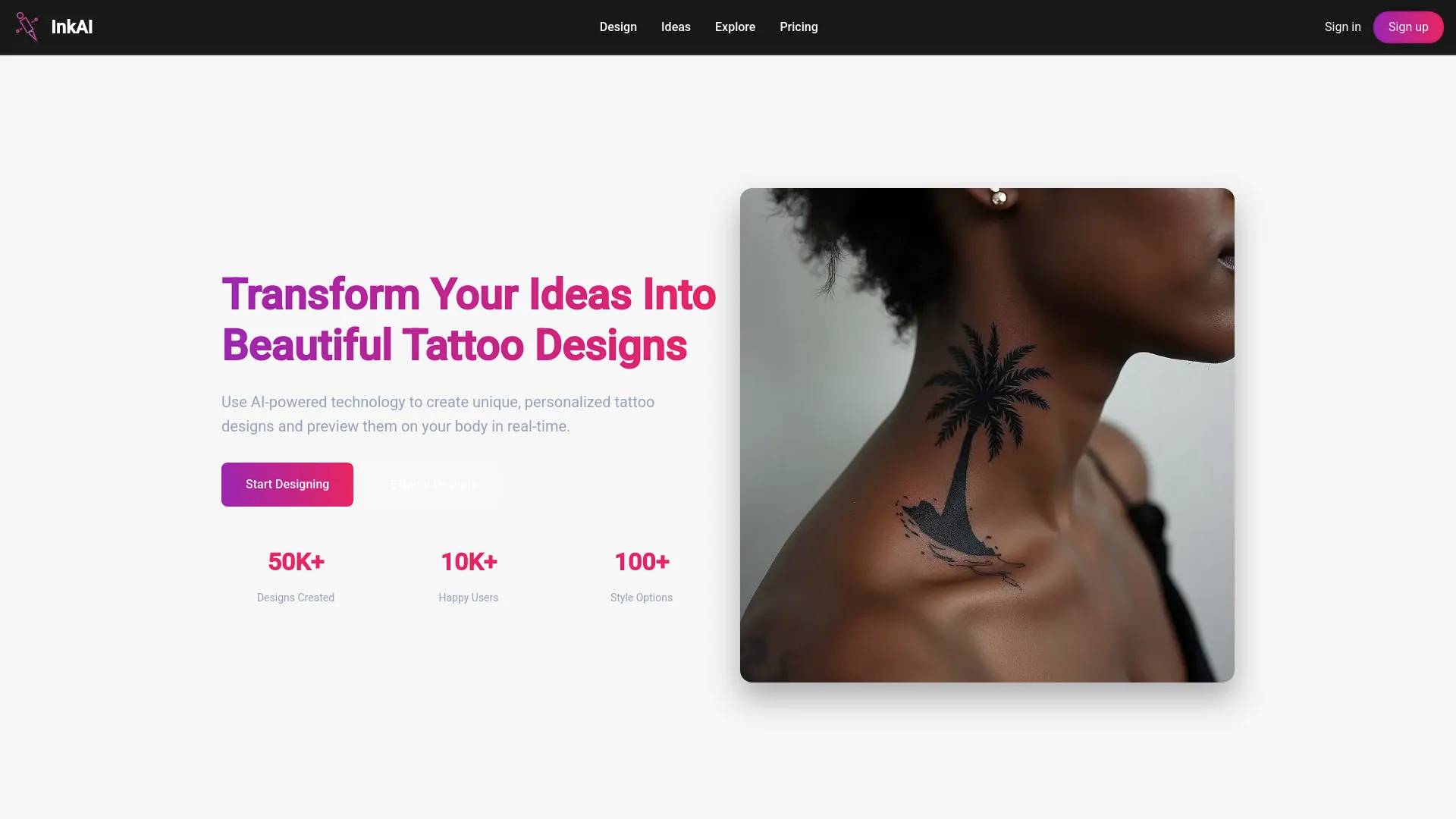
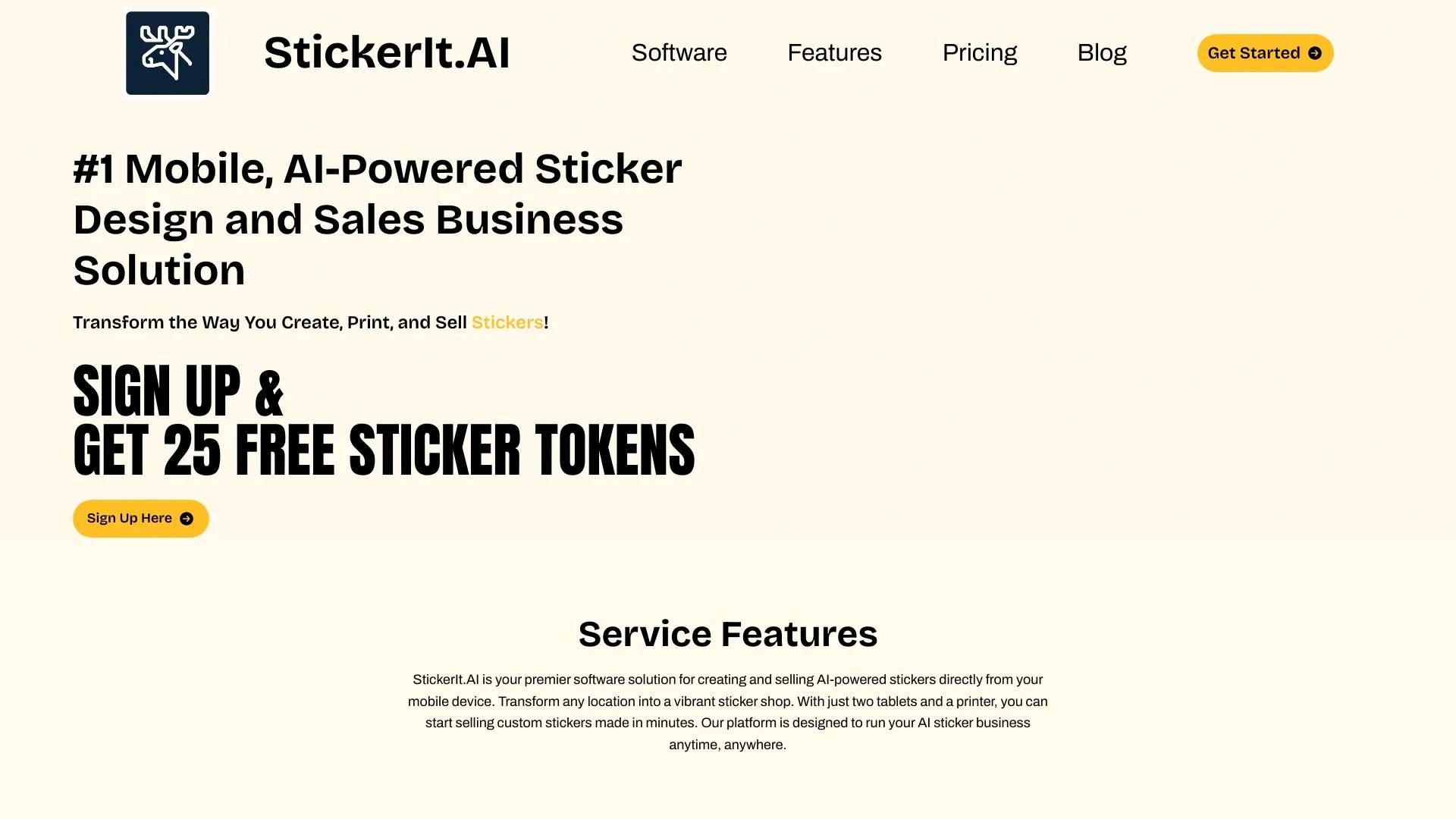
Top alternatives to Pixocto.ai include Ink AI - Tattoo Generator, StickerIt.AI, Republiclabs.ai, AnimeGenius, BgRem.Where can I get Pixocto.ai?
Pixocto.ai is available at https://pixocto.ai.What category is Pixocto.ai in?
Pixocto.ai is listed in AI Art & Illustration.What is Nano Banana 2 on Pixocto?
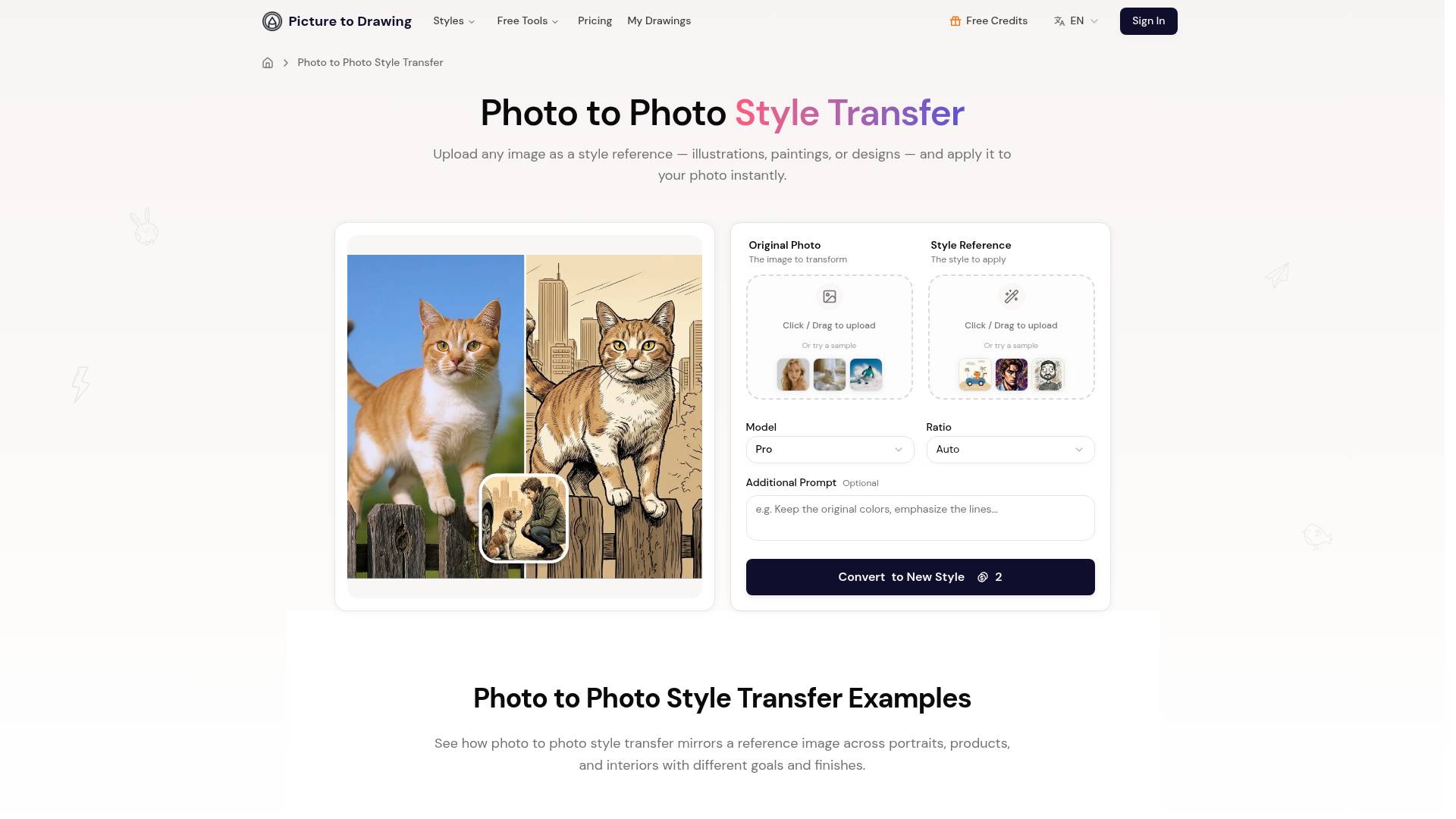
Nano Banana 2 (Gemini-class reasoning image) is Pixocto’s flagship still-image engine: text-to-image, image-to-image, edits, and style transfer. Describe a scene in words or upload references to keep characters or products consistent—great for posters, e-commerce hero shots, social creatives, and up to 4K-class frames.Text-to-image vs image-to-image with references?
Text-to-image uses only your prompt. Image-to-image also uses your uploaded reference(s) to better match layout, identity, product shape, or color grading. Pick the mode in the image workbench, then attach one or more references as guided in the UI.Which aspect ratios and resolutions are supported?
The workbench offers common aspect ratios (such as 1:1, 4:3, 16:9, portrait—see the UI for the full list) and multiple resolution tiers from fast drafts to sharper finals. Higher resolution and heavier scenes typically cost more credits and time.How are credits charged for images?
Per generation, based on the model, resolution, whether references/edits are involved, and job complexity. Sign in to review plans and credit packs on Pricing; new accounts usually include trial credits—details are shown in-product.Can it render readable text for posters or packaging?
Nano Banana 2 is tuned for on-image typography—headlines, short taglines, dates, and simple layout cues work best. Very long copy or tiny type may still drift; split lines and spell out exact wording and placement in your prompt.Can I use AI images commercially?
Yes, within Pixocto’s Terms of Service and upstream model restrictions. For client work, confirm licensing, third-party assets, and trademark rules yourself before delivery.How long does one image take?
Often tens of seconds to a few minutes, depending on queue, resolution, and prompt complexity. Retries or peak traffic can add delay. Results appear in My Creations for download.Where do I start with Nano Banana 2?
Open Generate Image, choose Nano Banana 2 (or enter from the Nano Banana 2 model page), write your prompt, add references if needed, then generate. You can also start from the prompt template gallery and jump into creation.
Compare Pixocto.ai with…
Pick any tool to see a structured side-by-side: pricing, deployment, capabilities, and content policy.