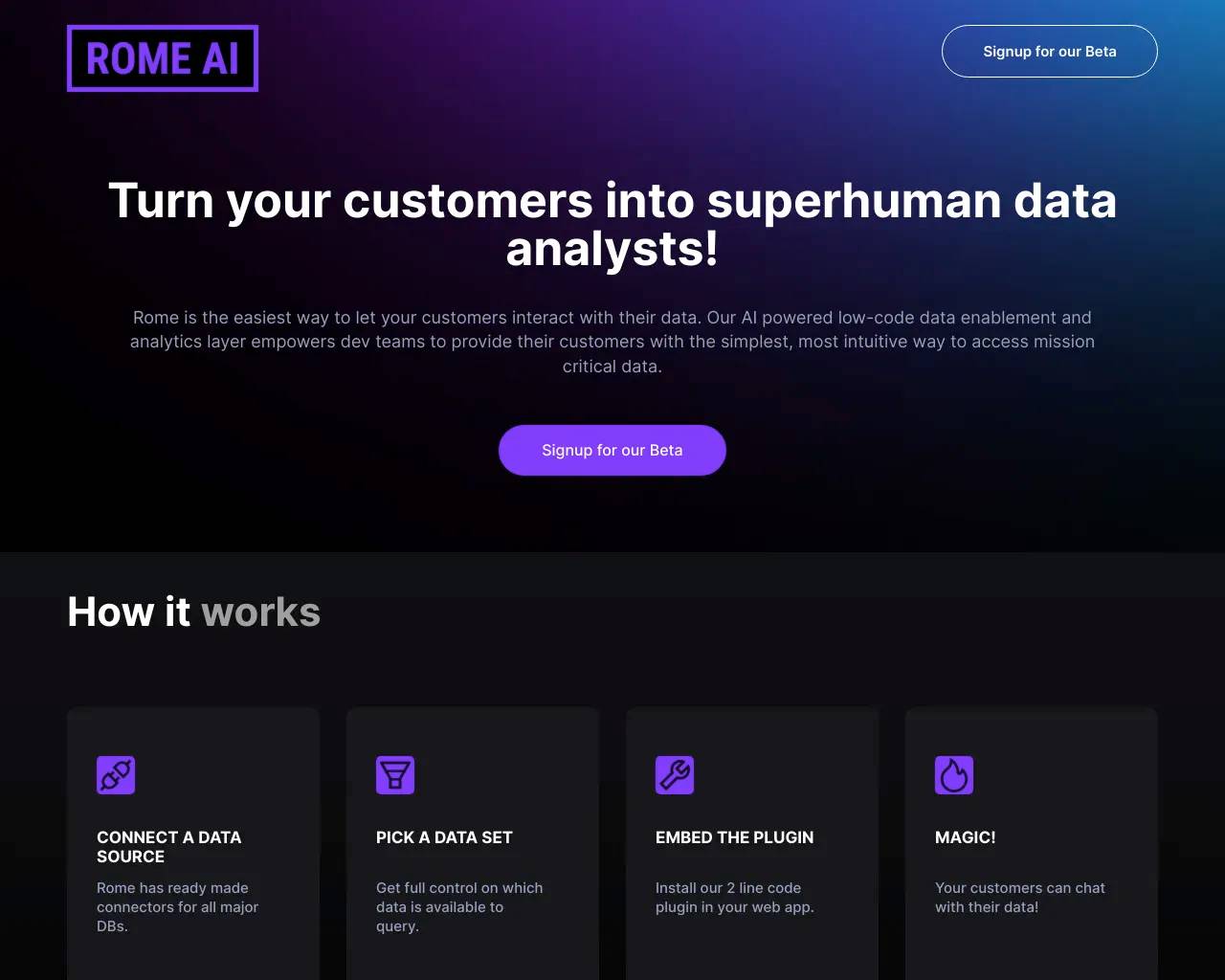
Excelmatic.ai
RowSpeak | AI Spreadsheet Analysis for Messy Business Data.
- Category
- Data Analysis
- Alternatives
- 6 similar tools
- Last updated
- 3 weeks ago
- Source
- Official site ↗
AI Collection Top Picks

Data Analysis Category Picks
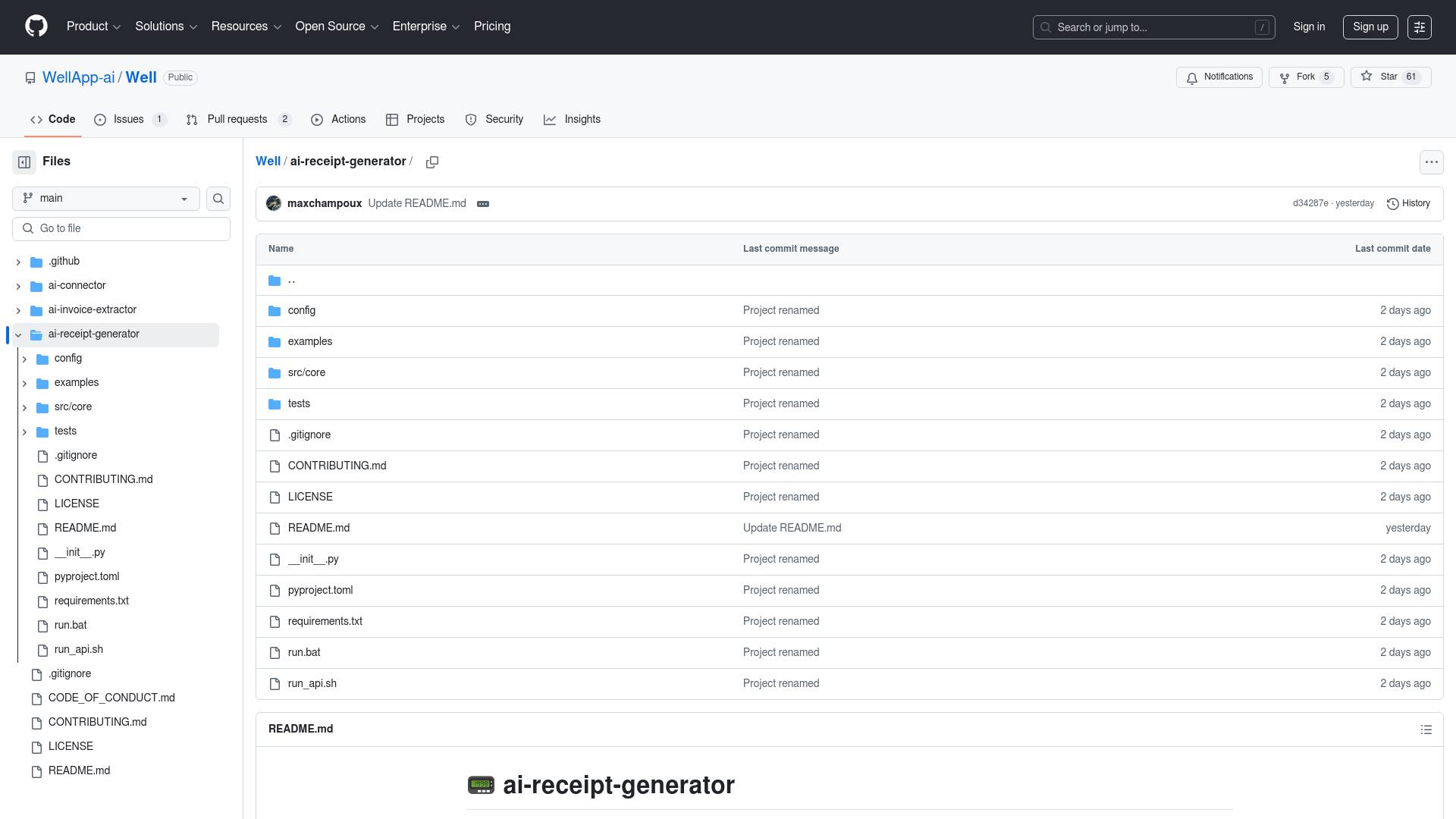
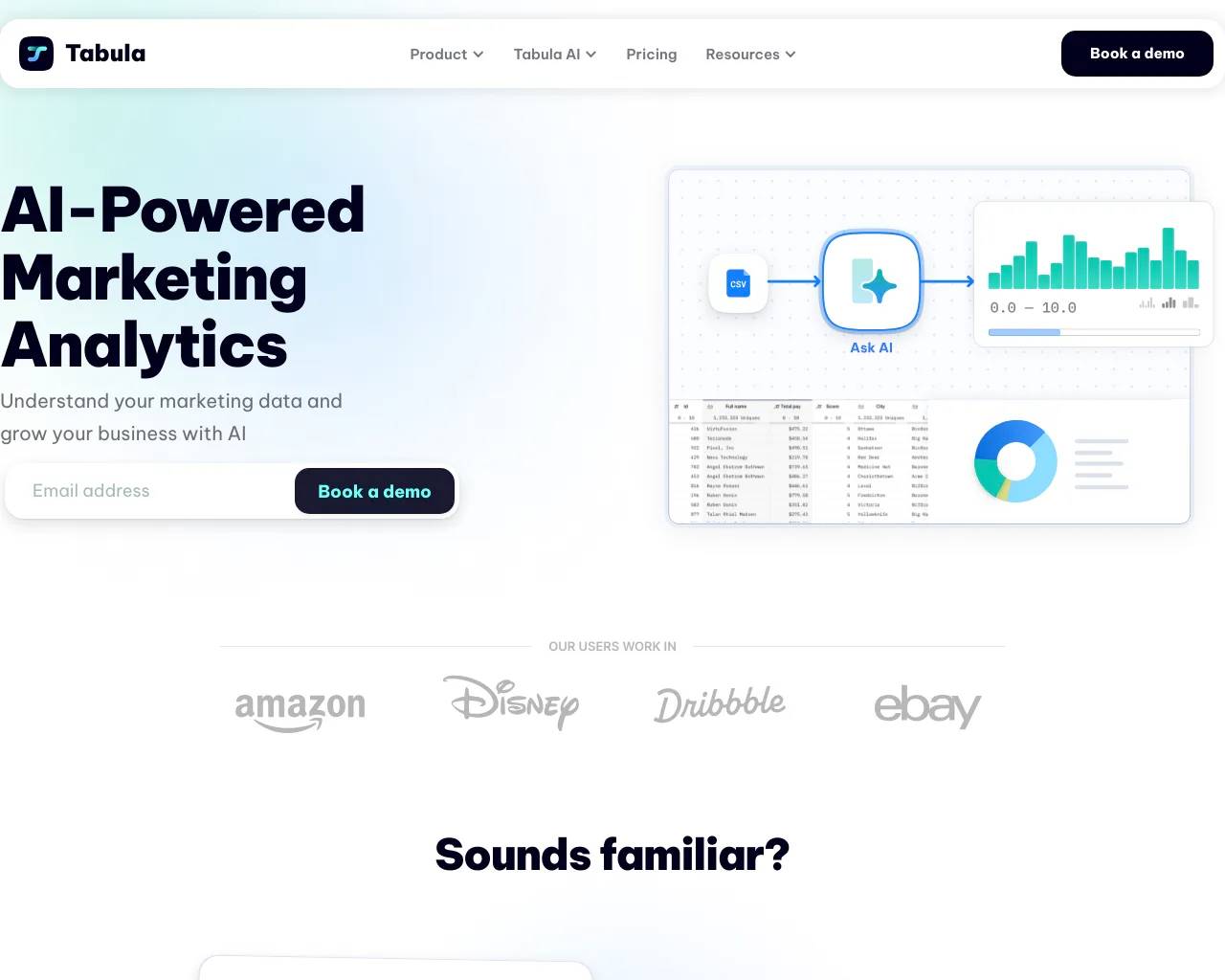
Tabula
GPT-powered marketing data analytics. Build multi-touch attribution to see how different marketing channels work together to convert leads into customers
About Excelmatic.ai
Turn Excel, CSV, PDF, and business exports into clear answers, dashboards, and reports with RowSpeak. Clean messy data and share reviewable outputs.
Frequently asked questions
What is Excelmatic.ai used for?
RowSpeak | AI Spreadsheet Analysis for Messy Business Data.Is Excelmatic.ai free?
Pricing for Excelmatic.ai varies — see the Pricing section for details.What are alternatives to Excelmatic.ai?
Top alternatives to Excelmatic.ai include LLM-Powered Invoice & Receipt Extractor (OSS), Tabula, AutoPredict, Genius Sheets, NewsDeck from OneSub.Where can I get Excelmatic.ai?
Excelmatic.ai is available at https://excelmatic.ai/.What category is Excelmatic.ai in?
Excelmatic.ai is listed in Data Analysis.Who is it for?
It is suitable for people working in marketing, finance, operations, and other roles that rely on spreadsheet data. ---Features
- Supports structured spreadsheet workflows - Helps analyze and summarize datasets - Assists with report preparation - Reduces repetitive formatting work ---Use Cases
- Preparing business reports from Excel data - Organizing marketing or financial datasets - Maintaining consistent spreadsheet structure ---Video Preview
https://excelmatic.ai/
Compare Excelmatic.ai with…
Pick any tool to see a structured side-by-side: pricing, deployment, capabilities, and content policy.