AI Baby Dance
Generator - Turn Baby Photos into Dancing Videos.
- Category
- Video Editing
- Alternatives
- 6 similar tools
- Last updated
- 3 weeks ago
- Source
- Official site ↗
AI Collection Top Picks

Video Editing Category Picks

VideoIdeas AI
VideoIdeas.ai is Your AI YouTube Content Factory. Generate viral-worthy scripts, fresh video ideas, and engaging content in minutes.
About AI Baby Dance
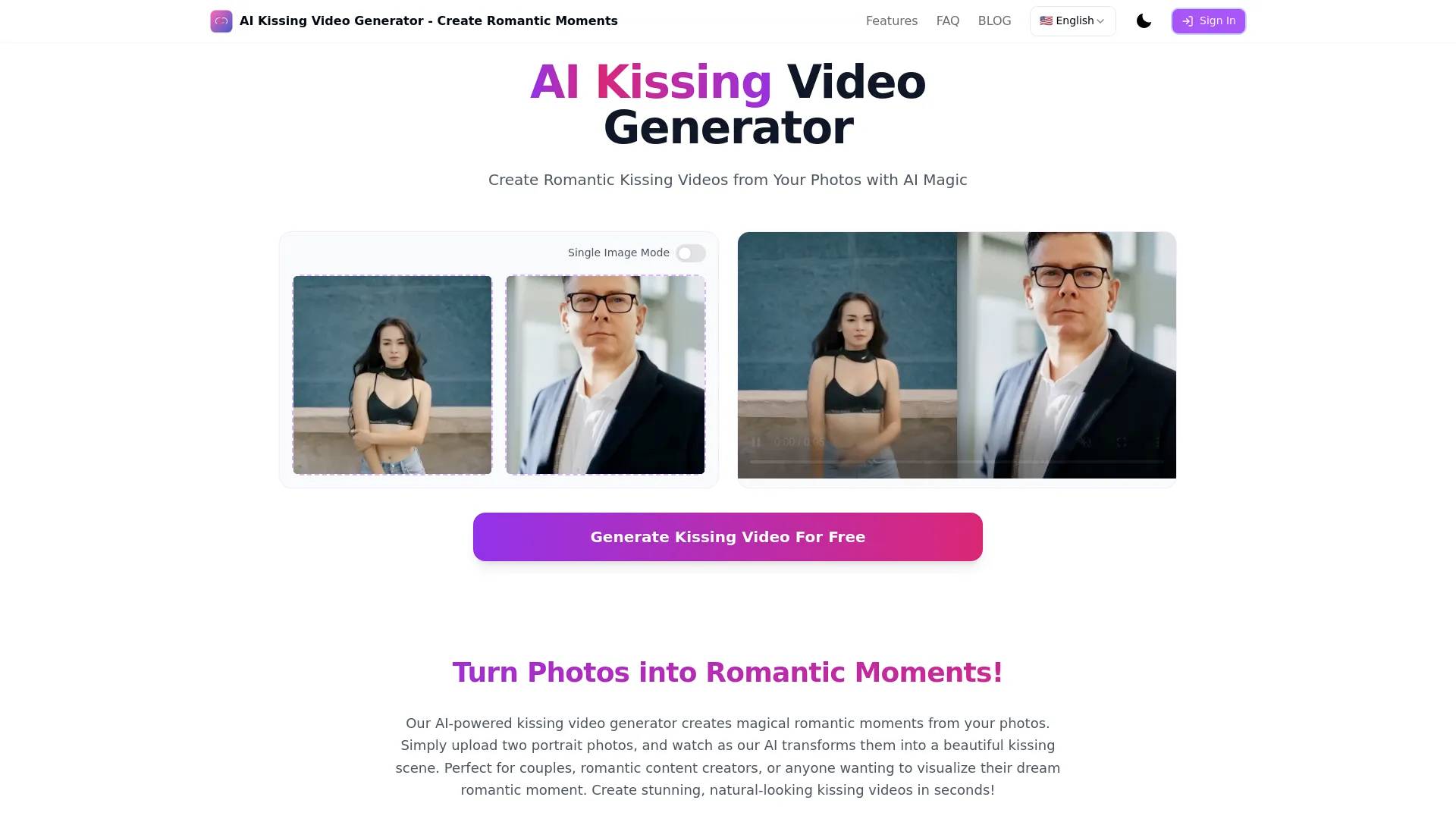
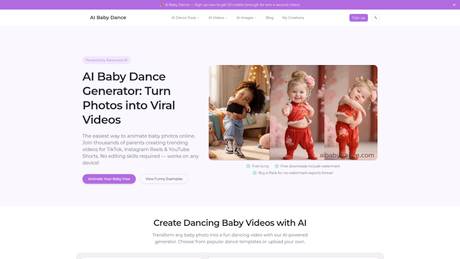
Turn a baby photo into a dancing video in minutes. Upload one photo, choose a dance template, and create an AI baby dance video online. Free preview available.
Frequently asked questions
What is AI Baby Dance used for?
AI Baby Dance Generator - Turn Baby Photos into Dancing Videos.Is AI Baby Dance free?
Pricing for AI Baby Dance varies — see the Pricing section for details.What are alternatives to AI Baby Dance?
Top alternatives to AI Baby Dance include SellerPic AI, VideoIdeas AI, Klap App, AI video editor, Atlabs AI.Where can I get AI Baby Dance?
AI Baby Dance is available at https://aibabydance.com.What category is AI Baby Dance in?
AI Baby Dance is listed in Video Editing.What is AI Baby Dance and how does it work?
AI Baby Dance is an online AI baby dance video generator that turns a single baby photo into a short dancing video. Upload a photo, choose a dance style/template, and generate in minutes. It is designed for viral-style content for TikTok, Instagram Reels, and YouTube Shorts.How do I turn a photo into a dancing baby video online?
Upload one clear photo, pick a template, and click generate. The AI adds motion and animation to create a baby dance video automatically. If you are searching "turn photo into dance video" or "how to AI baby dance," this is the fastest no-edit workflow.What photos work best for AI baby dance videos?
Front-facing photos with a visible face/body, good lighting, and low blur work best. Avoid heavy occlusion, extreme angles, or very small faces in frame. If your image is not ideal, use our dance image editor first to improve crop, framing, and clarity, then generate. Want to animate a dog or cat photo instead? Try AI Pet Dance .Is AI Baby Dance free to use?
Yes. You can generate, preview, and download clean files for free. Credit packs are for creating more results and unlocking advanced tools.Do downloads include clean files?
Yes. Generated downloads are clean by default, so you can save the result directly without a separate watermark-removal step.Why buy a credit pack?
Credit packs give you more creation credits and access to advanced tools, official templates, and Pro model workflows.What video length and templates are available?
You can create short, social-ready clips with multiple templates, including extended options (such as 7-20s styles) for better Reels/Shorts storytelling. Different templates help match trending, cute, and funny baby dance styles.Can I post AI baby dance videos to TikTok, Reels, and Shorts?
Yes. Output is optimized for common short-video platforms. You can generate, download, and publish quickly. For best performance, choose a template that matches your target platform style and test multiple hooks/captions.Can I use AI baby dance videos for commercial use?
Commercial use depends on your rights to the uploaded photo, audio/music, and platform rules. You are responsible for having permission for source content and usage context. Please review our Terms before commercial campaigns.Is my uploaded photo private and secure?
We are built with privacy in mind and process images for generation/editing features only. Avoid uploading sensitive personal data beyond what is required for the effect. For full policy details, review our Privacy page.Why does my result look weird, blurry, or less natural?
Common causes are low-resolution photos, side angles, strong shadows, or multiple faces. Improve source quality, recrop in Image Editor, and regenerate with a better-matched template. Better input usually gives smoother motion and more natural face consistency.What is the latest/trending AI baby dance style and how can I make it?
Trends change quickly across regions and platforms, but short clips with clear framing and strong motion usually perform best. Start with a high-quality front-facing photo, pick a current template, and test multiple variants to find your best-performing version.
Compare AI Baby Dance with…
Pick any tool to see a structured side-by-side: pricing, deployment, capabilities, and content policy.